Why Does Apple Intelligence Dictation Break After macOS Updates?
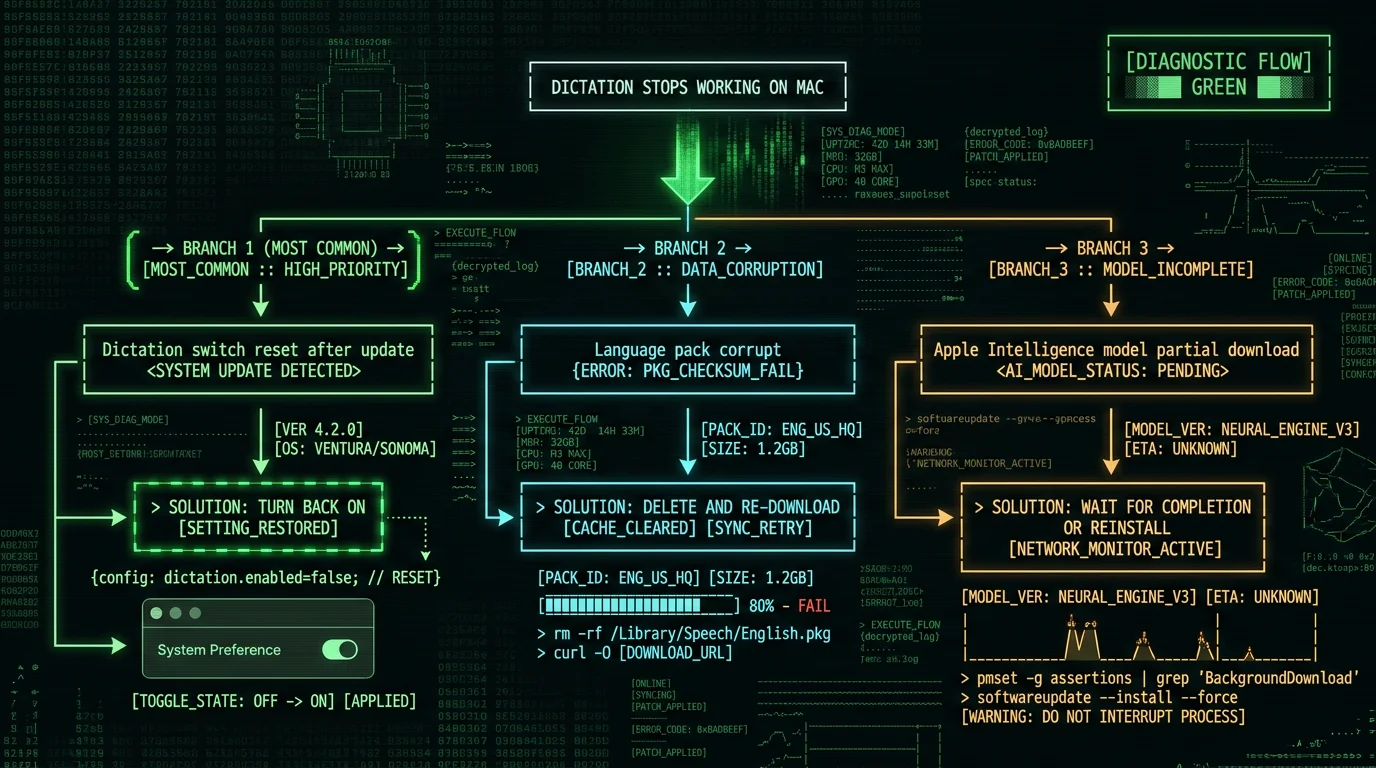
The pattern is documented across years of macOS releases and confirmed in Apple Community discussion threads. macOS updates — both major releases and point updates — can cause four distinct dictation failures:- Dictation switch silently resets to off — Most common. Apple's update process re-applies system defaults, sometimes including the Dictation enable/disable toggle. The switch ends up off after a reboot, dictation appears to stop working.
- Language pack partial download or corruption — Apple downloads language packs separately from the macOS installer. If a previous download was interrupted or corrupted, the on-device dictation model fails silently when you try to use it.
- Apple Intelligence model partial download — Apple Intelligence has its own model files that download in the background over hours or days. If your Mac was offline during the download window, the model may be partial. Dictation features that depend on Apple Intelligence may not work until the download completes.
- Microphone or Accessibility permission revoked — Updates occasionally reset privacy permissions. If Dictation lost access to your microphone, it fails silently with no clear error message.
What Did macOS Sequoia 15.2 Fix for Dictation?
Per Apple's release notes and confirmed by user reports on Apple Community, macOS Sequoia 15.2 addressed several dictation regressions that had appeared in 15.0 and 15.1:- Improved reliability on Apple Silicon Macs — Issue where dictation would silently fail after periods of inactivity
- Better handling of microphone permissions — Updates no longer reset microphone access for Dictation in most cases
- Language pack download stability — Reduced (not eliminated) the rate of partial-download corruption
- Apple Intelligence integration polish — Smoother handoff between Apple Intelligence Writing Tools and Dictation
- Silence cutoff behavior (Apple Dictation still ends dictation sessions after extended pauses)
- Lack of custom vocabulary (no way to add brand names, technical terms, or proper nouns)
- Accuracy regressions on specific accents or audio conditions
- Inability to use Dictation in some third-party text fields (longstanding compatibility issue)
- Memory/CPU usage spikes on older Apple Silicon Macs during Enhanced Dictation operation
How Do I Fix Apple Dictation That Stopped Working After Update?
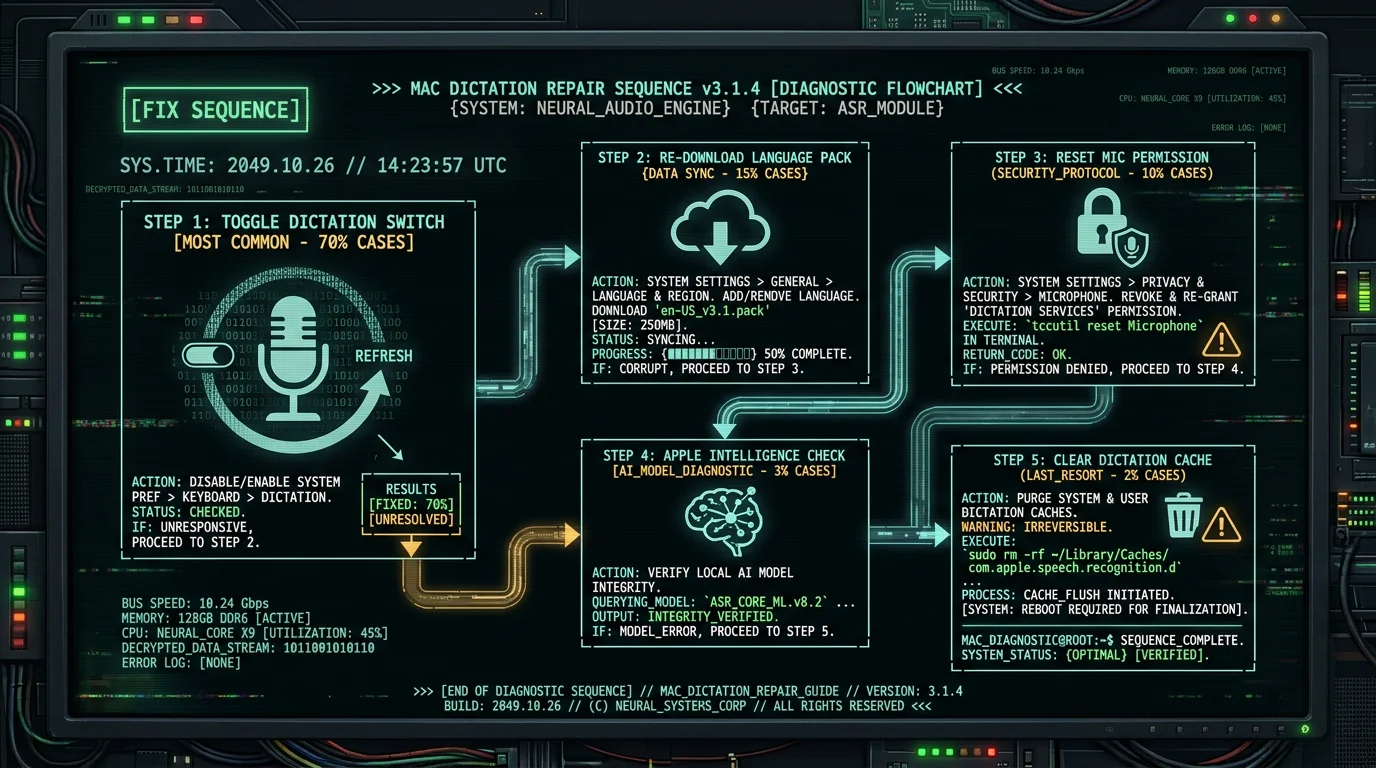
The sequence from most-common to least-common cause:Fix 1: Re-enable Dictation in System Settings
- Open System Settings (formerly System Preferences)
- Navigate to Keyboard → Dictation
- If the Dictation switch is off, turn it on
- If you're prompted to download a language pack, accept
- Test dictation with the keyboard shortcut (default: press and hold the Globe/microphone key, or Function key twice depending on settings)
Fix 2: Re-download the Language Pack
- System Settings → Keyboard → Dictation
- Note your current Dictation Language
- Change to a different language temporarily
- Switch back to your original language — macOS will re-download the pack
- Wait for download to complete (visible in download manager)
- Test dictation
Fix 3: Reset Microphone Permission
- System Settings → Privacy & Security → Microphone
- Find Dictation in the list (may appear as "System Services" or similar)
- Toggle microphone access off, then on
- If asked, restart the Mac after toggling
- Test dictation
Fix 4: Check Apple Intelligence Setup (if applicable)
- System Settings → Apple Intelligence & Siri
- Verify Apple Intelligence is enabled (requires M-series Mac and supported region)
- Check Download Status for any pending model downloads
- Wait for downloads to complete before expecting Apple Intelligence-dependent dictation features
Fix 5: Reset Dictation Cache (Advanced)
- Quit any apps using dictation
- Open Terminal
- Run:
defaults delete com.apple.assistant.support - Restart your Mac
- Re-enable Dictation in System Settings (it will need fresh setup)
Why Doesn't Apple Dictation Support Custom Vocabulary?
This is a longstanding architectural decision that hasn't changed in macOS Sequoia. Apple Dictation uses a fixed vocabulary trained into the on-device model. Users cannot add custom terms, brand names, technical vocabulary, or proper nouns. The practical consequence:- Dictating "MetaWhisp" produces "meta whisper"
- Dictating "Kubernetes" sometimes works, sometimes produces "Cuban etis"
- Names of less-common people, places, or products get phonetic substitutions
- Internal jargon, code identifiers, scientific terms transcribe inconsistently
- Manual correction after dictation (works but breaks flow)
- Use TextReplacement entries to fix common errors automatically (System Settings → Keyboard → Text Replacements)
- Switch to a third-party Whisper-based app with custom vocabulary support
- Use Voice Control (Apple's accessibility feature) with custom commands
When Should I Switch from Apple Dictation to a Third-Party Tool?
The decision threshold is when the limitations affect your daily workflow:- You dictate technical or domain-specific vocabulary — Custom vocabulary support is a hard win. MacWhisper, MetaWhisp, SuperWhisper all support custom term lists.
- You dictate long-form content with natural pauses — Apple Dictation's silence cutoffs interrupt the flow. Third-party tools handle longer silences gracefully.
- You hit accuracy issues that don't improve across updates — Whisper large-v3-turbo running on Apple Neural Engine consistently outperforms Apple Dictation on accented English and noisy audio.
- You need transcription in 99 languages with auto-detection — Whisper's multilingual capability exceeds Apple Dictation's language coverage and switching UX.
- You want stable behavior across macOS updates — Bundled-model apps don't have the same update-induced breakage pattern as system-level Dictation.
Does Apple Intelligence Make Mac Dictation Better or Worse?
Mixed. Apple Intelligence on supported Macs adds three dictation-relevant features:- Writing Tools — Post-dictation rewriting, proofreading, summarization. Useful for cleaning up dictated drafts.
- Smart Reply suggestions — Faster response composition in Mail and Messages, partly driven by dictation input.
- Improved Siri context awareness — Siri remembers context across requests, including dictated input.
- Custom vocabulary (still no way to add terms)
- Silence cutoff behavior (architectural limit unchanged)
- Accuracy on accented English, noisy audio, or technical vocabulary (model is the same)
- Update-induced breakage patterns (system-level dependency chain unchanged)
What's the MetaWhisp Take on Apple Dictation?
I'm Andrew Dyuzhov, founder of MetaWhisp. For users whose Apple Dictation works fine, I don't think they need MetaWhisp. Apple Dictation is built in, free, and adequate for casual personal dictation. MetaWhisp exists for the users who hit Apple Dictation's limitations:- Users dictating technical content who lose 10-15% of their dictation time to manual correction of jargon
- Users in regulated industries who can't tell whether Apple Dictation routes audio to Apple's cloud (Enhanced Dictation runs on-device but standard Dictation may not)
- Users dictating in non-English languages where Apple Dictation accuracy lags Whisper
- Users who got tired of Apple Dictation breaking after every other macOS update
Frequently Asked Questions About Apple Intelligence Dictation
Why does Apple Dictation stop working after macOS update?
The most common cause is that macOS updates reset the Dictation switch to off. Open System Settings → Keyboard → Dictation and toggle it back on. Other causes include language pack corruption (re-download via switching languages back and forth), microphone permission reset (Privacy & Security → Microphone), and Apple Intelligence model partial download (check Apple Intelligence & Siri settings).
Did macOS Sequoia 15.2 fix Apple Dictation?
Partially. 15.2 fixed several regressions from 15.0 and 15.1 including reliability on Apple Silicon, microphone permission handling, and language pack download stability. Architectural limits remain unchanged: silence cutoffs, no custom vocabulary support, no way to fix accuracy on technical terms. Users still hitting these limits typically benefit from third-party Whisper-based apps.
Can I add custom vocabulary to Apple Dictation?
No. Apple Dictation uses a fixed vocabulary trained into the on-device model. No way to add brand names, technical terms, or proper nouns. Workarounds: use Text Replacements (Keyboard → Text Replacements) to auto-correct common errors after dictation, or switch to a Whisper-based app like MacWhisper, MetaWhisp, or SuperWhisper that supports custom vocabulary lists.
Does Apple Intelligence improve dictation accuracy?
Not directly. Apple Intelligence adds Writing Tools for post-dictation rewriting/proofreading, Smart Reply suggestions, and improved Siri context. The underlying dictation model is unchanged, so accuracy on technical vocabulary, accents, and noisy audio is the same as without Apple Intelligence. For accuracy improvement, third-party Whisper-based apps using Whisper large-v3 or larger models perform better.
Why does Apple Dictation cut off after pauses?
Apple Dictation has built-in silence cutoffs — after a few seconds of silence, the dictation session ends. This is architecturally baked in to manage processing. For long-form dictation with natural pauses, the cutoff interrupts flow. Third-party Whisper-based apps handle longer silences gracefully by using voice activity detection to ignore silence without ending the session.
Is Enhanced Dictation different from regular Dictation on Mac?
Enhanced Dictation runs on-device on Apple Silicon Macs, processing audio locally without internet connectivity. Regular Dictation may route to Apple's servers depending on configuration. For privacy-sensitive content, ensure Enhanced Dictation is enabled (System Settings → Keyboard → Dictation, look for "use enhanced dictation" or equivalent). On modern Macs with Apple Silicon this is generally the default.
What's the best alternative to Apple Dictation on Mac?
For free on-device with no telemetry: MetaWhisp (Whisper large-v3-turbo on Apple Neural Engine, free, supports 99 languages, custom vocabulary). For paid one-time: MacWhisper ($29). For maximum customization: SuperWhisper. All run Whisper locally on Mac, none have the silence cutoff or update-breakage issues of Apple Dictation, all support custom vocabulary.
About the Author
Andrew Dyuzhov is the solo founder and CEO of MetaWhisp, a free on-device voice-to-text app for macOS that runs Whisper large-v3-turbo on Apple Neural Engine. MetaWhisp was built in part to address the recurring Apple Dictation issues that resurface with each macOS update — bundling the transcription model with the app rather than depending on system-level services produces more stable behavior across update cycles. Connect on X or GitHub.
Related Reading
- Mac Dictation Not Working? 7 Fixes — broader troubleshooting guide
- How to Use Dictation on Mac — full Apple Dictation guide
- How to Turn On Voice-to-Text — setup guide across platforms
- Private Voice-to-Text on Mac — on-device alternatives
- 7 Best Voice-to-Text Apps for Mac — Whisper-based options
