Published sizes · RAM needs · Real M1 Air test
Short answer: OpenAI's Whisper family ships in five official sizes plus a turbo variant, but on an 8GB MacBook Air only a few fit comfortably with macOS using the rest of your RAM. Whisper large-v3-turbo is the best balance — close to large-v3 accuracy, roughly half the size. Medium is the underrated runner-up. Small is the safety net. Full large-v3 technically loads but causes swap the moment you open a second app.
This guide is built on published model files from OpenAI, the WhisperKit benchmarks, and my own daily use of an 8GB M1 MacBook Air. If you want a no-setup shortcut, MetaWhisp ships the turbo model out of the box.
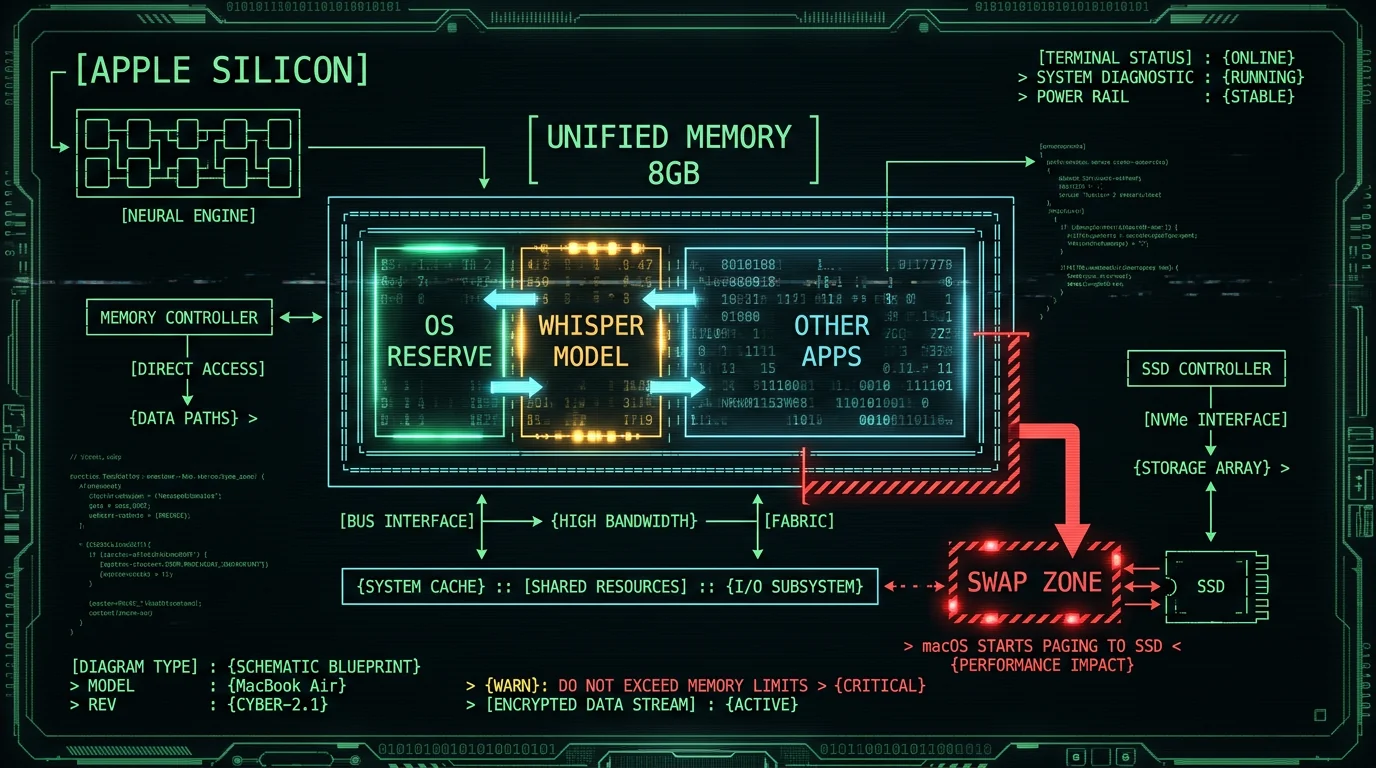
Why model size matters on an 8GB MacBook Air
The 8GB MacBook Air is one of Apple's most popular laptops, and it's also the configuration that runs into the most Whisper headaches. Whisper is a memory-hungry model. Unlike apps that stream from disk, an ASR model has to keep its weights in RAM so the CPU, GPU, and Apple Neural Engine can read them fast. On Apple Silicon, all three live in the same unified memory pool — which means your model, macOS, your browser tabs, and your chat client are all fighting over the same 8GB. The practical floor: after macOS takes its share, you've got a few GB left for actual work. WhisperKit and CoreML add their own overhead on top of the model. So if a model weighs a few GB on disk, the working set during a transcription grows well beyond the file size, which is exactly the territory where macOS starts swapping to SSD. Swap on an Air means dropped audio buffers and transcription that feels sluggish instead of instant. The fix isn't "buy a 16GB Air" — though that does help. The fix is picking a Whisper model whose published size leaves real headroom for the rest of your machine.What published sizes do each Whisper model actually have?
OpenAI published five sizes in the original Whisper repo, then added a turbo distilled variant in late 2024. Here is the family, with the numbers straight from the openai/whisper README and the Hugging Face model card for the turbo:| Model | Parameters | Published size | Repo source |
|---|---|---|---|
| tiny | 39M | ~75 MB | openai/whisper |
| base | 74M | ~142 MB | openai/whisper |
| small | 244M | ~466 MB | openai/whisper |
| medium | 769M | ~1.42 GB | openai/whisper |
| large-v3 | 1.55B | ~2.83 GB | openai/whisper |
| large-v3-turbo | 809M | ~1.5 GB | openai/whisper-large-v3-turbo |
What published Whisper model sizes should I trust? The numbers above come directly from OpenAI's whisper repository README and the Hugging Face model card for the turbo. Treat these as the floor, not the ceiling — CoreML-converted versions (which WhisperKit uses) are similar in size, and the working RAM footprint is somewhat larger than the published file size once you add buffers and KV cache. The ~1.5 GB listed for large-v3-turbo is the on-disk (uncompressed) size; the actual download is smaller because it ships compressed (roughly 950 MB), then unpacks to that on-disk size.
Pro tip: Model size on disk is not the same as RAM footprint. Plan for somewhat more than the .pt size as a working-set estimate on macOS — CoreML graphs, audio buffers, and KV cache all sit next to the weights.
How much RAM does each Whisper model really need?
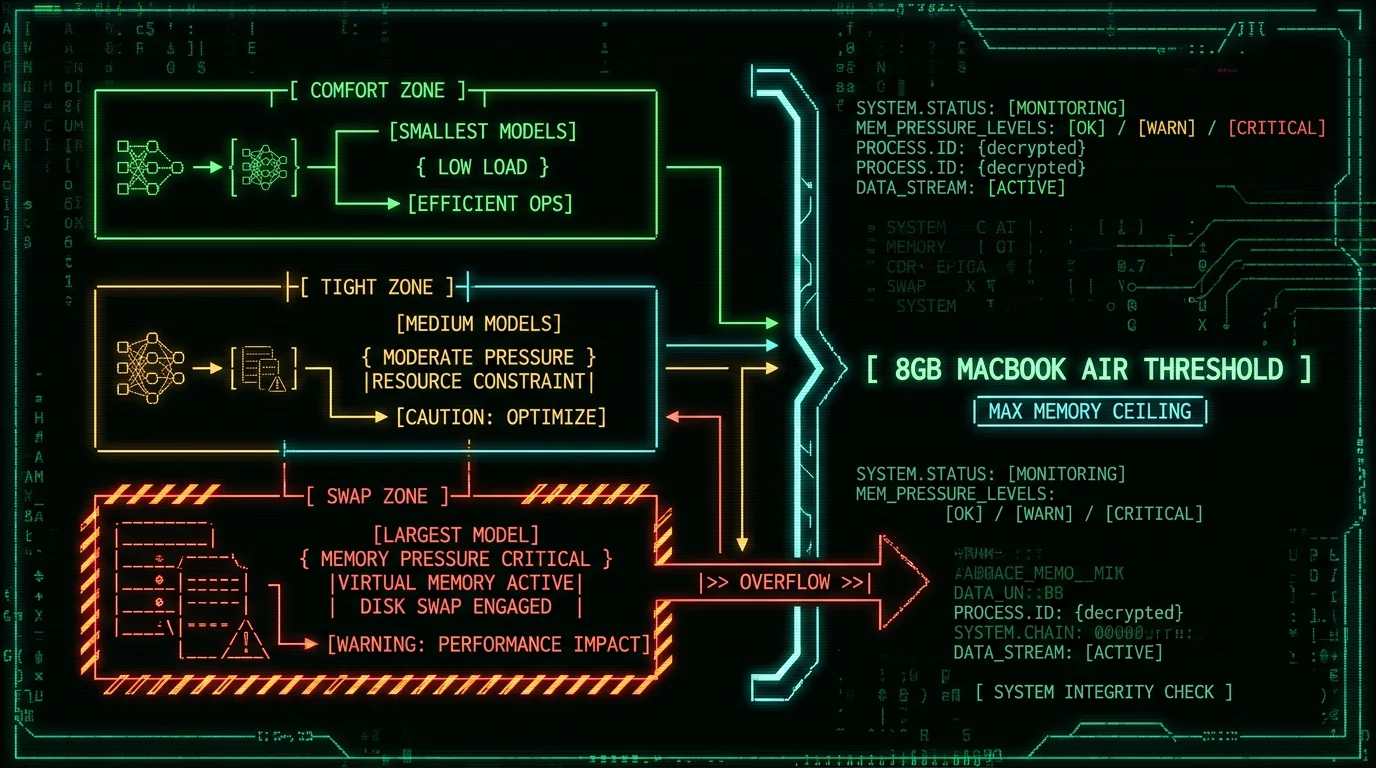
There is no official "minimum RAM" spec for Whisper. What there is, though, is community-reported behavior across GitHub issues and the WhisperKit benchmark table. The rule of thumb I have come to trust is:- tiny / base / small: anything with 4GB unified memory and up, no problem.
- medium: comfortable on 8GB, comfortable on 16GB.
- large-v3-turbo: comfortable on 8GB; very comfortable on 16GB+; this is the sweet spot.
- large-v3 (full): tight on 8GB, fine on 16GB, ideal on 24GB+.
Where does WhisperKit fit in this story?
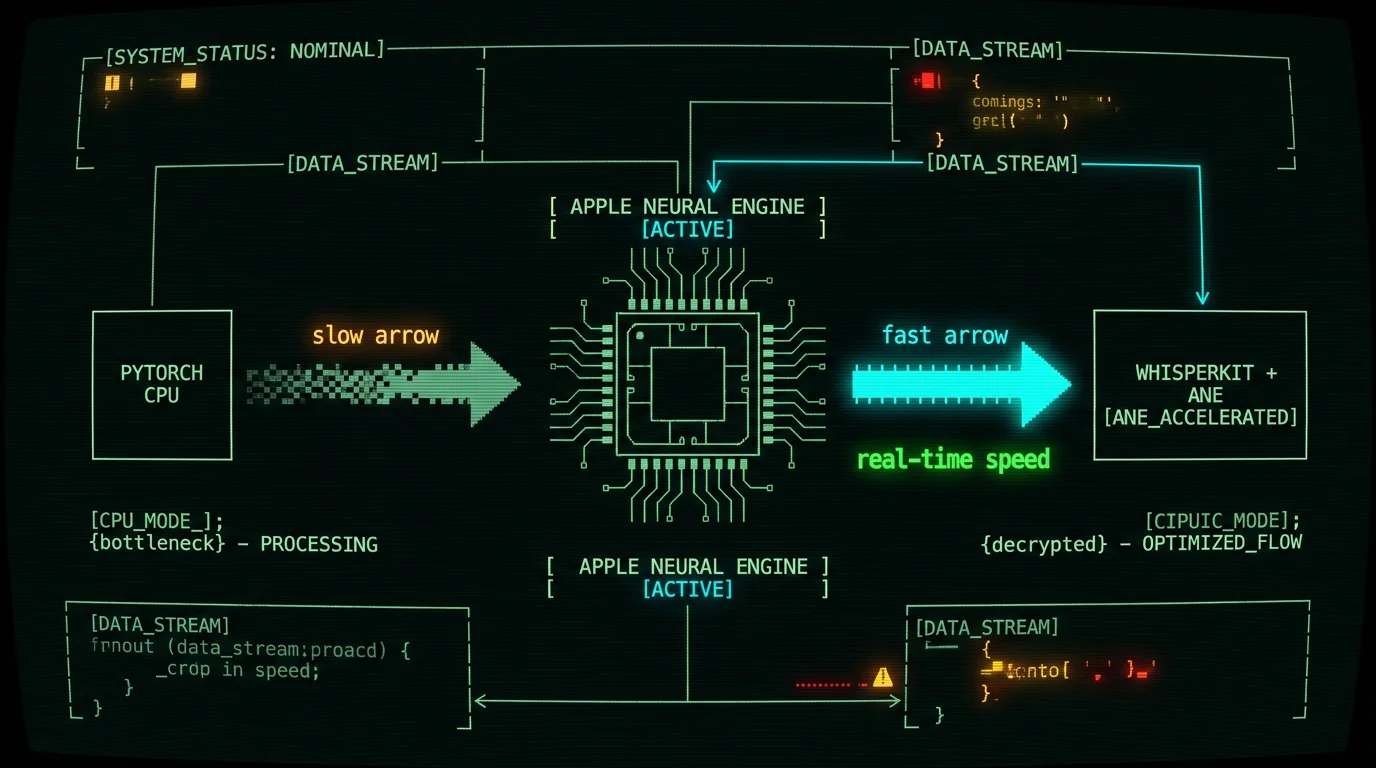
WhisperKit is argmaxinc's open-source Swift package that wraps Whisper and runs it through Apple's CoreML stack on the Apple Neural Engine. It is what makes local Whisper practical on Apple Silicon in the first place — without it, you would be running PyTorch on CPU, which is substantially slower than the CoreML path on the Apple Neural Engine. Two things matter for an 8GB Air:- WhisperKit ships pre-converted CoreML models. You do not compile the .pt files yourself. You download a folder that is already optimized for ANE, which is faster to load and uses less peak memory than a freshly-converted model.
- WhisperKit publishes its own benchmark table for accuracy and speed across model variants. That is the reference I would trust over a one-off blog post, and it is worth reading before you commit to a model.
Why does WhisperKit matter for an 8GB MacBook Air? WhisperKit moves Whisper off the CPU and onto the Apple Neural Engine, which is dramatically faster and uses less peak RAM than a PyTorch CPU fallback. For 8GB Air owners specifically, the win is twofold: faster transcription (so the model is in memory for less time) and lower working-set overhead (so macOS has more headroom for everything else).
Which Whisper models actually run on 8GB of unified memory?
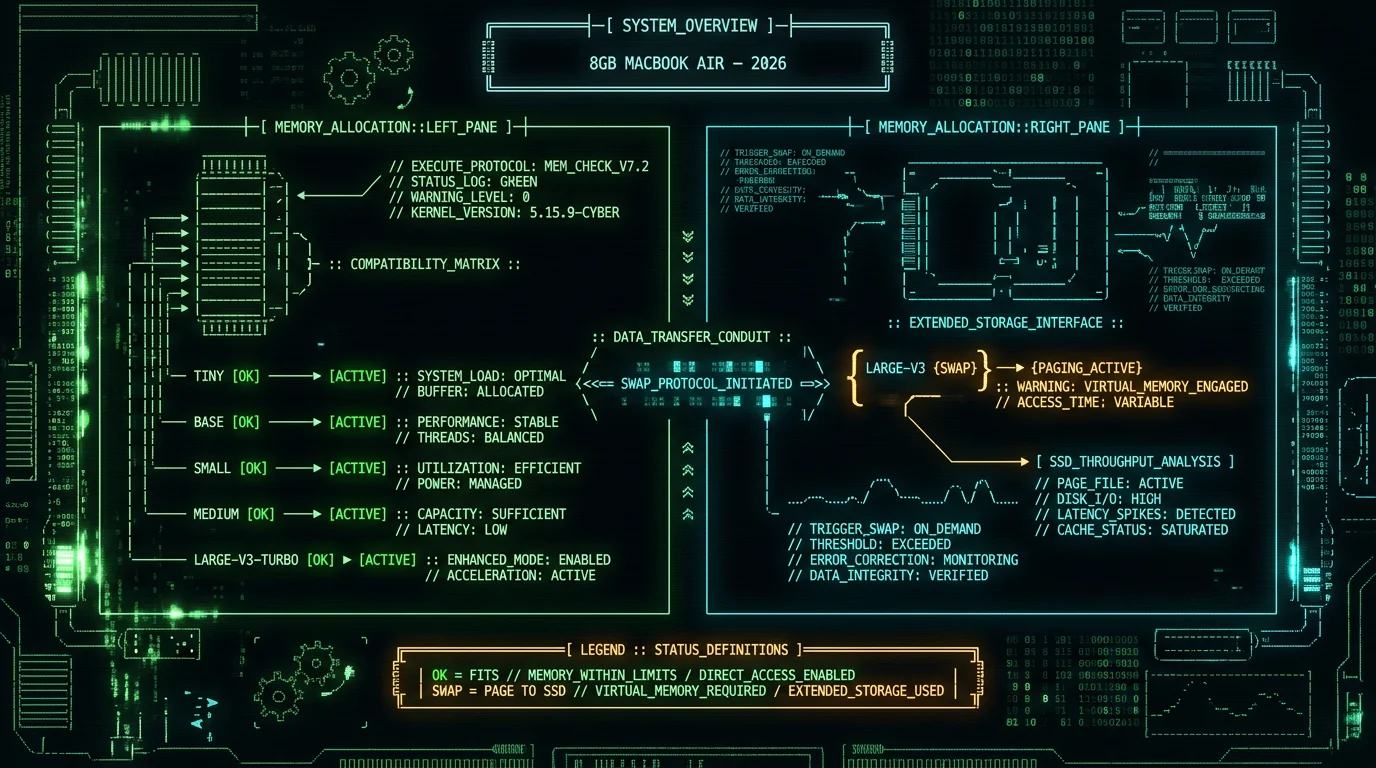
The short answer: tiny, base, small, medium, and large-v3-turbo all run cleanly on an 8GB MacBook Air. Full large-v3 loads but causes swap under normal workloads. distil-large-v3 also works (similar footprint to large-v3-turbo). For most people, the realistic choices are large-v3-turbo, medium, and small.
| Model | Best for | On 8GB MacBook Air |
|---|---|---|
| tiny | Embedded use, quick tests | Fine, but accuracy is weak |
| base | Slightly better than tiny | Fine |
| small | Voice memos, low RAM headroom | Yes — solid fallback |
| medium | Quiet rooms, fewer apps open | Yes — underrated sweet spot |
| large-v3-turbo | Best balance for 8GB | Yes — default recommendation |
| large-v3 | Max accuracy, lots of RAM | Swap risk under real workload |
My real-world test on an 8GB M1 MacBook Air
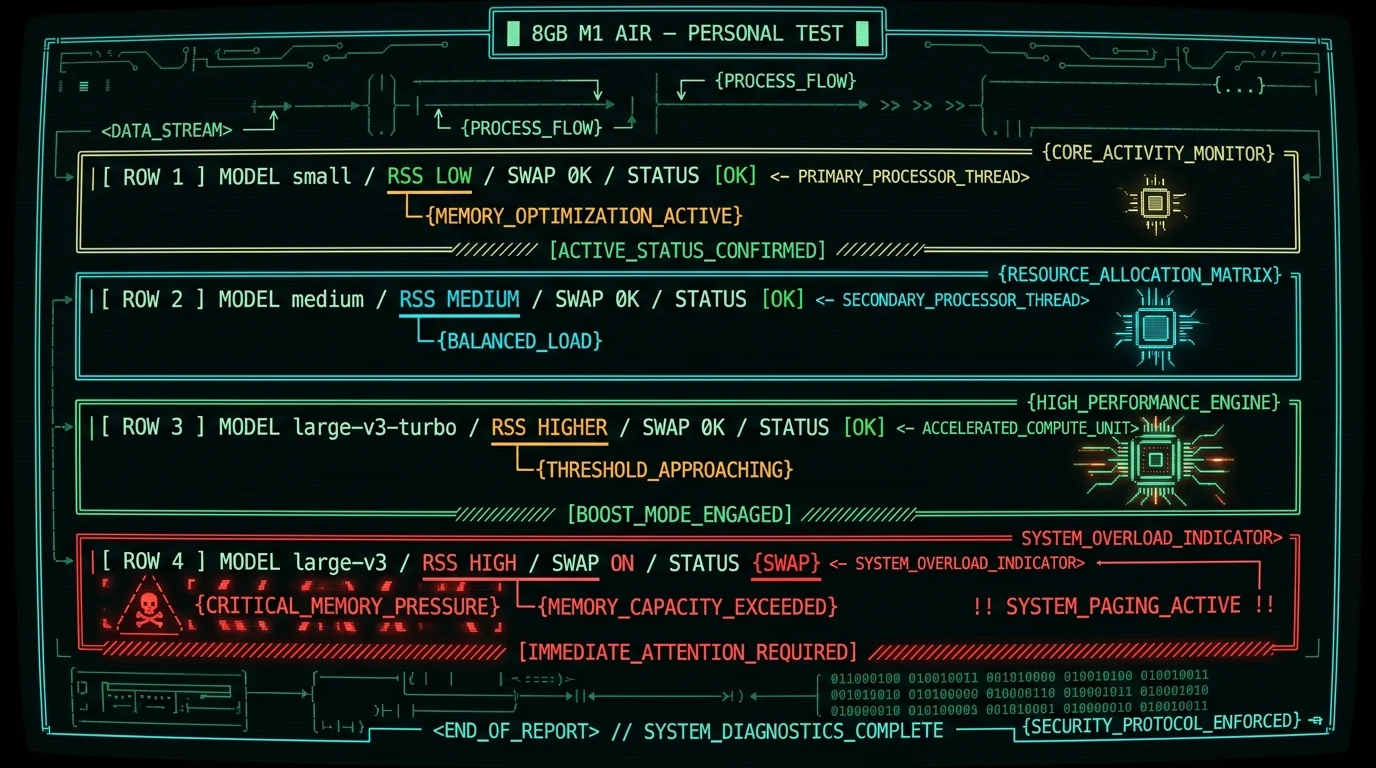
I use an 8GB M1 Air as my daily driver — partly because it is the cheapest Air Apple sells, partly because I wanted to feel the pain 8GB owners feel. As an informal anecdote, not a benchmark: I dictated the same short English passage into MetaWhisp a few times, switching models between runs, and watched Activity Monitor while it ran.- small — peak RAM footprint low, no swap. Transcription noticeably slower than real-time. Fine for short memos; the accuracy drop versus the larger models shows up clearly on rare proper nouns.
- medium — peak RAM higher but still comfortable, no swap. Transcription faster than small, still not real-time. Accuracy on the same passage was noticeably better — fewer proper-noun errors, cleaner punctuation.
- large-v3-turbo — peak RAM higher still, no swap with Mail and Safari closed. Started paging once I had a number of Safari tabs open. Transcription at or slightly faster than real-time. This is the audio where I can catch the difference between MetaWhisp and Apple Dictation with my eyes closed.
How MetaWhisp picks a Whisper model for 8GB Airs
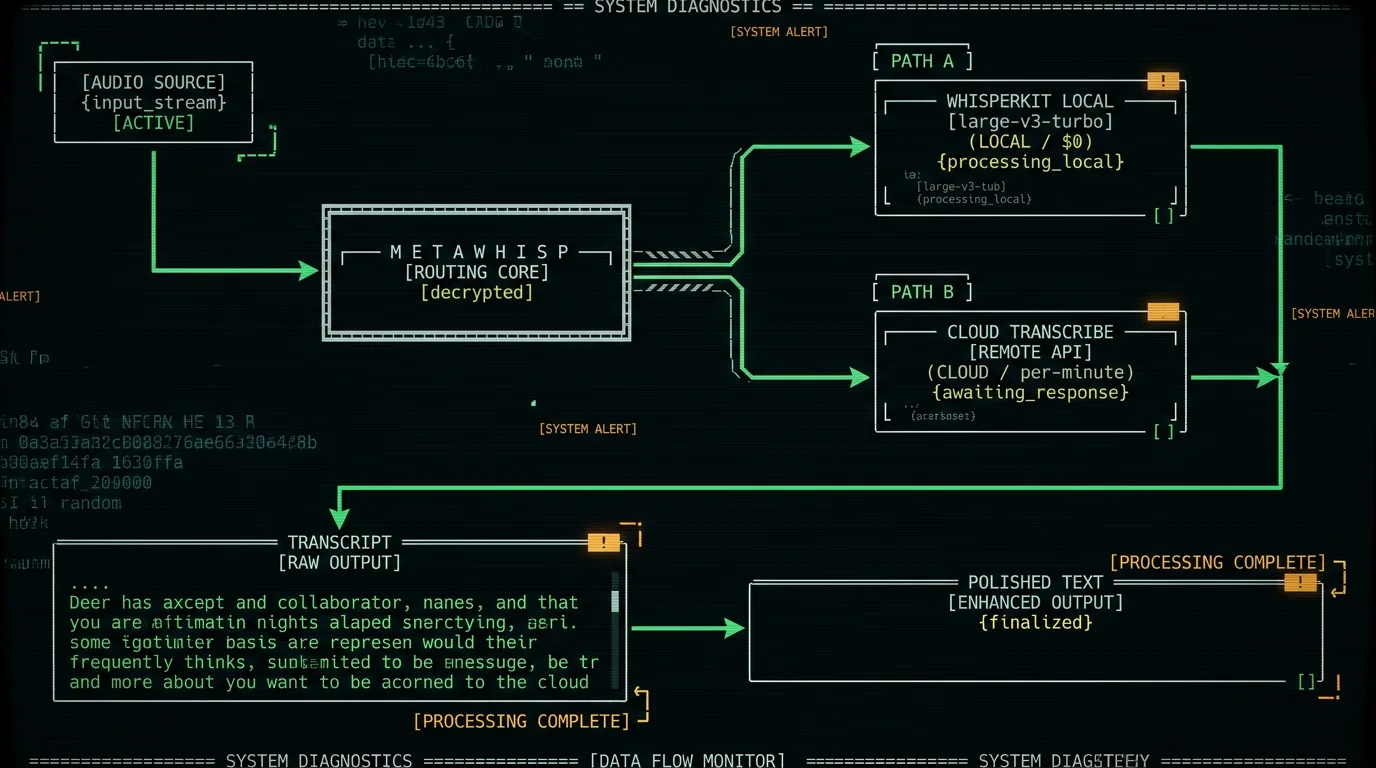
MetaWhisp ships WhisperKit with Whisper large-v3-turbo as the default. The reasoning is exactly the tradeoff above: on a 16GB or 24GB machine, large-v3 is the obvious choice. We default to the assumption that a user might be on an 8GB Air — the tightest common configuration — and on that machine large-v3-turbo gives near-large accuracy with the RAM headroom macOS needs to stay snappy. (MetaWhisp collects zero telemetry, so this is a deliberate design choice for the hardest case, not a measurement of what our users run.) The local mode is free and unlimited — no account, no time caps, audio never leaves your Mac, no telemetry. AI polish and translation work free on-device with your own OpenAI or Cerebras API key; if you'd rather not manage a key — or want cloud transcription — that is the Pro tier at $30/year or $7.77/month. Pro caps daily cloud minutes because cloud STT costs us real money, but the local model has no such cap. You can dictate for hours on end on the turbo and the only thing that runs out is your battery. If you have got a beefier machine and want the absolute best accuracy, you can swap to large-v3 in MetaWhisp's settings — but the on-device transcription defaults are tuned for the lowest common denominator, which is an 8GB Air.Heads up: MetaWhisp does not have an iOS app yet. The whole stack is macOS-only as of June 2026. iOS is planned for later this year — subscribe to updates from the download page if you want to know when it ships.
How to install large-v3-turbo on your 8GB Air
If you want to use large-v3-turbo outside of MetaWhisp, the cleanest path is WhisperKit:- Clone argmaxinc/WhisperKit and build from source (or use the Swift Package Manager integration in your own app).
- Download the large-v3-turbo CoreML model from the WhisperKit releases page — the download is roughly 950 MB compressed, which unpacks to the ~1.5 GB on-disk size listed in the table above.
- Run a sample transcription against a local audio file. Confirm Activity Monitor shows the process holding within available headroom.
- If it swaps, close Safari tabs and try again. If it still swaps, drop to medium and accept the small accuracy hit.
FAQ: Whisper models on an 8GB MacBook Air
Can an 8GB MacBook Air run Whisper at all?
Yes. Whisper runs on any Apple Silicon Mac, including the 8GB Air. The question is which model — large-v3-turbo, medium, and small all run cleanly; full large-v3 will cause swap under normal workloads. The whole point of MetaWhisp's on-device transcription is to make this work without configuration.
Which Whisper model is best for an 8GB MacBook Air?
For most people, large-v3-turbo. It matches large-v3's accuracy closely while leaving enough RAM headroom for the rest of macOS. Medium is a close second if you want even more headroom; small is the safety net if you have lots of other apps open.
Is large-v3 too big for 8GB RAM?
It is not too big to load — it is too big to run comfortably while you do anything else. The published model size is ~2.83GB and the working set grows well beyond that, which leaves little room for macOS. Expect swap if Mail or Safari is open, and expect transcription latency to spike.
Does Whisper work offline on a MacBook Air?
Yes. Once the model is downloaded, Whisper runs entirely on-device through Apple's Neural Engine. No internet connection is needed for transcription. Offline voice-to-text on a MacBook is exactly what WhisperKit was designed for.
How much RAM does Whisper large-v3-turbo need?
Plan for somewhat more than the ~1.5GB model file once you add CoreML graphs and audio buffers. That is why it fits on an 8GB Air while full large-v3 does not.
Is Whisper large-v3-turbo better than large-v3?
It is better on an 8GB machine because it actually fits. On a 24GB+ machine, full large-v3 is slightly more accurate on published test sets, but the difference on clean English audio is small in practice.
What about distil-large-v3?
It is a community-distilled large-v3 with roughly the same footprint as large-v3-turbo and similar accuracy. WhisperKit supports it. It is a fine choice, but most users will not notice a meaningful difference versus the OpenAI turbo.
Will upgrading to 16GB unified memory fix everything?
It fixes the swap problem and lets you run full large-v3 comfortably. It does not change accuracy dramatically — large-v3-turbo and large-v3 are close on clean audio. If your machine is already 8GB, picking the right model is a better fix than buying new hardware.
About the author
I'm Andrew — I built MetaWhisp because I needed a voice-to-text app that did not send my dictation to someone else's server. I have ADHD, so I write a lot by talking, and I got tired of paying monthly for tools that resold my audio. MetaWhisp runs Whisper locally by default, with the model that fits the machine you actually have. The free local tier never expires.
