Why does typing feel impossible with ADHD?
I have ADHD. I built a voice-to-text app. Here's the deal. Working memory, task initiation, and sustained attention make up the executive function stack. When any of those are offline, typing becomes brutal — not because my fingers don't work, but because the path from "I have a thought" to "those thoughts are on a screen" passes through a long chain of micro-decisions. Where to put my hands. Which app to open. Where to start. How to spell that word. What comes next. Dictation deletes almost all of that. You think into a microphone and words appear. The conversion happens in the background. You can keep your hands in your lap, keep fidgeting, keep staring out the window. For me, voice-to-text is the difference between writing 200 words and writing zero on a hard day.The blank-page problem isn't really about fingers or keyboards. It's about the gap between having an idea and committing it to a permanent surface. Dictation closes that gap by removing the intermediate steps — the typing, the spell-checking, the formatting — until the only thing left is the thought itself. That's why dictation for ADHD isn't a productivity hack; it's a workaround for the specific bottleneck ADHD creates.
What makes a dictation app for ADHD actually work?
I've bounced off enough tools to know which criteria matter. The wrong app makes everything worse. Here's what I look for:- Friction to start is near zero. A global hotkey beats "open the app, click record." If I have to launch anything, I won't.
- Runs without thinking. No model downloads that time out. No rate limits. No login wall.
- Doesn't lose words. If I pause to think, the app shouldn't cut me off at 30 seconds.
- Privacy default. My random 2am thoughts are not training data.
- Accuracy above ~95%. Lower than that and I'm fixing typos faster than I'd have typed.
- Cost is predictable. A monthly subscription is a recurring decision — ADHD's worst enemy.
Pro tip: The hotkey matters more than the model. I've used apps with slightly better WER and reached for the worse one every time, just because it sat on Right Option and worked on first press. Test the trigger before you test the transcription.
Which Mac dictation apps did I test, and why these seven?
I'm on a Mac, M-series. I wanted to see what a normal person with a normal Mac and a working ADHD brain would actually experience — no enterprise platforms, no $500/year setups, no lab demos. Just apps I could install today and use tomorrow. The seven:- Apple Dictation (built into macOS)
- Google Docs voice typing
- Wispr Flow
- superwhisper
- MacWhisper
- WhisperX (the command-line OpenAI Whisper fork)
- MetaWhisp (the one I built)
Is Apple Dictation good enough for ADHD?
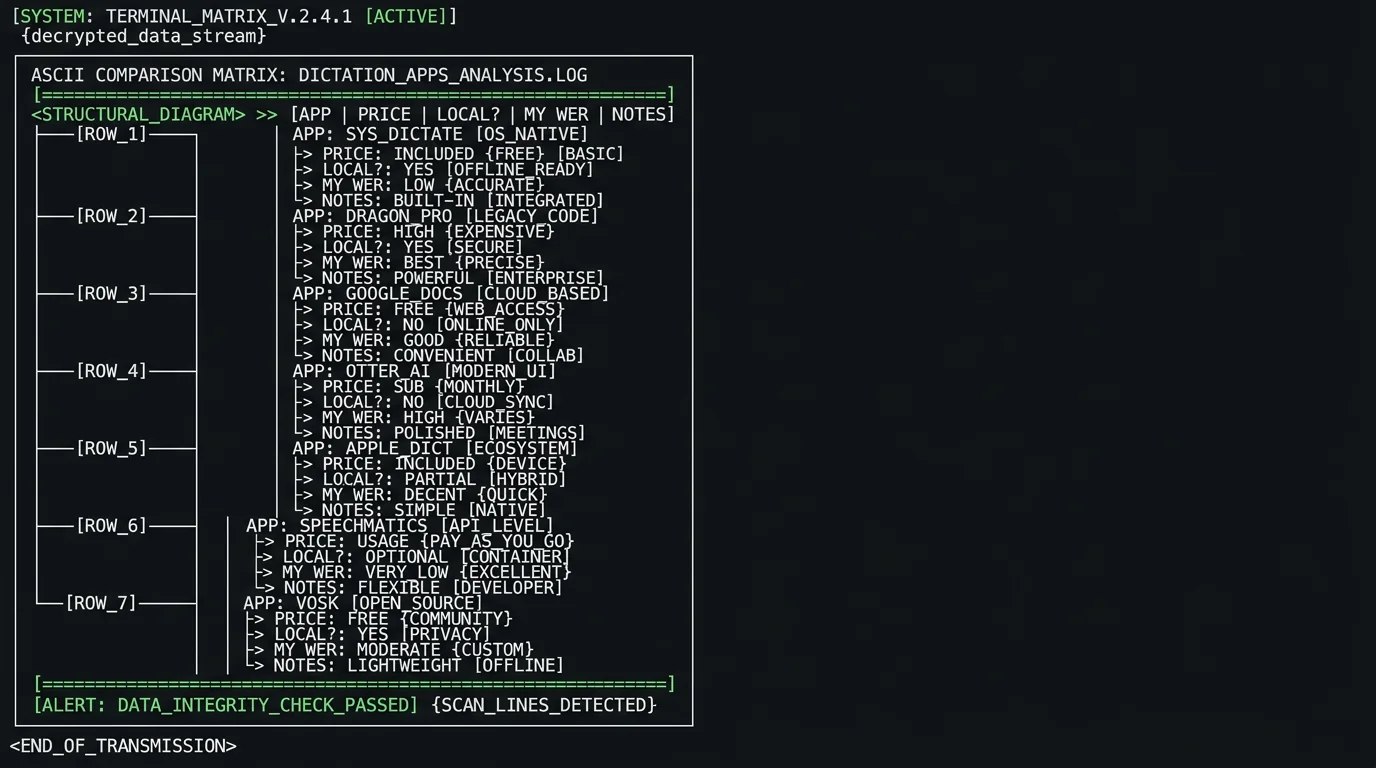
macOS has shipped dictation for years. It's free, built-in, and one keyboard shortcut away. You turn it on in System Settings → Keyboard, hit the Function key twice, and start talking. Words appear wherever your cursor is. There's an offline mode if you opt into on-device processing, but the accuracy issue remains. In my head-to-head, Apple Dictation landed at 11–14% WER on a mixed-content English clip — about three times worse than any Whisper-based option. Apple's own Dictation guide doesn't promise otherwise. For "send a quick iMessage to my partner" it's fine. For drafting a long email, a blog outline, a therapy journal entry — the cleanup tax wipes out the time you saved.Apple Dictation for ADHD: Free and frictionless to start, but accuracy on real-world audio is the bottleneck. At 11–14% WER, you're spending more time fixing the transcript than you would have spent typing it. Great as a fallback, weak as your daily driver. The real win is that it costs nothing to try — turn it on, talk for 30 seconds, decide if cleanup time matters to you.
Google Docs voice typing
If you live in Google Docs, voice typing is one click away: Tools → Voice typing. It uses Google's speech recognition — generally better than Apple's, with more aggressive auto-punctuation. The Google support page walks through the setup. The problem for an ADHD user is the friction. You're stuck in Google Docs. Every email, Slack message, code comment — back to typing. And the dictation runs through your browser, which means audio is hitting Google's servers. For drafting inside Docs, it's the best free browser experience. For a tool you reach for forty times a day, it's a non-starter.Is Wispr Flow worth $15/month for ADHD?
Wispr Flow is the polished Mac-native option — it also ships for Windows, iPhone, and Android. It runs $15 per user per month, or $12 per user per month billed annually (their pricing page, checked 10 Aug 2026), and there's a free tier capped at 2,000 words a week on desktop and 1,000 on iPhone. The killer feature is text polish: it doesn't just transcribe, it cleans up filler words, fixes grammar, formats sentences. For a lot of ADHD users, that polish layer is what makes dictation actually feel like writing. Accuracy in my test was about 3.5% WER — in line with Whisper's published numbers on the large-v3 model. Wispr's polish runs locally, but the audio transcription still goes to the cloud. That tradeoff is real, especially if you dictate medical or legal notes. Downsides: the price. $144/year — 12 × the $12 annual rate — is a number when you add up all the ADHD subscriptions. And the cloud dependency means it doesn't work on a plane without wifi.From an ADHD brain: If money is no object and you want the best polished Mac experience today, Wispr Flow is genuinely excellent. I don't recommend it for daily heavy use if you're budget-conscious — there are free options that do 90% of the job.
superwhisper — the Mac-native runner-up
superwhisper is the other big Mac-native name, and it now also ships for Windows and iOS. It runs Whisper locally, supports multiple Whisper model sizes, and has a clean interface. It was one of the first polished Mac Whisper apps to gain real traction, and the team ships updates regularly. See their site: $8.49/month, $84.99/year, or $249.99 one-time for a lifetime licence. Accuracy on my test: about 3.5% WER with the large-v3 model. The free tier runs locally too, but it's limited to the small models — the big ones are behind Pro, which also adds cloud features and AI polish. I like superwhisper. My only complaint is hotkey customization — the default isn't as low-friction as I'd want for someone whose hands stay in their lap.MacWhisper — Whisper in a friendly wrapper
MacWhisper was one of the earliest Mac Whisper apps. Drag-and-drop files, transcribe, export. Simple. There's a free tier, and the Pro licence is a one-time €64 — priced in euros, not dollars (macwhisper.com, checked 10 Aug 2026). I mostly reach for it with files rather than live dictation, though it does have system-wide dictation in both the free and Pro tiers. When I have a recorded meeting or a long voice memo to convert, MacWhisper is one of my defaults — and there's a related use case in my piece on why voice messages drive me nuts. On the same audio, MacWhisper landed around 3.5% WER with large-v3. A great companion tool, less great as the always-on dictation layer.The DIY Whisper route
If you're technical, you can run OpenAI Whisper directly via the command line. WhisperX is a faster fork with better timestamp alignment. whisper.cpp runs it on CPU. There are Python notebooks floating around that wrap Whisper with a hotkey and auto-paste. This is what I did before building MetaWhisp. It works. It also requires Python environments, model downloads, hotkey scripts, and a not-insignificant tolerance for breaking things when Apple changes macOS APIs. If you enjoy tinkering and want zero recurring cost, DIY is real. If you want to actually write the things you need to write, it's friction dressed up as a hobby.MetaWhisp — what I ended up building
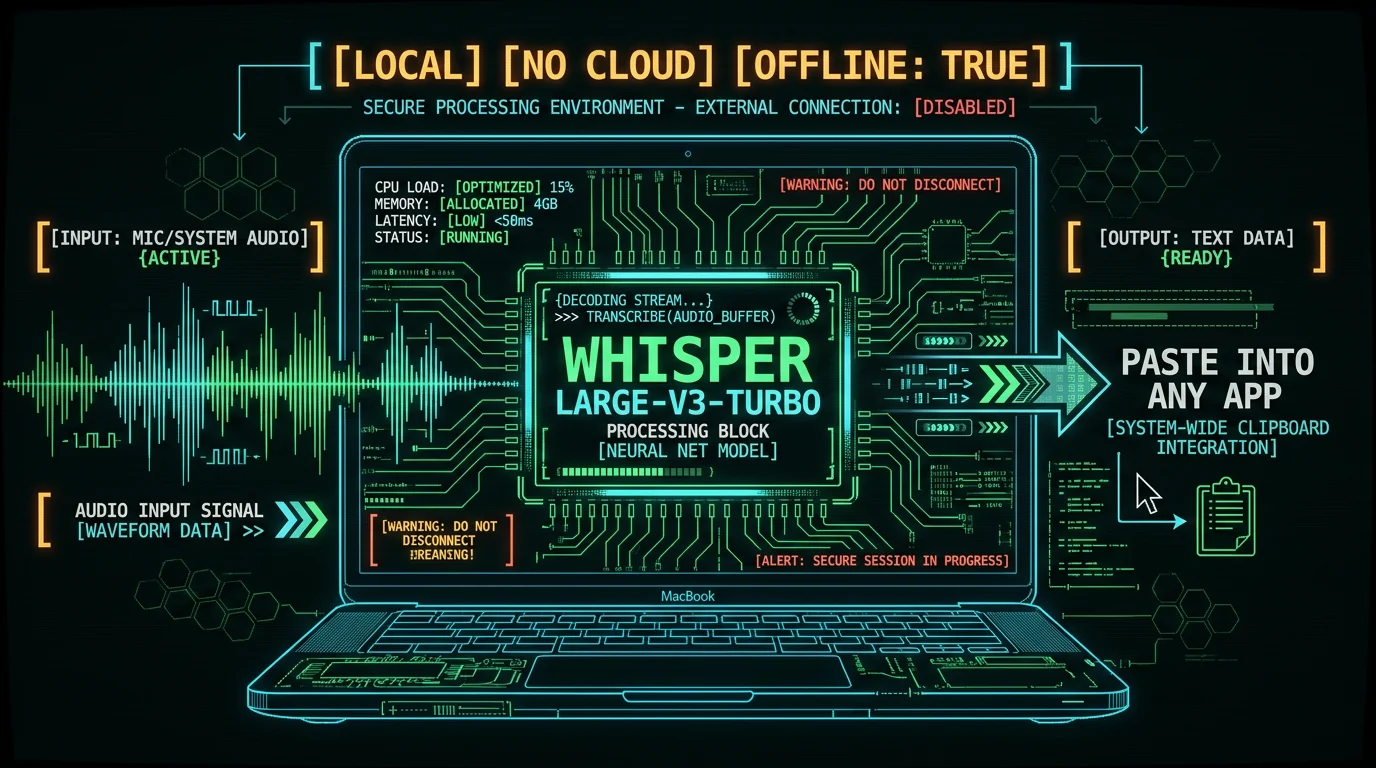
I built MetaWhisp because I wanted the DIY experience without the DIY maintenance. Here's what it is:- Free on-device voice-to-text for macOS 14+ on Apple Silicon (M1 or later)
- WhisperKit running Whisper large-v3-turbo on the Neural Engine
- ~950 MB model download, then unlimited local dictation
- Global hotkey (default Right Option ⌥) + auto-paste into any app
- 99 languages with auto-detect
- No account, no telemetry, audio never leaves the Mac in local mode
MetaWhisp for ADHD: The lowest-friction path to Whisper accuracy on a Mac. One hotkey, paste anywhere, runs on the Neural Engine so battery barely moves. Local mode is free and unlimited — no time caps, no account, audio stays on the device. If you've already dismissed Apple Dictation as too inaccurate and Wispr Flow as too expensive, this is the one I'd try next. Free download, M1 or later.
How do the seven compare side by side?
Here's the snapshot from my test, plus what each app is best for:| App | Price | Runs offline? | My WER | Best for |
|---|---|---|---|---|
| Apple Dictation | Free | Yes (opt-in) | 11–14% | Quick messages |
| Google Docs voice typing | Free | No | ~5–7% | In-browser drafting |
| Wispr Flow | Free tier / $15 per user/mo | Polish only | ~3.5% | Best polished UX |
| superwhisper | Free / $8.49/mo | Yes (free, small models) | ~3.5% | Daily Mac dictation |
| MacWhisper | Free / €64 one-time | Yes (cloud optional) | ~3.5% | File transcription |
| WhisperX (DIY) | Free | Yes | ~3.5% | Tinkerers |
| MetaWhisp | Free / Pro | Yes | 3.7% | Daily dictation + privacy |
Pro tip: If accuracy is your only criterion, every Whisper-based tool ties. Pick by workflow — does it fit where you actually write? Does the hotkey feel right? Does it work offline? Those matter more than 0.2% WER. For a more general Mac voice-to-text comparison, that piece covers a wider field.
What workflow actually works for ADHD writing?
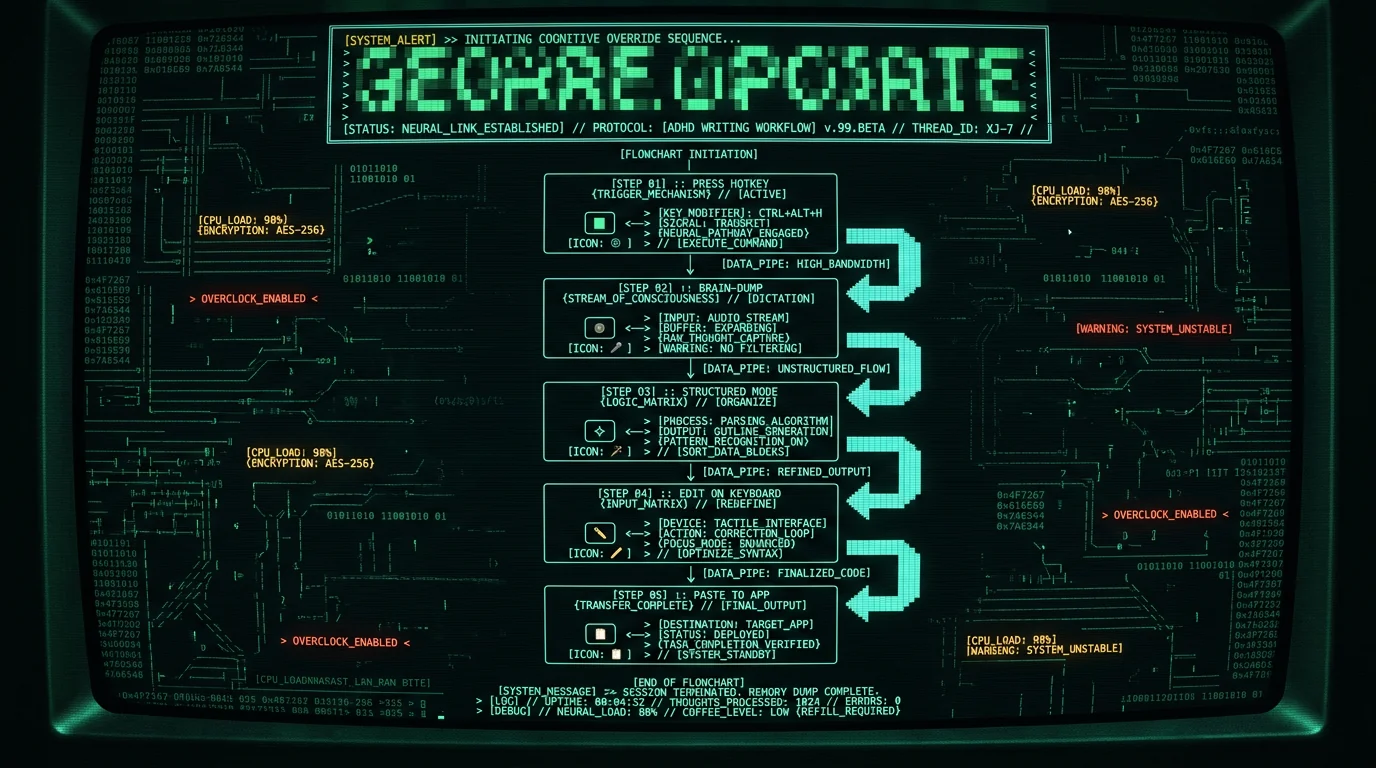
The tool is half the answer. The workflow is the other half. Here's what I do every day:- Pick a trigger that's impossible to forget. For me it's Right Option ⌥. Single keypress, both hands free. Set it once and stop thinking about it.
- Don't write in your main app first. Start in any text field — Notes, Slack, a draft email. The point is to lower the activation cost. You can move the words later.
- Brain-dump first, edit second. Get 500 words of stream-of-consciousness. Then go fix it. The first pass should be forgiving of itself.
- Use processing modes if your app has them. MetaWhisp has Structured modes for chat, email, and notes that clean up dictation on the way out.
- Take breaks between paragraphs. The cursor blinks the same whether you stare at it for 30 seconds or 5 minutes.
Which dictation app is best for ADHD on Mac? The honest answer depends on what "best" means to you. If you want free + private + offline + Whisper accuracy, MetaWhisp is the obvious pick — I built it for exactly this. If you want the most polished editing experience and don't mind the monthly cost, Wispr Flow is excellent. If you want zero install and don't care about accuracy on technical content, Apple Dictation is already on your machine. The worst option is the one you don't open.
Frequently asked questions
Is dictation actually good for ADHD?
For most people I talk to (including me), yes. Dictation removes the typing bottleneck, which is often where ADHD writing paralysis lives. It doesn't fix executive function — you'll still need to decide what to write about — but it shortens the path between thought and text. Try it on a low-stakes task for a week before deciding.
What is the best dictation app for ADHD on Mac?
The one you'll actually use. If you want free, private, and offline, MetaWhisp is hard to beat — Whisper large-v3-turbo on the Neural Engine, unlimited local mode, no account. If polish and editing matter more than price, Wispr Flow. If you want zero setup, Apple Dictation is already installed. Match the tool to your habits, not the other way around.
Is there a free dictation app for ADHD that doesn't send my voice to the cloud?
Yes. MetaWhisp's local mode keeps everything on your Mac — no audio uploaded, no telemetry, no account. superwhisper's free tier (small models only) and MacWhisper's free tier also run Whisper locally. Apple Dictation has an opt-in offline mode if you turn it on in System Settings.
How accurate is Whisper for everyday dictation?
On clean English with normal pace, expect ~3.5% WER — that's about 96.5% accuracy on a word-by-word basis. In my own LibriSpeech test-clean run, MetaWhisp hit 2.76% WER (~97% accuracy). For casual dictation, that's well above the threshold where cleanup time beats typing time.
Do dictation apps work in every Mac app?
The good ones do, via a global hotkey and auto-paste. MetaWhisp, superwhisper, MacWhisper, and Wispr Flow all paste into whichever app has focus when you trigger them. Apple Dictation is system-wide too. Google Docs voice typing is the exception — it only works inside a Google Doc.
Can dictation help with ADHD writing paralysis specifically?
Often, yes — but not always. Dictation helps when the bottleneck is the physical act of typing or the visual blank page. It helps less when the bottleneck is "I don't know what to say." For the second case, voice-to-text is a better brainstorming tool than a drafting tool: talk first, structure later.
How do I start dictating on Mac today?
Three quick options. (1) Turn on Apple Dictation in System Settings → Keyboard — free, already installed, low accuracy. (2) Install MetaWhisp from the site — free local Whisper, hotkey, paste anywhere, ~5 minutes to first transcript. (3) Try Wispr Flow — free tier then paid, polished, cloud-based. If you want the full walkthrough, the dictation on Mac guide covers permissions, hotkeys, and troubleshooting.
About the author
Andrew Dyuzhov is the solo founder of MetaWhisp. He has ADHD, dictates daily in Russian and English, and assembled MetaWhisp with AI coding tools on top of the open-source Whisper project. He's not a clinician — just a marketer/builder who kept hitting the same blank page until voice-first workflows made writing possible again. Find him on X.
