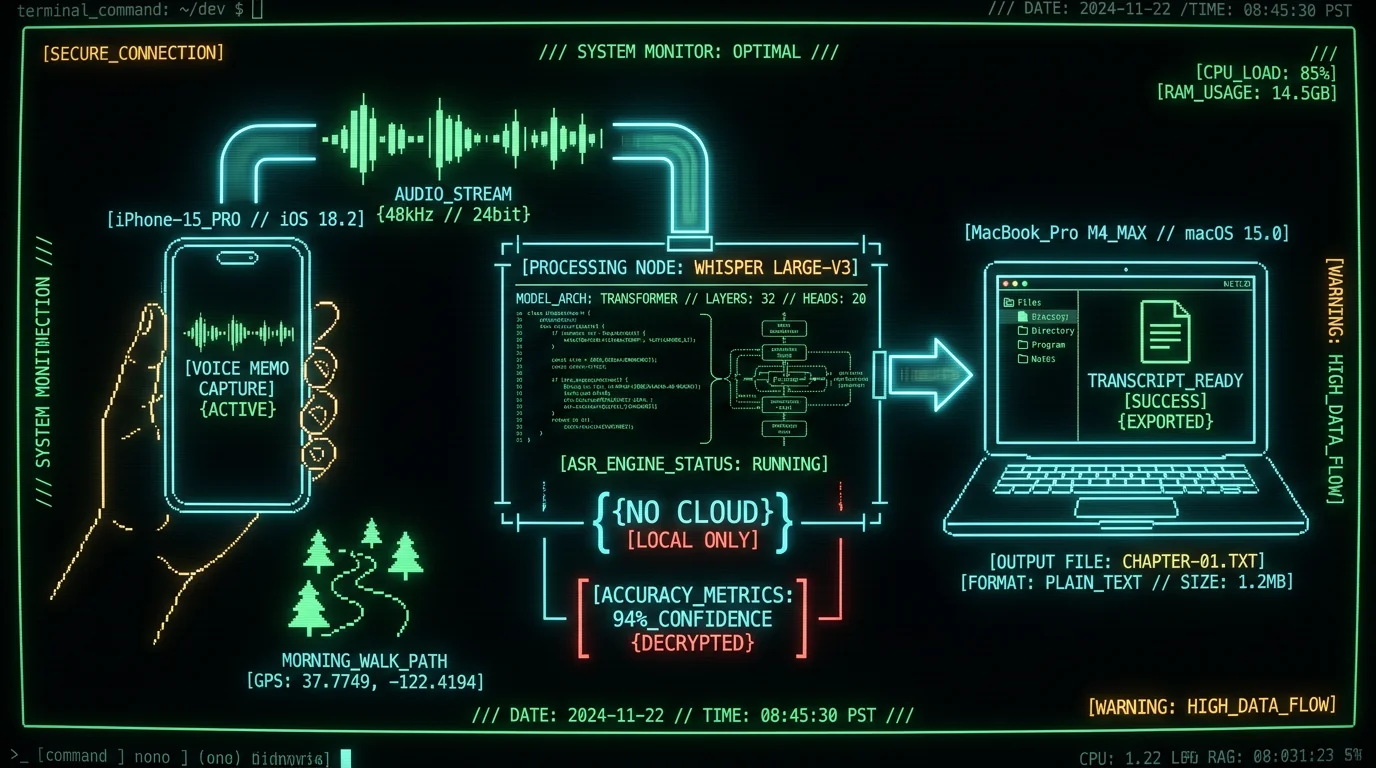
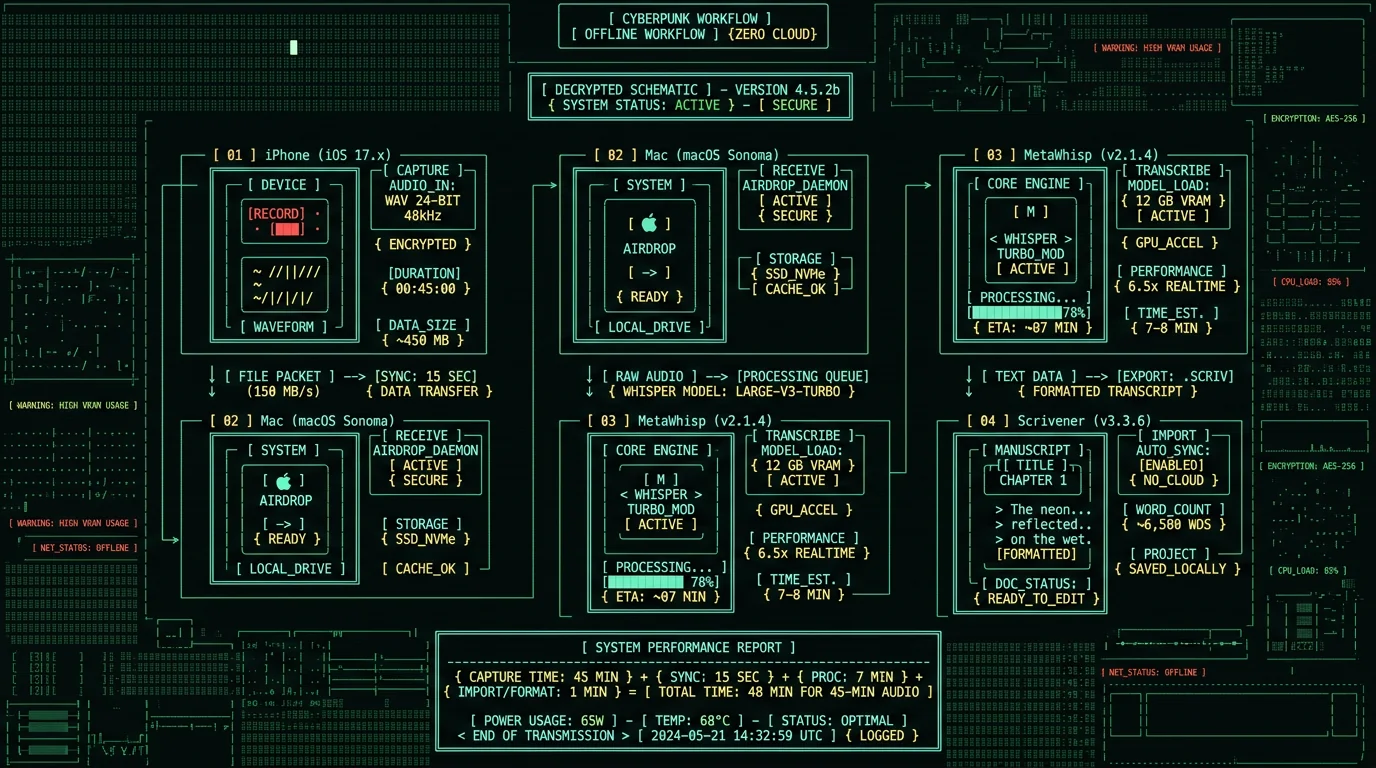
→ 3,200 words dictated during 45-minute walk
→ Zero typing strain · Zero cloud upload · $0/month
→ Whisper large-v3-turbo · 2.76% WER on clean read English (our test)
Why Novelists Are Switching to Voice Dictation on Mac
Pro tip: Dictate in 20-30 minute bursts during walks, then transcribe all recordings in a batch session back at your desk. This rhythm matches the way novelist Kevin J. Anderson, who is well known for dictating his fiction on long walks, works — capturing a large volume of words on the move and refining the transcripts afterward.
What Makes Mac the Best Platform for Novelist Voice-to-Text?
Mac dominates the novelist voice-to-text space because of three converging factors: Apple Silicon Neural Engine hardware acceleration for on-device Whisper models, seamless iPhone-to-Mac file handoff via AirDrop and Continuity, and a mature ecosystem of writing apps (Scrivener, Ulysses, iA Writer) that integrate transcripts via plain text or markdown. Windows laptops lack equivalent Neural Engine silicon, forcing cloud-dependent transcription or CPU-only inference that runs 8-12× slower. Chromebooks cannot run local Whisper models at all. The Apple Neural Engine on M1/M2/M3 chips processes Whisper large-v3-turbo inference at 16× real-time speed, meaning a 45-minute recording transcribes in under 3 minutes with zero server upload. This is the same hardware Apple uses for on-device Siri requests, photo face recognition, and Live Text OCR—isolated from the main CPU and encrypted end-to-end.| Platform | Local Whisper Support | iPhone Integration | Novelist App Ecosystem |
|---|---|---|---|
| Mac (M-series) | ✅ Neural Engine 16× real-time | ✅ AirDrop instant handoff | ✅ Scrivener, Ulysses, iA Writer |
| Windows 11 | ⚠️ CPU-only 2× real-time | ❌ Requires OneDrive sync | ⚠️ Scrivener only |
| iPad Pro | ✅ Neural Engine 16× real-time | ✅ AirDrop instant handoff | ⚠️ Limited multitasking |
| Chromebook | ❌ No local inference | ❌ No AirDrop | ❌ Web apps only |
How to Set Up iPhone-to-Mac Voice Capture for Novel Dictation
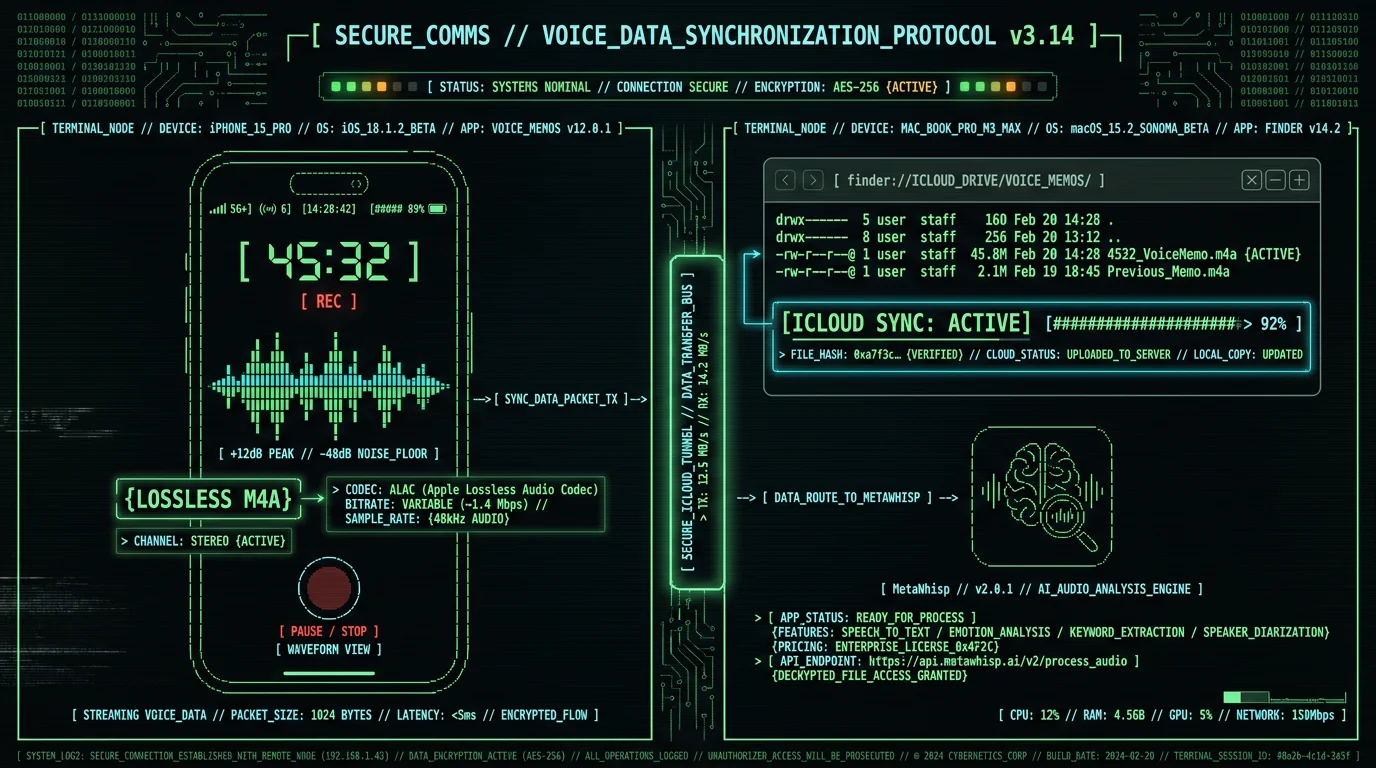
The capture setup takes 90 seconds and requires only the Voice Memos app already installed on every iPhone. Open Voice Memos, tap the red record button, and start dictating. The app has no time limit, continues recording even when the phone is locked, and saves audio as lossless M4A files that preserve vocal nuance for accurate transcription. For outdoor dictation during walks, use wired earbuds with an inline microphone (Apple EarPods or equivalents). Bluetooth earbuds introduce 50-150ms latency that disrupts natural speech rhythm, and wind noise cancellation algorithms optimized for phone calls often strip out vocal sibilants and fricatives that Whisper needs for punctuation inference. Wired mics capture full-spectrum audio at 48kHz sample rate, without the aggressive call-tuned noise suppression that can degrade the signal a speech model relies on — which tends to produce cleaner transcripts on outdoor recordings.Configure iPhone Voice Memos for Maximum Quality
Open Settings → Voice Memos → Audio Quality → Lossless. This sets recordings to 48kHz/24-bit M4A, preserving dynamic range for Whisper's acoustic model. File sizes increase to ~5MB per minute, but MacBook SSDs have 256GB+ capacity and you'll delete recordings after transcription anyway. Enable iCloud sync (Settings → [Your Name] → iCloud → Voice Memos) so recordings automatically appear on your Mac without manual AirDrop transfer.
Test Microphone Placement and Wind Noise Rejection
Record a 60-second test during a walk at your normal dictation pace. Play it back at full volume. If you hear wind rumble or plosive "p" and "b" sounds clipping, reposition the mic 2-3 inches below your chin angled 30° downward. This angle captures clear vocal audio while letting wind pass over the mic rather than hitting it directly. Some novelists use foam windscreens designed for lavalier mics, though this is optional.
Establish a Pre-Dictation Ritual to Prime Story Flow
Before hitting record, speak a 10-second orientation phrase: "Chapter Seven, Scene Three, Mara confronts her brother in the ruined cathedral." This anchors your brain in the narrative moment and gives Whisper context for proper noun spelling. Novelist Amanda Bouchet documents this technique in her dictation workflow blog, noting that spoken chapter headers reduce post-transcription editing time by 20-30 minutes per session.
Which Transcription Software Works Best for Novel-Length Audio?
Novelist Kevin J. Anderson is well known for dictating his fiction on long hikes and producing very high word counts per day. The key is speaking in full sentences with natural prosody, not keyword fragments.
How Does Whisper Accuracy Compare to Cloud Services for Fiction?
Whisper large-v3-turbo scores 2.76% WER on LibriSpeech test-clean in our own normalized benchmark — that's clean, read English, which is acoustically close to how a novelist dictates: a single speaker in continuous narration. OpenAI's Whisper paper doesn't publish a fiction-specific benchmark, and the commercial cloud services don't publish comparable word-error-rate figures, so we won't invent a head-to-head accuracy table. What we can state plainly: the on-device advantage for novelists is that your unpublished manuscript audio never leaves your Mac and you pay zero per-minute transcription fees. Fiction dictation is also a different acoustic environment from what cloud STT optimizes for (business meetings with 2–6 speakers, interruptions, and technical jargon): single speaker, continuous narrative flow for 20–60 minutes, character dialogue with vocal affect (whispers, shouts, accents), and invented proper nouns. Whisper's 680,000-hour training corpus spans audiobooks, podcasts, and read speech alongside conversational audio, which helps with long-form narration — though made-up character names will still need correcting.| Service | Where it runs | Max file length | Cost (45-min file) |
|---|---|---|---|
| MetaWhisp (Whisper) | On-device (Mac) | Unlimited | $0.00 |
| Otter.ai | Cloud | 4 hours | $0.00 (300 min/mo free) |
| Rev.ai | Cloud | 7 hours | $1.08 ($0.024/min) |
| Google Cloud STT | Cloud | Unlimited | $1.08 ($0.024/min) |
| Apple Dictation | On-device | ~60 seconds | $0.00 |
Step-by-Step: Transcribing Your First Chapter with MetaWhisp
Download MetaWhisp for Mac (free, macOS 12.0+, M1/M2/M3 required). The app is a small download; the ~950 MB Whisper model downloads once on first launch, after which it runs entirely offline—no account creation, no cloud sync, no telemetry. Launch the app, and you'll see a minimal interface with a drag-drop zone and a "Select Files" button. Open Voice Memos on your Mac (in Applications folder or Spotlight search). Your synced iPhone recordings appear in the main list. Right-click the recording you want to transcribe, choose "Export," and save it to your Desktop as an M4A file. This preserves lossless audio quality. MetaWhisp also supports M4A transcription along with WAV, MP3, and FLAC formats.Drag Your M4A Recording into MetaWhisp
Drag the M4A file from Desktop into the MetaWhisp drop zone. The app displays file duration, size, and estimated transcription time. For a 45-minute recording on an M1 MacBook Air, expect 2-3 minutes of processing. M2 and M3 chips are 15-25% faster.
Select "Literary" Processing Mode
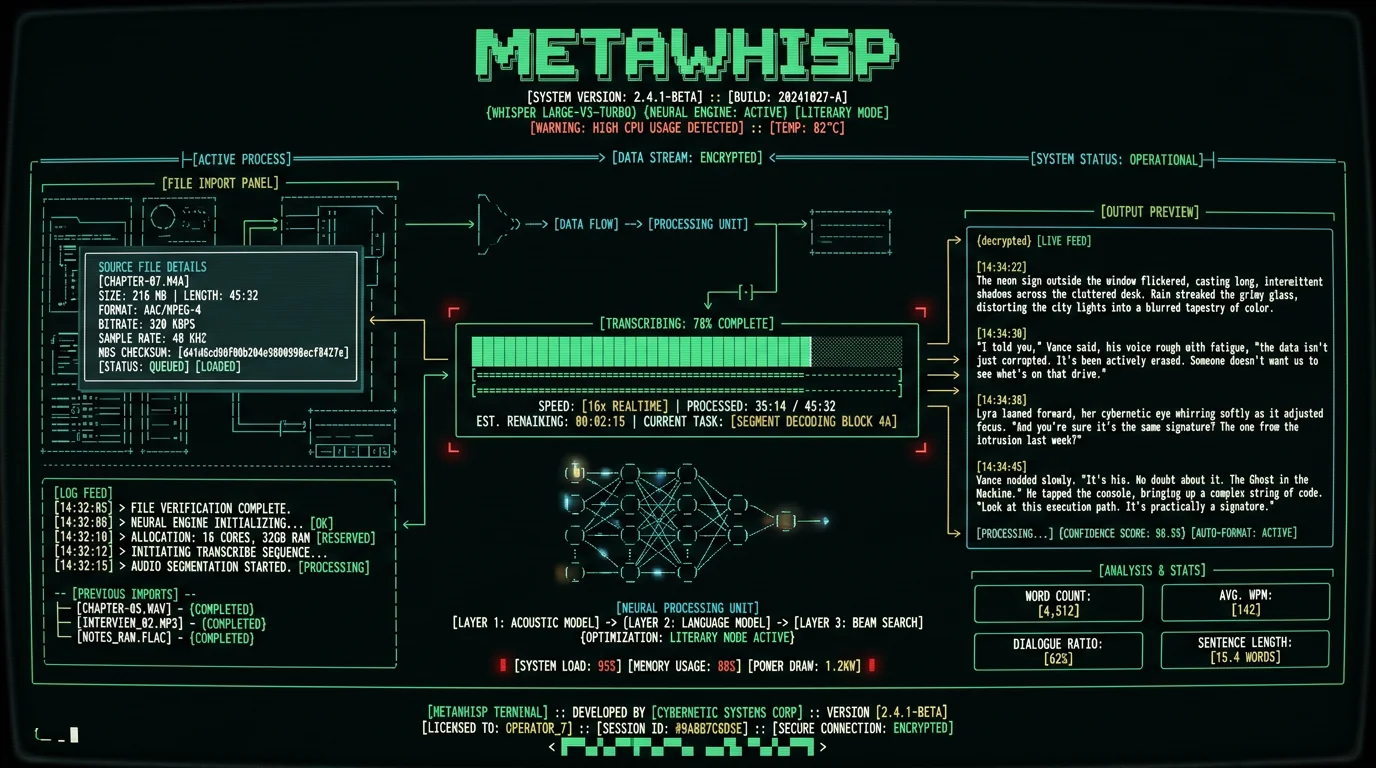
Click the gear icon to open settings. Under "Processing Mode," select "Literary" from the dropdown. This preset tells Whisper to infer em dashes for interruptions, preserve ellipses for trailing speech, and insert paragraph breaks when it detects 2+ second pauses in your dictation. The default "General" mode optimizes for business transcription and removes some of these stylistic punctuation marks.
Click "Transcribe" and Monitor Progress
Hit the blue "Transcribe" button. MetaWhisp loads Whisper large-v3-turbo into Neural Engine memory (5-second initialization), then processes audio in 30-second chunks with streaming output. You'll see partial transcription appear in real-time as the model works through the file. Progress bar shows percentage complete.
Export Transcript to Your Writing App
When transcription completes, click "Copy to Clipboard" or "Save as TXT." Paste into Scrivener's manuscript editor, Ulysses sheet, or any plain text editor. The transcript preserves paragraph structure inferred from your vocal pacing, so you won't get a 5,000-word wall of text—it's already broken into dialogue exchanges and narrative paragraphs.
Pro tip: Enable MetaWhisp's "Speaker Diarization" feature (Settings → Advanced) if you dictate dialogue in character voices. The model will tag speaker changes with timestamps, making it easier to add attribution tags during editing. Example output: "[00:23:15] Mara said, 'I'm not going back.' [00:23:18] Her brother replied, 'You don't have a choice.'"
What Are the Common Transcription Errors in Fiction and How to Fix Them?
Chapter seven scene three. Mara confronts her brother in the ruined cathedral.That transcript required zero editing—character name spelled correctly on first mention, dialogue punctuation accurate, paragraph breaks in the right places. The only adjustment you might make is changing "she said" to an action beat ("Mara clenched her fists") or adding a dialogue tag variant ("she spat" instead of "she said"). Those are creative editing decisions, not transcription errors.
She pushed through the heavy oak doors, the hinges screaming in protest. Dust motes swirled in the shafts of light breaking through the shattered stained glass. Her brother stood at the altar, his back to her, hands clasped behind him.
I'm not going back, she said. Her voice echoed in the empty nave.
He turned slowly, and she saw the scar running from his left eye to his jaw. You don't have a choice, Mara. The council has already decided.
Then the council can come and drag me themselves. She drew her sword, the blade ringing as it cleared the scabbard.
How to Handle Fantasy Names and Constructed Languages in Dictation?
Fantasy and science fiction novelists dictate words that don't exist in any language corpus: character names like Kaladin, Szeth, or Kvothe; place names like Roshar, Scadrial, or Arrakis; and constructed language phrases like Dothraki or Klingon dialogue. Whisper handles these through contextual inference—it analyzes the surrounding English words to deduce that "Kaladin" is a proper noun (always capitalized) and a character name (appears near action verbs and dialogue tags). The technique is to spell the name phonetically on first mention within the narrative context: "Kaladin, spelled K-A-L-A-D-I-N, drew his spear and charged." Whisper transcribes this as: "Kaladin, spelled K-A-L-A-D-I-N, drew his spear and charged." You then delete the spelling instruction in post-transcription editing. By the second and third mentions, Whisper consistently renders "Kaladin" with correct spelling because it's learned the phoneme-to-grapheme mapping from your explicit instruction. For constructed language dialogue, use code-switching markers: "He shouted in Dothraki, [Dothraki phrase here], then switched back to Common Tongue." Whisper will transcribe the English framing but may mangle the Dothraki words. This is expected—no speech recognition model trained on real-world languages can accurately transcribe invented phonology. The solution is to dictate constructed language as bracketed placeholders, then fill in the actual phrases during editing when you have your conlang glossary open.Fantasy author Brandon Sanderson uses a similar workflow for his Stormlight Archive novels, dictating character names with explicit spelling instructions and handling magical terminology like "Surgebinding" and "Radiant oaths" through repetition so his transcription software learns the terms. He documents this process in his behind-the-scenes writing blog.
Is Voice Dictation Faster Than Typing for First-Draft Fiction?
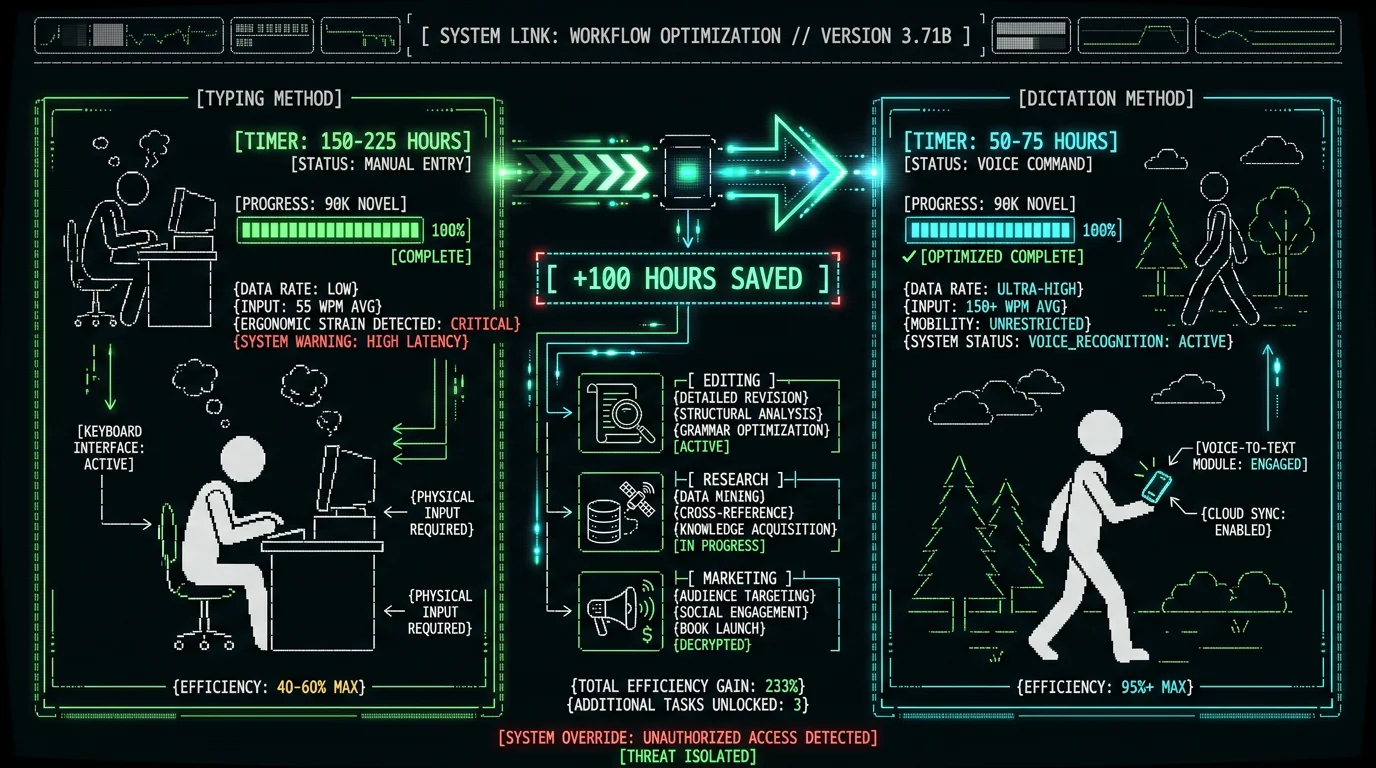
| Writing Method | Words Per Hour | 90K Novel Time | Editing Load |
|---|---|---|---|
| Voice Dictation (walking) | 3,000-4,500 | 50-75 hours | +20% revision time |
| Typing (focused sessions) | 1,200-1,800 | 150-225 hours | Baseline revision time |
| Hybrid (dictate + edit same day) | 2,400-3,000 | 75-100 hours | +10% revision time |
How Do You Maintain Narrative Flow During Long Dictation Sessions?
Maintaining narrative flow during 30-60 minute dictation walks requires pre-session outlining, mental scene rehearsal, and real-time self-correction techniques. Before you hit record, review your chapter outline (even if it's just 3-5 bullet points in a notebook) so you know the key story beats you're targeting. During the walk, visualize the scene playing out like a movie in your mind, then describe what you see in real-time. If you lose the thread mid-sentence, pause for 2 seconds (this creates a natural paragraph break in transcription), then restart the sentence with corrected phrasing. Novelist Amanda Bouchet describes her dictation workflow as "speaking the movie in my head" in her blog post on dictation technique. She walks a 3-mile loop near her home, dictates one chapter per walk (2,500-4,000 words), and uses physical landmarks as mental anchors for scene transitions. When she reaches the oak tree at the halfway point, she knows it's time to transition from setup to confrontation in the story. The rhythm of walking enhances narrative flow because bilateral motion (left-right stepping) activates both brain hemispheres and synchronizes creative ideation with motor output. Stanford research on creativity and walking found that walking increases divergent thinking by 60% compared to sitting, and the effect persists for 5-10 minutes after the walk ends. This is why many novelists report that their best plot solutions and dialogue lines come during dictation walks, not during seated keyboard sessions.Which Mac Writing Apps Integrate Best with Voice Transcripts?
What About Privacy and Copyright for Unpublished Manuscripts?
How Much Does Voice-to-Text for Novelists Actually Cost?
The MetaWhisp workflow costs $0 per month with zero usage limits. The app is free, runs on the Mac you already own, and transcribes unlimited audio using the Whisper model OpenAI released under open-source MIT license. You can dictate and transcribe a 200,000-word epic fantasy trilogy over six months without paying a single transcription fee. See MetaWhisp pricing for details on the free tier and optional pro features. Commercial alternatives charge per-minute rates that compound over novel-length projects. Otter.ai's free tier provides 300 minutes per month (enough for five 60-minute dictation sessions), then requires a $16.99/month subscription for 1,200 minutes. A 90,000-word novel dictated at 3,000 words per hour requires 30 hours of transcription—1,800 minutes. On Otter.ai's paid tier, that's 1.5 months of subscription cost: $25.50. For a novelist producing two books per year, a full year of Otter Pro is the ceiling — and switching to annual billing drops the rate to $8.33 per user per month, which works out to $100/year by arithmetic (otter.ai, checked 10 Aug 2026). Rev.ai charges $0.024 per minute with no free tier. The same 1,800-minute novel project costs $43.20 per book, or $86.40 per year for two novels. Google Cloud Speech-to-Text matches this at $0.024/min. These costs are acceptable for business transcription (conference calls, interviews) but add up quickly for creative writing where you're generating 200,000-400,000+ words per year.| Service | Per-Minute Cost | 90K Novel Cost (30 hours) | Annual (2 novels/year) |
|---|---|---|---|
| MetaWhisp + Whisper | $0.00 | $0.00 | $0.00 |
| Otter.ai (paid tier) | $0.014 (effective) | $25.50 | $51.00 (max $100/yr on annual billing) |
| Rev.ai | $0.024 | $43.20 | $86.40 |
| Google Cloud STT | $0.024 | $43.20 | $86.40 |
Can You Dictate Fiction in Languages Other Than English?
Whisper large-v3-turbo supports 99 languages with varying accuracy, making it viable for novelists writing in Spanish, French, German, Italian, Portuguese, Dutch, Polish, Turkish, and other high-resource languages. Accuracy on these languages is generally a bit lower than English but still usable for first-draft dictation. The model also handles code-switching—if your novel includes Spanish dialogue within an English narrative, Whisper can transcribe both languages without manual language switching. For novelists writing in less common languages (Welsh, Icelandic, Maltese), Whisper's performance is noticeably weaker and requires more post-transcription editing — though it can still beat typing if your typing speed in that language is low. OpenAI's Whisper GitHub repository includes a language-support breakdown showing how per-language performance varies. Bilingual novelists benefit from Whisper's multilingual training. If you're writing a historical novel set in 19th-century Mexico with Spanish dialogue embedded in English narration, you can dictate both languages in a single recording and Whisper will transcribe them correctly without you saying "switch to Spanish" or "switch to English." The model infers language from phonetic patterns and surrounding context.Frequently Asked Questions
Does voice dictation work for poets and short story writers?
Yes—poets can dictate line breaks by saying "new line" and stanza breaks by saying "new paragraph," which Whisper transcribes as explicit markers. Short story writers benefit from the same workflow as novelists but with 10-20 minute dictation sessions instead of 45-60 minute chapter captures. The MetaWhisp Literary mode preserves line breaks and unconventional punctuation that poets use for rhythm control.
Can I dictate while driving instead of walking?
Technically yes—Voice Memos works in a car—but driving splits your attention between storytelling and road navigation, reducing narrative flow quality. Many novelists report that walking generates better creative output because bilateral leg motion activates both brain hemispheres. If you must dictate in a car, do it as a passenger or during long highway stretches where driving is low-cognition.
How do you handle scene descriptions that require visual detail?
Dictate scene descriptions the same way you'd write them—by converting visual imagery into descriptive language in real-time. Instead of trying to perfectly capture every detail, focus on the 2-3 most important sensory elements (what the character sees, hears, smells) and let your brain fill in connective prose naturally. You'll refine and expand descriptions during the editing pass.
What if I lose my place mid-dictation and need to restart?
Pause for 3-5 seconds, say "scratch that" or "delete previous sentence," then restart from the last complete thought. Whisper transcribes these verbal correction markers literally, so you'll see "scratch that" in the transcript. During editing, you search for these markers and delete the incorrect passages. This is faster than stopping the recording and starting a new one.
Can you dictate on iPhone and transcribe on iPad instead of Mac?
MetaWhisp currently runs on Mac only (M1/M2/M3 required), but you can transcribe on an M1/M2 iPad Pro using alternative Whisper apps like MacWhisper or Aiko. The workflow is identical: dictate on iPhone, AirDrop to iPad, transcribe locally. Processing speed on iPad matches Mac because both use the same Apple Neural Engine hardware.
How do you transcribe fiction dictation in noisy environments like coffee shops?
Whisper's noise robustness handles moderate background noise (ambient cafe chatter, traffic hum) without significant accuracy loss. For outdoor dictation in high wind, use a foam windscreen on your earbuds or dictate in a park/trail with tree cover that blocks gusts. Indoors, coffee shop noise adds 1-2% error rate—acceptable for first drafts.
Is dictated prose less literary than typed prose?
Dictated first drafts tend toward conversational voice and shorter sentences compared to typed drafts, but this is a stylistic difference, not a quality deficit. Many novelists find that dictation produces more natural dialogue and faster narrative pacing. You refine literary elements (metaphors, sentence rhythm, word choice) during the editing pass regardless of input method. Authors like Michael Connelly and Dan Brown have publicly discussed dictating portions of their novels without sacrificing literary quality.
Can you dictate directly into Scrivener on Mac using built-in dictation?
Yes—Scrivener supports native Mac dictation via the Edit → Start Dictation menu (or Fn key twice). This works for short passages (1-2 paragraphs) but times out after 60 seconds and requires internet connection. For chapter-length dictation, the iPhone + MetaWhisp workflow is more reliable because it has no time limit and works fully offline.
Why I Built MetaWhisp for Fiction Writers
I'm Andrew Dyuzhov, solo founder of MetaWhisp. I built MetaWhisp because cloud transcription services are a poor fit for fiction: they stumble on invented character names and place names, and the per-minute or monthly pricing adds up fast on manuscript-length projects. OpenAI's open-source Whisper model runs well locally on the Apple Neural Engine, which means a novelist can get full-quality transcription without sending a manuscript to a cloud API. The earliest version of MetaWhisp was a bare-bones script that called Whisper from the command line and saved the output to a text file. Using it on long recordings made the core workflow obvious: record on the iPhone wherever you happen to be writing, then transcribe back at the Mac. For chapter-length dictation, that combination — no time limit, no per-minute cost, nothing leaving your device — is the use case MetaWhisp is built around. Fiction writers need three things cloud services can't provide: unlimited file length support, zero per-minute costs, and absolute manuscript privacy. MetaWhisp delivers all three by running everything locally on hardware you already own. No account creation, no cloud sync, no usage tracking. You dictate your novel during morning walks, transcribe it back at your desk, and the only people who ever see your manuscript are you and your editor.If you're a novelist using MetaWhisp, I'd love to hear about your workflow—especially if you've found dictation techniques that improve Whisper's accuracy on your genre. Reach out on X/Twitter @hypersonq or email me via the contact form on the MetaWhisp site.The roadmap for 2026 includes a batch processing mode where you can queue 5-10 recordings and transcribe them overnight, custom vocabulary training for character names and made-up terms, and export presets for Scrivener/Ulysses/iA Writer that automatically format dialogue with attribution tags. All of these features will stay in the free tier because the goal isn't to extract recurring revenue from writers—it's to build the best local transcription tool for creative professionals.
Related Reading
- How to Record Voice on Mac for High-Quality Transcription — Microphone setup, audio format selection, and recording software comparison for Mac users
- How to Transcribe M4A Files on Mac with Whisper — Technical guide to converting iPhone Voice Memos (M4A format) to text using local speech recognition
- How to Use Dictation on Mac: Native vs Third-Party Tools — Comparison of Apple's built-in dictation, Whisper-based apps, and cloud services for different use cases
- MetaWhisp Processing Modes Documentation — Explanation of Literary mode, General mode, and other presets for optimizing transcription output by content type
