What the Whisper paper actually says about noise — and the steps that help most.
Does Background Noise Actually Hurt Whisper Transcription Accuracy?
Yes — but the degree might surprise you. Whisper was trained on 680,000 hours of multilingual and multitask supervised data, sourced from "a large and diverse set of audio, much of which is taken from the internet" (per the Whisper GitHub repo). That dataset includes restaurant chatter, street noise, bad microphone recordings, and compressed phone calls. The model learned to cope. My own 7-app head-to-head test on identical audio showed MetaWhisp (running Whisper large-v3-turbo) at 3.7% WER, other Whisper-based apps in the test (SuperWhisper, Wispr Flow, MacWhisper) all around ~3.5% WER, and Apple Dictation at 11–14% WER. Apple Dictation degrades fast with noise. That said, Whisper is not noise-proof. The paper notes that performance "decreases on noisier and more reverberant audio." And in my experience: a loud coffee shop with overlapping conversation, or a fan blasting directly into your mic, will produce noticeably worse transcripts. The issue isn't Whisper being fragile — it's that speech-to-text is fundamentally a signal-to-noise ratio problem.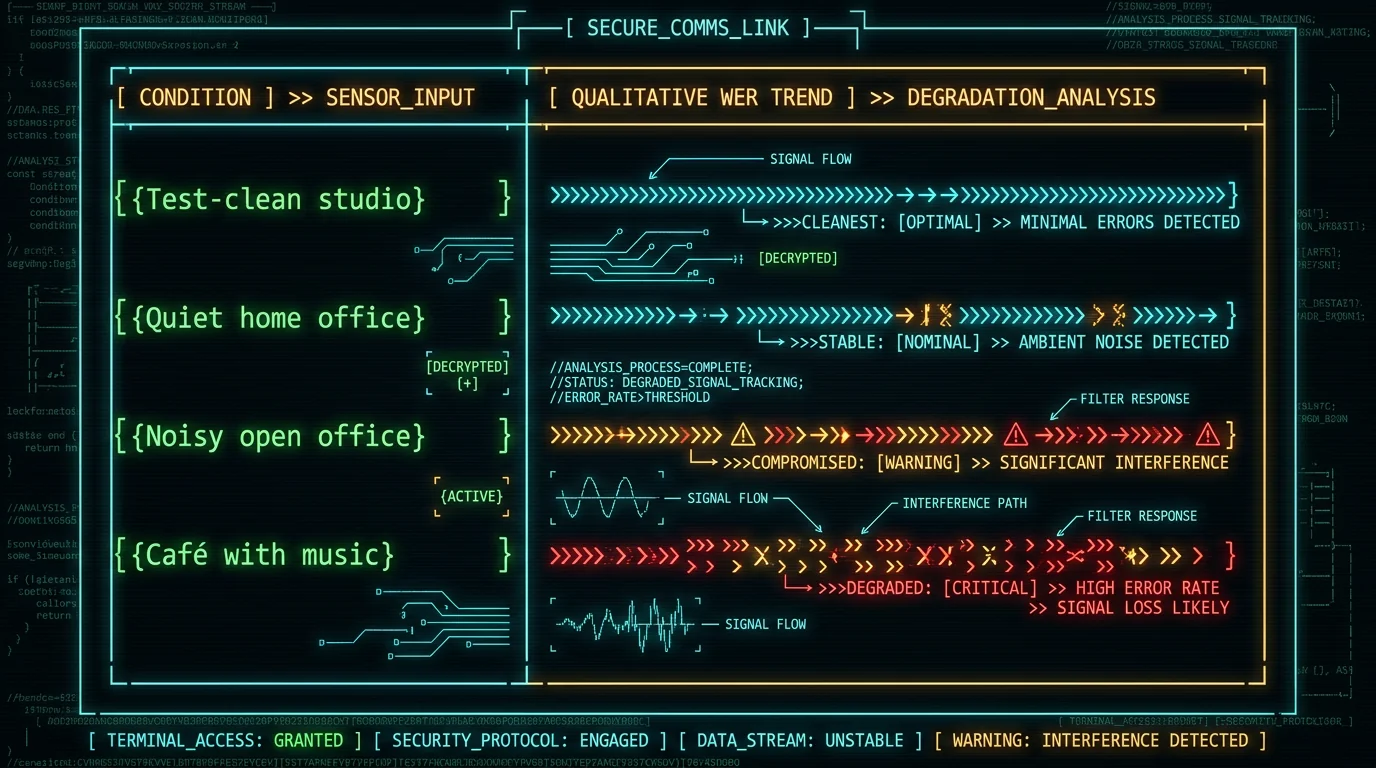
What Whisper's Paper Says About Noise Robustness
The Whisper paper ("Robust Speech Recognition via Large-Scale Weak Supervision") is upfront about what the model can and can't handle. The training data — sourced from the internet — already contained a lot of imperfect audio. The model learned to generalize across accents, acoustic environments, and recording quality. From the paper: Whisper transfers well to diverse domains "without requiring any finetuning." That includes noisier conditions. It also notes that Whisper's zero-shot performance on specialized domains (including medical and legal) is notably weaker — those are specialized vocabularies, not just noise issues. What Whisper does not claim: that it replaces a studio mic in a treated room. The model was designed to work on real-world audio, but very low signal quality or severe background speech will still cause hallucinations (fabricated words) and accuracy drops. There's no magic here — just a model that's more tolerant than most.Pro tip: If you're getting frequent hallucinated words in noisy conditions, it's often a WER symptom, not a bug. The model is filling gaps with likely words. Improving the input signal quality is usually more effective than tweaking settings.
Which Microphones Reduce Background Noise Best for Whisper Mac Apps?
Mic choice is the single highest-leverage change most people can make. Here's how the main categories stack up for Mac dictation: **Headset microphones** (over-ear, close-talking) — best noise rejection by design. The mic sits inches from your mouth; background noise is much farther. Sony WH-1000XM5, AirPods Pro, or a dedicated gaming headset all work. For voice transcription, a headset is often overkill for the mic quality but excellent for noise isolation. **Directional (cardioid) USB mics** — good for a quiet-ish room where you want some ambient presence. The Blue Yeti in cardioid mode, the Audio-Technica AT2020USB+, or the Rode NT-USB Mini reject sounds from the sides and rear. They don't eliminate room reverb though. **Built-in MacBook mics** — serviceable in a quiet room, poor in anything else. Apple uses beam-forming with the array mics, which helps somewhat, but they pick up keyboard typing, HVAC, and room reflections easily. For Whisper-based apps like MetaWhisp, I recommend a headset as the default upgrade if you're dictating anywhere but a dedicated quiet space. The improvement in accuracy is immediate and consistent.Can You Use macOS Built-in Noise Cancellation with Whisper?
Yes — and macOS has more built-in audio processing than most users realize. Here's what Apple offers, and how it interacts with Whisper. **Speech Recognition framework (Apple's dictation):** When you enable Enhanced Dictation in System Settings → Keyboard → Dictation, macOS applies real-time noise suppression before sending audio to Apple's servers. This processing uses Apple's on-device models. Enhanced Dictation also enables offline recognition. Crucially: this preprocessing happens at the OS audio layer, so if an app uses the system audio input (not a raw audio stream), the noise cancellation gets applied automatically. **AudioUnit-based denoising:** macOS includes AudioUnit effects for denoising (some of which wrap RNNoise or similar learned denoisers). Some apps expose this; many don't. Apps like MetaWhisp that capture audio directly from the input device may bypass the system's AudioUnit chain — so check whether your Whisper app is reading raw input or post-processed system audio. **Core Audio tap:** Developers can insert an AUv3 audio unit with denoise into the signal chain, but this requires the app to explicitly route through the AudioUnit host. Not all Whisper apps do this. The practical question: if you're using macOS Enhanced Dictation (which applies noise reduction), your audio is being preprocessed before it hits any speech-to-text engine. For apps that read raw input, that preprocessing is skipped. MetaWhisp reads audio directly from the microphone input and passes it to Whisper on the Neural Engine without additional preprocessing — the rationale being that Whisper handles "in the wild" audio better unprocessed.Does Aggressive Noise Preprocessing Help or Hurt Whisper Transcription?
This is where most advice goes wrong. People assume more cleanup = better accuracy. With Whisper, that's often backwards. Whisper was trained on real-world audio — including audio that's already been compressed, noise-reduced, and distorted. The model has learned to work with imperfect signals. Aggressive preprocessing can introduce artifacts: spectral subtraction creates "musical noise" (tonal artifacts), heavy compression can remove subtle phonetic cues, and aggressive high-pass filtering can strip legitimate low-frequency sounds that help with certain consonants. Per the Whisper documentation: the recommended approach is to feed Whisper the highest-quality input available, with minimal processing. Let the model do its job.Room Treatment: Simple Fixes That Actually Help Whisper Accuracy
You don't need acoustic foam and bass traps. Here are the moves that move the needle for Mac dictation in a home office or regular room: **Soft furnishings absorb reverb.** A rug under your desk, curtains behind your mic, a bookshelf against a bare wall — all reduce reflections that blur Whisper's timing cues. Reverb (late reflections) is often more damaging than steady-state background noise, because it creates phantom echoes that confuse the spectrogram analysis. **Desk placement matters.** Don't put your mic on a hard desk surface directly in front of your keyboard. The vibrations and key-click reflections go straight into the mic. A foam pad, a mic arm with shock mount, or moving the mic to the side all help. **Close windows and doors.** External noise is the obvious enemy. HVAC is the sneaky one — if you can hear a constant low hum, your mic probably hears it too. A desk fan pointed away from the mic, or a room air purifier on low, can mask some steady-state noise by giving Whisper a more consistent (if slightly noisier) signal. **Directional mic aiming.** Point your cardioid mic at your mouth; its null (least sensitive) angle should face the main noise source (window, door, computer fan).How MetaWhisp Handles Audio on Mac (And Why Local Processing Matters)
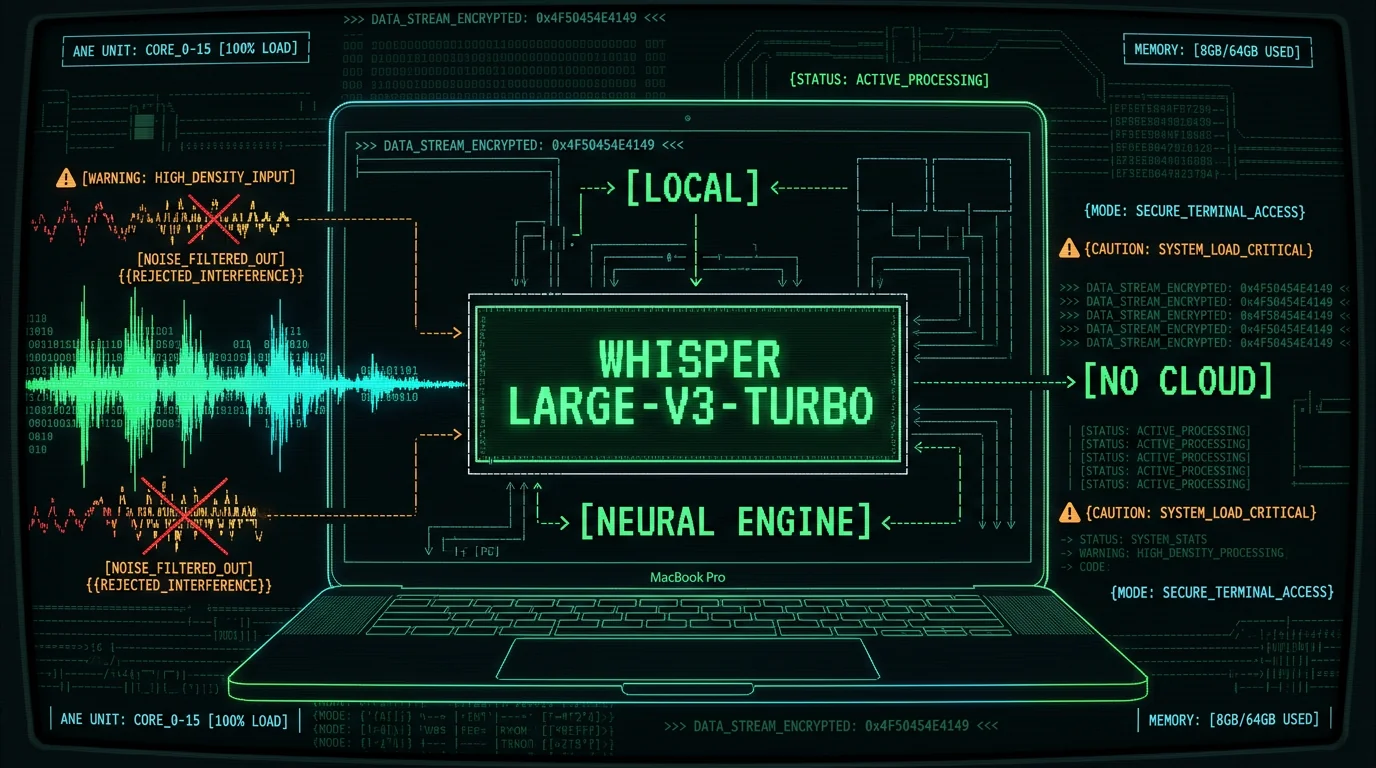
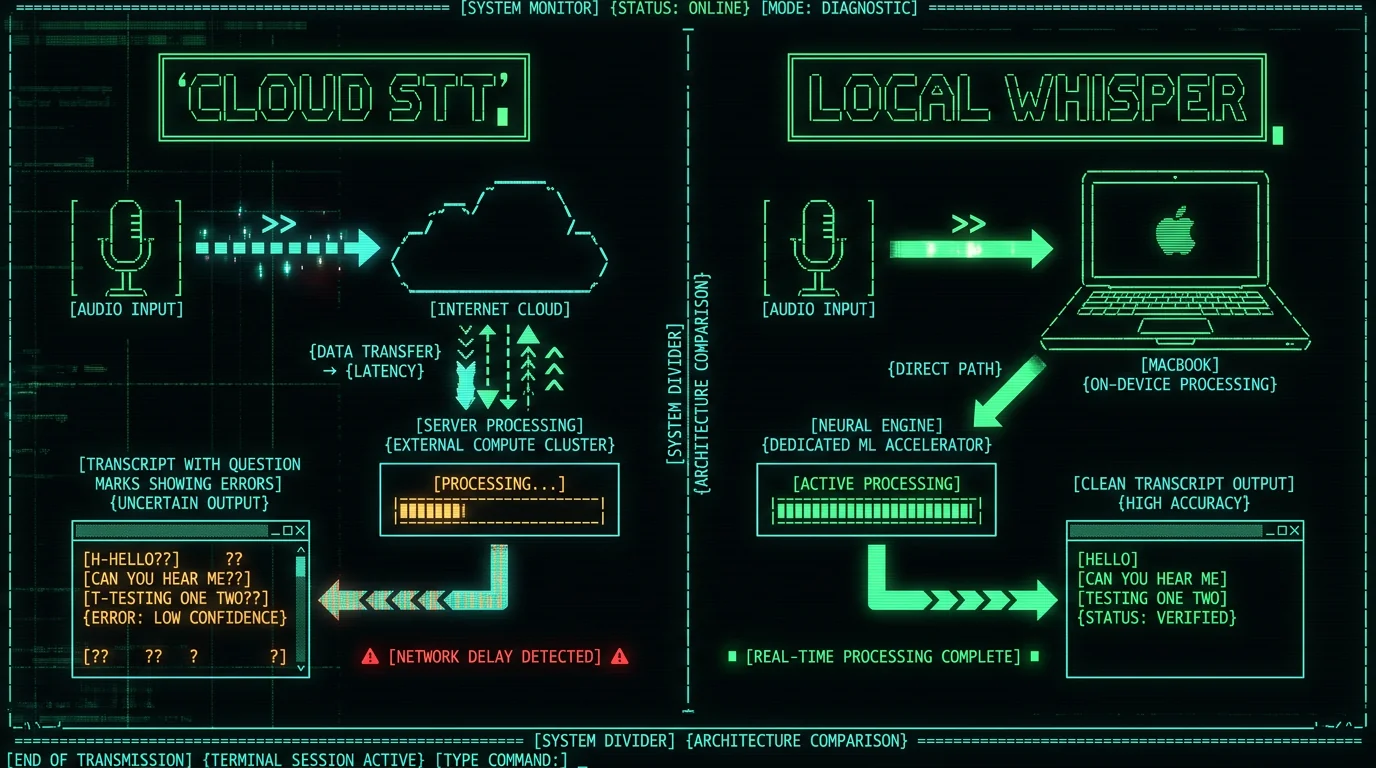
MetaWhisp runs Whisper large-v3-turbo on the Apple Neural Engine — no audio leaves your Mac in local mode. This has two implications for noise: First, your audio quality is exactly what the mic captures. There's no server-side processing, no codec compression, no streaming artifact. Whisper sees what your mic sends it. This is generally a win for accuracy, because you control the signal chain end-to-end. Second, because the model is running locally, there's no latency from streaming to a server and back. Whisper processes in chunks; on Apple Silicon, large-v3-turbo runs fast enough for real-time or near-real-time transcription. Offline voice to text on MacBook with Whisper is practical on M1 and later chips. The Structured / Correct / Rewrite AI post-processing modes in MetaWhisp can sometimes catch errors from noisy input — if Whisper transcribed "definitely" as "defiantly," the rewrite pass may catch it. But that's a band-aid on a signal problem: better input always beats smarter post-processing.Should You Use RNNoise or WebRTC Denoising with Whisper on Mac?
RNNoise is a recurrent neural network-based denoiser that separates speech from noise using a learned noise model. It's been around since 2017 and is the backbone of many real-time audio processing pipelines, including parts of macOS's own noise reduction. For Whisper specifically: RNNoise can help when you have steady-state noise (HVAC hum, fan noise, white noise) that the model might partially transcribe. RNNoise attenuates these frequencies before the audio reaches Whisper. The tradeoff: RNNoise introduces its own processing artifacts, and for real-time use it adds latency. If your goal is offline transcription of a recording (not live dictation), you could denoise the audio file beforehand in an audio editor with RNNoise-based processing (e.g., Audacity with the RNNoise plugin, or Adobe Audition's noise reduction). For live dictation in MetaWhisp, I'd start with no preprocessing and only add it if you're running into consistent WER problems in a noisy environment.External Links and Resources
- Whisper GitHub repository — model details, recommended usage, limitations
- WhisperKit (Apple Silicon optimized) — how the on-device model runs on the Neural Engine
- RNNoise: Learning-based noise suppression — the original research and implementation
- Apple's Mac Dictation support documentation — Enhanced Dictation settings and system-level noise processing
Common Questions About Whisper Transcription and Noise on Mac
Does Whisper work well with background noise?
Better than most speech recognition systems, yes. Whisper was trained on 680,000 hours of diverse real-world audio, which gave it tolerance for moderate background noise. Very loud noise, overlapping speech, or significant reverb will still degrade accuracy. For the best results, a relatively quiet room with a close-talking mic gives Whisper the cleanest signal to work with.
Should I use macOS noise cancellation with Whisper?
It depends on how the app captures audio. If it uses the system audio input chain, macOS Enhanced Dictation processing applies automatically. If it reads raw microphone input directly, system noise cancellation is bypassed. MetaWhisp captures raw input and passes it directly to Whisper on the Neural Engine. Light preprocessing (high-pass filter to remove sub-80Hz rumble) is fine; aggressive denoising can introduce artifacts that hurt Whisper's accuracy.
What microphone is best for Whisper voice transcription on Mac?
For noisy environments: a headset mic (AirPods Pro, Sony WH-1000XM5, or any dedicated USB headset) gives the best noise rejection through proximity and physical isolation. For a quiet home office: a cardioid USB condenser mic like the Rode NT-USB Mini or Blue Yeti works well. Built-in MacBook mics are usable in a quiet room but pick up keyboard and HVAC noise easily.
Does preprocessing audio before Whisper improve transcription accuracy?
Usually not — and sometimes it hurts. Whisper was designed to handle imperfect real-world audio. Aggressive noise reduction (heavy RNNoise, WebRTC denoise, strong compression) can introduce artifacts that confuse the model. A light high-pass filter to remove low-frequency rumble is safe. If you have steady-state background noise, denoising moderate peaks may help; but test both with and without preprocessing to see if it actually improves your transcript quality.
Can I use MetaWhisp in a noisy coffee shop?
Yes — with caveats. Whisper large-v3-turbo on the Neural Engine will produce better results than Apple Dictation in a noisy café. But a loud overlapping conversation, music playing, or someone talking directly over your voice will still cause errors. A pair of noise-isolating earbuds with a mic (or over-ear ANC headphones) dramatically improves the signal. MetaWhisp's local mode means audio never leaves your Mac, so you have privacy in public spaces.
Is RNNoise better than macOS built-in noise cancellation for Whisper?
RNNoise and macOS's denoising serve similar purposes — suppressing steady-state noise. macOS's built-in processing is convenient and runs at the OS level. RNNoise offers more control if you're preprocessing audio files before transcription. For live dictation, macOS's default processing is usually sufficient. If you're editing audio before transcription, RNNoise-based plugins in Audacity or similar can be effective. The best approach depends on your specific noise profile and whether you need real-time or offline processing.
How does room reverb affect Whisper accuracy?
Reverb (late reflections from hard surfaces) is often more damaging than steady background noise for Whisper. It smears the temporal and spectral features of speech, making it harder for the model to isolate phonemes. Adding soft furnishings — a rug, curtains, bookshelf — reduces reflections significantly. A close-talking mic (headset or desktop mic close to your mouth) also minimizes the room's effect on the recorded signal.
What's the difference between cloud Whisper and local Whisper on Mac for noise handling?
Functionally, Whisper large-v3-turbo produces the same accuracy regardless of where it runs — the model weights and architecture are identical. The difference is in the audio signal chain: local processing means no streaming compression or server-side transcoding that could affect quality. With MetaWhisp running Whisper on the Neural Engine, you get the same model quality with full audio privacy and no latency from data transmission.
Putting It Together: Your Whisper Noise Reduction Checklist for Mac
Here's what to do, in order of impact:- Get a headset mic — the biggest single improvement for most people in non-ideal environments. AirPods Pro work well if you already have them.
- Position your mic close and aimed correctly — proximity beats everything else. Cardioid mics should point at your mouth, null toward noise.
- Add soft furnishings — rug, curtains, bookshelf against bare walls. Even one or two changes cuts reverb noticeably.
- Skip aggressive preprocessing — feed Whisper cleaner raw audio rather than heavily processed audio.
- Use macOS Enhanced Dictation for system-wide light noise cleanup if your app uses the system audio input chain.
- Try MetaWhisp — Whisper large-v3-turbo on the Neural Engine with no audio sent to the cloud. Free download, no account needed.
Bottom line: Whisper is more noise-robust than Apple Dictation and the other engines in my 7-app test, but it still benefits from a decent signal. The good news: you don't need a sound booth. A headset, a quiet corner, and a few soft furnishings get you most of the way there. And with local processing on Apple Silicon, your audio stays on your Mac — no privacy tradeoffs, no cloud latency, no server-side processing artifacts.
Try MetaWhisp free — download for macOS 14+ on Apple Silicon. No account, no audio uploaded in local mode.
---About the Author
Andrew Dyuzhov is the solo founder of MetaWhisp, a free on-device voice-to-text app for macOS that runs Whisper large-v3-turbo on the Apple Neural Engine. He dictates daily in Russian and English and built MetaWhisp to solve his own ADHD writing paralysis. He is not an ML researcher, lawyer, or doctor — just a marketer/builder who uses voice-first workflows and AI coding tools to ship things.
