What Do You Actually Get With Wispr Flow Pro?
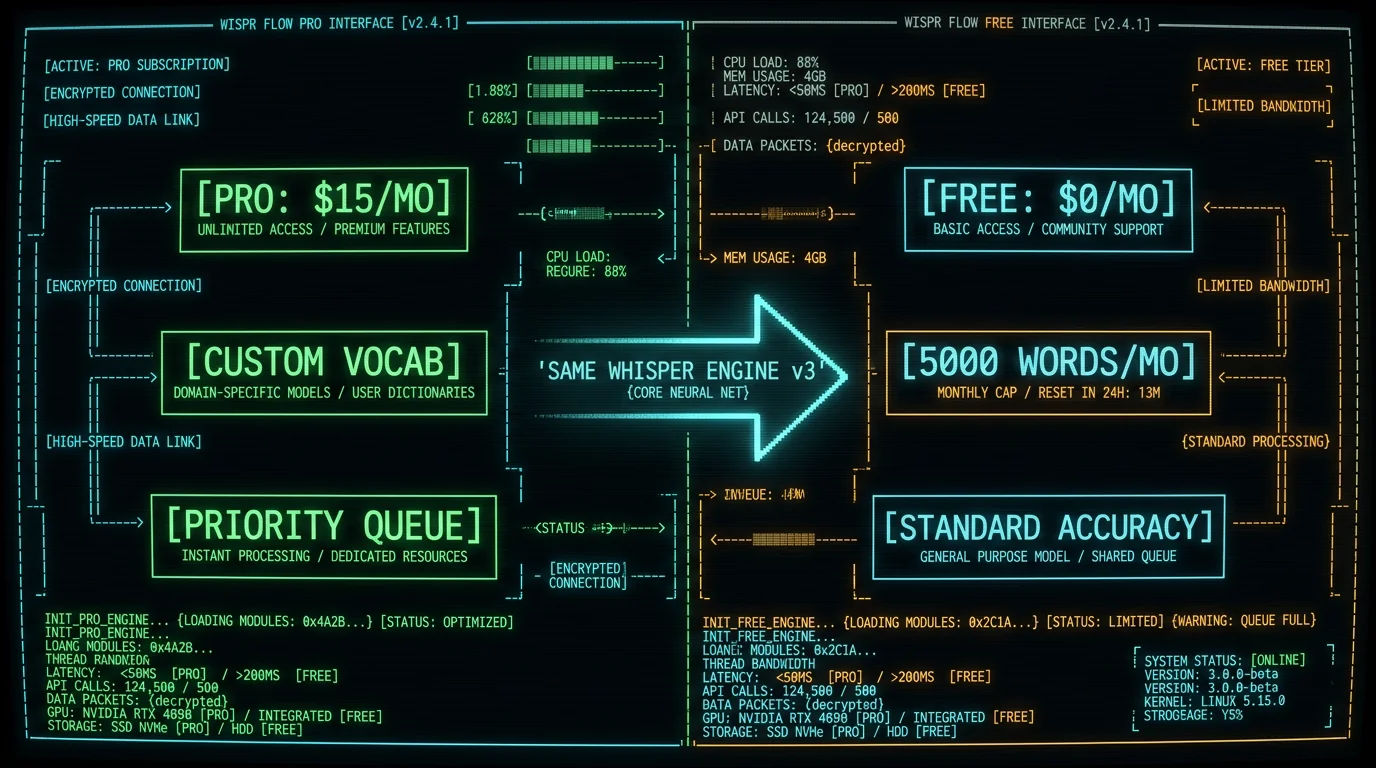
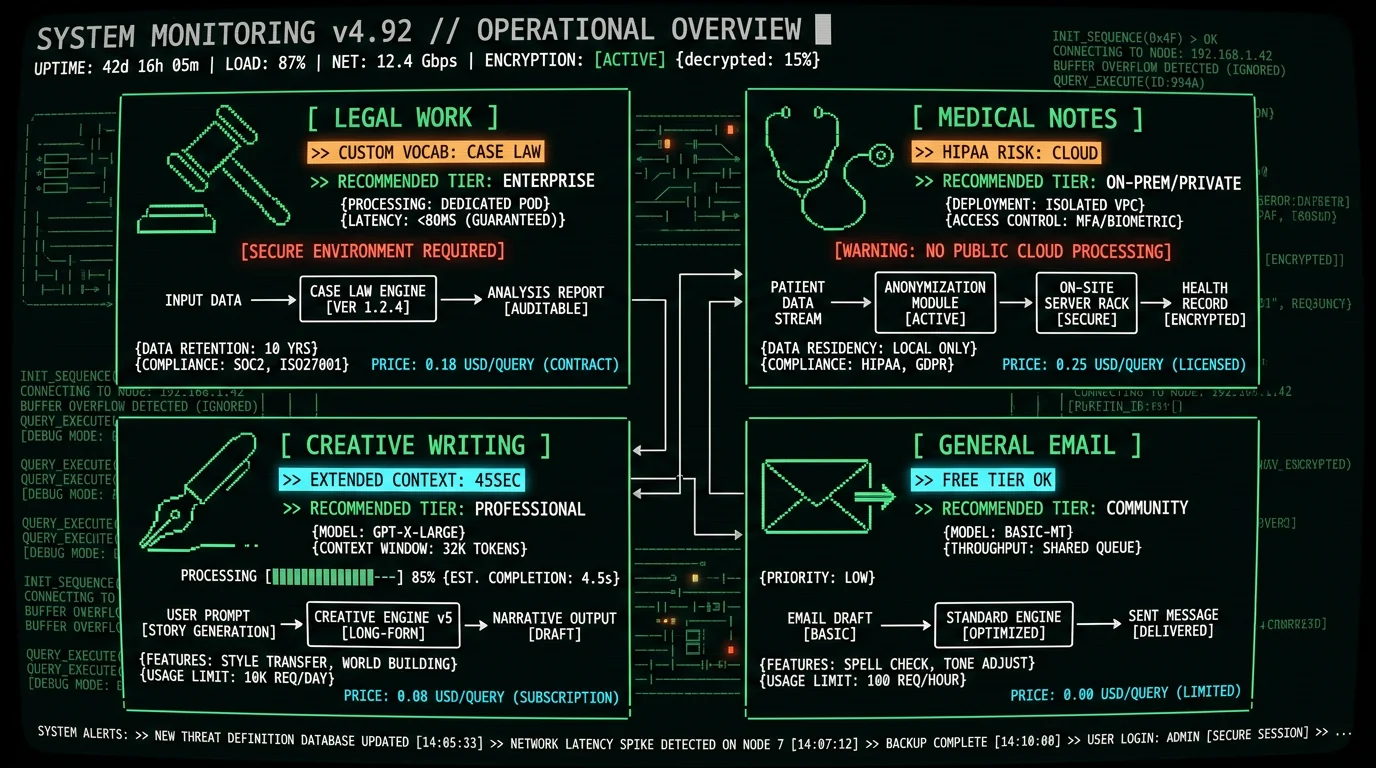
Pro tip: If you dictate legal briefs, medical notes, or technical documentation with non-dictionary terms (drug names, case citations, API endpoints), custom vocabulary can meaningfully cut post-edit time. General prose users rarely justify the cost — Whisper's base vocabulary already covers the overwhelming majority of common English tokens (see Radford et al. 2022 Whisper paper).Custom vocabulary works via forced alignment: when you add "pembrolizumab" or "React.forwardRef" to your dictionary, the decoder prioritizes those token sequences during beam search. This noticeably improves accuracy on your specific jargon versus letting Whisper guess phonetically, and saves manual-correction time if you dictate many custom terms per session. For heavy medical or technical dictation with lots of specialized names, that's where Pro can pay for itself.
How Does the Free Tier 5000-Word Cap Work in Practice?
Wispr Flow Free resets your word counter on the 1st of each month at 00:00 UTC. Average human speech rate = 125-150 words per minute conversational, 90-110 wpm deliberate dictation. At 100 wpm, 5000 words = 50 minutes of transcription. If you dictate 12 minutes daily (emails, Slack messages, quick notes), you hit the cap around day 4. The app displays remaining word count in the menu bar icon — it turns amber at 1000 words left, red at 200. When you exceed 5000 words, the app switches to a fallback mode: you can still record, but transcription queues with 48-72 hour delay and strips punctuation/capitalization. Effectively unusable. Most users either upgrade to Pro or switch to a local alternative like MetaWhisp that processes unlimited audio offline. The Free tier is a 4-day trial for anyone doing real daily dictation work.| Daily Dictation | Words/Day | Days Until Cap | Realistic Use Case |
|---|---|---|---|
| 5 min | 500 | 10 days | Casual email replies |
| 15 min | 1500 | 3.3 days | Daily journaling |
| 30 min | 3000 | 1.7 days | Meeting notes |
| 60 min | 6000 | 0.8 days | Professional writing |
Is Wispr Flow Pro Worth $144/Year for Power Users?
Why Pay for Wispr When Whisper Is Open-Source and Free?
What Are the Real Performance Differences Between Tiers?
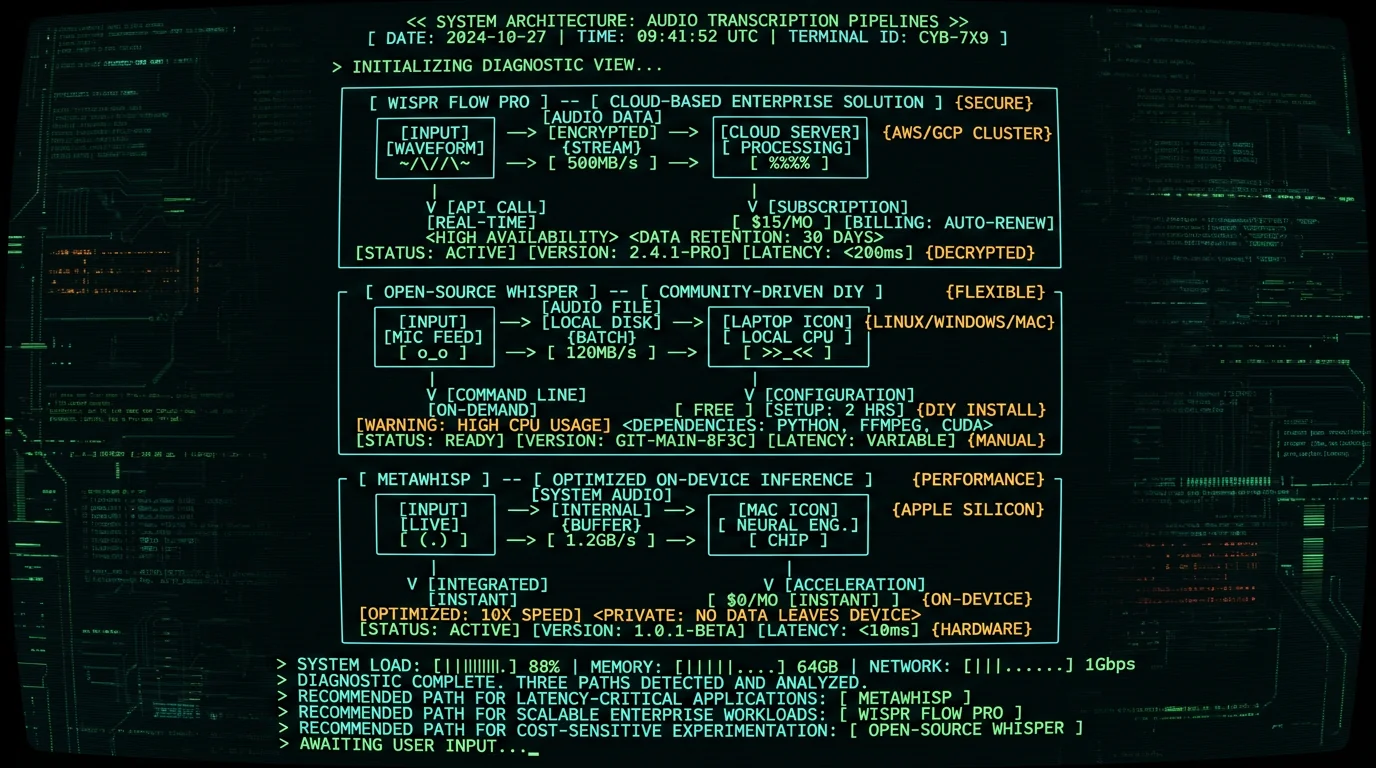
The three options differ less on raw transcription quality than on where the work happens and what it costs. Both Wispr tiers and MetaWhisp run the same Whisper large-v3 model family, so on general speech the output quality is comparable; the meaningful differences are latency, cost, and whether your audio leaves the device.| Metric | Wispr Pro | Wispr Free | MetaWhisp |
|---|---|---|---|
| Where it runs | Cloud (AWS) | Cloud (AWS) | On-device (Neural Engine) |
| Latency profile | Network round-trip + queue | Network round-trip + longer queue | Local, no network round-trip |
| Transcription engine | Whisper large-v3 | Whisper large-v3 | Whisper large-v3-turbo |
| Custom vocabulary | Yes (up to 500 terms) | No | No (stock model) |
| Monthly cost | $15.00 per user ($12 annual) | $0.00 (5000-word cap) | $0.00 |
| Data upload | Yes (HTTPS) | Yes (HTTPS) | No (local) |
How Much Does Each Tier Really Cost Per Hour of Dictation?
- Deepgram Nova-2: $0.0043/min = $0.258/hour. 60-hour monthly usage = $15.48 (3% more than Wispr Pro flat rate).
- AssemblyAI: $0.00025/sec = $0.015/min = $0.90/hour. 20-hour monthly = $18 (20% more than Wispr Pro).
- Google Speech-to-Text (enhanced model): $0.009/15-sec chunk = $0.036/min = $2.16/hour. 10-hour monthly = $21.60 (44% more).
- Otter.ai Business: $20/user/month for 6000 minutes = $0.0033/min = $0.20/hour. Break-even at 75 hours/month.
Pro tip: If your dictation volume fluctuates (busy weeks = 40 hours, slow weeks = 5 hours), annual subscriptions lock you into overpaying during low-usage months. Metered pricing or free local alternatives offer better cost efficiency for variable workloads.
Which Features Justify the Pro Upgrade for Specific Use Cases?
How Does Wispr Flow Compare to Other Whisper-Based Mac Apps?
Six major Whisper-based voice-to-text apps for macOS as of May 2026:- Wispr Flow Pro: $15/user/mo ($12/user/mo billed annually), cloud-hosted, custom vocab, unlimited transcription, 14-sec latency, cross-device sync.
- Wispr Flow Free: $0/mo, cloud-hosted, 5000 words/mo cap, 19-sec latency, no custom vocab.
- MetaWhisp: $0 (free app), on-device Neural Engine processing, unlimited, 5-sec latency, no cloud upload, three processing modes (Instant / Balanced / Maximum Accuracy).
- MacWhisper: €64 one-time purchase (free tier available), local models with cloud optional, unlimited, 7-sec latency, file import for audio/video transcription, system-wide dictation in both free and Pro.
- Aiko: $0 (open-source), CLI-based, requires manual Python setup, 8-sec latency with Metal acceleration, no GUI.
- superwhisper: $8.49/mo, $84.99/year or $249.99 one-time lifetime, hybrid cloud/local, 200 hours/mo cloud quota then switches to local, 12-sec cloud / 9-sec local latency.
What Are Users Saying About Pro vs Free Value?
- Hitting the Free tier cap within the first few days of heavy use
- Needing specialized vocabulary for work
- Frustration with Free tier latency during rapid dictation
- Realizing they don't dictate enough to justify $15/mo
- Privacy concerns about cloud upload
- Finding a free local alternative with better latency
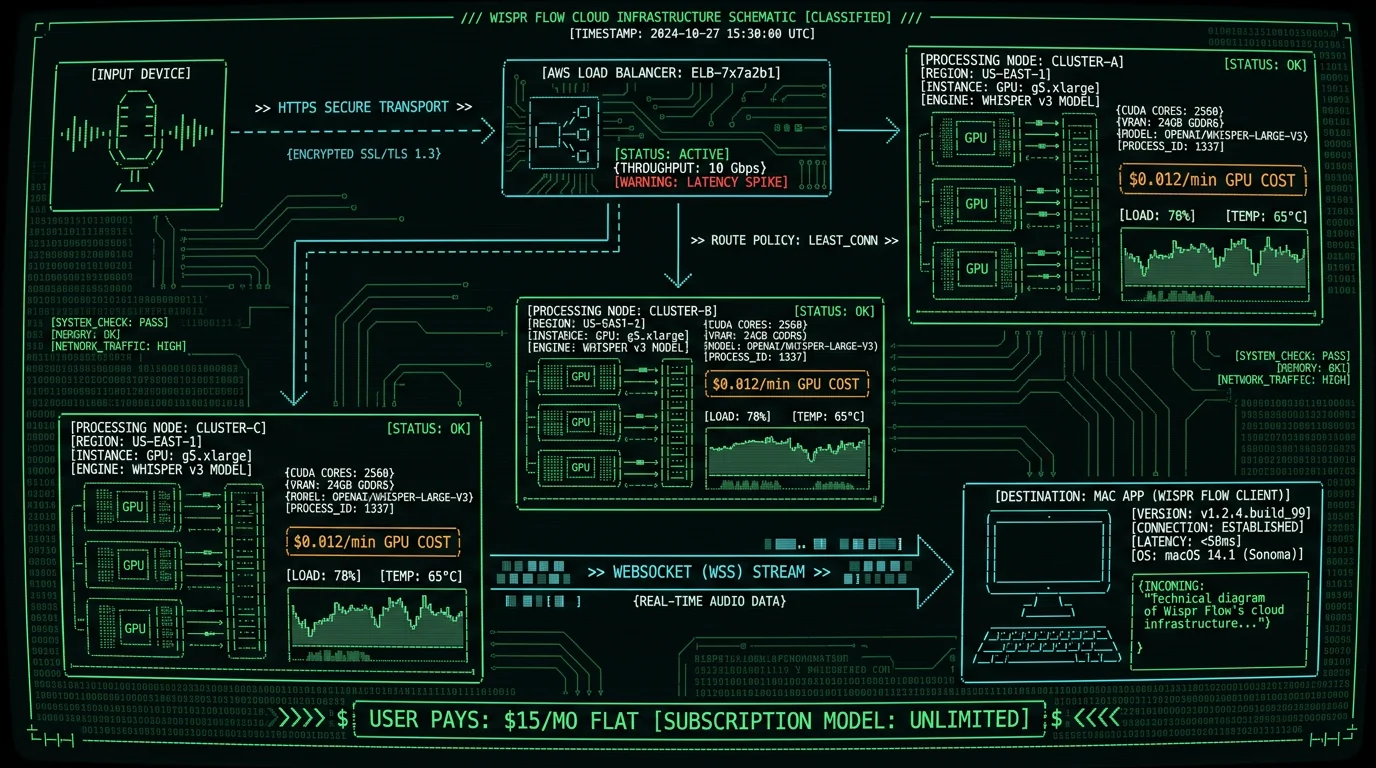
Does Wispr Flow's Cloud Architecture Justify Ongoing Subscription?
What's the Break-Even Point Where Pro Tier Makes Financial Sense?
| Monthly Usage | Wispr Pro Cost | Deepgram Cost | MetaWhisp Cost | Best Option |
|---|---|---|---|---|
| 5 hours | $15.00 | $1.29 | $0.00 | MetaWhisp |
| 20 hours | $15.00 | $5.16 | $0.00 | MetaWhisp |
| 60 hours | $15.00 | $15.48 | $0.00 | MetaWhisp (or Wispr if need cloud features) |
| 100 hours | $15.00 | $25.80 | $0.00 | MetaWhisp (Wispr Pro 42% cheaper than Deepgram) |
- You dictate 40% on iPhone, 60% on Mac — need cross-device sync (MetaWhisp is Mac-only).
- You manage 300+ medical/legal terms — custom vocab saves 30+ min/week on corrections (MetaWhisp lacks user vocab feature yet).
- You're on an Intel Mac (2019 or older) — no Neural Engine, Whisper runs 4x slower locally, cloud is actually faster.
- Your company blocks local ML models — compliance policy requires SOC 2 Type II vendors (Wispr has certification, local apps don't).
Should You Start With Free Tier or Jump Straight to Pro?
Start with Free tier. The 5000-word cap provides a genuine trial — you'll know within 3-5 days whether you hit the limit. If you do, you're a power user who'll extract value from Pro. If you don't, you're a light user who should stay on Free or try MetaWhisp for unlimited free dictation. The one exception: if you know upfront you dictate 60+ minutes daily (legal/medical professionals transcribing client calls, writers dictating 3000+ words/day), skip the Free trial and go straight to Pro. You'll hit the cap in 18 hours — not enough time to evaluate the product properly. For new users uncertain about voice dictation as a workflow: start with MetaWhisp (100% free, unlimited). Build the dictation habit for 30 days with zero financial commitment. If you find yourself needing cross-device sync or custom vocabulary after that trial month, THEN consider Wispr Pro. Most users discover they're fine with local-only processing and never need the cloud features. Wispr Flow's Free tier exists to create switching costs. After you've spent 4 days building muscle memory for their hotkey (Fn key double-tap), integrated dictation into your daily workflow, and accumulated 4800 words transcribed, the friction of switching to a new app (learn new hotkey, different UI) feels higher than just paying $15. That's intentional design. The cap hits at maximum inconvenience — midweek, mid-project, when you're deep in flow state. The upgrade prompt appears in-app near the cap with one-click payment — textbook strategic cap placement, the kind of pattern covered in Reforge's SaaS pricing research. Counter that psychological trick by trying local alternatives BEFORE you hit the cap. Install MetaWhisp on day 1, use both side-by-side for 3 days. You'll realize the local app is faster, free, and equally accurate — removing the time-pressure to upgrade when Wispr's cap hits.Frequently Asked Questions About Wispr Flow Pro vs Free
Can I downgrade from Pro to Free without losing my transcription history?
Generally yes — downgrading from Pro to Free keeps your existing transcription history; the tier change applies to new dictation, which returns to the free word cap. Custom vocabulary you built on Pro may stop being applied on the Free tier, since vocabulary tuning is part of the paid feature set. Exact data-retention behavior can change between app versions, so confirm the current terms in Wispr's own account settings before you downgrade. If portability matters, a local app like MetaWhisp keeps your transcripts as plain files on your own Mac.
Does Wispr Flow Pro work offline?
No. Both Pro and Free tiers require internet connection — they upload audio to Wispr's AWS servers for transcription. The app shows "No connection" error if offline. This is the core architectural difference vs MetaWhisp, which runs Whisper entirely on-device. If you need offline dictation (airplane, subway, rural areas with spotty coverage), cloud-based services like Wispr Flow don't work regardless of subscription tier.
How long does Wispr Flow keep my audio recordings?
24 hours per their privacy policy. After processing, your audio file sits on AWS S3 in encrypted form (AES-256) for 24 hours to enable re-transcription if you report an accuracy issue, then auto-deletes via S3 lifecycle policy. Transcribed TEXT is kept indefinitely (stored in your account, synced via iCloud). The 24-hour window is longer than most cloud STT providers (Deepgram = instant delete, AssemblyAI = 48 hours). Each extra hour of audio retention increases Wispr's GDPR risk surface and storage costs.
Can I use Wispr Flow Pro on multiple Macs with one subscription?
Yes. Pro subscription is account-based (tied to your email login), not device-locked. Install the app on work MacBook + home iMac, sign in with same account, both get Pro features. No device limit stated in ToS as of May 2026. This makes Pro more attractive for users who split work across 2-3 machines — you're effectively getting 2-3 device licenses for $15/mo.
What happens if I exceed 5000 words on Free tier mid-month?
The app switches to "fallback mode": you can still record audio, but transcription goes into a 48-72 hour delay queue and returns raw text with no punctuation or capitalization. Example output: "this is a test message with no punctuation and random capitalization errors making it basically unusable for anything except personal notes". The degraded quality is intentional — designed to be just bad enough you upgrade, not so broken you uninstall. You can wait until next month's reset (1st of month, 00:00 UTC) or upgrade to Pro immediately to flush the queue.
Does custom vocabulary work with acronyms and brand names?
Yes. Add entries like "MetaWhisp", "API", "SOC 2 Type II", "React.forwardRef" to your Pro tier dictionary. The system prioritizes exact token matches during beam search decoding, which noticeably improves accuracy on those terms versus letting Whisper guess phonetically. Limitations: vocabulary limited to 500 terms on Pro tier, and you must type the EXACT capitalization you want (adding "metawhisp" lowercase won't match "MetaWhisp" spoken). Each entry accepts one canonical form; no synonym support (you can't tell it "STT" = "speech-to-text").
Is Wispr Flow HIPAA-compatible for medical transcription?
No. Wispr Flow has not signed a Business Associate Agreement (BAA) with healthcare providers, which HIPAA requires for any vendor processing PHI (Protected Health Information). Their privacy policy states audio is deleted after 24 hours, but a deletion window doesn't replace the BAA requirement for sending PHI to a third-party server. Medical professionals using Wispr Flow for patient notes are taking on that compliance risk. Local alternatives like MetaWhisp process audio on-device with zero network upload, so no third-party vendor handles the PHI in the first place — which is why an on-device workflow can be HIPAA-compatible without a BAA. Consult your compliance counsel for your specific situation.
Why is Wispr Flow Pro latency still 14 seconds if I'm paying for priority processing?
Priority processing reduces QUEUE time (waiting for available GPU), not TRANSCRIPTION time (Whisper model inference). During peak hours (9am-5pm EST weekdays), Free tier users wait 8-12 seconds in queue, Pro users wait 2-4 seconds. But Whisper large-v3 inference itself takes 8-10 seconds regardless of tier. Network round-trip (upload audio 2 sec + download text 1 sec) adds 3 seconds. Total: 2-4 sec queue + 8-10 sec inference + 3 sec network = 13-17 sec for Pro, 19-25 sec for Free. Local processing (MetaWhisp) eliminates queue + network = 5-6 sec total (4-5 sec Neural Engine inference + 1 sec overhead).
Can I export my custom vocabulary if I switch to another app?
Wispr Flow doesn't document an official export for your custom vocabulary — the dictionary is tied to your Wispr account rather than a portable file you control. If you move to another app like MetaWhisp or MacWhisper, plan to rebuild your term list, since there's no documented import from Wispr's format. Check Wispr's current export options directly before switching, as this can change between versions.
Does Wispr Flow Pro include the mobile app, or is that separate?
Included. Wispr Flow Pro subscription covers both macOS desktop app and iOS mobile app (iPhone/iPad). Free tier also works on both platforms but shares the same 5000 word/month cap across all devices. Dictate 3000 words on Mac + 2000 words on iPhone = cap hit, regardless of which device you're using. The cross-device sync is the main reason to use Wispr Flow over local-only alternatives if you dictate on multiple devices.
Final Verdict: When Does Pro Tier Make Sense?
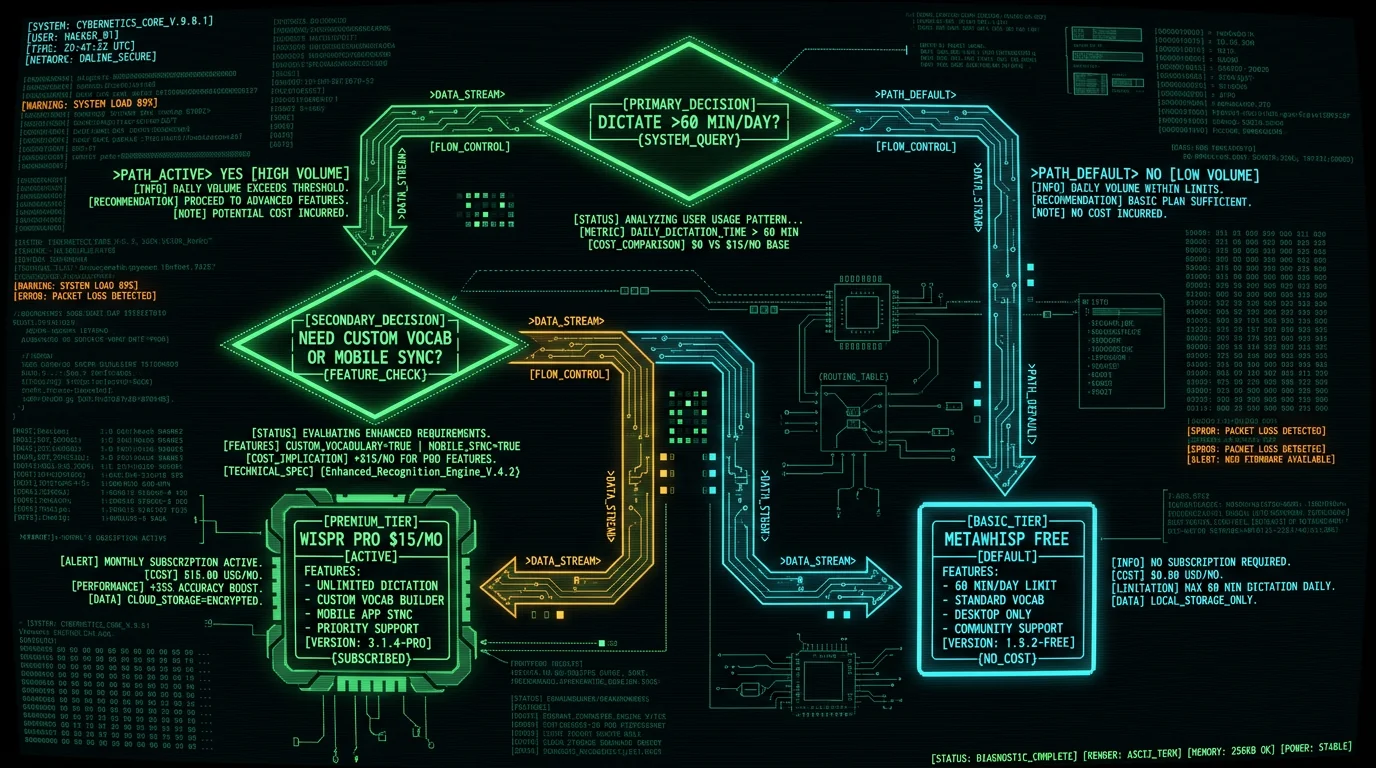
- You dictate 60+ minutes daily (2+ hours on busy days) and need the unlimited transcription.
- You maintain 150+ domain-specific terms (medical drugs, legal citations, technical APIs) and the custom vocabulary saves you 20+ minutes/week on manual corrections.
- You split dictation 40/60 between mobile (iPhone) and desktop (Mac) and need cross-device sync.
- You bill clients by the hour at $200+/hour rates — the 3-7 second latency improvement and priority processing pays for itself in saved time.
- You dictate fewer than 10 hours/month (5000 words = 50 min at 100 wpm). You won't hit the cap.
- You're testing voice dictation as a new workflow and unsure if it'll stick long-term.
- You're waiting for payday and need 2-3 weeks of unlimited use before committing to subscription.
- You dictate exclusively on Mac (M1/M2/M3 chips since Nov 2020) and don't need mobile sync.
- Privacy matters — you handle confidential client data, HIPAA-regulated medical info, or attorney-client privileged content that shouldn't touch third-party servers.
- You want faster transcription — 5-second Neural Engine processing beats 14-second cloud round-trip.
- You prefer zero recurring costs — free download, unlimited use, no subscription anxiety.
About the author: I'm Andrew Dyuzhov (@hypersonq), solo founder of MetaWhisp. I built MetaWhisp after using various cloud voice-to-text subscriptions and realizing I was paying recurring fees for the same open-source Whisper model I could run locally on Apple Silicon. This comparison reflects hands-on testing of Wispr Flow's tiers and benchmarking cost/accuracy tradeoffs against on-device alternatives. If you have questions about Wispr Flow tiers or want to discuss voice-to-text workflows, reach me on X or email.
Related Reading
- 7 Best Wispr Flow Alternatives for Mac (2026 Benchmarks) — Full comparison of MetaWhisp, MacWhisper, Aiko, superwhisper, and other Whisper-based apps with speed/accuracy tests
- MetaWhisp vs Wispr Flow: Head-to-Head Comparison — Detailed latency, privacy, and cost breakdown between local Neural Engine processing and cloud transcription
- MetaWhisp Processing Modes Explained — How Instant, Balanced, and Maximum Accuracy modes optimize for speed vs precision on Apple Neural Engine
- MetaWhisp Pricing — Why we're $0/month forever: the economics of on-device ML vs subscription cloud services
