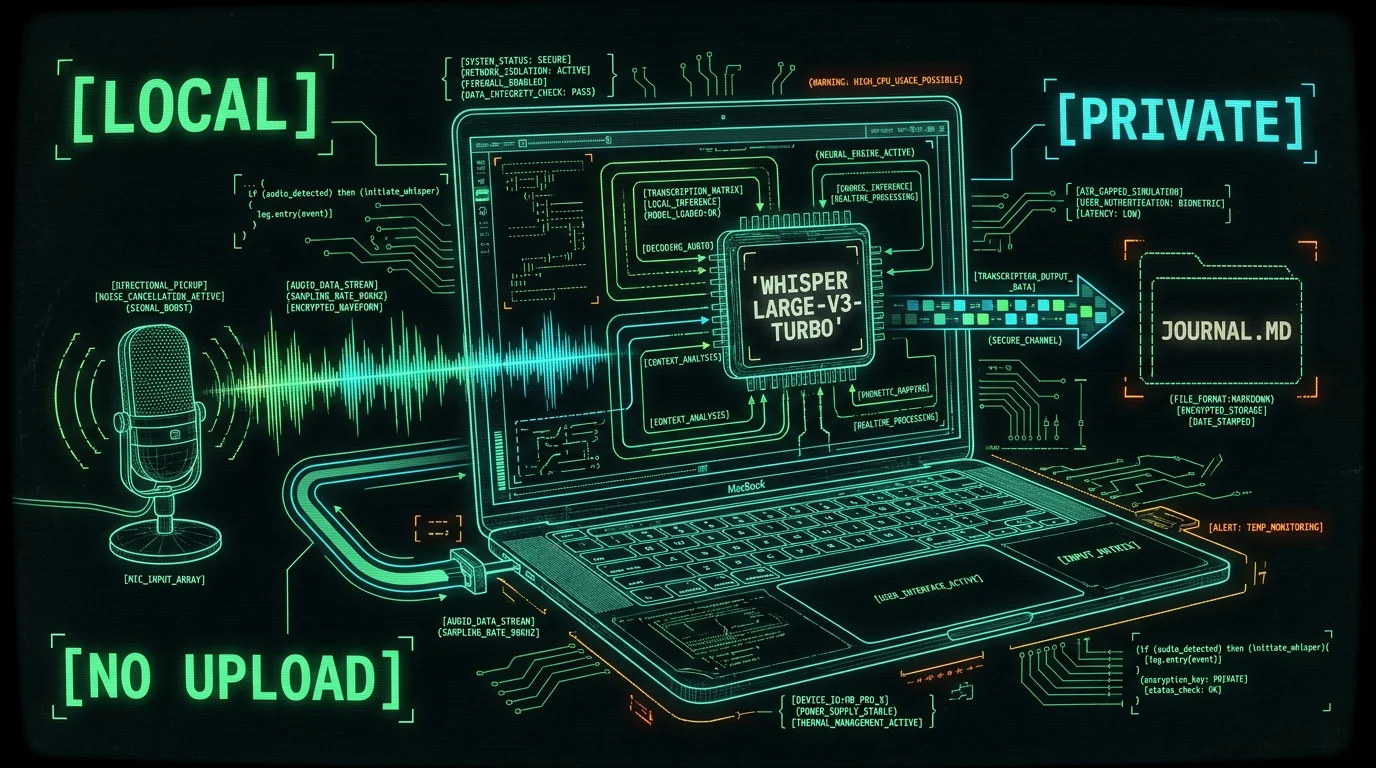
Why keep an audio journal on your Mac instead of a cloud app?
Cloud journaling apps have gotten very good at marketing. They promise mood analysis, semantic search across years of entries, weekly summaries, prompt libraries, AI companions. Some of them are excellent products. The thing they all share is that your entry — the raw audio, or the transcript, or both — sits on their server and travels through someone else's model. For a workout log or a food diary, that's fine. For an audio journal, it's a different calculation. The whole reason to speak instead of type is to capture the uncensored version. The hesitations and the asides are the journal. If the recording is leaving the Mac, the format of what you say changes whether you want it to or not. Keeping the audio on the Mac, with transcription done locally by an open-source model, is the cleanest answer. The audio file lives in your filesystem. The transcript lands wherever you point it. Nothing gets uploaded unless you explicitly choose to.What "private" actually means when the audio never leaves
The word "private" gets used loosely in app marketing. Three specific things are worth separating: 1. **Where the audio file lives.** On your Mac, or on a vendor's server. 2. **Where the transcript lives.** In a file you own, or in someone else's database. 3. **Whether anything is sent to a third-party AI for analysis.** Opt-in by you, or default-on by them. Most cloud journaling apps treat all three as one thing: it all goes to them. Some let you delete entries; some encrypt at rest; some promise "we don't train on your data." None of those promises survive the audio being on a server you don't control. The local alternative is boring in the best way: the audio file is a `.wav` or `.m4a` on your Mac, in whatever folder you put it. The transcript is a `.txt` or `.md` file next to it, or in your note app. There's no "delete from cloud" because there's no cloud. There's no "we don't train on your data" because there's no third party.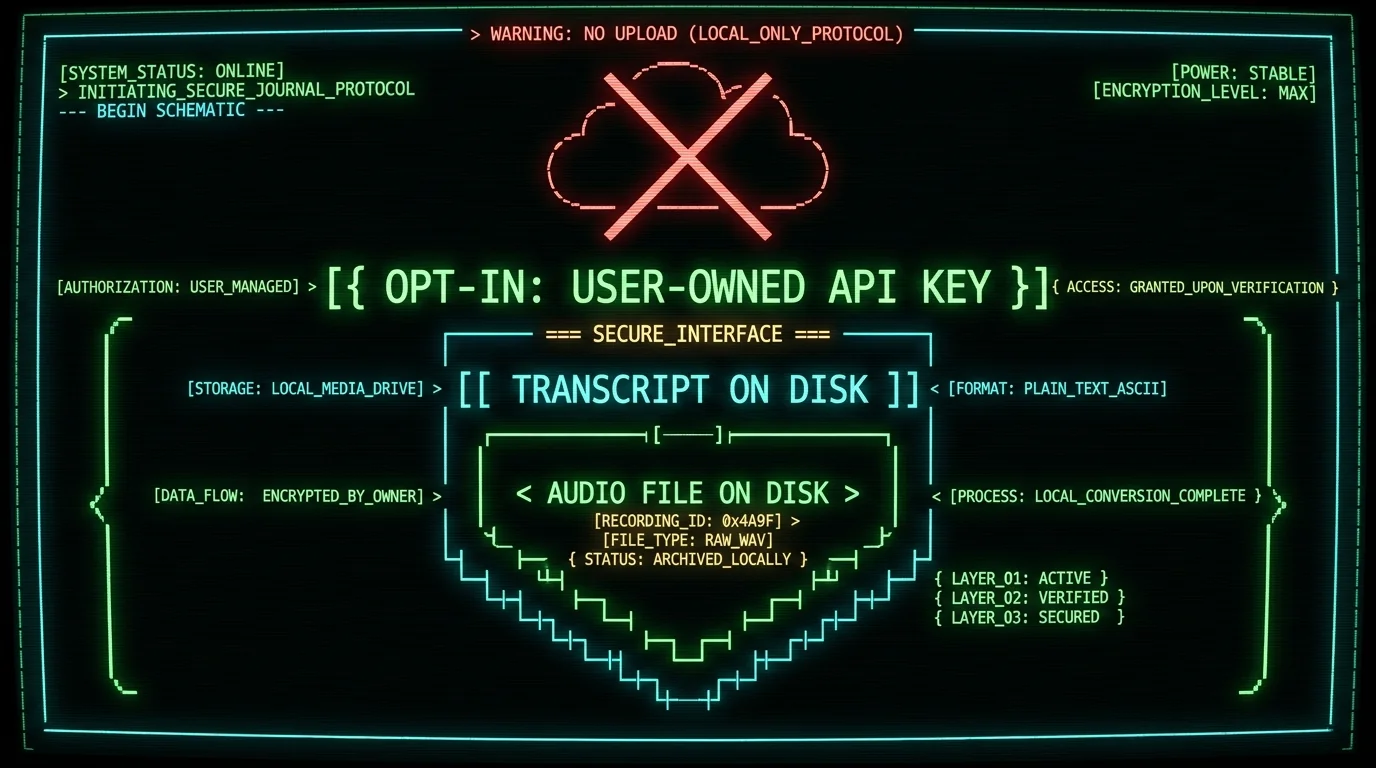
How does MetaWhisp fit a voice journaling workflow?
MetaWhisp is a free on-device voice-to-text app for macOS 14+ on Apple Silicon. Under the hood it runs [WhisperKit](https://github.com/argmaxinc/WhisperKit) — Argmax's port of OpenAI's [Whisper large-v3](https://github.com/openai/whisper) — on your Mac's GPU. The first time you launch it, the model downloads once (about 3 GB) and stays on your machine. See the full feature breakdown on the [on-device transcription page](/features/on-device-transcription/).What does the setup actually look like?
Honestly, the setup is shorter than the section you're reading. 1. Install MetaWhisp from the [download page](/download/). Free, no account. 2. Launch it. Grant microphone and accessibility permissions (needed for the global hotkey to auto-paste). 3. The model downloads once. After that it works offline. 4. Tap Right Command (⌘), say a sentence, tap it again. Your words appear in the focused app. That's it.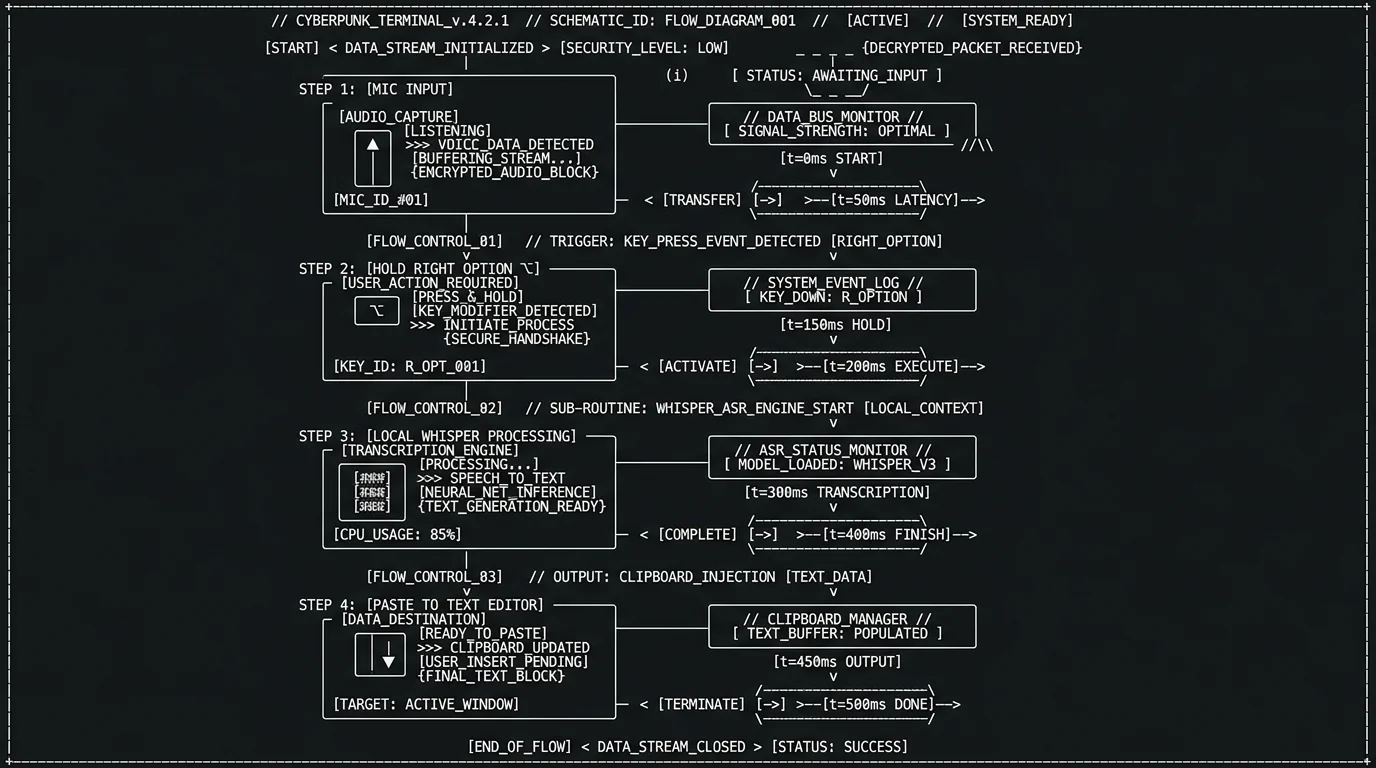
Pro tip: Start the day's entry with a one-line timestamp at the top: "2026-08-07, 7:42am." Whisper will transcribe it correctly when you dictate it, and it gives you a searchable index for free, without any "semantic search" feature. Grep is the original semantic search.
Where should the transcripts live?
This is the part of the workflow that makes local-first journaling actually stick. Because the output is just text, you can put it anywhere that handles files. A few patterns that work well: - A folder called `~/Documents/journal/` with one `.md` file per day. Trivial to back up, trivial to grep. - An [Obsidian](https://obsidian.md/) vault. The journal entries become notes; you can link them, tag them, build your own structure. - A [Bear](https://bear.app/) library. Works fine for people who like a native macOS writing app. - A single Day One journal. Day One accepts pasted entries, and the audio was never on its servers because you only pasted text. - A "Daily Notes" folder in iCloud Drive. Backs up automatically without any third party seeing the content. The common thread is that you own the file. If you cancel the journal app, stop using the AI, or switch computers, the entries still exist in your filesystem. This is the boring superpower of plain text.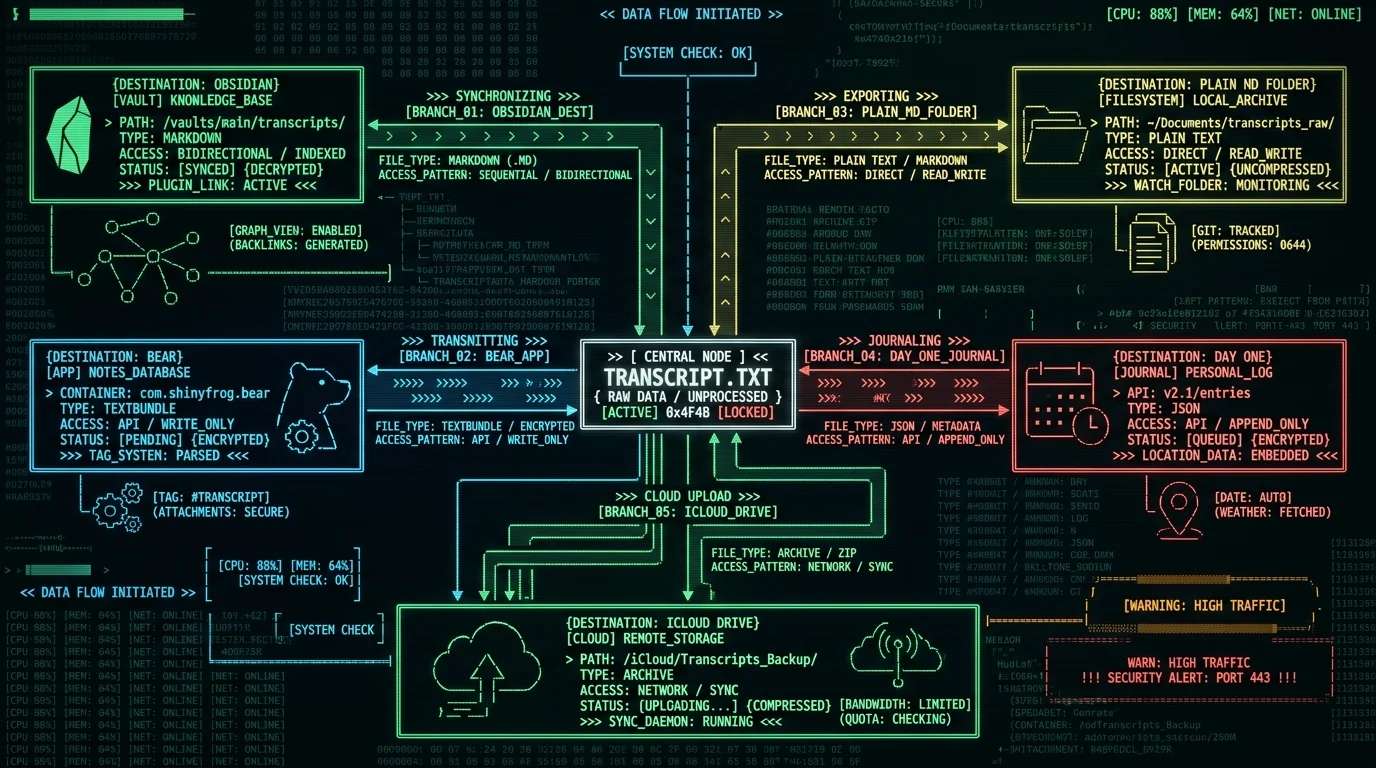
Can AI clean up the text without seeing your audio?
Yes — and this is where a small but important distinction matters. MetaWhisp's AI post-processing mode, Structured, runs on the free tier with the optional on-device model you download in Settings, or with your own [OpenAI or Cerebras API key](https://metawhisp.com/features/processing-modes/) (BYOK). That's the relevant one for journaling. Here's the privacy story for Structured with your own key: - Whisper (running locally) produces the transcript. - Only the transcript text — already on your Mac — gets sent to YOUR API key at OpenAI or Cerebras. - The audio file is never touched. It was never uploaded in the first place. - MetaWhisp's servers are not in the loop.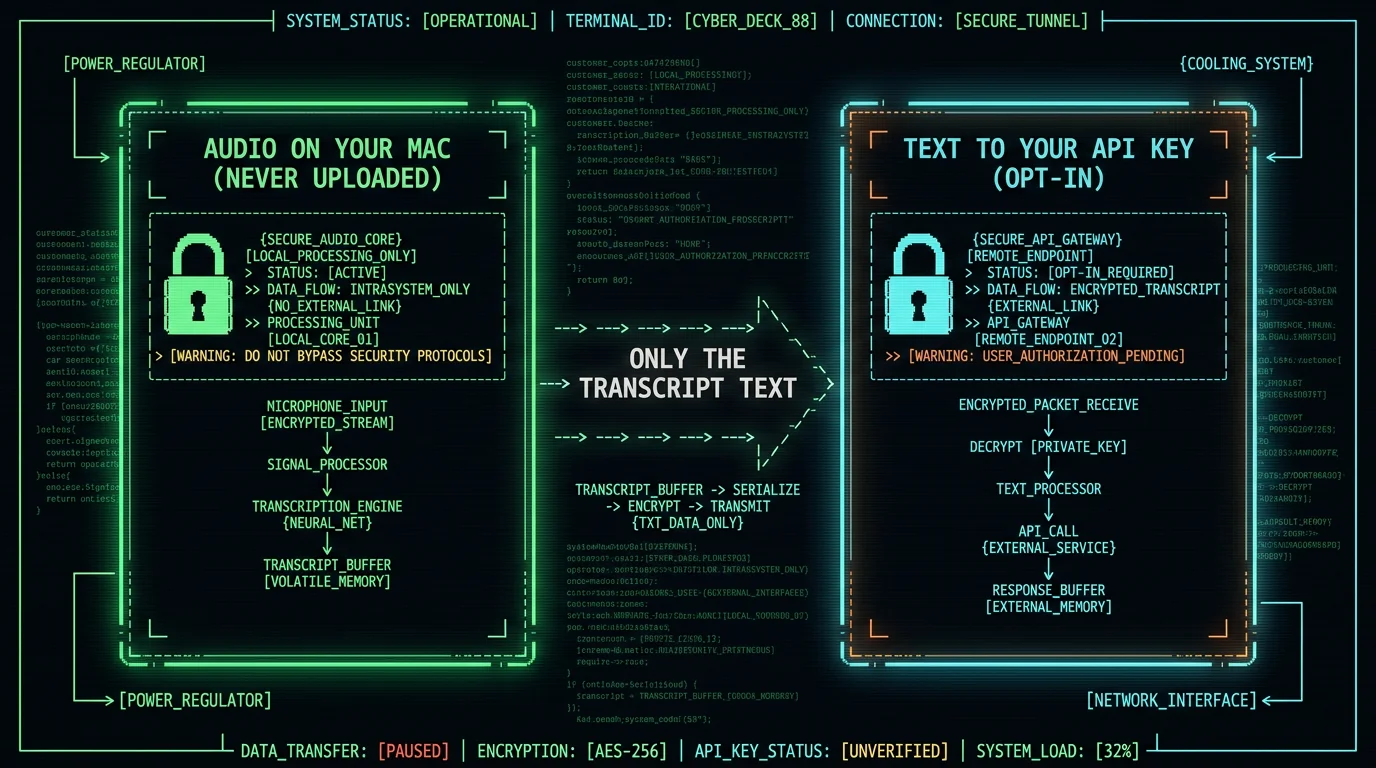
What can MetaWhisp not do that cloud journaling apps can?
Being honest here is the whole point. - **No mood analysis.** There's no sentiment score on your entry. - **Semantic search needs Pro.** With Pro, MetaChat finds entries by meaning; with your own API key or the on-device model it matches keywords. Either way your entries are still plain text files, so grep and your editor's search work — which for a journal is often all you want. - **No prompts, no streaks, no "weekly insight" emails.** - **No iOS app.** MetaWhisp is Mac-only. - **No native audio playback of old entries.** The audio isn't stored. The cloud apps do all of these things, and some of them do them well. Reflect's semantic search is genuinely impressive. Day One's prompt library is thoughtful. If those features matter to you, use those apps — they're good. What's different about the local approach is that none of those features require your audio to leave the machine. The cloud apps have to ship your text to themselves to compute insights on it; in local mode, MetaWhisp sends none of your text to its servers.| Dimension | MetaWhisp (local) | Typical cloud journaling app |
|---|---|---|
| Audio leaves Mac | No | Yes (vendor's servers) |
| Transcript location | Your filesystem | Vendor's database |
| Subscription needed for privacy | No | — (depends on app; check pricing page) |
| Sentiment / mood analysis | No | Often yes |
| Semantic search across entries | No | Often yes |
| iOS companion | No | Usually yes |
| BYOK text cleanup | Yes (OpenAI or Cerebras key) | — (varies) |
| Offline operation | Yes, after one-time model download | No |
Does this cost less than a dedicated journaling app?
MetaWhisp's local mode is free and unlimited. There's no subscription to keep your entries private — they're private because the model runs on your Mac, not because a free tier gets you limited privacy. If you add a BYOK API key for Structured mode, you pay OpenAI or Cerebras directly, at their published rates. Cloud journaling apps typically charge a yearly fee for premium tiers — check the current price on each app's pricing page; I'm not going to guess and get it wrong. The math depends on whether you value the prompts and insights those apps bundle. For a free, private, unlimited workflow, the local stack is hard to beat. The whole thing runs on hardware you already own, on a model that downloaded once, with no per-month cost for the privacy itself. Pro at $30/year or $7.77/month only enters the picture if you want MetaWhisp to handle the cloud AI itself rather than you plugging in your own key, or you want search by meaning.Is this approach really private?
Three concrete checks: 1. **Audio.** In local mode MetaWhisp doesn't transmit it or keep it, except a recording it couldn't transcribe, saved to a Recovery folder on your Mac. A file from QuickTime, your note app's recording feature or Voice Memos stays wherever that app put it. 2. **Transcript text.** Lives in a file you own, in a folder you choose, on a Mac you control. 3. **BYOK AI.** Optional, opt-in, uses your own API key, only sees the transcript text. Cancel any time. What the local approach can't promise is protection against someone with access to your unlocked Mac. That's true of every journaling app on earth. If you want at-rest encryption for the transcript file, macOS FileVault does that, and several text editors (Vim with encrypted files, certain Obsidian plugins) layer additional protection on top. For a workflow that needs to stay off third-party servers — therapy notes, health journaling, legal reflection, anything you wouldn't want a stranger reading — local is the only architecture that delivers that by construction, not by policy. "We don't read your data" is a promise; "your data was never sent to us" is a fact.Should you try this?
If you've ever started a journal app and stopped because the act of typing was friction, voice is the obvious next step. If you've also worried about what happens to the audio after you hit save, the local-Mac approach removes both objections at once. You'll need: - An Apple Silicon Mac (M1 or later), macOS 14 or newer. - Five minutes for the initial setup. - A folder or note app where transcripts will land. - The optional on-device model or a BYOK key for Structured mode, if you want AI tidying. You won't need: - An account. - A subscription to keep your entries private. - An internet connection after the one-time model download. If that matches what you're looking for in a journaling tool, the [free download](/download/) is at the link. Run it once, tap Right Command, talk for two minutes, and you'll know whether the workflow is for you within the first entry.Can I keep an audio journal offline on Mac?
Yes. MetaWhisp runs Whisper large-v3 locally via WhisperKit on your Mac's GPU. After the one-time model download of about 3 GB, everything works without an internet connection — audio capture, transcription, and auto-paste all run on your Mac. There's no cloud dependency for the core workflow.
Is voice journaling actually private on a Mac?
It depends on the app. With MetaWhisp in local mode, the audio is processed on your Mac and the transcript lands in a file you choose. Nothing is uploaded unless you explicitly enable BYOK Structured mode, in which case only the already-transcribed text — never the audio — goes to your own OpenAI or Cerebras API key.
How do I transcribe audio to text on Mac for free?
Two free paths. Apple's built-in Dictation works offline on recent macOS but is capped at roughly 30 seconds per utterance and offers less control. MetaWhisp's local mode is also free, runs the larger Whisper large-v3 model on your Mac's GPU, has no time cap, and supports 99 languages with auto-detect.
Where should I store my audio journal transcripts?
Anywhere that's a plain file on your disk. Common choices are `~/Documents/journal/` (one markdown file per day), an Obsidian vault, a Bear library, or a Daily Notes folder in iCloud Drive. The principle is the same: you own the file, you can grep it, you can back it up however you like, and no journal app can disappear and take your entries with it.
Does MetaWhisp upload my audio to the cloud?
Not in local mode. Whisper runs entirely on your Mac's GPU, and the audio isn't transmitted anywhere. The optional BYOK Structured mode sends only the transcript text (not the audio) to your own API key at OpenAI or Cerebras. Pro's built-in cloud transcription is the one feature that sends audio to MetaWhisp's servers, and your own Groq, OpenAI, Deepgram or Gemini transcription key sends it to that provider; both are used only if you opt in.
Can I voice journal in languages other than English?
Yes. MetaWhisp auto-detects among 99 supported languages for transcription, and the optional translation post-processing supports a small set of target languages. I personally dictate in Russian first and English second every morning — both come through cleanly.
What's the difference between MetaWhisp and a cloud journaling app?
MetaWhisp is a transcription tool, not a journaling app. It turns your voice into text and puts that text wherever you point it. Cloud journaling apps are full products with prompts, mood analysis, semantic search, and cross-device sync — features that require your entries to live on their servers. If those features matter more than local privacy, use a cloud app. If privacy matters more, use MetaWhisp into your own files.
Does MetaWhisp cost anything to use for journaling?
Local mode is free and unlimited — no account, no subscription, no time cap. Pro is $30/year or $7.77/month and is only needed for MetaWhisp's built-in cloud features: cloud transcription, built-in AI instead of your own BYOK key, and search by meaning. For a strictly local audio journal workflow, the free tier is enough.
