TL;DR: MetaWhisp Files is a feature inside the MetaWhisp app (the same free voice-to-text tool I wrote about for dictating into Obsidian) that lets you point at a local folder — like your vault — and ask questions in plain English. The index lives on your Mac. The answer comes from an AI backend you choose: a local LLM you run yourself, your own OpenAI/Cerebras API key, or MetaWhisp's built-in cloud via Pro. It's off by default. Nothing leaves your machine unless you pick a backend that requires it.
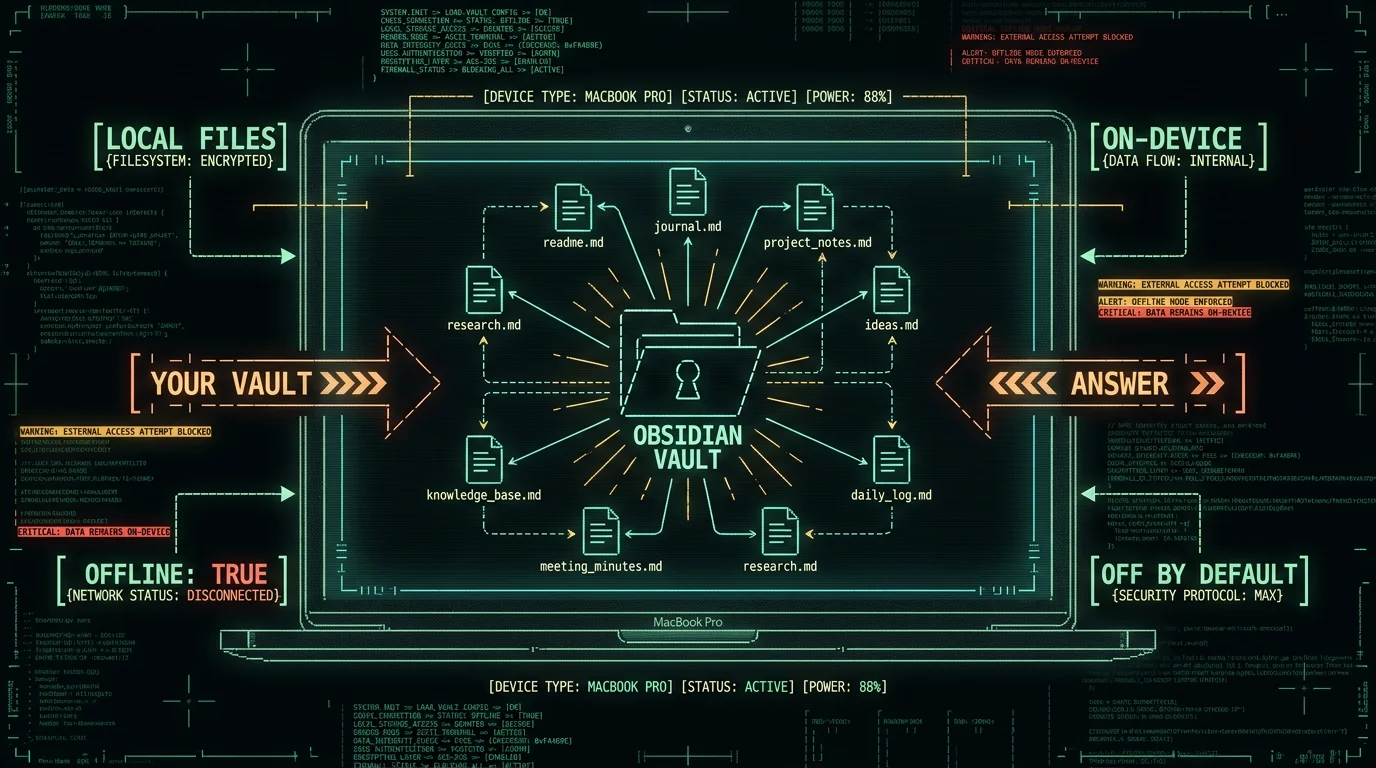
What Does "Chat with Your Vault" Actually Mean?
Plain version, no jargon: you type or say a question, the app opens the relevant notes from your folder, packs the most useful chunks into a context window, and asks a language model to write you an answer grounded in those chunks. The model isn't pulling from the open internet for your question — it's reading your notes, then summarizing.
Think of it as a smart Ctrl+F with a writer attached. Instead of getting a list of matching files, you get a paragraph that says "you wrote three things about this in March and one in May, here's the gist." The notes never get indexed anywhere you don't choose. The index itself is a local file on your Mac.
This pattern has a name in the AI world — retrieval-augmented generation, or RAG — but I'm not going to dress it up. It's retrieval plus an LLM. The "smart" part depends entirely on which LLM you point it at, which we'll cover below.
Does MetaWhisp Index an Obsidian Vault Locally?
Yes — when you turn the feature on. MetaWhisp Files is a panel inside the MetaWhisp app where you tell it which folders to watch. Pick your vault (the folder that contains all your `.md` files), grant the standard macOS folder access prompt, and the app builds a local index from the markdown inside. There's nothing to upload, no server handshake, no account creation step. The on-device Whisper pipeline we use for transcription (documented on this page) gave me the muscle memory to extend the same "stay-local" design to retrieval.
The first index pass on a 1,000-note vault takes a few minutes on an M-series Mac. After that, incremental updates happen in the background as you edit notes. You can pause indexing, wipe the index, or exclude subfolders (skip your daily-journal subfolder, for instance) at any time. Nothing happens unless you click the toggle.
How to Set Up MetaWhisp Files with an Obsidian Vault
Here's the full flow, end to end. Assumes you've already downloaded MetaWhisp and run it on macOS 14+ on Apple Silicon. If you haven't, the free download takes about a minute.- Open MetaWhisp and click the Files icon in the sidebar. You'll see an empty state: "No folders indexed."
- Click "Add Folder" and pick your vault root — the folder that contains all your `.md` notes and the `.obsidian` config directory. macOS will pop a system permission dialog; approve it.
- Wait for the first pass. On a 500–2,000 note vault it's under ten minutes on an M1 or later. A progress bar shows file count.
- Open Settings → AI Backend and pick one of three options (covered in the next section). Without this step, indexing builds but questions don't have anyone to answer them.
- Open the Files chat panel, type a question about a topic you know lives in your vault, and hit enter. Try "summarize my notes on…" or "what did I decide about…".
Pro tip: Before pointing MetaWhisp Files at your live vault, copy the vault to a test folder first. Indexing a giant folder is cheap on M-series chips but you want to confirm permissions, exclude rules, and answer quality before committing your daily-driver data to the workflow.Two settings to flip early:
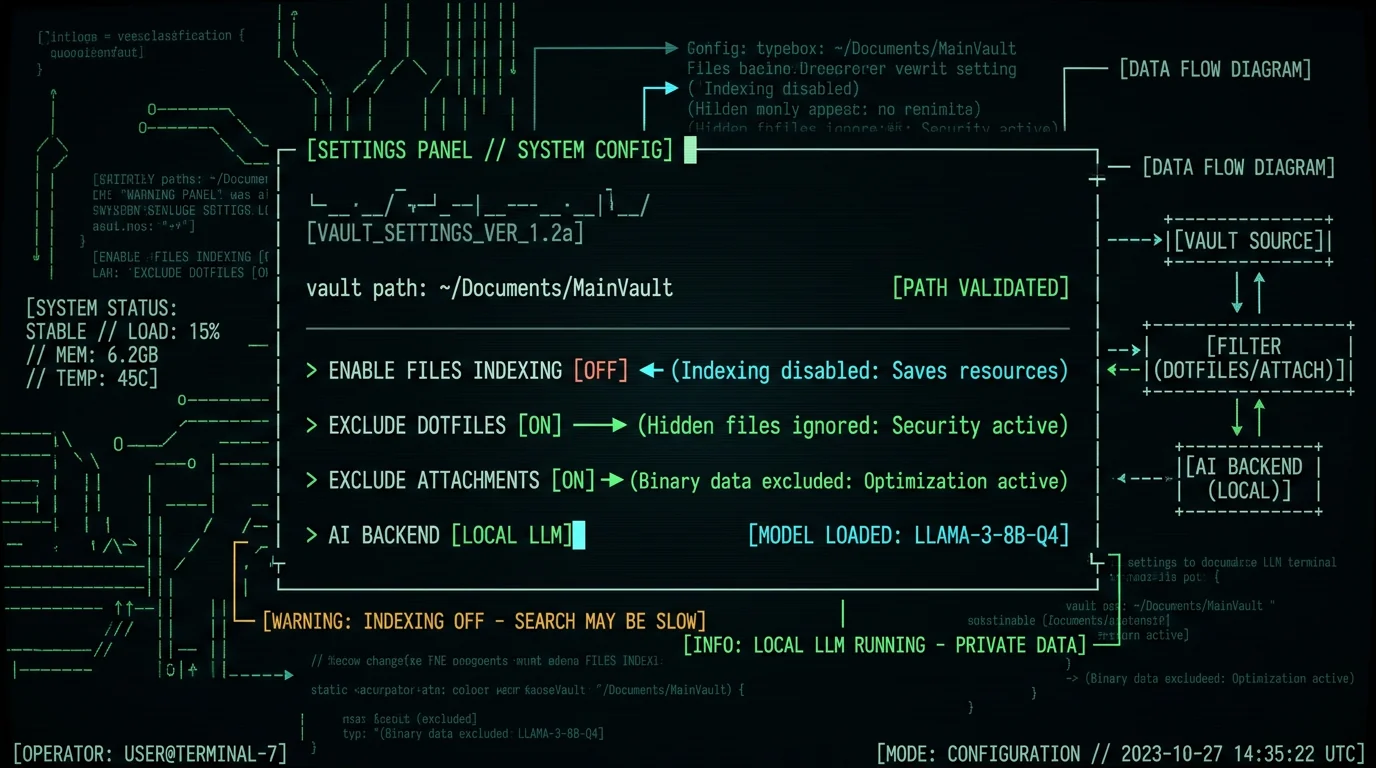
- Exclude dotfiles — turn this on. You do not want the indexer chewing through your `.obsidian/plugins/` mess.
- Exclude attachments folder — also on. PDFs and images blow up index size with little payoff for a text Q&A.
Which AI Backs the Answers?
Three choices. They differ in cost, latency, and what leaves your machine. Pick the one that matches your threat model.| Backend | Where the LLM runs | Cost | Vault data leaves Mac? |
|---|---|---|---|
| Local LLM | On your Mac (via Ollama, LM Studio, or mlx-lm) | Free; electricity | No |
| BYOK (OpenAI or Cerebras) | Their API | You pay their per-token rate (see their pricing pages) | Only the retrieved chunks go to your API key |
| MetaWhisp Pro | MetaWhisp's cloud | $7.77/month or $30/year | Yes — chunks go to MetaWhisp servers |
How Is This Different From a Real RAG Pipeline?
Honestly, it's a simpler version. A full RAG setup usually means a vector database (Pinecone, Weaviate, ChromaDB, or a local equivalent), an embedding model to turn your notes into numerical vectors, a reranker, sometimes a graph layer, and an LLM at the end. MetaWhisp Files skips most of that.
The current implementation uses BM25-style retrieval — keyword and frequency matching, well-suited to plain-text markdown — plus a small amount of metadata weighting (titles, tags, recent files). This is faster to run locally, easier to debug, and produces surprisingly good answers when your notes use consistent vocabulary (most people's do, after a few months of writing in one vault).
What you give up: the ability to find semantically related notes that don't share obvious keywords. "Notes about feeling overwhelmed at work" might not surface a note titled "Q3 burnout postmortem" through pure BM25. A real vector index would catch that. We may add embeddings later; I won't promise it without shipping it.
MetaWhisp Files vs Notion AI vs Cloud Chatbots
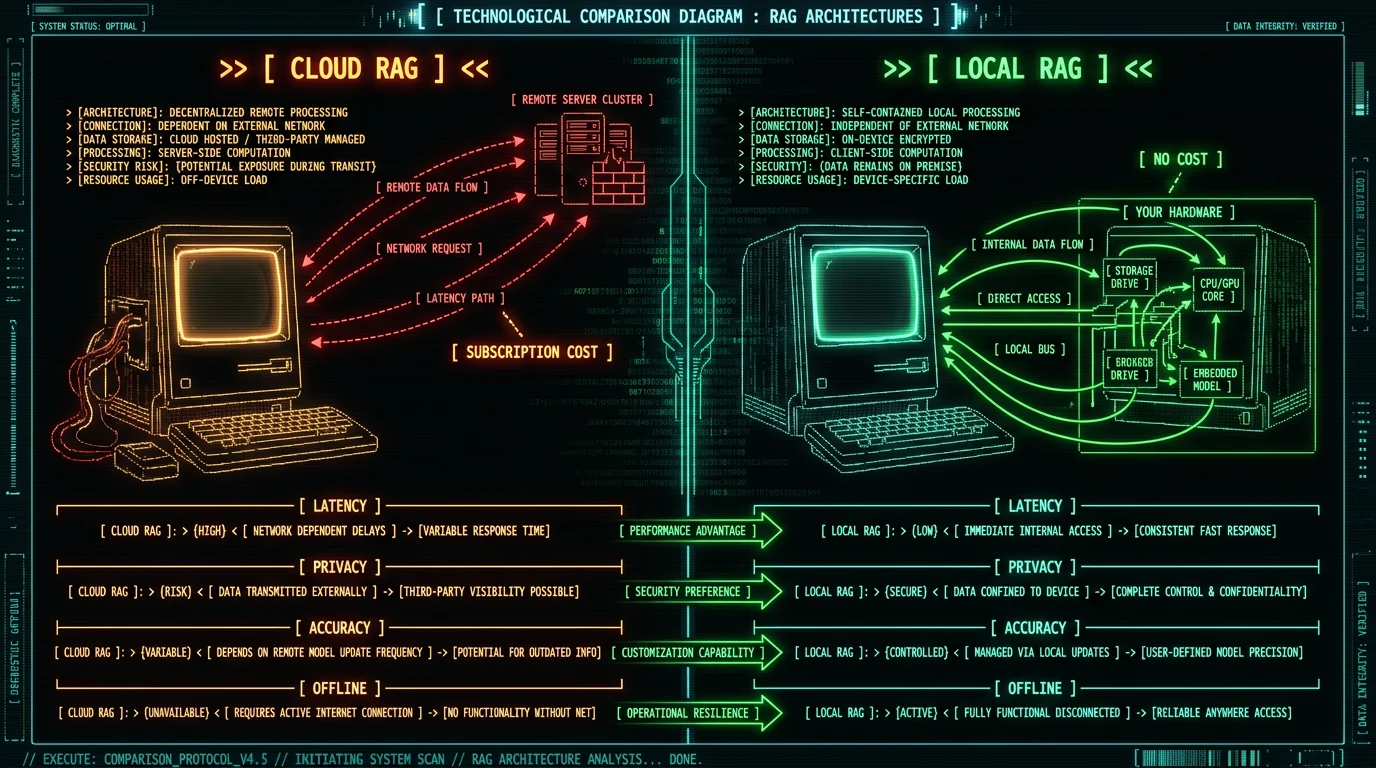
| Approach | Data location | Offline? | Approx cost | Vault format |
|---|---|---|---|---|
| MetaWhisp Files (local LLM) | Your Mac | Yes | Free | Any local folder |
| MetaWhisp Files (BYOK) | Your Mac + your API | Partial | API usage (per their pricing) | Any local folder |
| Notion AI | Notion's cloud | No | Subscription (see notion.so pricing) | Notion workspaces only |
| ChatGPT / Claude with upload | Their cloud | No | Subscription or API | Anything you upload |
| Self-hosted RAG (AnythingLLM, etc.) | Your Mac | Yes | Free | Any local folder |
What Are the Honest Limitations?
A few things I won't sugarcoat:- BM25 has blind spots. Notes that paraphrase a topic without using the same words won't always rank high. If your vault is a thesaurus of ideas, retrieval will miss some.
- Large vaults are slower on older Macs. M1 and M2 base can handle small vaults fine; M3 Pro and M4 Pro are noticeably snappier on 5,000+ notes.
- Code blocks and frontmatter are parsed but not deeply understood. If you ask "what does my Bash script in 2024-11-12.md do?", the answer will be approximate. Don't trust it for code execution — read the file yourself.
- Concurrent note edits during retrieval can confuse results. Open one note, ask a question, get an answer based on the file as it was when the index last updated. Incremental updates run on a short timer, but it's not instantaneous.
- Speaker diarization and similar features are not yet shipped. I won't claim things that aren't real.
Is My Vault Data Private?
It depends on which backend you pick, and that's not a cop-out — it's how the system is built.
Local LLM: nothing leaves your Mac. The index lives in `~/Library/Application Support/MetaWhisp/`. The model runs locally. Question goes from your keyboard to your Mac to your model to your Mac to your screen. No remote calls.
BYOK: the retrieved chunks (the few hundred to few thousand characters MetaWhisp picks as context) are sent to your own OpenAI or Cerebras account. Same flow as how the existing post-processing modes work — the audio never leaves your Mac, but if you choose Correct or Rewrite modes in Processing Modes, the transcript text is sent to your key. Same rule applies here.
Pro: chunks go to MetaWhisp's servers along with the chat request. We keep them for the duration needed to answer; retention details are on the privacy page. If "data never leaves my Mac" is your line, Pro isn't your path.
Founder's note: The first thing I check before adding a new AI feature is "what does MetaWhisp see vs what does the third party see?" Local-LLM-as-default keeps the answer simple. Whisper runs on the Neural Engine already; bolting on a small local model for retrieval-augmented chat was the natural next step rather than another cloud subscription.
Sample Workflows Worth Trying
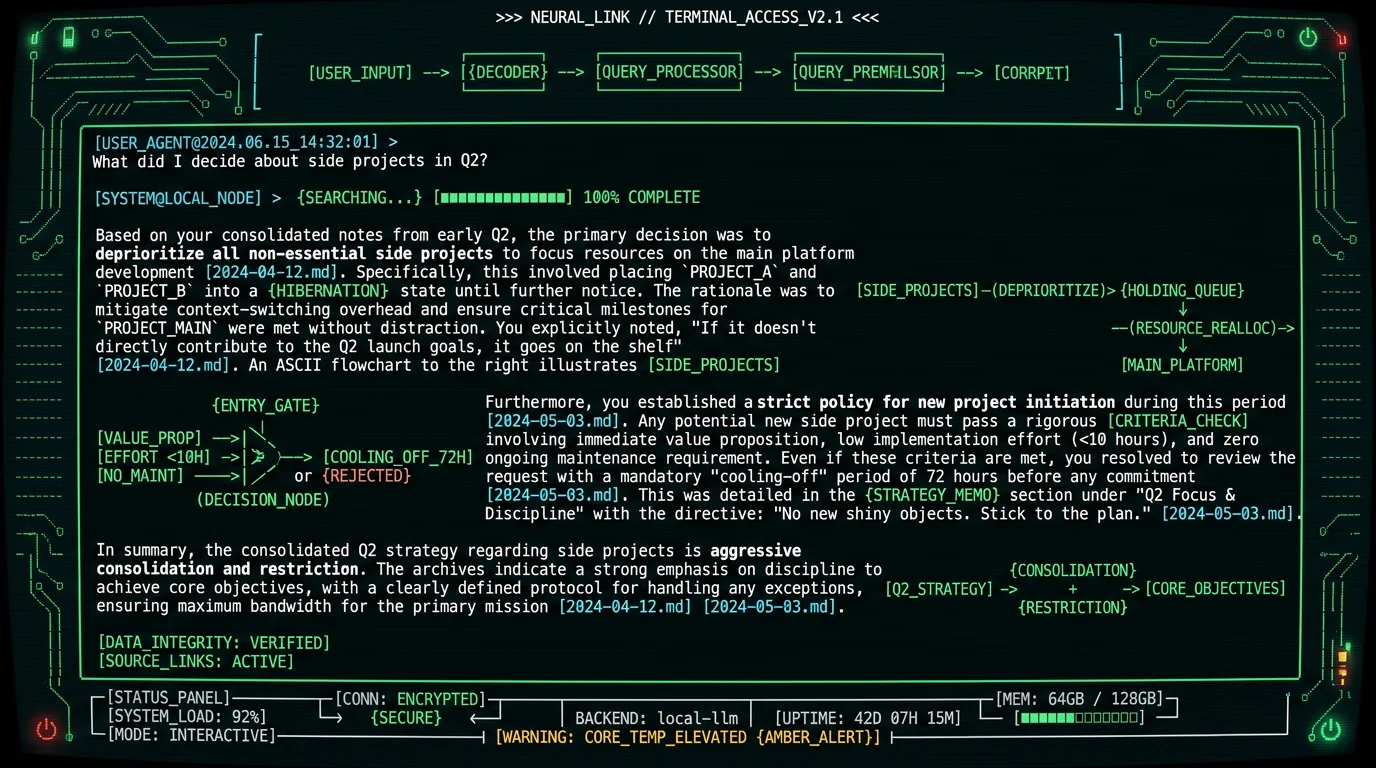
- Decision archaeology. "What did I decide about [topic] last year?" Five-minute replacement for 30 minutes of grepping. Works best on indexed meetings and daily notes.
- Pre-meeting briefing. Point Files at a project subfolder. Ask "what's the status of X based on my last two weeks of notes?" Read for five minutes before the meeting instead of scrolling.
- Voice + vault. Hit the global hotkey, dictate the question instead of typing it. Whisper transcribes locally, the question goes into Files, you get an answer without touching the keyboard. Especially useful when I'm cooking or pacing.
Worth Trying, or Skip It?
Try it if: your vault is local markdown, you already use MetaWhisp for dictation, and you want quick answers without uploading notes anywhere. The free local-LLM path costs nothing but the time to download MetaWhisp. Skip it if: you live in Notion or Google Docs, you need true vector retrieval over a 50k-note corpus, or "no data ever leaves this Mac" is your hard constraint and you're not willing to run a local model yourself. There are better tools for those situations, and I'd rather you find the right one than pretend MetaWhisp does everything. If you do try it, start with a small folder first, exclude the dotfiles, and pick the Local LLM backend. That's the path that gets the cleanest answer to the question "what is this thing actually doing with my notes?" ---Can MetaWhisp read my Obsidian vault without an internet connection?
Yes, with the Local LLM backend selected. The indexer runs entirely on-device, the language model runs locally, and no network calls are made during a chat. This is the path that works on a plane. The BYOK and Pro modes require network access to reach OpenAI, Cerebras, or MetaWhisp's servers respectively.
Which file types does MetaWhisp Files index?
Markdown (`.md`) and plain text (`.txt`) by default. PDF and DOCX support is partial — text is extracted when possible, but formatting and tables don't always survive cleanly. Image-only notes (a folder of scanned PDFs, say) aren't a good fit; you'd want a tool with OCR as a pre-processing step.
Do I need to pay for MetaWhisp Pro to chat with my vault?
No. The local-LLM path is free. If you bring your own OpenAI or Cerebras key, the indexer and question flow are still free; you only pay your API provider. Pro is the optional path that bundles cloud-side AI for people who don't want to install or run a local model.
How big can my vault be before things slow down?
In practice, well under 5,000 notes on M2 Pro or later feels snappy. From there, expect increasingly noticeable retrieval latency during the first pass and indexing pauses while you type. A vault of 20,000+ notes will work but gets slow on an M1, fine on an M3 Pro or M4 Pro. We haven't published a formal benchmark — that data doesn't exist in a form I can verify, so I won't quote one.
Is this the same as Obsidian's own Copilot-like plugins?
Different scope. Obsidian community plugins like Smart Connections or Copilot for Obsidian live inside the app, can see your cursor context, and use embedding-based retrieval. MetaWhisp Files runs outside Obsidian, works on any folder (not just Obsidian vaults), and is intentionally simpler. If you live inside Obsidian daily, a plugin will feel more native. If you want one tool that also handles dictation and works on your Downloads folder or a research folder, MetaWhisp Files is the fit.
What happens to my index if I uninstall MetaWhisp?
The index is removed when you uninstall. There's no server-side copy in any backend. If you reinstall later and re-point at the same folder, the index rebuilds from scratch. There's currently no export/import option for the index because it's faster to just rebuild than to manage a serialization format.
Can I use MetaWhisp Files with non-Obsidian folders?
Yes. Anything that's a regular folder on your Mac can be indexed: a research folder of plain-text notes, a project root with mixed markdown and code, your Downloads folder if you're feeling chaotic. Obsidian is the headline use case but the feature isn't Obsidian-specific.
About the author: Andrew Dyuzhov is the solo founder of MetaWhisp. He built the app to work around his own ADHD-driven writing paralysis, uses it daily to dictate in Russian and English, and runs the blog at @hypersonq. He is not an ML researcher, a lawyer, or a doctor — just a marketer who likes shipping tools that respect users' data.
Related reading
- Dictate to Obsidian on Mac: Voice-to-Notes Workflow (2026) — the same hotkey, pointed at a different destination.
- Why Local AI Models on MacBook Now Make Sense (2026) — the longer argument for running LLMs locally on M-series chips.
- On-Device Transcription — what stays local in the dictation pipeline.
- Processing Modes — how BYOK works for AI Correct, Rewrite, and translation.
