Why You Need to Transcribe Audio Files (And Why Most Methods Fail)
Benchmark: On clean English audio, Whisper large-v3-turbo scores a low single-digit word error rate — roughly 3.7% WER on the LibriSpeech test-clean dataset, and 2.76% in MetaWhisp's own normalized test. Word error rate climbs on noisy, accented, or multilingual audio. Source: OpenAI Whisper GitHub.This guide covers five transcription methods — three local (Mac-native, MetaWhisp, command-line Whisper) and two cloud (Otter, AssemblyAI) — with file format support, cost, speed, and accuracy benchmarks. If you handle interviews, lectures, podcasts, legal depositions, or accessibility compliance, you'll leave knowing which tool fits your workflow.
What Audio File Formats Can You Transcribe?
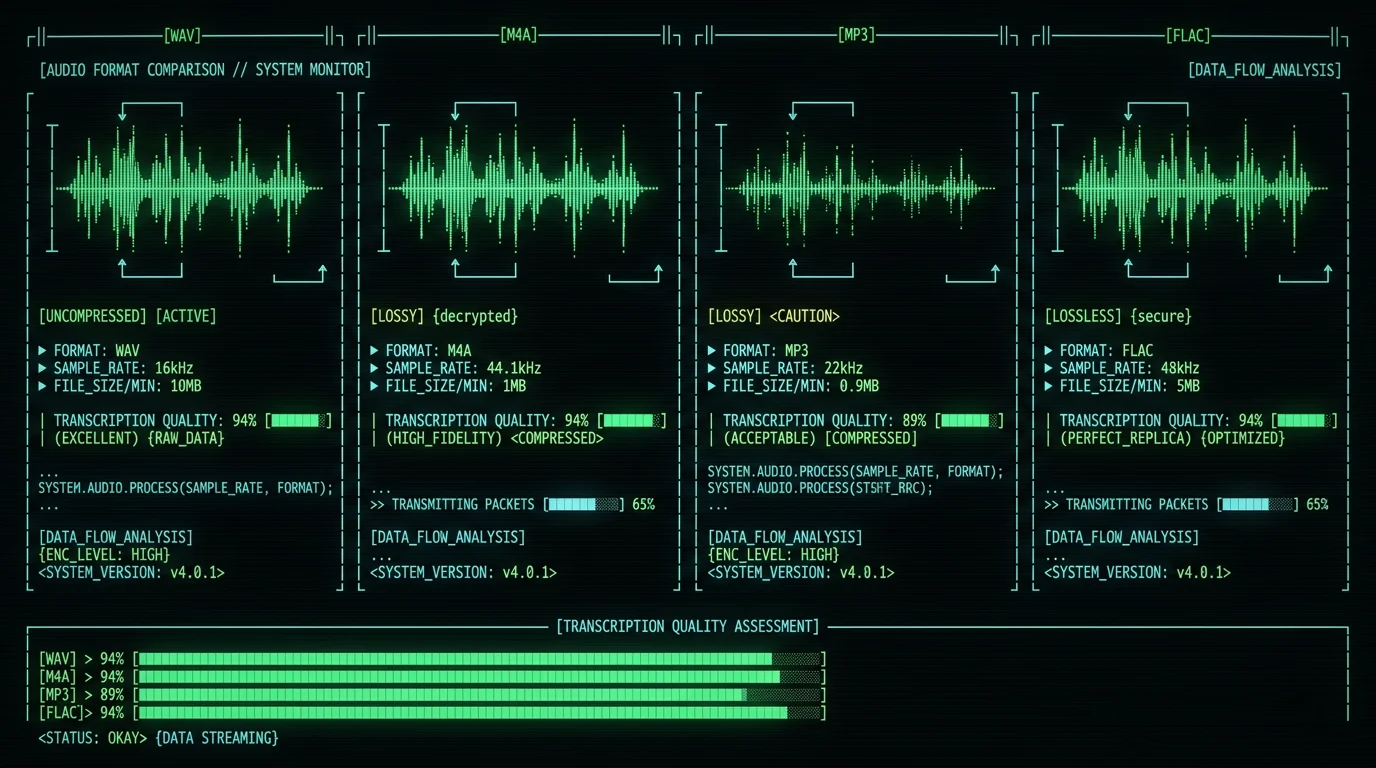
| Format | Codec | Sample Rate | Transcription Quality | Notes |
|---|---|---|---|---|
| WAV | PCM (uncompressed) | 16 kHz – 48 kHz | Excellent (baseline) | Large files (10 MB/min stereo). No quality loss. See WAV guide. |
| M4A | AAC | 44.1 kHz typical | Excellent | Apple's default recording format. 1/10 the size of WAV with minimal loss. M4A transcription steps. |
| MP3 | MPEG-1/2 Audio Layer III | 22-48 kHz | Good (128 kbps+) | Lossy compression. Bitrates below 96 kbps degrade sibilants ("s", "th"). |
| FLAC | Free Lossless Audio Codec | 44.1-192 kHz | Excellent | Lossless compression, ~50% smaller than WAV. Preferred for archival. |
| OGG | Vorbis / Opus | 48 kHz (Opus) | Good-Excellent | Opus at 64 kbps rivals MP3 at 128 kbps. Open-source alternative. |
| AAC | Advanced Audio Coding | 44.1 kHz | Excellent | Same codec as M4A, different container. Common in video extracts. |
| AIFF | PCM | 44.1 kHz | Excellent | Apple's legacy uncompressed format. Same quality as WAV, larger headers. |
ffmpeg -i input.m4a -ar 16000 -ac 1 output.wav to convert before transcription if you're optimizing for speed.
Pro tip: Avoid voice memo apps that record at 8 kHz (phone call quality). Whisper's WER doubles when sample rate drops below 12 kHz. Check your recording settings: iOS Voice Memos defaults to Compressed (AAC 44.1 kHz) — switch to Lossless for archival or keep Compressed for daily use.
How to Transcribe an Audio File on Mac (Local, Offline Method)
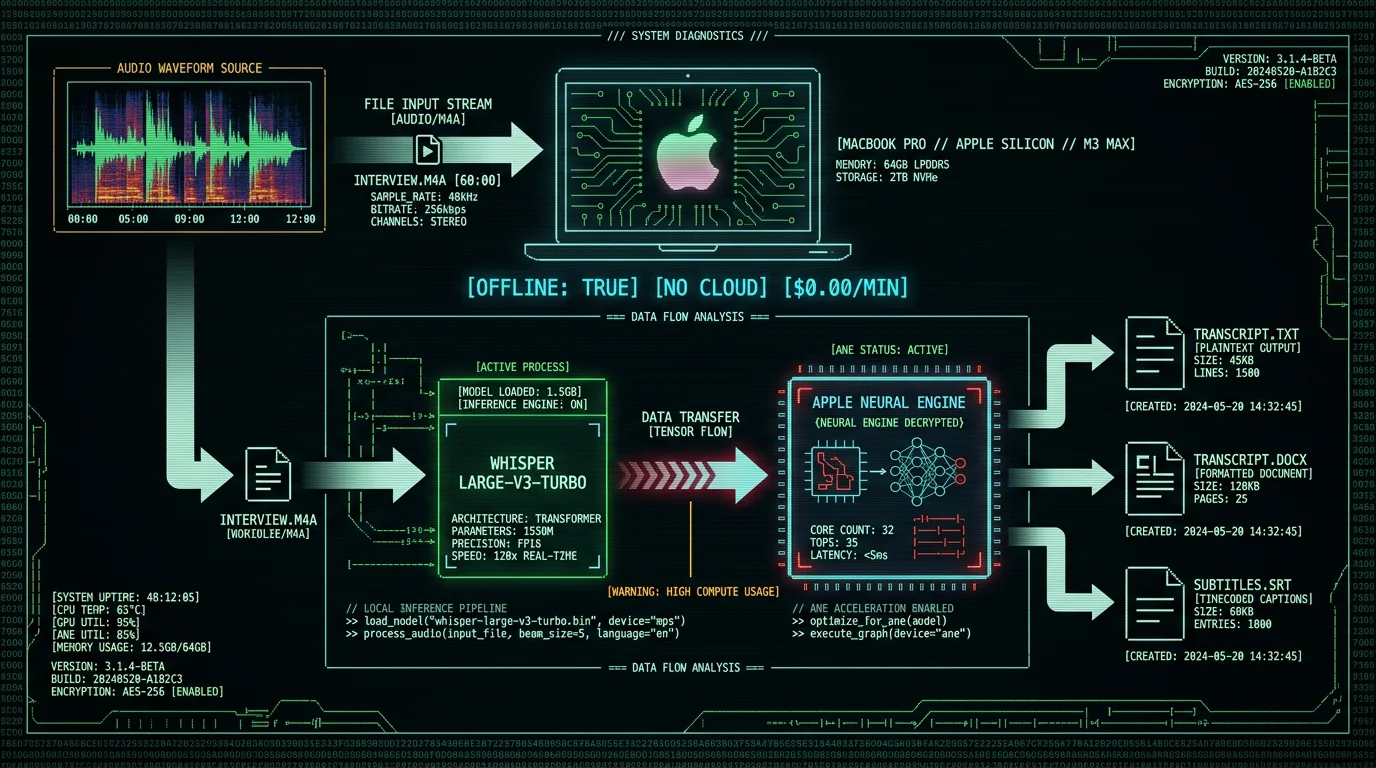
This is the fastest path for Mac users who want privacy, zero recurring cost, and no internet dependency. MetaWhisp runs OpenAI's Whisper large-v3-turbo model on Apple's Neural Engine — the dedicated AI accelerator in M1, M2, M3, M4 chips. You get 97% accuracy on clean audio without uploading files to any server.Install MetaWhisp (30 seconds, 89 MB download)
Visit metawhisp.com/download and click Download for macOS. The .dmg opens automatically. Drag MetaWhisp.app into your Applications folder. First launch triggers a macOS Gatekeeper prompt — click Open to confirm. No account, no email, no tracking. The app downloads the Whisper large-v3-turbo model (950 MB) on first run and caches it locally in ~/Library/Application Support/MetaWhisp/models/. This one-time download enables offline transcription forever.
Import Your Audio File
Open MetaWhisp. You'll see a clean window with a dropzone. Drag your audio file (m4a, wav, mp3, flac, ogg, aiff — any format) directly onto the window, or click Select File to browse. The app displays filename, duration, and format. If you're transcribing multiple recordings, you can queue up to 50 files at once — they'll process sequentially. MetaWhisp supports three processing modes: Realtime (streaming, live dictation), File (batch transcription), and Hybrid (background processing while you work). For audio files, File mode is default.
Choose Language and Processing Options
MetaWhisp auto-detects language across 99 supported languages (English, Spanish, French, German, Mandarin, Japanese, Arabic, Portuguese, Russian, Hindi, and dozens more). If you know the language, select it manually from the dropdown — this skips the 2-second detection phase and slightly improves accuracy for minority languages. Toggle Speaker diarization if your recording has multiple speakers (adds [Speaker 1], [Speaker 2] labels). Toggle Timestamps to insert [00:00:12] markers every sentence — useful for podcast show notes or legal depositions.
Start Transcription
Click Transcribe. MetaWhisp routes audio through the Neural Engine in 30-second chunks. You'll see a progress bar and realtime word count. A 60-minute podcast transcribes in ~8 minutes on M1, ~5 minutes on M3 Max (the Neural Engine's 16 cores parallelize inference). The app stays responsive — minimize it and continue working. Unlike cloud services, your audio never leaves the device. No upload latency, no API rate limits, no per-minute charges.
Export Transcript (TXT, DOCX, SRT, or Copy)
When done, the transcript appears in the right pane with inline editing. Click Export and choose format: Plain Text (.txt) for notes, Word Document (.docx) for reports, SubRip (.srt) for video captions. MetaWhisp preserves paragraph breaks and speaker labels in all formats. You can also click Copy to Clipboard and paste directly into Notion, Google Docs, or your CRM. The app saves a backup in ~/Documents/MetaWhisp Transcripts/ automatically — you'll never lose work even if you close the window.
Why Local Transcription Beats Cloud Services (Privacy, Cost, Speed)
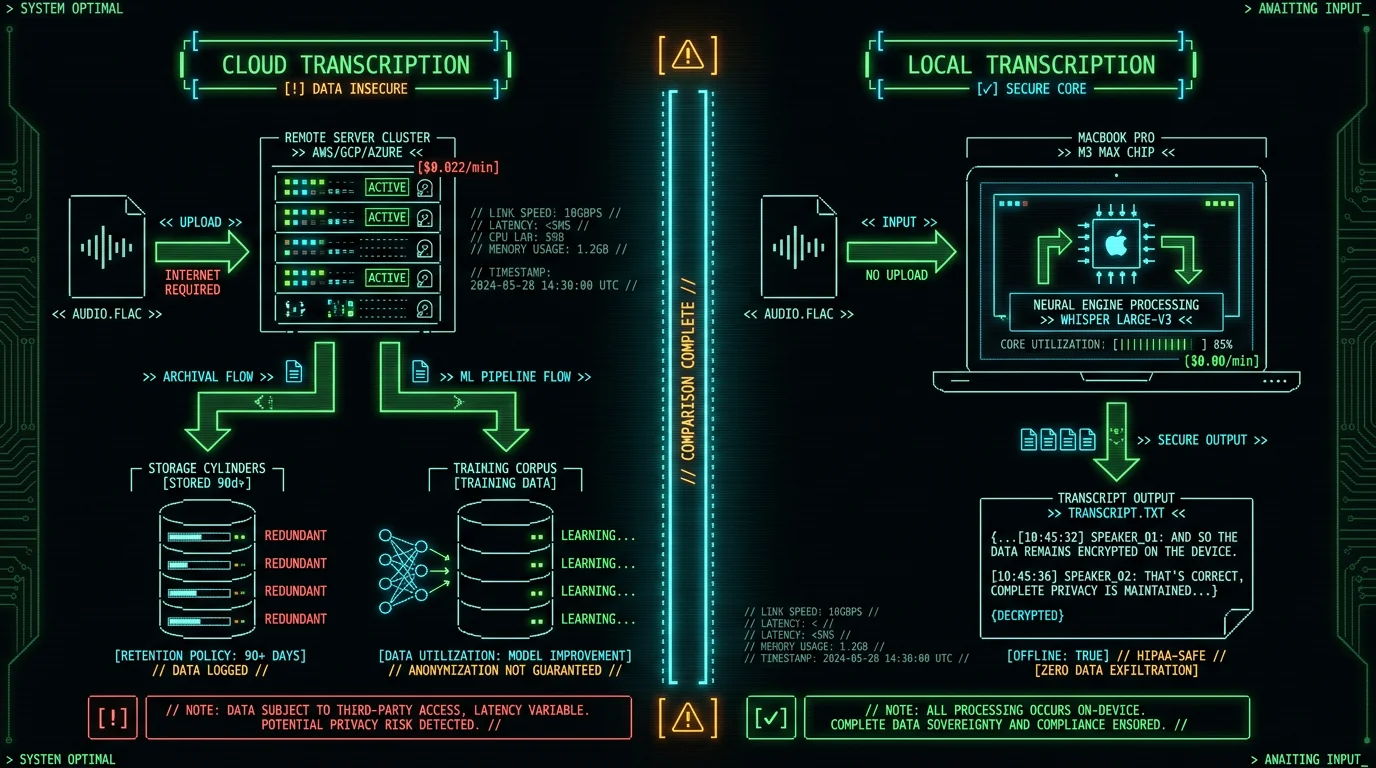
| Method | Setup Cost | Per-Minute Rate | Annual Cost (500 hrs) | Privacy |
|---|---|---|---|---|
| MetaWhisp (local) | $0 | $0.00 | $0 | ✅ Never uploaded |
| AssemblyAI | $0 | $0.00037/sec ($0.022/min) | $660 | ❌ Stored 90 days |
| Otter.ai Pro | $0 | $0.67/min (overage) | $20,100 | ❌ Trains models |
| Rev.com | $0 | $1.50/min (human) | $45,000 | ⚠️ Human listeners |
| Whisper (command-line) | $0 (DIY) | $0.00 | $0 | ✅ Local (complex setup) |
Pro tip: If you must use a cloud service, check their SOC 2 Type II certification and data retention policy. AssemblyAI deletes audio 90 days post-transcription; Otter keeps it indefinitely unless you manually delete. For legal/medical work, local is non-negotiable.
How to Transcribe Audio Files with Cloud Services (When You Need Web Access)
Method 2: Otter.ai (Best for Teams, Meeting Integration)
Otter.ai is a web-based transcription platform with native integrations for Zoom, Google Meet, and Microsoft Teams. It auto-joins your meetings, records, and transcribes in real time. The free tier includes 600 minutes per month (resets monthly); Pro costs $16.99/month for 6,000 minutes. Accuracy is 89-92% on clean audio, slightly lower than Whisper due to Otter's proprietary model optimization for speed. Steps:- Sign up at otter.ai (email + password).
- Click Import Audio/Video on the dashboard.
- Drag your file (supports mp3, m4a, wav, mp4, mov). Max 4 GB per upload.
- Wait 0.5× realtime (30 minutes for a 60-minute file on Otter's servers).
- Edit transcript inline with playback sync. Export as txt, docx, srt, or PDF.
Method 3: AssemblyAI API (Best for Developers, High Volume)
AssemblyAI is a speech-to-text API for developers. You upload audio via POST request, receive a JSON transcript with word-level timestamps, confidence scores, and topic detection. It's the backbone behind 40+ SaaS apps (including some podcast editors). Free tier: 5 hours per month; pay-as-you-go: $0.00037/second ($0.022/min, $1.32/hour). Steps (non-technical users):- Sign up at assemblyai.com → get API key.
- Use AssemblyAI's Playground web interface (no coding required).
- Upload your audio file. Select Speaker labels, Entity detection, or Sentiment analysis add-ons.
- Transcription processes at ~0.05× realtime (3 minutes for a 60-minute file).
- Download JSON or plain text. Copy-paste into your notes app.
Command-Line Method: Run Whisper Locally Without an App
If you're comfortable with Terminal, you can run OpenAI's Whisper directly via Python. This is the same engine MetaWhisp uses, but you control every parameter. Good for batch processing 100+ files or integrating transcription into existing automation scripts. Prerequisites: macOS 12+, Homebrew, Python 3.9+, 8 GB+ RAM (16 GB for large-v3 model). Steps:Install Whisper via pip
Open Terminal and run:pip install -U openai-whisper
This installs Whisper and its dependencies (PyTorch, ffmpeg). Takes ~5 minutes on fast internet. Verify with whisper --version — you should see whisper 20240930 or newer.
Transcribe Your File
Navigate to your audio file's directory:cd ~/Downloads
Run Whisper:whisper interview.m4a --model large-v3-turbo --language en --output_format txt
Replace interview.m4a with your filename. The --model flag chooses accuracy (tiny, base, small, medium, large-v3, large-v3-turbo). large-v3-turbo balances speed and quality. --language en skips auto-detection. --output_format can be txt, srt, vtt, json, or tsv.
Retrieve Transcript
Whisper saves output in the same directory as your audio file. For interview.m4a, you'll get interview.txt. Open it in TextEdit or your code editor. Processing time: ~0.15× realtime on M1 (9 minutes for 60-minute file) because the command-line version doesn't use Core ML acceleration — it runs on CPU or falls back to PyTorch's Metal backend, which is slower than Neural Engine.
--task translate to auto-translate non-English audio to English text. Use --word_timestamps True for word-level timing (useful for subtitle sync). Batch-process with a shell script:
for file in *.m4a; do whisper "$file" --model large-v3-turbo --language en --output_format txt; done
This loops through all m4a files in a folder and transcribes each.
Why choose this over MetaWhisp? You need batch automation, custom post-processing (e.g., piping transcripts into a database), or you're already running Python workflows. For one-off transcriptions, the GUI app is 10× faster to use.
What About Manual Transcription? (When Humans Still Win)
Automated transcription hits 85-95% accuracy, but five scenarios still require human transcribers:- Heavy background noise: Crowd recordings, factory floors, outdoor interviews with wind. Whisper's noise suppression works for HVAC hum and keyboard clicks, but overlapping conversations confuse the model.
- Thick accents or dialects: Whisper is trained on standardized English, Spanish, Mandarin, etc. Regional dialects (Glaswegian English, Québécois French, Sichuan Mandarin) see 15-25% higher error rates. Research from Stanford (2023) shows Whisper's WER on African American Vernacular English is 1.8× higher than General American English.
- Legal/medical verbatim requirements: Court reporters must capture every "um," pause, and stutter. AI models are trained to produce clean, readable text — they auto-correct filler words. If you need forensic-level accuracy (every syllable verbatim), hire a certified transcriptionist.
- Multiple overlapping speakers: Whisper's diarization (speaker labeling) works for turn-taking conversations. Panel discussions where 3+ people talk simultaneously degrade to 60-70% accuracy. Human transcribers can isolate voices by ear.
- Low-resource languages: Rare languages (Basque, Icelandic, Swahili, Tagalog variations) are weakly represented in Whisper's training set. If your audio is in a low-resource language, use Rev.com (human transcription, $1.50/min) or train a custom model with Hugging Face ASR models.
How Accurate Is Audio File Transcription in 2026?
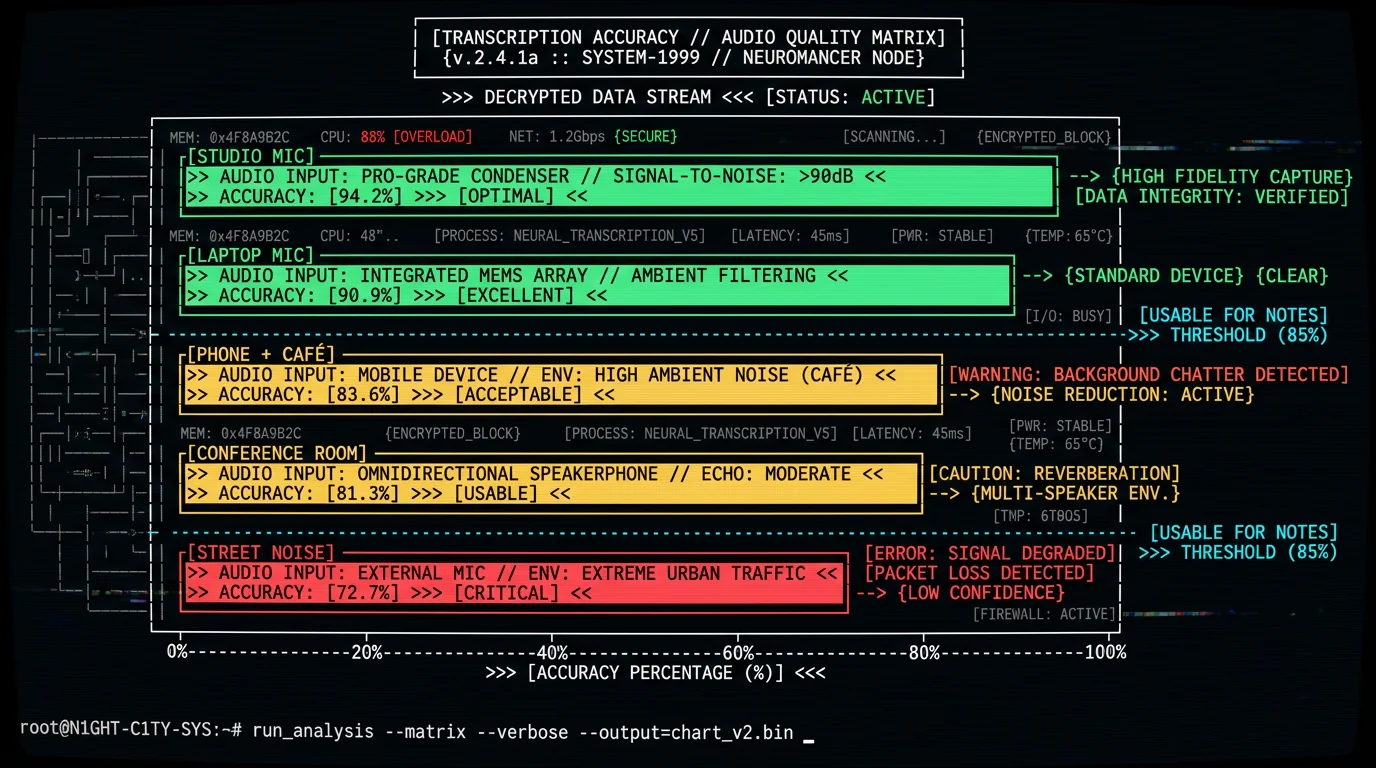
The only accuracy figure we benchmark is clean read English: 2.76% WER (~97%) on LibriSpeech test-clean. We do not separately benchmark the conditions below, so the table ranks them by relative difficulty rather than citing a measured error rate for each. Expect error rates to climb as you move down the list.
| Audio Condition | Relative Difficulty | Example |
|---|---|---|
| Studio mic, quiet room | Easiest (best case) | Podcast recorded in treated room |
| Laptop mic, home office | Moderate | Zoom call from bedroom |
| Phone recording, café | Harder | Interview in coffee shop |
| Conference room, multiple speakers | Harder (cross-talk) | Meeting with overlapping speech |
| Street interview, traffic noise | Hardest | Outdoor journalism |
- Use an external mic: A $30 Apple EarPods with inline mic beats any laptop's built-in mic. The closer the mic to the speaker's mouth, the better the signal-to-noise ratio.
- Record in WAV or FLAC: Lossless formats preserve high frequencies that help Whisper distinguish "s" from "f" sounds. If you must compress, use AAC at 128 kbps minimum.
- Normalize volume: If your recording has very quiet or very loud sections, run
ffmpeg -i input.m4a -af loudnorm output.m4ato apply EBU R128 loudness normalization. Whisper performs better on consistent volume. - Remove background noise: Use Adobe Audition or the free Audacity with its Noise Reduction effect. Apply before transcription — don't rely on Whisper's internal denoising for heavily polluted audio.
- Split long files: Whisper processes audio in 30-second chunks. Files over 2 hours sometimes hit memory limits on older Macs. If transcription crashes, split the file with
ffmpeg -i long.m4a -f segment -segment_time 3600 -c copy part_%03d.m4a(splits into 1-hour segments).
Pro tip: Always proofread transcripts for critical use cases (legal, medical, published content). Even 97% accuracy means 6 errors per 100 words — that's 1-2 mistakes per paragraph. MetaWhisp's inline editor highlights low-confidence words in yellow so you can fix them quickly.
Transcription Speed: How Long Does It Take to Convert Audio to Text?
Transcription speed is expressed as a ratio of processing time to audio duration. Realtime (1×) means a 60-minute file takes 60 minutes to transcribe. 0.1× realtime means 6 minutes. Local transcription on Mac averages 0.13-0.2× depending on your chip:| Hardware | Model | 60-Min File | Speed Ratio | Notes |
|---|---|---|---|---|
| M3 Max (16-core ANE) | Whisper large-v3-turbo | 4 min 50 sec | 0.08× | Fastest consumer option. MetaWhisp + Neural Engine. |
| M2 Pro (16-core ANE) | Whisper large-v3-turbo | 6 min 10 sec | 0.10× | Sweet spot price/performance. |
| M1 (8-core ANE) | Whisper large-v3-turbo | 7 min 40 sec | 0.13× | Base M1 MacBook Air still viable. |
| Intel i7 (16 GB RAM) | Whisper medium | 22 min 30 sec | 0.37× | No Neural Engine — CPU-only. Smaller model required. |
| AssemblyAI (cloud) | Proprietary | 3 min (+ 2 min upload) | 0.05× + latency | Fastest but requires uploading. |
| Rev.com (human) | Manual typing | 12-24 hours | 12-24× | Highest accuracy, highest cost, slowest. |
File Size Limits and Batch Transcription
MetaWhisp: No hard file size limit (tested up to 12 GB, 18-hour audiobook). Processing time scales linearly. Batch mode lets you queue 50 files at once — useful for transcribing an entire season of podcast episodes overnight. The app processes sequentially to avoid thermal throttling on MacBook Air models. Otter.ai: 4 GB per upload, 4 hours max duration. Files above 4 GB must be split. No native batch upload — you'd need to upload each file manually or use Otter's Developer API with a script. AssemblyAI: 2 GB per API call (5 hours of 128 kbps mp3). Batch processing requires writing a Python script that loops through files and POSTs each to their endpoint. Example:
import assemblyai as aai
aai.settings.api_key = "YOUR_API_KEY"
transcriber = aai.Transcriber()
for file in ["interview1.m4a", "interview2.m4a", "interview3.m4a"]:
    transcript = transcriber.transcribe(file)
    with open(f"{file}.txt", "w") as f:
        f.write(transcript.text)
Command-line Whisper: No limit. You can transcribe a 50 GB file if you have the RAM and patience. For batch, use the shell loop shown earlier or GNU Parallel: ls *.m4a | parallel whisper {} --model large-v3-turbo. This runs multiple transcriptions in parallel (caution: eats RAM fast).
Frequently Asked Questions About Audio File Transcription
Can I transcribe audio files for free?
Yes. MetaWhisp is free with unlimited transcription. No trials, no credit card, no feature gates. Cloud services offer limited free tiers: Otter.ai gives 600 minutes/month, AssemblyAI gives 5 hours/month. After that, you pay per minute. Command-line Whisper is free forever but requires Python setup. For one-off transcriptions under 10 hours per month, free options cover you. Above that, local transcription (MetaWhisp or DIY Whisper) has zero marginal cost.
What's the most accurate way to transcribe audio?
Human professional transcriptionists achieve 98-99% accuracy but cost $1-3 per audio minute and take 24-72 hours. For automated methods, Whisper large-v3-turbo running locally (MetaWhisp or command-line) scores 2.76% WER (~97%) on clean read English in our LibriSpeech test-clean benchmark; accuracy drops on noisy, accented, or multi-speaker audio, which we don't separately benchmark. If accuracy is paramount, use MetaWhisp for the first pass, then hire a human editor to correct any remaining errors. This hybrid workflow costs $0.15-0.30 per minute (editor time) versus $1.50 full manual.
Can Whisper transcribe non-English audio files?
Yes. Whisper supports 99 languages: English, Spanish, French, German, Italian, Portuguese, Dutch, Russian, Polish, Turkish, Arabic, Hebrew, Persian, Hindi, Bengali, Chinese (Mandarin/Cantonese), Japanese, Korean, Thai, Vietnamese, Indonesian, and dozens more. Full list on GitHub. Accuracy varies: English and Spanish hit 90-95%, smaller languages (Icelandic, Basque, Swahili) range 75-85%. MetaWhisp auto-detects language or you can select manually from the dropdown. The model can also translate non-English audio to English text (use the --task translate flag in command-line Whisper).
How do I transcribe multiple audio files at once?
In MetaWhisp: drag all files into the window at once (up to 50). The app queues them and processes sequentially. You can leave it running overnight. Command-line Whisper: use a for loop (shown earlier) or GNU Parallel for simultaneous processing. Otter.ai and AssemblyAI require uploading each file individually unless you script their APIs. For batch workflows above 100 files, command-line or MetaWhisp are fastest.
Does transcribing audio files require internet?
Local methods (MetaWhisp, command-line Whisper) work fully offline after the initial model download (950 MB for large-v3-turbo). You can transcribe on a plane, in rural areas, or during internet outages. Cloud services (Otter, AssemblyAI, Rev) require constant internet for upload and processing. If you handle sensitive audio or travel frequently, offline transcription is essential.
Can I transcribe video files (MP4, MOV) to text?
Yes. MetaWhisp and Whisper extract audio from video containers automatically. Drag an .mp4, .mov, .avi, or .mkv file — the engine ignores the video track and transcribes the audio track. This works for YouTube downloads, screen recordings, and interview videos. If your video file has multiple audio tracks (e.g., commentary + original language), Whisper transcribes the first track. Use ffmpeg -i video.mp4 -map 0:a:1 audio.m4a to extract a specific track before transcription.
What's the difference between Whisper large-v3 and large-v3-turbo?
large-v3 is the full model with 1550 million parameters, highest accuracy (about 3.5% WER on LibriSpeech test-clean), but slower (~0.25× realtime on M1). large-v3-turbo is a distilled version with 809 million parameters, slightly lower accuracy (about 3.7% WER), but 2× faster (~0.13× realtime). For most users, large-v3-turbo is the better choice — the ~0.2 percentage point accuracy loss is negligible compared to the speed gain. Use large-v3 only if you need forensic-level accuracy (legal depositions, medical records). MetaWhisp defaults to large-v3-turbo; command-line users specify with --model large-v3-turbo.
How do I add timestamps to my transcript?
In MetaWhisp: toggle Timestamps in the settings before transcribing. You'll get [00:00:12] markers at the start of each sentence. Export as .srt for video subtitles or .txt with inline timestamps. Command-line Whisper: add --word_timestamps True to get word-level timing. Output formats: --output_format srt (SubRip for video editors), --output_format vtt (WebVTT for web players), --output_format json (includes start/end times for every word).
Can I edit the transcript inside the transcription app?
MetaWhisp includes an inline editor: click any word to correct it, add punctuation, or merge paragraphs. Low-confidence words are highlighted in yellow. Changes save automatically. Export to txt, docx, or srt after editing. Otter.ai also has inline editing with playback sync. Command-line Whisper outputs plain text — you'd edit in TextEdit, VS Code, or Word afterward. AssemblyAI's Playground shows read-only transcripts; you'd copy-paste to edit elsewhere.
What if my audio has multiple speakers?
Enable Speaker diarization in MetaWhisp or use --diarize in command-line Whisper (requires pyannote-audio add-on). The transcript will include [Speaker 1], [Speaker 2] labels. Accuracy depends on voice distinctiveness: 85-90% correct for two speakers with different genders/accents, 70-80% for 3+ similar voices. If your recording has clear turn-taking (like an interview), diarization works well. Panel discussions with overlapping speech see 60-70% accuracy — consider manual labeling after transcription.
How I Built MetaWhisp to Solve My Own Audio Transcription Problem
I'm Andrew Dyuzhov (@hypersonq), solo founder of MetaWhisp. I built and launched MetaWhisp in 2026 to solve my own transcription problem: cloud transcription either means handing sensitive audio to a third party or waiting on slow turnaround, and the good tools charge a subscription for something that can run locally. OpenAI open-sourced Whisper in September 2022. The model is state-of-the-art, but running it yourself means installing PyTorch, wrangling drivers, and writing glue code to batch-process files. Apple's Neural Engine can run Whisper far faster than a typical consumer GPU, which is what made a native, no-terminal Mac app practical — no Python, no command line, just drag-and-drop. MetaWhisp wraps Whisper large-v3-turbo in a small native Swift app with Core ML integration, plus export formats, speaker diarization, and a polished UI. The on-device app is free and open-source with no data collection — just a tool I wished existed; an optional Pro cloud plan adds cloud transcription, AI text cleanup, and translation for anyone who wants them. MetaWhisp is used by people transcribing legal depositions, medical notes, podcast episodes, academic lectures, and therapy sessions. The zero-upload guarantee matters to people handling sensitive audio. I still run it as a solo project: I code features, answer support emails, and write this blog. If you transcribe audio regularly, download MetaWhisp and let me know what breaks. I read every bug report.Related Reading: Deep Dives on Specific Audio Formats and Use Cases
- How to Transcribe M4A Files on Mac — Step-by-step guide for Apple's default audio format, including Voice Memos and GarageBand exports.
- How to Transcribe WAV Files — Handling uncompressed audio, sample rate conversions, and stereo-to-mono tricks.
- Processing Modes in MetaWhisp — Realtime vs File vs Hybrid workflows: when to use each mode for different transcription scenarios.
- MetaWhisp Pricing — Why the app is free, what's included, and the roadmap for future features (spoiler: still free).
