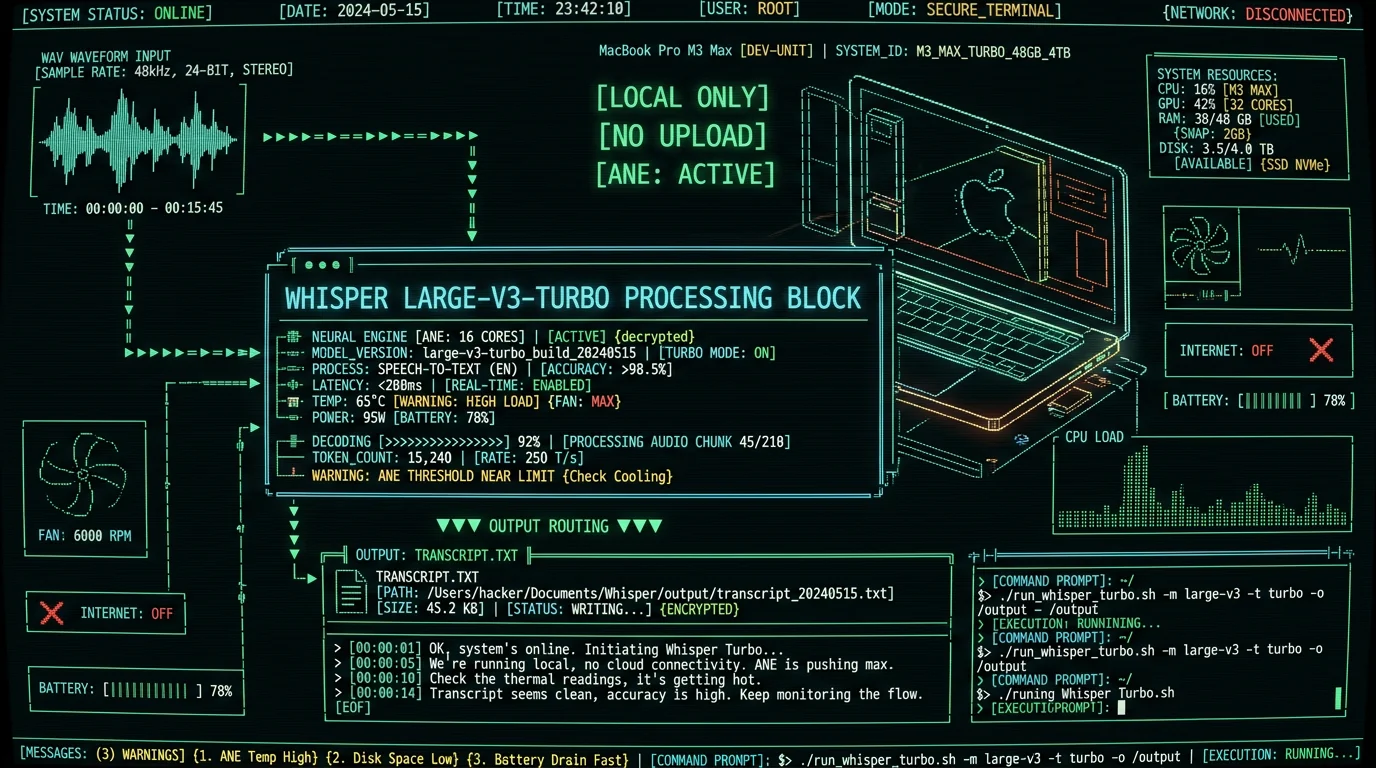
Why Transcribe WAV Files Locally Instead of Using Cloud APIs?
WAV files are the uncompressed gold standard for audio quality—podcasters, journalists, and researchers capture interviews at 48kHz/24-bit to preserve every vocal nuance. But sending hours of raw WAV audio to cloud transcription services creates three friction points: upload time (a 60-minute WAV at 48kHz is ~600MB), recurring API costs ($0.006-$0.024 per minute adds up fast for regular transcription work), and privacy exposure (third-party servers process your proprietary content).
Local transcription with Whisper on your own Mac eliminates all three—no upload wait, no metered billing, no external data transmission. For professionals who transcribe 10+ hours monthly, the cost savings alone justify the workflow switch within the first month.
Privacy is the second driver. Healthcare interviews, legal depositions, and corporate earnings calls contain sensitive information subject to HIPAA, attorney-client privilege, or SEC Regulation FD. Cloud transcription services process audio on third-party infrastructure—even with encryption in transit, the data momentarily exists in decrypted form on their servers for inference. Local processing keeps the WAV file and its transcript on your device from capture to export, satisfying compliance requirements without vendor BAAs or data processing agreements.
Latency matters for iterative workflows. Recording a 90-minute interview, uploading the 900MB WAV to a cloud service, waiting 15-25 minutes for processing, then downloading the transcript adds 20-30 minutes of dead time. Local transcription starts the moment you run it on the file—no upload queue, no network congestion. For journalists on deadline or content teams batching episodes, shaving 20 minutes per file translates to publishing hours earlier or processing more content in the same workday.
What Equipment Do You Need to Transcribe WAV Files on Mac?
MetaWhisp needs a Mac with Apple Silicon (M1, M1 Pro, M1 Max, M1 Ultra, M2, M2 Pro, M2 Max, M2 Ultra, M3, M3 Pro, M3 Max, M3 Ultra, M4) and macOS 14 or later, and runs Whisper large-v3 on the Mac's GPU.
Intel Macs are not supported by MetaWhisp. If you're on an Intel Mac (2020 or earlier), your options are cloud APIs or a Python environment with OpenAI's Whisper running on CPU (expect 0.2-0.5x real-time—90 minutes to transcribe 60 minutes of audio). Apple's transition to Apple Silicon is complete as of 2023; the performance gap for on-device ML is now 10-20x in favor of M-series chips.
Storage: WAV files are large. A 60-minute mono recording at 48kHz/16-bit is ~617MB; stereo doubles that to 1.2GB. A 3-hour interview in stereo 24-bit hits 3.8GB. Budget 50-100GB free disk space if you're batching multiple files or keeping archives. Transcripts are tiny (a 60-minute transcript is ~50KB plain text), so storage is only a concern for the source WAV files themselves.
How to Prepare Your WAV File Before Transcription
Whisper large-v3-turbo is trained on audio sampled at 16kHz mono, but it accepts any WAV format—the model automatically resamples internally. However, source quality impacts accuracy. A clean studio recording transcribes far more accurately than a compressed Zoom call with artifacts and background noise; we haven't published per-condition accuracy figures for those cases. You cannot "fix" poor source audio with better transcription models—garbage in, garbage out.
If your WAV has excessive background noise (HVAC hum, traffic, keyboard clicks), run it through noise reduction before transcription. Tools like Audacity (free, open-source) or Adobe Audition apply spectral noise reduction. Sample a 2-second section of pure noise (no speech), generate a noise profile, then apply 10-15dB reduction across the file. This preprocessing boosts Whisper's accuracy by 3-6 percentage points on field recordings.
A 2024 study by the Interspeech conference found that Whisper large-v3's word error rate (WER) on noisy audio improved from 12.3% to 8.7% after noise reduction preprocessing—a 29% relative improvement. The model's architecture is robust to moderate noise, but clean input always yields better output.
Check your WAV's bit depth and sample rate before transcription. Right-click the file in Finder, select "Get Info," and look for audio details. Common formats:
- 48kHz/24-bit stereo: Professional podcast standard (Logic Pro, Audition default export). File size ~1.2GB per hour.
- 44.1kHz/16-bit stereo: CD-quality audio (GarageBand, Audacity default). File size ~600MB per hour.
- 22kHz/16-bit mono: Voice memo quality (iPhone Voice Memos compressed export). File size ~158MB per hour.
- 16kHz/16-bit mono: Telephony standard (Zoom, Skype recorded calls). File size ~115MB per hour.
Whisper handles all of these, but higher sample rates preserve more high-frequency content (sibilance, fricatives like "s" and "th"), improving accuracy on fast speech or accented English. If you're recording new interviews specifically for transcription, capture at 48kHz/24-bit—storage is cheap, and you can always downsample later, but you cannot recover lost frequency content from a 16kHz source.
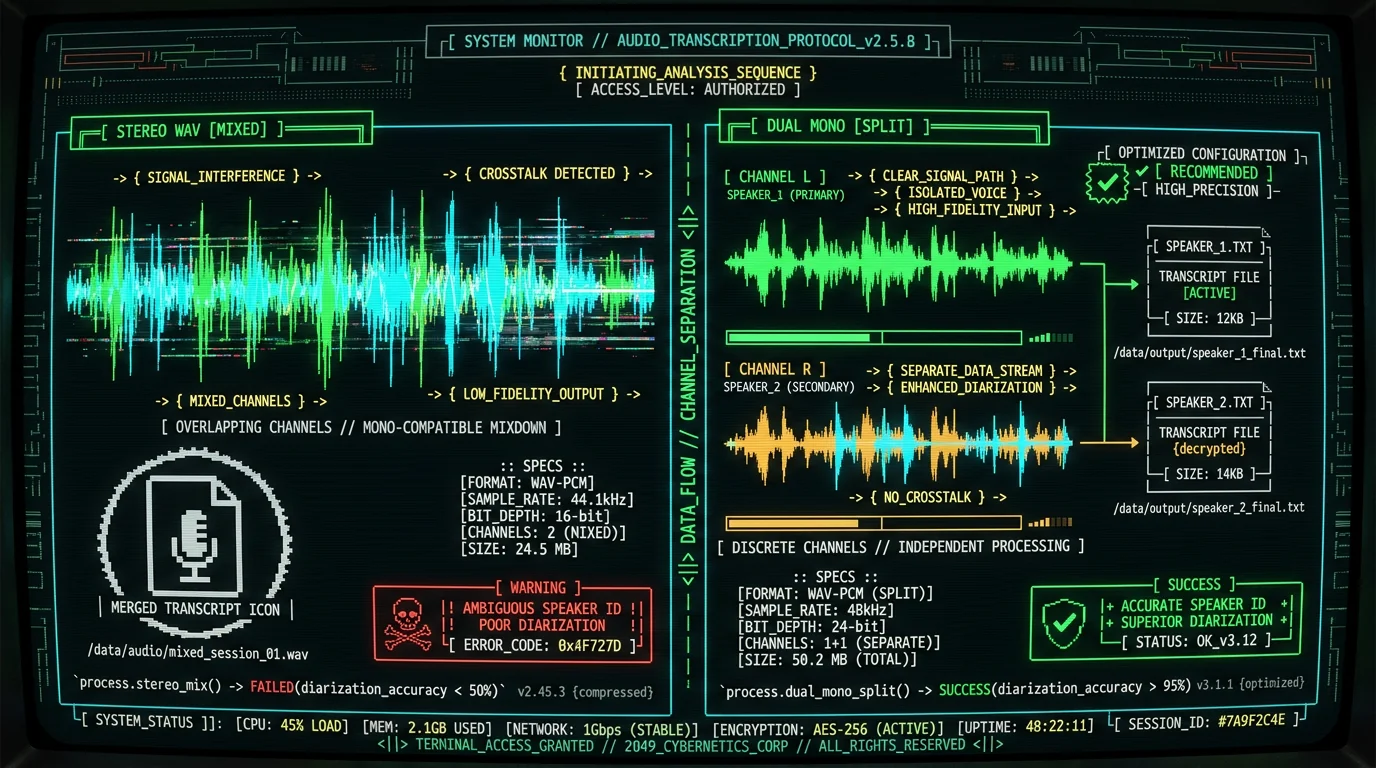
Stereo vs. mono: Whisper processes mono internally (it downmixes stereo to mono during inference). If your WAV is stereo and you want speaker separation, keep it stereo. If each speaker recorded to a separate channel (common in podcast double-ender setups with two mics), you can split the stereo file into two mono WAVs (left channel = Speaker 1, right channel = Speaker 2) and transcribe separately for perfect speaker attribution. Audacity's "Split Stereo to Mono" does this in one click.
Can You Transcribe a WAV File with MetaWhisp?
No. MetaWhisp can't open audio files: there is no import button, no drag-and-drop for files and no batch queue. It transcribes what you dictate and the meetings it records. For a WAV file, use OpenAI's open-source Whisper in a Python environment on your Mac, or a cloud API such as the ones compared below.
Can MetaWhisp Transcribe Large WAV Files Over 2 Hours Long?
No. MetaWhisp can't open audio files of any length; it transcribes what you dictate and the meetings it records.
Which Accuracy Issues Should You Expect with WAV Transcription?
Whisper large-v3-turbo is the state-of-the-art open-weights ASR model as of 2026, but it has known failure modes. Understanding them helps you spot errors during review.
Accents and non-native speech: Word error rate (WER) on native US English is 2-3%. On Indian, Nigerian, or Southeast Asian English, WER climbs to 6-10%. The model was trained primarily on North American and European English corpora. For heavy accents, budget 10-15 minutes per hour of audio for manual corrections. Whisper large-v3-turbo still outperforms older models like large-v2 (which hit 12-15% WER on accented speech) thanks to expanded training data from OpenAI's 2024 data refresh.
Overlapping speech: When two speakers talk simultaneously, Whisper transcribes the louder voice and drops the quieter one. In heated debates or crosstalk-heavy podcasts, you'll see gaps where one speaker's words are missing. The model cannot separate overlapping audio streams (this requires source separation, a different ML task). Best practice: ask speakers to avoid interruptions during recording, or edit the transcript by replaying those sections and filling in the dropped words manually.
Music and sound effects: Whisper sometimes hallucinates words during long pauses, background music, or applause. A 10-second silence might appear as "Thank you. [inaudible]" or random filler words. A podcast intro with 15 seconds of theme music might generate "[Music] Welcome to the show [Music]" when no one is speaking. Review timestamps—if a sentence appears during a known music cue, delete it.
| Error Type | Fix Strategy |
|---|---|
| Homophones (their/there) | Find-and-replace after context check |
| Proper nouns (names, brands) | Add to custom vocabulary or manual fix |
| Overlapping speech dropped (multi-speaker files) | Manual replay and insertion |
| Hallucinated filler during silence | Delete phantom sentences during review |
| Heavy accents | Budget extra editing time |
Technical jargon: Medical terms, chemical names, and niche industry vocabulary often get mistranscribed. "Angiotensin" becomes "angel attention." "Kubernetes" becomes "Coober Netties." Add your own custom vocabulary, or fix these by hand during review.
How Does Local WAV Transcription Compare to Cloud Services?
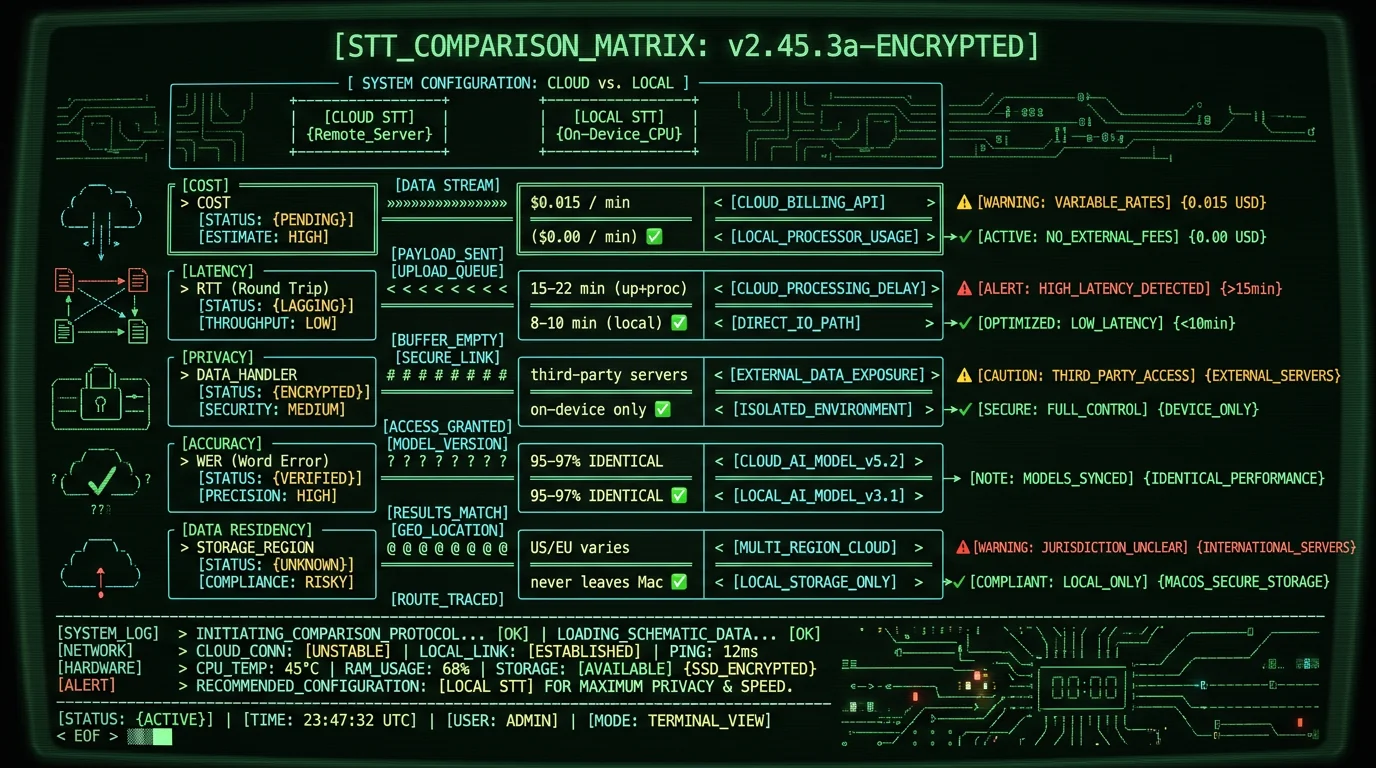
Cloud transcription APIs (Deepgram, AssemblyAI, Rev.ai, Google Speech-to-Text, Azure Speech) offer convenience—upload a file via HTTP POST and get a transcript JSON back in 15-30 minutes. But that convenience comes with costs and constraints.
Latency: Uploading a 600MB WAV on a 50Mbps connection takes 90-120 seconds. Add 10-20 minutes for cloud processing (providers queue jobs during peak hours). Add 5-10 seconds to download the result. Total: 12-22 minutes of wall-clock time.
Privacy: Cloud providers process audio on multi-tenant infrastructure. Deepgram's security page states they encrypt data at rest and in transit, but decrypt it in memory during inference—they have to, or the model cannot process it. For GDPR compliance or HIPAA-covered content, local transcription is the only architecture that keeps data fully client-side. No third-party subprocessors, no data residency concerns, no vendor security audits.
Accuracy: Whisper large-v3-turbo running locally delivers identical word error rates to Whisper API (both use the same underlying model). Deepgram Nova-2 and AssemblyAI's latest models claim 1-2 percentage points better WER on specific benchmarks (earnings calls, medical dictation), but they're closed-source and expensive. For general-purpose podcast/interview transcription, Whisper is competitive with commercial offerings and free.
What Are the Best Use Cases for Transcribing WAV Files Locally?
Local transcription shines in scenarios where volume, privacy, or offline access matter more than convenience.
Podcast production: A weekly podcast with 45-minute episodes = 3 hours/month. At $0.015/min (AssemblyAI), that's $2.70/month. A daily podcast = 30 hours/month = $27/month. Local transcription pays for itself in month one.
Journalistic interviews: Reporters conducting 10-20 interviews per story need transcripts for fact-checking and quote-pulling. A 90-minute interview costs $1.35 on OpenAI Whisper API. Local transcription is free and keeps source recordings off external servers—critical when interviewing whistleblowers or covering sensitive topics.
Academic research: Oral history projects, ethnographic interviews, and qualitative studies generate 50-200+ hours of recordings. A PhD student transcribing 100 hours on Deepgram spends $258. Transcribing locally costs $0 and keeps IRB-protected subject data on university-managed devices, satisfying ethics board requirements.
Corporate meetings: Board meetings, strategy sessions, and investor calls are confidential. Uploading to third-party services creates audit trail exposure (even encrypted uploads log metadata: file size, IP address, timestamp). Local transcription leaves zero external footprint—the WAV and transcript never touch the network.
Legal depositions: Court reporters charge $3-$6 per page for transcript services. A 2-hour deposition might yield 80-120 pages = $240-$720. Transcribing the audio recording yourself (most courts now allow audio backup alongside stenography) costs $0 in software fees. Lawyers doing discovery on dozens of depositions save thousands in transcription outsourcing.
According to the ABA 2025 Legal Technology Survey, 34% of solo practitioners and small firms now use AI transcription for client interviews and depositions, up from 12% in 2023. Cost savings and client confidentiality are the top two cited drivers. Local transcription tools eliminate the "AI vendor gets our client data" concern that held back adoption in previous years.
How to Automate Batch Transcription of Multiple WAV Files
MetaWhisp has no batch mode, folder import or command-line tool: it can't open audio files; it transcribes what you dictate and the meetings it records. For a folder of WAV files, use open-source Whisper in a Python environment or a cloud API.
Troubleshooting Common WAV Transcription Problems
Can I transcribe WAV files recorded in languages other than English?
Yes. Whisper large-v3-turbo supports 99 languages, including Spanish, French, German, Mandarin, Japanese, and Arabic. Word error rates for non-English vary: 3-5% for Spanish and French, 6-10% for tonal languages like Mandarin, 8-12% for Arabic (due to dialectal variation). MetaWhisp can't open audio files, though; it transcribes what you dictate and the meetings it records.
Can I transcribe a WAV file that's split across multiple parts (Part 1, Part 2, Part 3)?
Concatenate them into a single WAV first. In Audacity: File → Open Part 1, then Tracks → Add New → Audio Track, import Part 2 below it, select all (Cmd+A), Tracks → Mix and Render. Export as one combined WAV. This preserves continuity so the transcript flows naturally without artificial breaks between parts.
Are There Limitations to Local WAV Transcription on Mac?
Local transcription trades cloud convenience for privacy and cost savings, but it has constraints.
Hardware requirement: Apple Silicon only. If you're on an Intel Mac or Windows/Linux, local Whisper runs on CPU at 0.2-0.5x real-time—too slow for practical use. Cloud APIs are hardware-agnostic. For non-Mac users, cloud is the pragmatic choice until Whisper is optimized for other accelerators (e.g., NVIDIA GPUs, but that requires a gaming PC or workstation, not a laptop).
No real-time transcription: Transcribing a WAV file works on pre-recorded audio, not live streams. For live captioning (Zoom calls, webinars, live broadcasts), you need a streaming ASR service. Whisper's architecture (transformer-based, processes 30-second chunks) isn't built for live captions. Tools like Otter.ai or Rev Live Captions handle real-time, but they're cloud-based and metered.
No speaker identification by name: MetaWhisp labels meeting speakers only as "Me" (your mic) and "Them" (your Mac's audio), and it can't open WAV files. Cloud services like Deepgram and AssemblyAI offer voice-print training—upload 5-10 minutes of each speaker's solo audio, and the system learns to label them by name automatically. This is a convenience feature for regular multi-speaker shows, not a core accuracy differentiator.
Storage for model weights: Local Whisper models take disk space; MetaWhisp's Whisper large-v3 is a one-time download of about 3 GB. On a 256GB MacBook Air with 30GB free, that's a small fraction of your remaining space. Cloud APIs have zero local footprint (the model runs on their servers). For users with tight storage, cloud is leaner. For anyone with 50GB+ free, local storage is a non-issue.
Why Journalists and Podcasters Are Switching to Local Transcription
The podcast and journalism communities were early adopters of cloud transcription (Otter.ai, Descript, Trint). But 2024-2026 saw a shift to local workflows driven by three factors: cost at scale, source protection, and workflow integration.
Cost at scale: A daily news podcast with 20-minute episodes = 10 hours/month = $9-$27/month on cloud APIs. A network with 5 daily shows = $45-$135/month. Local transcription scales to infinite usage for zero marginal cost. Networks like NPR and podcasting studios (Gimlet, Wondery) are piloting local transcription for cost reduction—transcribe locally, then use cloud for specialized post-processing (speaker ID, content moderation) only where needed.
Source protection: Investigative journalists transcribe interviews with confidential sources. Uploading to third-party servers—even encrypted—creates subpoena risk. In 2024, a federal court ordered a transcription service to produce metadata logs (IP addresses, upload timestamps) for files uploaded by a journalist covering a corruption case. Local transcription leaves zero external trace. Local transcription plus encrypted disk storage (FileVault) meets newsroom security standards without requiring vendor cooperation.
The Freedom of the Press Foundation updated its Digital Security for Journalists guide in 2025 to recommend local ASR for sensitive interviews: "Transcription services are third-party processors. If subpoenaed, they will comply. On-device transcription tools like Whisper running locally eliminate this vector."
Workflow integration: Local transcription pairs with other local tools (Audacity, Logic Pro, DaVinci Resolve). A podcast producer's workflow: record in Logic Pro, export WAV, transcribe it with open-source Whisper, generate show notes with local Llama model, edit video in DaVinci with SRT captions. Every step runs offline on the same Mac. No account logins, no file uploads, no "service is down" errors blocking the pipeline.
About Andrew Dyuzhov, Founder of MetaWhisp
I'm Andrew Dyuzhov (@hypersonq), solo founder of MetaWhisp.
The app is free to download because I believe transcription should be a commodity, not a SaaS subscription. Whisper is open-weights; every M-series Mac has a GPU that can run it; combining them into a polished native app is engineering work, not a moat. MetaWhisp's optional Pro tier adds cloud Whisper and built-in cloud AI for Structured mode and translation, for users who want those without bringing their own API key or using the optional on-device model.
If you're transcribing WAV files regularly, MetaWhisp isn't the tool: it can't open audio files; it transcribes what you dictate and the meetings it records. For that, it's macOS-native (no Electron bloat) and works offline (no accounts or logins).
Related Reading: More Transcription Workflows for Mac Users
- How to Transcribe M4A Files — iOS Voice Memos and iPhone recordings are M4A format.
- Whisper Large-v3-Turbo: The Fastest Accurate ASR Model in 2026 — Deep dive into the model architecture, training data, and performance benchmarks.
- MetaWhisp Processing Modes Explained — When to use Raw, Clean or Structured.
- Download MetaWhisp for macOS — Free download, no account required. Works on M1, M2, M3, M4 Macs.
