Short answer: Yes — you can run a capable LLM fully on a Mac with Apple Silicon today, with no data leaving the device. Apple ships on-device Foundation Models through Apple Intelligence, and the open-source MLX and Ollama paths give you third-party models on the same hardware. The honest tradeoff: local models handle clean text beautifully, and they stumble a bit on messy, real-world dictation. If your highest-value use is private note summaries on text you've already captured, local wins. If you need frontier reasoning on noisy transcripts, you'll still want a cloud model sometimes.
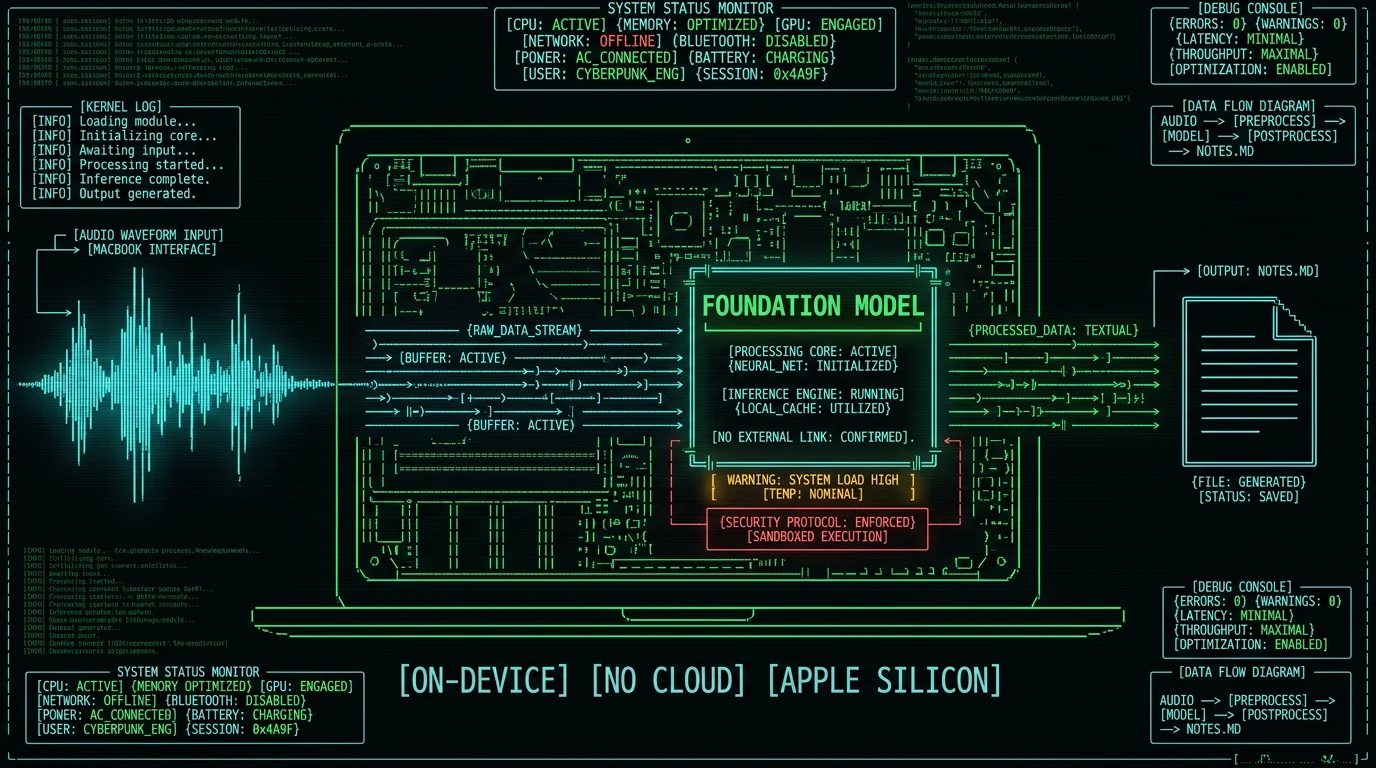
What does "private AI notes" actually mean in 2026?
Three things, working together: capture, structure, recall. You capture a thought — typed or dictated — then a model summarizes, tags, or rewrites it. Later you search it back. That loop is the second-brain pattern a lot of people now run on a Mac.
"Private" means none of it — the raw input, the structured output, or the search query — leaves the machine. Not to OpenAI. Not to Anthropic. Not to Apple's Private Cloud Compute unless the request is too hard for the on-device model and the user has opted into the fallback path.
On a Mac with Apple Silicon this stopped being a stunt in 2025. The hardware is there. The frameworks are there. The models are good enough for everyday note work. What you give up is the absolute bleeding edge of reasoning — the kind of leap only a frontier model served from a datacenter can deliver.
Pro tip: Treat "private" as a spectrum. A local LLM you call from a script is the strictest end. Apple Foundation Models with optional Private Cloud Compute is one step looser — the device decides per request. A cloud-only tool with a "we don't train on your data" line in the privacy policy is the loosest end, even when it's still useful.
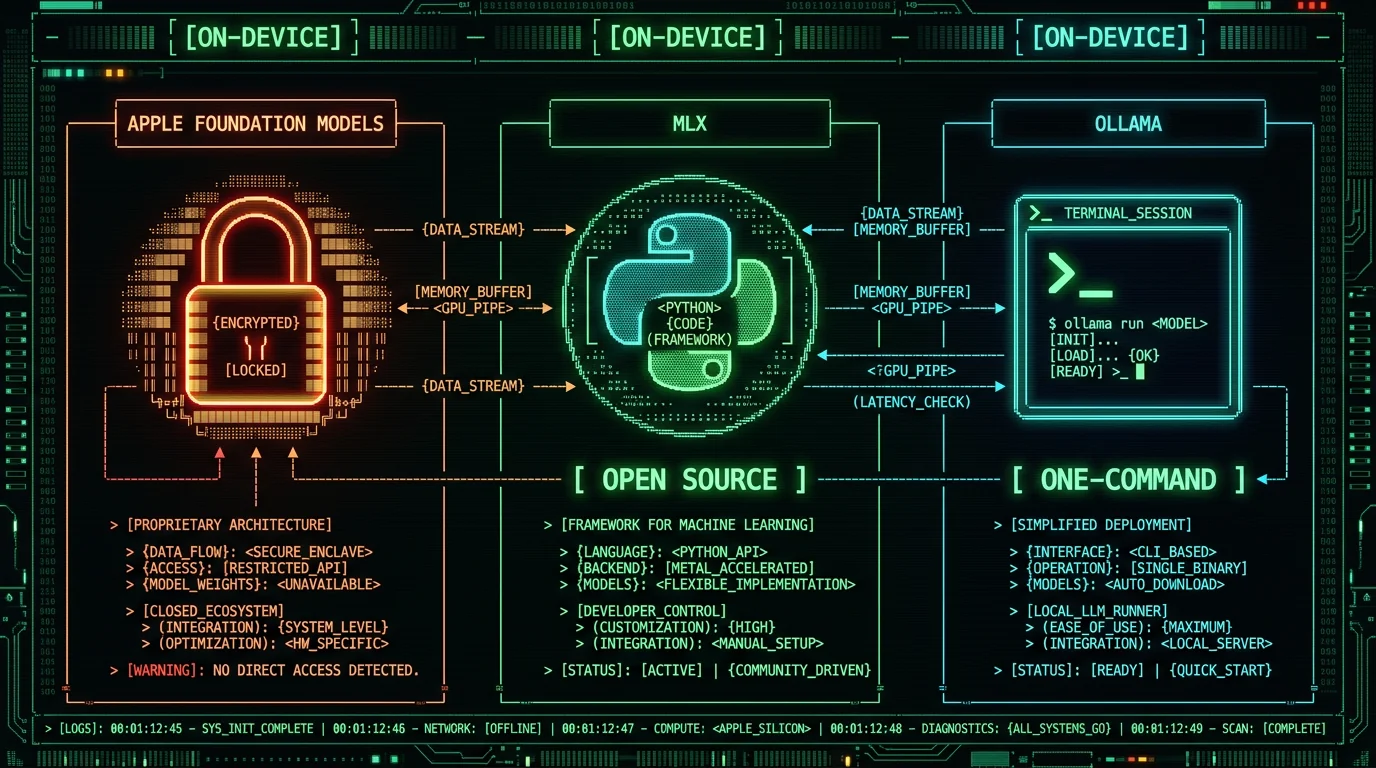
What's the difference between Foundation Models, MLX, and Ollama?
These three names get thrown around interchangeably. They're not the same thing.
Apple Foundation Models is Apple's own on-device LLM family, exposed to apps through the Foundation Models framework on recent macOS versions. Apple described the model at WWDC25 as roughly 3 billion parameters, with Private Cloud Compute as an opt-in fallback for harder prompts. You don't pick the model — the system does. You do get strong privacy defaults.
MLX is Apple's open-source array framework for machine learning on Apple Silicon. It is not a model — it's the runtime. Anyone can take an open model (Qwen, Llama, Mistral, Phi) and run it through MLX with a few lines of Python. MLX itself lives at github.com/ml-explore/mlx and the docs are at ml-explore.github.io/mlx.
Ollama is a desktop app and CLI that runs LLMs locally with one command — ollama run llama3 and you're talking to a model. It bundles its own runtime, supports Apple Silicon through Metal, and ships a curated catalog so you don't have to wrangle conversions. Grab it from ollama.com.
Which local LLM path is easiest on macOS today?
Easiest is Ollama. Install the app from ollama.com, type one command, you have a chat. It hides the runtime, the model format, and the quantization behind a clean CLI. If you want to integrate it into your own notes pipeline, Ollama also exposes a local HTTP API on localhost.
Next easiest is Apple's Foundation Models — but only if you're writing a Mac app, a Shortcut, or an AppleScript. Apple ships the framework so any Swift automation can call the on-device model in a few lines. You don't pick the model, you don't see the weights, but you get strong privacy defaults for free and no install step.
MLX is the most flexible and the most work. You write Python, you choose the model, you manage memory. In return you can build whatever you want — long-context note summarization, custom embeddings, retrieval pipelines — without leaving your laptop. Pick MLX when you want to build a pipeline, not just chat.
How to run an LLM locally on your Mac step by step
Let's use Ollama as the example, because the path is short and the result is real in under five minutes.
- Download Ollama for macOS from ollama.com. The installer is the standard .dmg flow. Apple Silicon only — Intel Macs are out.
- Open Terminal and pull a model. For notes work, start with
ollama pull llama3.2:3b— small enough to run on 8 GB unified memory, good enough for clean summarization tasks. - Chat from the CLI with
ollama run llama3.2:3b. Type a paragraph of meeting notes, ask for a summary, ask for action items. Latency is fine for short inputs. - Call it from a script via the local API at
http://localhost:11434/api/generate. Anything that can hit HTTP — AppleScript, a Raycast extension, a Shortcut — can now rewrite your notes through the local model. - Pull a bigger model when you trust the workflow.
ollama pull qwen2.5:14borollama pull llama3.1:8bif you have 16 GB+ unified memory. Quality jumps noticeably for structured output.
If you'd rather not touch Terminal, Open WebUI, Msty, and LM Studio all give Ollama a friendly chat UI on top.
Will a local LLM actually match GPT-4 or Claude for note-taking?
No — and pretending otherwise would be dishonest. On clean prose you already wrote, a 7B–14B local model produces summaries and tags that come close to frontier cloud model quality, but typically not quite there. On messy, real-world input — overlapping speakers, half-finished thoughts, jargon, code-switching between Russian and English — the gap widens.
The frontier cloud models have seen more data, run on bigger hardware, and have years of RLHF tuning. A 3B parameter on-device model just doesn't have that capacity. Where local models do match well: rewriting clean paragraphs, extracting action items from a transcript you already cleaned up, drafting replies from your existing notes.
The honest play is hybrid: run local by default, reach for the cloud when a piece of input is genuinely hard. Most notes aren't that hard. Some are.
Where local LLMs actually shine for notes — and where they stumble
Local models are great at:
- Summarizing text you already wrote. The input is clean, the task is short, latency is low.
- Tagging and categorizing your own notes. Classification is exactly where small models still hold up.
- Rephrasing drafts in your tone, from a prompt that already contains your draft.
- Embedding text for local search. Embedding models are tiny and run great on the Neural Engine.
- Anything you need to do ten thousand times where each call must be cheap and offline.
Local models stumble on:
- Multi-step reasoning across long documents. Local context windows are smaller, and reasoning quality drops faster as the window fills.
- Noisy transcripts — overlapping speakers, false starts, code-switching, domain jargon. The model has to guess, and smaller models guess worse.
- Niche factual recall. A 3B model has less world knowledge baked in than a much larger frontier model.
- Long, structured outputs (multi-page reports with tables and citations). Format adherence gets shaky below ~14B.
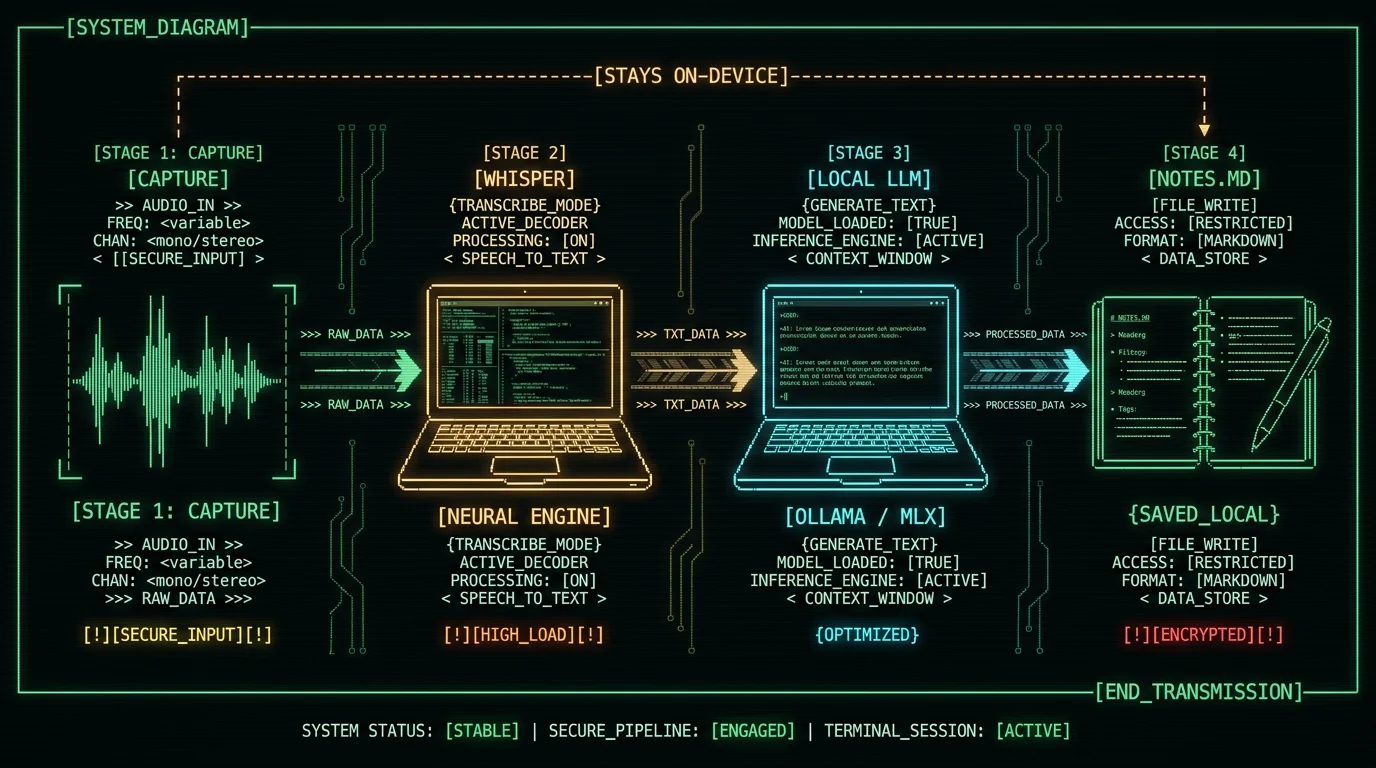
The capture-then-clean pattern is the sweet spot. Capture raw with a local speech-to-text model first — that's what Whisper large-v3-turbo does for audio on the Neural Engine. Then run the cleaned transcript through a local LLM for the structure. Both stages stay on-device.
Is Apple Intelligence the same as running a local LLM?
Conceptually yes, technically no. Apple Intelligence uses Apple's on-device Foundation Model for many of its features — Writing Tools, summarization in Mail and Messages, Genmoji, the smarter Siri intents. From the user's perspective, the requests are usually handled on-device. From the developer's perspective, you can call the same model from your own app through the Foundation Models framework.
Where it differs from MLX or Ollama: you don't pick the model, you don't see the weights, you can't fine-tune it, and you can't run it offline in a portable sense — the framework is tied to the OS. Where it wins: zero setup, zero install, strong privacy defaults baked in, and Apple handles the upgrade cycle for you.
Can I keep the whole second-brain loop fully offline?
Yes, with a caveat about what "fully" means. The strict version: MLX or Ollama running locally on your Mac, processing text you already have on disk, never calling any remote endpoint. That works today, including for embedding and search.
The looser version: Apple's Foundation Models framework stays on-device for most requests but can fall back to Private Cloud Compute when the prompt is too complex. Apple documents this behavior and lets users disable the fallback. Apple has published the architecture and security documentation for Private Cloud Compute — see the Apple Intelligence pages on support.apple.com.
The hybrid version — local by default, cloud only when explicitly invoked — is what most working note-takers settle on. Local for daily summaries, cloud for "I really need this one turned into a memo."
How to pair on-device dictation with an on-device LLM
This is the workflow I actually run daily, and it's the natural reason MetaWhisp ends up paired with an Ollama endpoint in my setup.
- Capture. Hold the global hotkey, talk. Whisper large-v3-turbo runs on the Neural Engine, audio never leaves the Mac. You get clean text in any focused app.
- Clean. Paste the transcript into your notes app. Trim the false starts manually — or feed the raw transcript to a local LLM and ask it to strip filler.
- Structure. Hand the cleaned text to a local Ollama model with a prompt like "extract action items, decisions, and open questions." You get structured notes without the cloud.
- Embed and search. Run a local embedding model over your note archive. Search happens on your disk, with vectors that never went to anyone.
If you want the LLM stage to use Apple Foundation Models instead of Ollama, the structure stays the same — you just swap the endpoint. The audio capture side doesn't change. That's why voice and LLM tooling pair so well: each does one job on-device.
For more on this pattern of on-device note capture, see our roundup of Granola alternatives for on-device Mac note-taking and the broader case for why local AI models fit a MacBook workflow.
What Mac hardware do you actually need?
Short answer: any Apple Silicon Mac with at least 16 GB of unified memory will run a useful local LLM. 8 GB is the floor and you'll feel it.
More specifically:
- M1 / 8 GB: small models only (3B), slow but workable for short notes.
- M1 / 16 GB: comfortable. 7B–8B models at reasonable speed.
- M2 / M3 / M4 / 16 GB: the sweet spot. 14B models become feasible.
- M2 Pro / Max and up: 30B+ models, fast context, embedding + LLM + Whisper in parallel.
For more on what Apple Silicon can actually handle and why the unified memory architecture matters for LLMs, the why-local-AI-on-MacBook piece has the long-form explanation.
Do I need an M3 or M4, or will an M1 work?
An M1 works. You won't run a 30B model at usable speed, but a 3B or 7B model runs fine on an M1 with 16 GB of unified memory. Summarization, tagging, rewriting — all usable. The M3 and M4 chips just give you more headroom for larger models and faster token throughput, but they are not required to get started.
If you already own an M1 MacBook Air, the bottleneck is usually RAM, not raw compute. 8 GB will get you a usable 3B model and not much else. 16 GB unlocks the practical range of useful models.
The honest advice: don't upgrade your hardware to run a local LLM until you've tried it on what you already own. Most people are surprised how far an M1 with 16 GB gets them.
How private is "private" really?
The marketing claim is one thing. The reality depends on which path you picked.
- MLX or Ollama, local script, no internet: the strictest version. Your text never leaves the Mac unless you explicitly send it somewhere. There's no telemetry in the model itself.
- Apple Foundation Models: on-device by default; Private Cloud Compute is the documented fallback. Apple has published the architecture and allows audits. The catch: you trust Apple to honor the design.
- Cloud AI with "we don't train on your data": the data still crosses the wire, the provider still logs requests for abuse monitoring, and the policy can change with the next quarterly update.
For genuine second-brain privacy — your journal, your therapy notes, your client notes — local-only is the only version with no network hop. For less sensitive work, the Apple-on-device-with-optional-cloud-fallback tier is a reasonable middle ground.
Pro tip: If you care about the gap between marketing and reality, look at the network panel. With Ollama, the only host your machine talks to is localhost. That's the audit you can run in 30 seconds.
| Path | What it is | Open source | Cost | Privacy model |
|---|---|---|---|---|
| Apple Foundation Models | Apple's on-device LLM via framework | No (closed weights) | Free with Apple Intelligence | On-device; Private Cloud Compute fallback |
| MLX | Apple's open-source ML framework | Yes (BSD-3-Clause) | Free | Fully local — you decide the network policy |
| Ollama | Local LLM runner app + CLI | Yes (MIT) | Free | Fully local; optional remote Ollama server |
| Cloud frontier (Claude, GPT) | Hosted API | No | Per-token pricing | Provider logs and policy apply |
When should you still reach for the cloud?
I'm a local-first person and I still use the cloud. The honest list:
- When the input is genuinely messy and the local model is missing key facts.
- When you need a structured output over a very long document — a 200-page contract, a long research brief.
- When you need vision or audio understanding beyond transcription. Local multimodal is improving but still a step behind.
- When the cost of being wrong is high — legal drafting, medical notes, anything with real consequences. Verify against a frontier model.
MetaWhisp's processing modes follow this exact split: local Structured / Correct / Rewrite modes work for free when you bring your own API key, and Pro removes the bring-your-own-key requirement for cloud AI features. The idea is that you pick the model tier for the job, not the other way around.
For full pricing, see the MetaWhisp pricing page. The free tier is the local loop end-to-end. Pro is when you want built-in cloud polish without juggling API keys.
If you're just starting, grab MetaWhisp free for macOS and pair it with an Ollama install. You'll have a fully local dictation-to-structured-notes pipeline in an afternoon.
FAQ
Can I run a local LLM on a MacBook?
Yes. Any Apple Silicon Mac (M1 or later) can run an open-weights LLM through MLX, Ollama, or llama.cpp. Practical limits depend on unified memory — 16 GB is the comfortable floor for useful note work, 8 GB will run small models but you'll feel the squeeze.
Is Apple Intelligence the same as a local LLM?
Conceptually yes, technically no. Apple Intelligence uses Apple's on-device Foundation Model for many features, and developers can call it through the Foundation Models framework. But you don't pick the model, can't fine-tune it, and the framework is tied to the OS — unlike MLX or Ollama where you choose everything.
Will a local LLM match GPT-4 or Claude for note-taking?
On clean input you already wrote, a 7B–14B local model is in the same general range as frontier models. On messy real-world dictation the gap widens. Frontier models still win on hard reasoning, long context, and noisy input. For everyday summaries, tagging, and rewriting, local is plenty.
What Mac do I need to run a local LLM?
Any Apple Silicon Mac works. M1 with 16 GB is the realistic floor. M2 Pro / Max and up let you run 30B+ models comfortably. The chip matters less than unified memory — RAM is the real bottleneck for local LLMs.
How does MLX differ from Ollama?
MLX is the framework — Apple's open-source array library for ML on Apple Silicon. You write Python and choose models. Ollama is a polished app and CLI that hides the framework. With Ollama you install, type one command, get a chat. Pick MLX when you want to build. Pick Ollama when you want to use.
Is running an LLM locally actually private?
Yes for MLX and Ollama — your text never leaves the Mac unless you send it somewhere. Yes-ish for Apple Foundation Models — on-device by default, Private Cloud Compute as fallback if the request is too hard. Apple publishes the architecture and allows audits.
Can I use a local LLM for meeting notes and summaries?
For already-cleaned transcripts, yes — local models handle "extract action items and decisions" well. For raw multi-speaker meeting audio, you need solid transcription first (Whisper on the Neural Engine works) and then you can hand the cleaned text to a local LLM for structure. Both stages stay on-device.
How much RAM does a local LLM need on Mac?
Roughly: 3B model wants 4–6 GB unified memory, 7B wants 8–10 GB, 14B wants 12–18 GB, 30B+ wants 24 GB and patience. Unified memory means the CPU and GPU share the pool — your 16 GB Mac is really 16 GB total, not 16 GB plus a separate VRAM pool.
What's the best local LLM for Apple Silicon in 2026?
It depends on the task. For short clean-input notes, Qwen 2.5 7B and Llama 3.1 8B are reliable. For structured output, Llama 3.1 8B holds up well. For reasoning-heavy work you need 14B+ and a Mac with the RAM for it. The "best" answer changes monthly as open weights improve — check the Ollama library for current rankings.
Do I still need a cloud model for anything?
Yes, in four cases: very messy input, very long documents, vision or audio understanding beyond transcription, and high-stakes output where being wrong is expensive. Hybrid local-first with cloud fallback is what most working note-takers settle on.
