Why Has Voice Coding Become Practical in 2026?
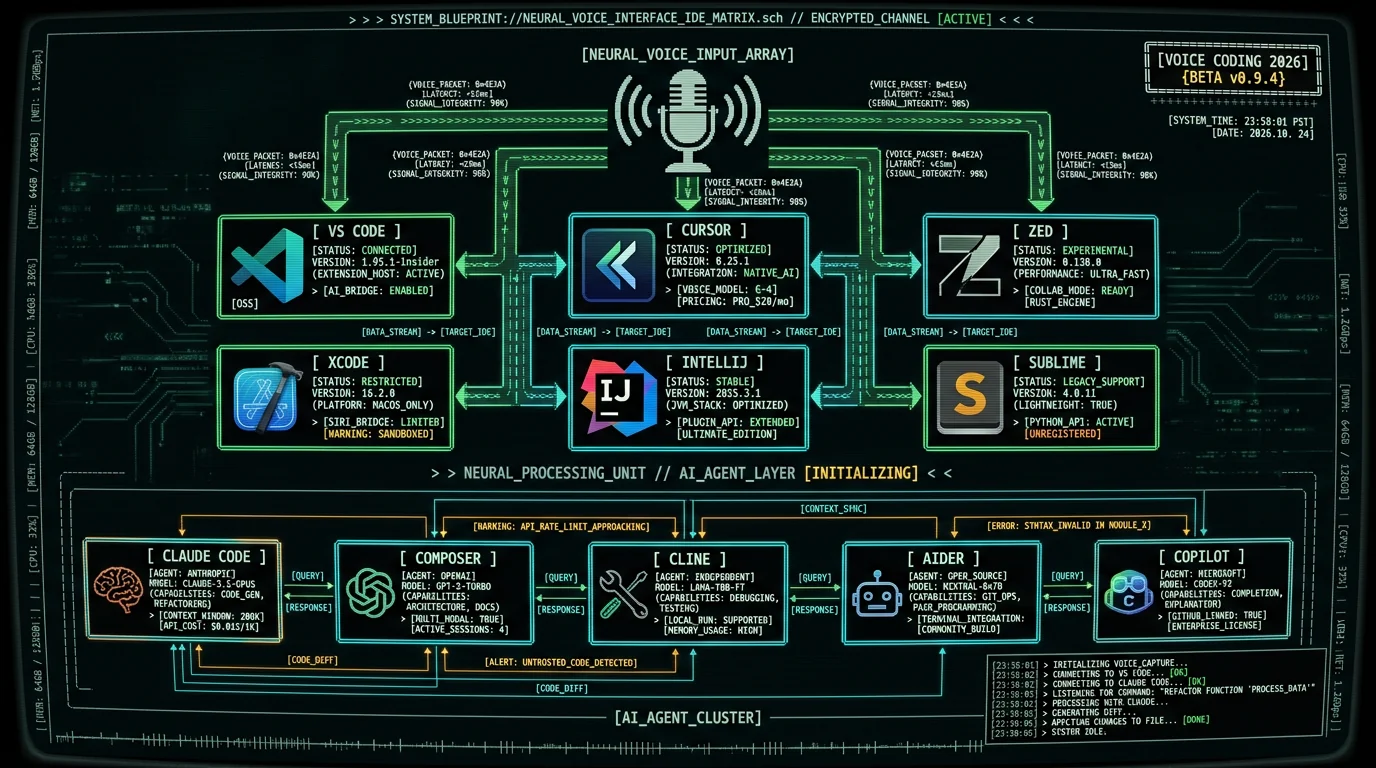
Two technology shifts made voice coding usable in 2026 that weren't in 2022. First, Whisper large-v3-turbo drove word error rate on technical English under 4%, including programming jargon like "TypeScript", "Kubernetes", "useEffect", and "async/await". Earlier Whisper variants and Apple's built-in dictation routinely garbled these terms. Second, AI coding agents — Claude Code, Cursor Composer, Cline, Aider — shifted the developer workflow from "type each character of code" to "describe what you want and let the agent write it". You no longer need to dictate "double quote import space React semicolon" — you say "import React and useState" and the agent handles the syntax. The combined effect: voice coding stopped being about speech-to-syntax and became speech-to-intent. That's a vastly easier problem for both the speech recognition model (natural English is easier to transcribe than literal code with brackets and operators) and the human (talking is easier than spelling out every character of a regular expression). The shift fundamentally changes who voice coding is for: not just RSI sufferers and accessibility users, but anyone doing AI-assisted development. I'm Andrew Dyuzhov, solo founder of MetaWhisp, the free on-device voice-to-text app for macOS. MetaWhisp supports voice dictation for Cursor and Claude Code workflows, and the patterns generalize across every IDE. This guide covers the six most-popular Mac code editors in 2026 and the universal setup that works across all of them.What's the Universal Voice Coding Setup on Mac?
The setup is identical across every IDE. Five steps, about 5 minutes total:- Download MetaWhisp (or your preferred Whisper-based Mac app) — free, no account required
- Launch MetaWhisp; let it download Whisper large-v3-turbo (~800 MB, one-time)
- Grant Accessibility permission when prompted (System Settings → Privacy & Security → Accessibility)
- Open MetaWhisp Settings → Global Hotkey → assign a key like
Right CmdorRight Option - Test: focus any text field (Notes, Mail, your IDE), hold the hotkey, speak, release. Text appears.
Right Option is ideal because it's rarely used by IDEs for shortcuts. Fn (the Function key bottom-left on Mac keyboards) works on all newer MacBooks. Right Cmd conflicts with Cmd-based shortcuts in some configurations. Avoid Caps Lock remapping — it's hard to release reliably.
Pro tip: Hold-to-talk is more reliable than toggle-to-talk for coding. With hold-to-talk, you can speak a brief instruction without worrying about ambient noise picking up later. Press, speak, release — the transcription happens on release. Toggle-to-talk leaves the mic open until you press again, which captures everything you say (including muttering to yourself or talking to colleagues) into the IDE.
How Do I Dictate Code in VS Code on Mac?
VS Code is the most-installed IDE on Mac in 2026, per the Stack Overflow 2024 Developer Survey. The voice coding setup:- Install MetaWhisp + assign global hotkey (per universal setup above)
- In VS Code, open the chat panel via Ctrl+Cmd+I (Copilot Chat) or your AI extension's hotkey
- Click into the chat input field
- Hold MetaWhisp hotkey, speak your prompt: "Refactor this function to use async/await and add error handling"
- Release hotkey — text appears in chat input. Press Enter to send.
How Do I Use Voice Dictation in Cursor IDE?
Cursor on Mac is the AI-first VS Code fork that has become standard for agentic coding workflows. Its Composer and Chat panels are designed for natural-language prompts, making it the ideal voice coding target.- Install MetaWhisp + assign global hotkey
- Open Cursor's Composer with Cmd+I, or Chat with Cmd+L
- Click into the prompt textarea
- Hold MetaWhisp hotkey, speak: "Add a new endpoint /api/health that returns service status, port info, and uptime in seconds"
- Release — text appears. Press Enter or Cmd+Enter to invoke Cursor's agent.
Is Voice Coding Faster Than Typing?
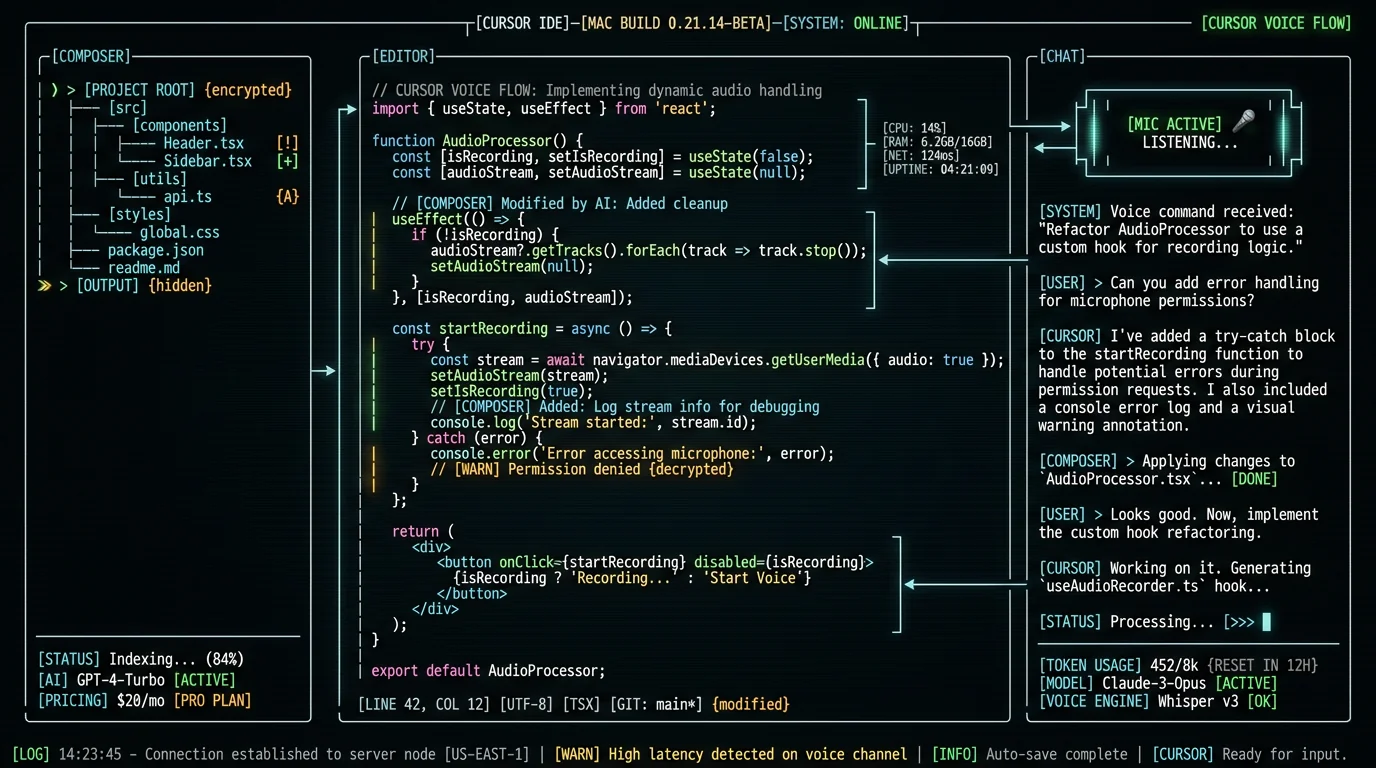
For prompt-driven AI workflows, yes. For literal-syntax dictation, no. Numbers from informal benchmarks:| Task type | Typing speed | Voice speed (MetaWhisp + AI agent) |
|---|---|---|
| 50-word AI prompt | ~50 sec (60 WPM typing) | ~22 sec (speech + release) |
| 200-word AI prompt | ~3 min 20 sec | ~1 min 30 sec |
| Literal code (10 lines) | ~45 sec | ~90 sec (with corrections) |
| Code comment | ~15 sec | ~8 sec |
| Variable rename | ~5 sec | ~12 sec |
How Do I Set Up Voice Coding in Zed Editor?
Zed is the GPU-accelerated Rust-native editor that gained adoption in 2025 for its performance. Voice coding in Zed works identically to VS Code because Zed accepts macOS accessibility text input on all its text fields.- Install MetaWhisp + assign global hotkey
- Open Zed, hit Cmd+? to open assistant panel (or your configured AI integration)
- Click into the prompt input
- Hold MetaWhisp hotkey, dictate prompt
- Release, press Enter to send
Can I Use Voice Coding in Xcode for iOS Development?
Yes. Xcode's editor, comment fields, breakpoint condition prompts, and search bar all accept system text input, so MetaWhisp's dictation works across them. The limitation is that Xcode itself doesn't ship with a built-in AI chat panel — you'd add Copilot for Xcode, Sweep, or another extension for the AI-prompt loop.- Install MetaWhisp + assign global hotkey
- Install an AI extension like Copilot for Xcode or use Cursor in parallel for AI-driven sections
- Focus the chat or prompt input
- Hold MetaWhisp hotkey, speak prompt, release
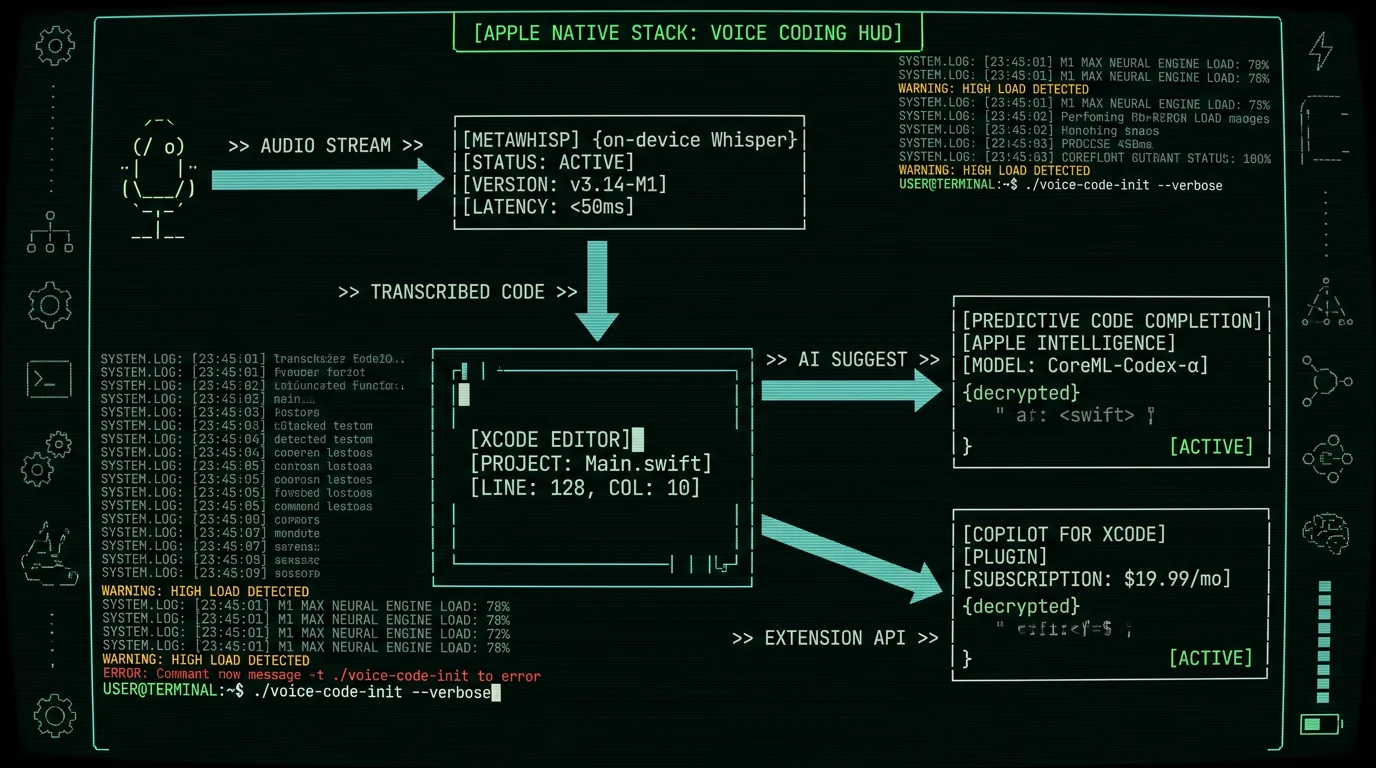
Xcode's "Editor → Voice Control" menu offers Apple's native voice-control system, which is different from voice dictation. Voice Control lets you issue commands like "click Run button" or "scroll down five lines" — it's UI navigation by voice, not text input. For typing code or comments, MetaWhisp's text-input-style dictation is the right tool.
What About IntelliJ, PyCharm, and Other JetBrains IDEs?
JetBrains IDEs on Mac (IntelliJ IDEA, PyCharm, WebStorm, GoLand, RubyMine, PhpStorm, AppCode, Rider, CLion) all accept system text input on their text fields. The voice coding setup is universal:- Install MetaWhisp + assign global hotkey
- Install the AI Assistant plugin from JetBrains Marketplace, or use Claude Code in a side terminal
- Open AI Assistant panel (default Alt+Enter on JetBrains shortcut scheme)
- Focus the chat input, dictate, send
What's the Voice Coding Setup for Sublime Text on Mac?
Sublime Text on Mac is the lean, fast, GPL-2-licensed editor that has held a niche audience since 2011. It doesn't ship a built-in AI panel, but voice coding works for direct dictation into the editor for comments, string literals, and Markdown files.- Install MetaWhisp + assign global hotkey
- For AI workflows: install the Claude API plugin from Package Control or run Claude Code in a side terminal
- Focus the editor or the API plugin's input panel
- Hold MetaWhisp hotkey, dictate prompt or content, release
Frequently Asked Questions About Voice Coding on Mac
Is voice coding actually usable for real software development?
Yes, especially for AI-agent-driven workflows in 2026. The technology shift is that you no longer dictate literal code syntax — you describe intent to AI coding agents (Claude Code, Cursor Composer, Cline, Aider) which write the code. This is dramatically more natural for voice input than spelling out brackets and semicolons. Developers with RSI, carpal tunnel, or accessibility needs report 60-80% reduction in keystrokes after switching to voice-to-prompt workflows.
What's the best voice-to-text app for coding on Mac?
For 2026, the best free option is MetaWhisp — runs Whisper large-v3-turbo on-device via Apple Neural Engine, with system-wide global hotkey support. Paid alternatives include Wispr Flow ($12/month, cloud-based, has word cap on free) and Superwhisper (freemium, on-device option). For voice-coding-specific tools that map speech to code grammar, Talon Voice and Serenade exist but require learning a custom command vocabulary.
Can I dictate code into VS Code on Mac?
Yes. Install MetaWhisp (or another Whisper-based Mac voice app), assign a global hotkey, then focus VS Code's editor or chat panel and dictate. For AI-prompt-driven coding via GitHub Copilot Chat or other extensions, the workflow is: focus chat input, hold hotkey, speak prompt, release, press Enter. The same setup works for editor-level dictation of comments, string literals, and prose-style content within code files.
Does voice coding work with Claude Code or Cursor?
Yes, both work natively. Cursor's Composer and Chat panels accept voice-dictated prompts via any system-wide voice-to-text app like MetaWhisp. Claude Code runs in a terminal and accepts dictation into the prompt input. Both AI agents handle natural-language intent descriptions, so you don't need to dictate exact code syntax — you describe what you want and the agent writes it. This is the canonical 2026 voice coding workflow.
Is voice coding faster than typing for software development?
For AI prompts and natural-language descriptions: yes, roughly 2-3× faster than typing. For literal code syntax with brackets, operators, and exact variable names: no, voice loses to keyboard. The 2026 sweet spot is voice for the 70-80% of coding time spent on AI prompts, code comments, commit messages, code review notes, and design descriptions, with keyboard for the remaining 20-30% of literal-syntax work.
Can voice coding help with RSI or carpal tunnel?
Yes, significantly. Voice-driven coding via AI agents can reduce keystroke volume by 60-80% for typical software development workflows, per reports from RSI-recovery communities. The combination of Whisper-quality speech recognition and AI coding agents that handle syntax means developers with repetitive strain injuries can work productively with mostly voice input plus occasional keyboard for cursor placement and shortcuts. This wasn't possible before 2024.
Does voice coding require an internet connection on Mac?
It depends on the voice-to-text app. MetaWhisp runs Whisper large-v3-turbo entirely on-device via Apple Neural Engine, so voice transcription works fully offline. Wispr Flow's free tier uploads audio to its cloud, so it requires internet. The AI coding agent layer (Claude Code, Cursor's Composer) does require internet to call the model's API. For fully offline workflows, pair MetaWhisp with a locally-hosted Ollama model in Cursor or Zed.
What's the best hotkey for voice coding on Mac?
Right Option is the optimal default — it's rarely bound to IDE shortcuts and easy to hold without finger strain. Fn (function key) is the alternative on newer MacBooks. Right Cmd can conflict with system shortcuts. Avoid remapping Caps Lock since it's hard to release reliably. Hold-to-talk is preferable over toggle-to-talk for coding because it prevents ambient noise from leaking into transcripts when you're thinking between commands.
About the Author
Andrew Dyuzhov is the solo founder and CEO of MetaWhisp, a free on-device voice-to-text app for macOS that runs Whisper large-v3-turbo on Apple Neural Engine. He has shipped voice coding integrations for Cursor, Claude Code, VS Code, and Zed based on developer-community requests, and uses voice dictation daily for both writing and software development. The benchmarks and IDE setups in this article come from his own M3 MacBook Air workflow. Connect on X or GitHub.
Related Reading
- How to Dictate in Cursor on Mac: AI Coding Voice — Cursor-specific setup and tips
- How to Dictate Prompts to Claude Code on Mac — terminal-based AI agent workflow
- Dictate Prompts to ChatGPT on Mac (2026) — general AI-prompt voice flow
- 7 Best Voice-to-Text Apps for Mac (2026) — comparison across all options
