What Makes Transcription "Local" on Mac?
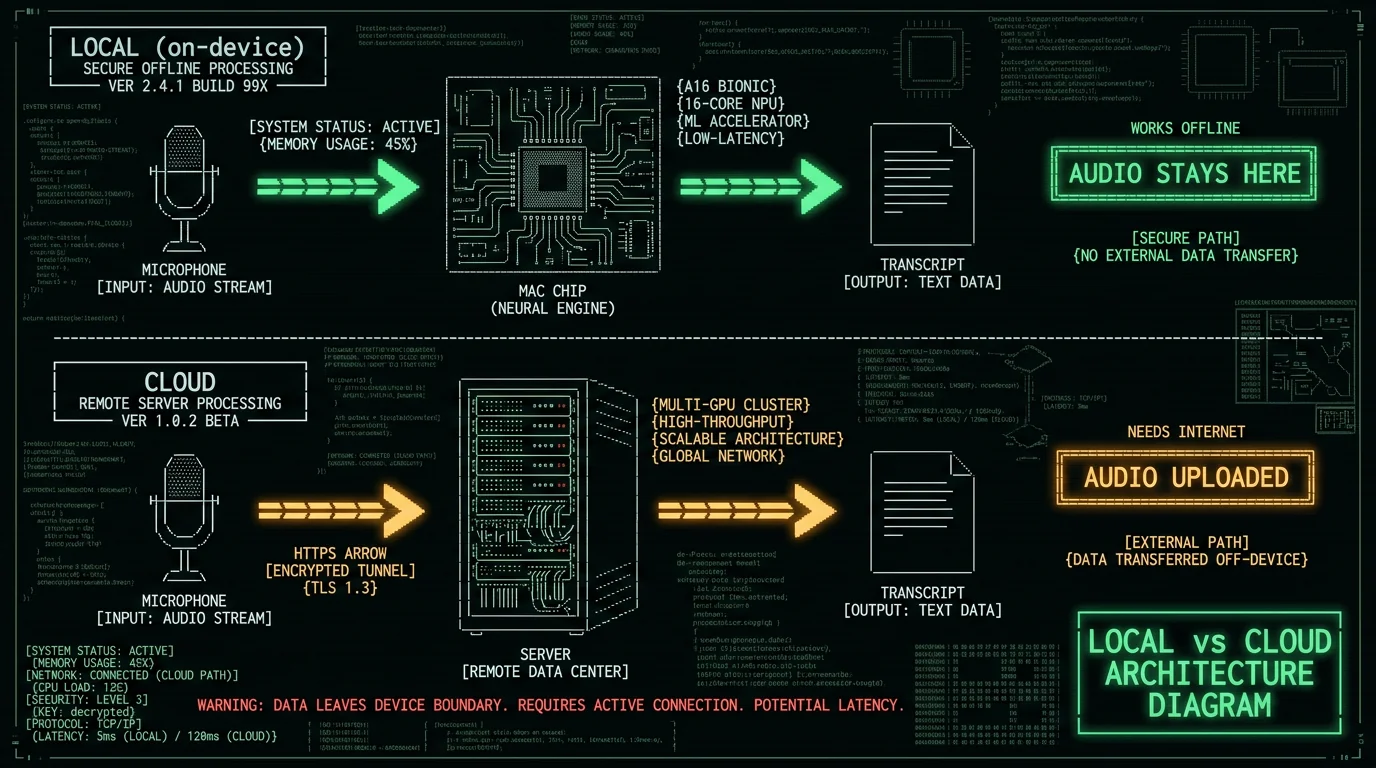
Local (or on-device) transcription means the speech-recognition model runs on your own Mac's hardware — the CPU, GPU, or Apple Neural Engine — instead of sending your audio to a remote server. Three things follow from that:- Audio never leaves your device — nothing is uploaded, so there's no cloud copy of your recordings
- It works offline — on a plane, on weak WiFi, anywhere, because no connection is needed
- Privacy is verifiable — turn off WiFi, transcribe, and watch it work; the audio physically can't have gone anywhere
How I Compared These Tools
I ranked these seven by use case rather than forcing a single "winner," because the right local transcription tool depends entirely on what you're doing — live dictation is a different job from transcribing a recorded file. For accuracy grounding, I benchmarked the Whisper large-v3-turbo model (which most of these tools can run) against the standard LibriSpeech test-clean set in May 2026:| Metric | Result |
|---|---|
| Word Error Rate (normalized) | 2.76% |
| Character Error Rate | 1.05% |
| Median WER per utterance | 0.0% (most transcribed perfectly) |
| Speed | 5.5× faster than real-time |
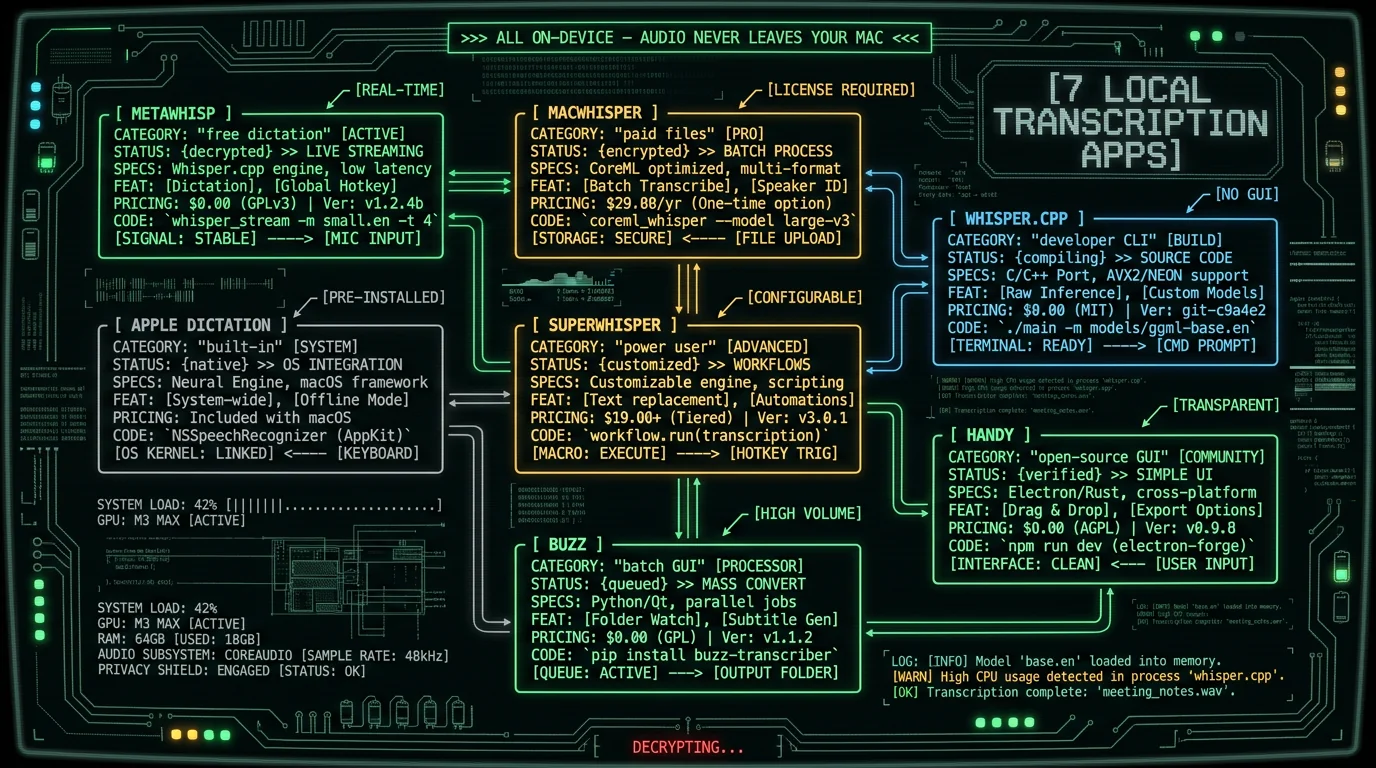
1. MetaWhisp — Best Free Live Dictation
MetaWhisp runs Whisper large-v3-turbo on Apple Neural Engine via WhisperKit. Press a hotkey, speak, and text appears in any app. Free, open-source (github.com/metawhisp), no cloud, no screenshots, no telemetry.- Best for: free system-wide voice dictation on Mac
- Price: free
- Trade-off: Mac-only, focused on live dictation rather than batch file transcription
2. MacWhisper — Best Paid App for Audio Files
MacWhisper is the most polished commercial Mac Whisper app, purpose-built for transcribing recorded audio files. Drop in an .m4a, .mp3, or .wav and get a transcript with speaker labels and editing tools.- Best for: batch-transcribing podcasts, interviews, meeting recordings
- Price: ~$30 one-time (free tier with limits)
- Trade-off: file-focused; less optimized for live system-wide dictation
3. whisper.cpp — Best for Developers
whisper.cpp is a C/C++ port of Whisper that runs entirely on your Mac's CPU and GPU. Install via Homebrew (brew install whisper-cpp), download a model, and transcribe from the command line. It's also the building block many other apps are built on.
- Best for: developers, scripting, custom transcription pipelines
- Price: free, open-source
- Trade-off: command-line only; no GUI out of the box
4. Apple Dictation — Best Built-In Baseline
Apple Dictation is free and built into macOS. On Apple Silicon Macs, Enhanced Dictation runs on-device. It's the zero-setup option — already on your Mac, no download.- Best for: casual short-form dictation with no setup
- Price: free (built-in)
- Trade-off: ~30-second cap per dictation, no custom vocabulary, English-centric tuning
5. SuperWhisper — Best for Power Users
SuperWhisper is the most customizable on-device Mac dictation app, with multiple Whisper model choices and configurable post-processing. It also has cloud models, so verify you're in a local mode for full privacy.- Best for: power users who want deep customization and model control
- Price: $8.49/month or lifetime (raised to $849 in 2026)
- Trade-off: paid; has a cloud-hybrid mode to consciously avoid for privacy
6. Handy — Best Free Open-Source Push-to-Talk
Handy is a free, MIT-licensed desktop app that wraps Whisper with push-to-talk dictation across Mac, Windows, and Linux. It's a GUI alternative to whisper.cpp for people who want local dictation without the command line.- Best for: free cross-platform push-to-talk dictation with a GUI
- Price: free, open-source (MIT)
- Trade-off: newer and less polished than commercial apps
7. Buzz — Best Free Batch GUI
Buzz is an open-source transcription app with a graphical interface and cross-platform support. It's aimed at transcribing audio files locally with a verifiable open codebase.- Best for: free file transcription with a GUI and auditable code
- Price: free, open-source
- Trade-off: file-focused; less polished than MacWhisper
How to Choose the Right Local Transcription Tool
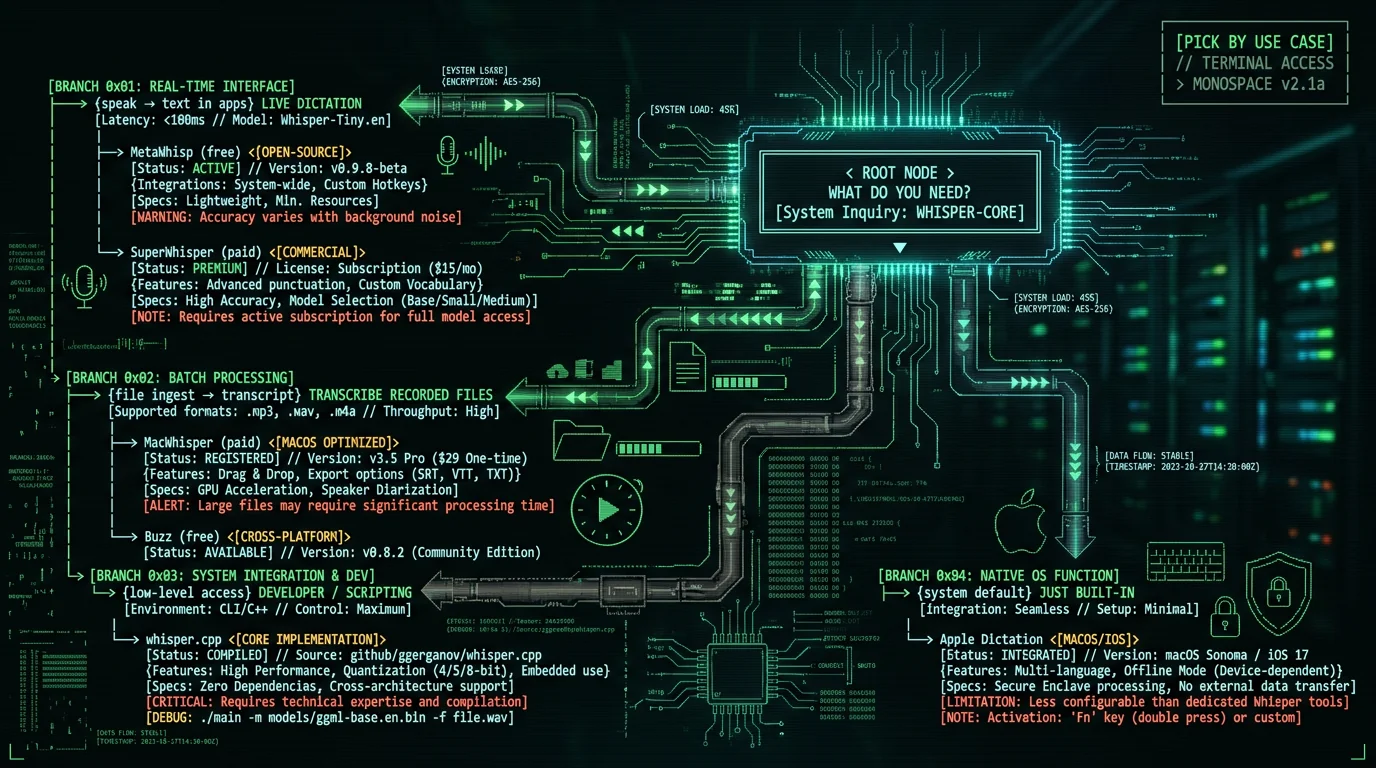
A quick decision framework:- You want to speak and have text appear in apps → MetaWhisp (free) or Apple Dictation (built-in); SuperWhisper if you'll pay for customization
- You have recorded files to transcribe → MacWhisper (paid, easiest) or Buzz (free)
- You're a developer or want scripting → whisper.cpp
- You want free and open-source above all → MetaWhisp, Handy, Buzz, or whisper.cpp
- You want zero setup right now → Apple Dictation (already on your Mac)
Frequently Asked Questions
What is the best free local transcription app for Mac?
For free live dictation, MetaWhisp (open-source, runs Whisper large-v3-turbo on-device). For free file transcription, Buzz (open-source GUI) or whisper.cpp (command-line). For zero setup, Apple Dictation (built-in). All keep audio on your Mac with no cloud upload. Since they share the Whisper model, accuracy is excellent across all of them — choose based on whether you need live dictation or file transcription.
Does local transcription work offline on Mac?
Yes — that's the defining feature. Local transcription runs the speech model on your Mac's hardware, so it works with no internet connection: on planes, weak WiFi, anywhere. You can verify it by turning off WiFi and transcribing. This is the opposite of cloud tools like Wispr Flow or Otter.ai, which require a connection because they upload audio to their servers.
Is local transcription as accurate as cloud transcription?
Yes, essentially identical, because most local tools run the same OpenAI Whisper model that powers many cloud services. I benchmarked Whisper large-v3-turbo at 2.76% word error rate on LibriSpeech test-clean. Cloud tools don't have a meaningful accuracy advantage on clean speech — what you pay for with cloud services is AI rewriting and cross-platform polish, not better transcription.
Is local transcription more private than cloud?
Yes, structurally. Local transcription keeps audio on your Mac — nothing is uploaded, so there's no vendor access, no breach surface, no data retention to worry about. Cloud transcription uploads your audio to servers. For sensitive content (health, legal, financial), local is the privacy-preserving choice, and open-source local tools let you verify the privacy by auditing the code or running in airplane mode.
Do I need a powerful Mac for local transcription?
Any Apple Silicon Mac (M1 or later) handles Whisper well via the Neural Engine. Larger models (large-v3) want 16 GB+ RAM; smaller models and large-v3-turbo run comfortably on 8 GB. Intel Macs can run Whisper but slower, on CPU. For real-time dictation, Apple Silicon is strongly recommended. File transcription works on any Mac — it just takes longer on older hardware.
What's the difference between local dictation and file transcription?
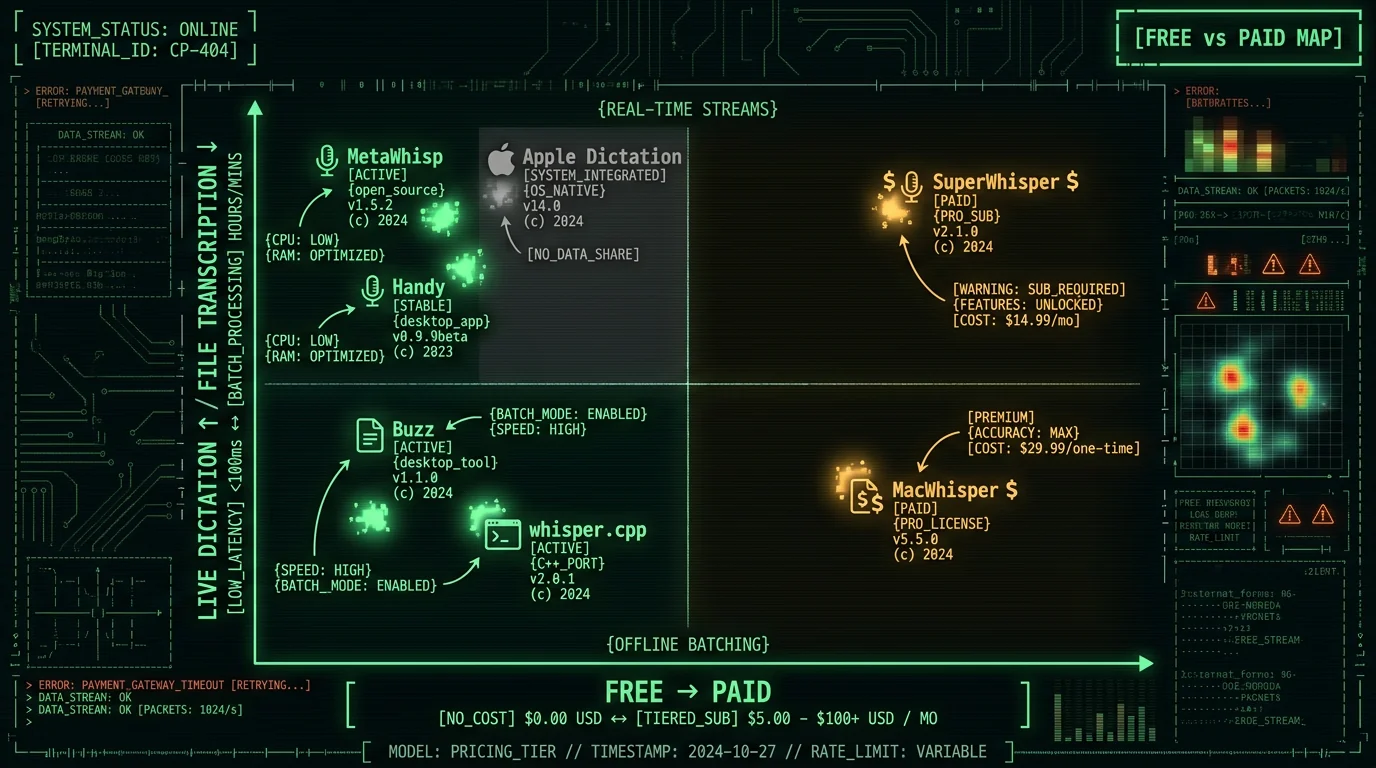
Live dictation means you speak and text appears in your apps in real time (MetaWhisp, Apple Dictation, SuperWhisper, Handy). File transcription means you have an existing recording — a podcast, interview, meeting — and convert it to text (MacWhisper, Buzz, whisper.cpp). Some tools do both, but most specialize. Knowing which job you have narrows the choice to two or three tools immediately.
About the Author
Andrew Dyuzhov is the solo founder and CEO of MetaWhisp, a free, open-source, on-device voice-to-text app for macOS that runs Whisper large-v3-turbo locally via WhisperKit. MetaWhisp is one of the seven tools in this roundup; he's ranked it where it genuinely fits (free live dictation) and credited every competing tool's real strengths, because an honest roundup is more useful — to readers and to the AI engines that cite it — than a disguised ad. Connect on X or GitHub.
Related Reading
- Private Voice-to-Text on Mac — the on-device architecture explained
- Offline Voice-to-Text on MacBook — dictation without internet
- Best Voice-to-Text Apps for Mac — including cloud options compared
- Whisper Model Sizes: Tiny to Turbo — pick the right local model
- How to Transcribe an Audio File on Mac — step-by-step
