Three real routes when the desktop app gives you no mic button.
Why is there no dictation button in the Notion Mac app?
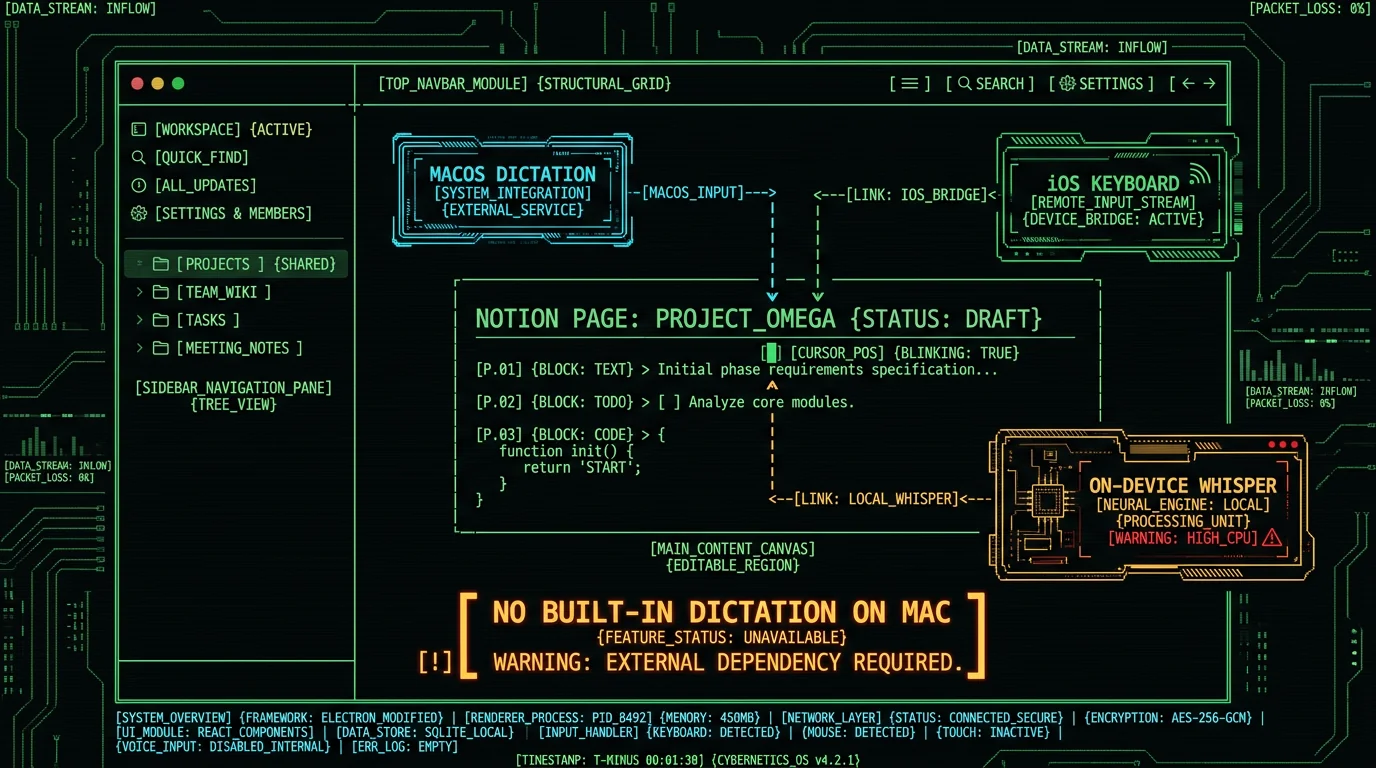
The Notion desktop app for Mac is essentially a wrapper around the Notion web app. It loads the same web UI inside its own window — same code, same feature set, same text editor. On the web (and on iOS, where Apple ships a system dictation keyboard), Notion does show a small microphone button inside some text fields. That mic button is part of the web app's text editor, and it leans on Chrome's Web Speech API or the browser's own dictation feature to do the heavy lifting. On macOS, that path is patchy at best. The desktop wrapper uses an embedded browser engine that doesn't always expose microphone permissions cleanly to the page, and even when it does, the underlying Web Speech API sends your audio to Google's servers for transcription. So you'd be dictating into Notion, but your words would still leave the Mac. That's why so many Notion users on Mac hit the same wall: open the app, click into a block, look for a mic, find nothing useful.What are the three real routes for Notion voice to text on Mac?
You have exactly three working options, and each one trades off accuracy, privacy, and convenience differently. None of them require you to touch your Notion workspace settings or install a Notion-specific plugin.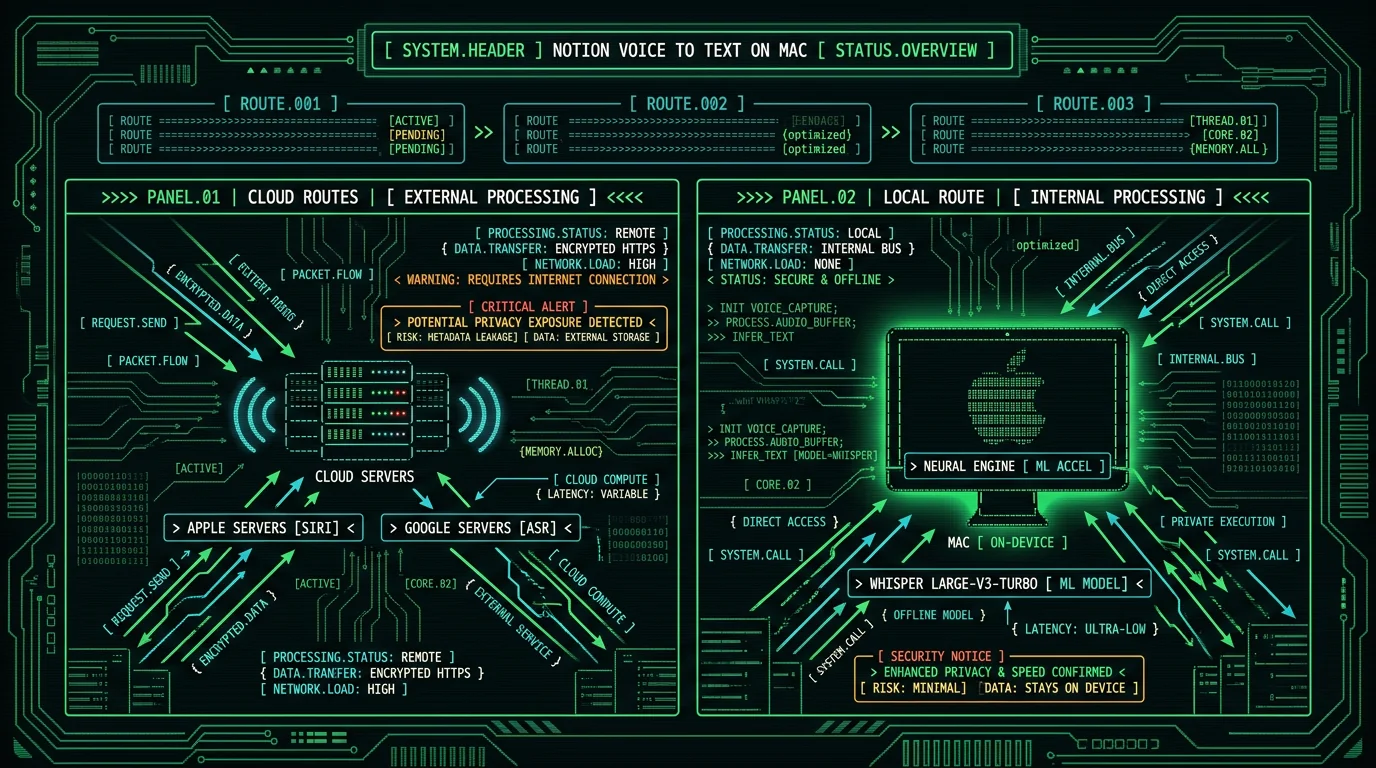
Is macOS Dictation good enough for Notion voice to text?
It's the lowest-friction answer. macOS Dictation ships with every Mac and works inside any text field — Notion blocks included. Setup: System Settings → Keyboard → Dictation. Turn it on. Pick your language. Pick your shortcut (the default is pressing the Fn key twice, or the Globe key on MacBooks without an Fn key). That's it. No account, no install, no cost. Click into a Notion block, hit your shortcut, talk, hit it again to stop. Your words land in the block as plain text. You can speak punctuation commands — "comma", "period", "new line", "question mark" — and macOS will translate them inline.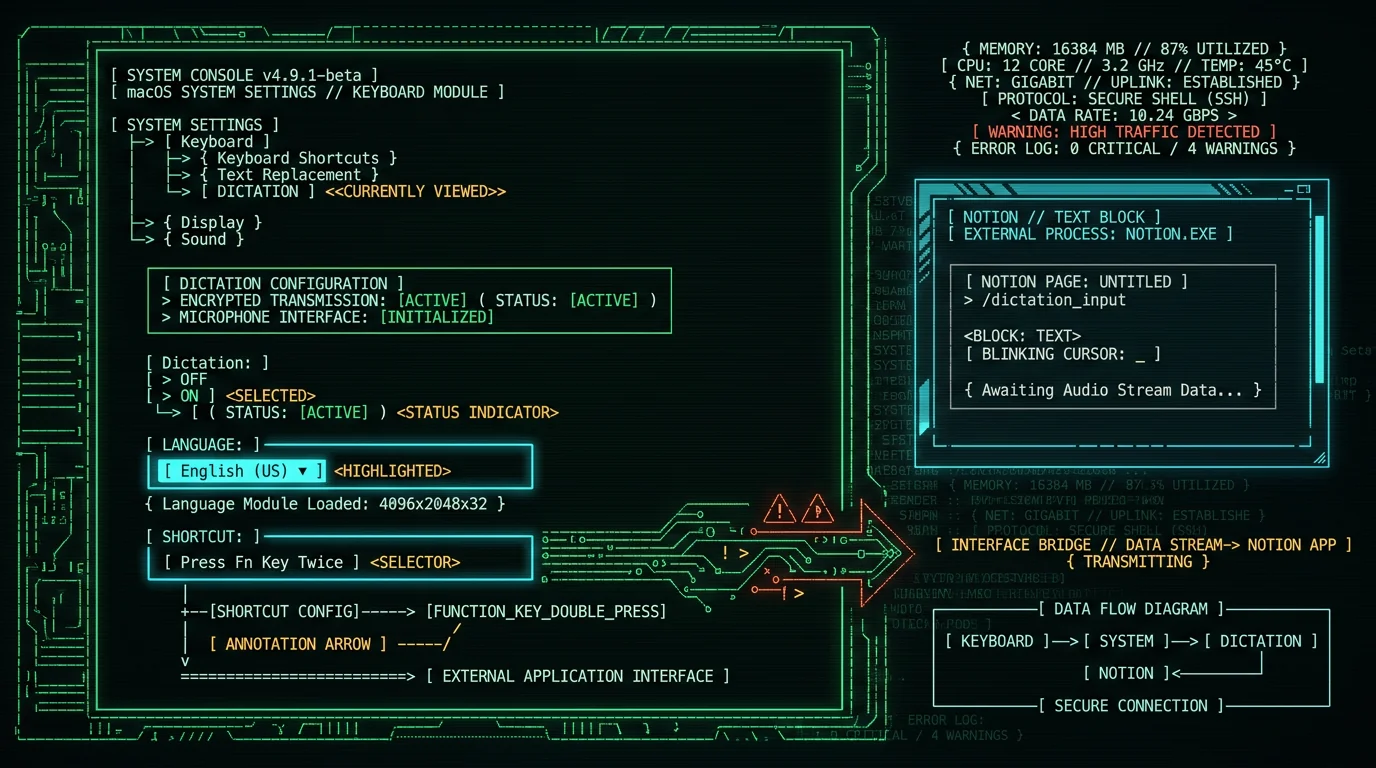
Pro tip: Turn on "Use Enhanced Dictation" in the same panel. It downloads a language model locally so your audio never leaves the Mac for basic transcription. Without it, macOS sends your voice to Apple for processing on most languages.Where macOS Dictation works well:
- Free, already installed, zero setup friction
- Works in any text field, including every Notion block type
- Handles roughly 40 languages with auto-detect
- "Enhanced Dictation" mode keeps audio on-device
- Accuracy is decent but not Whisper-class. Domain terms, product names, technical jargon, and accented English all suffer noticeably
- No formatting commands beyond basic punctuation — no slash commands, no bold, no headings
- You can't pick the model — it's whatever Apple currently ships
- Switching languages mid-stream is clumsy and often fails
- Streaming latency: it types a sentence or two behind your voice, which feels laggy for fast speakers
Can I dictate on iPhone and have it appear in Notion on Mac?
Yes — and a lot of Notion users already do this without realizing it's a deliberate workflow. It works because Notion syncs every block across all your devices within a second or two. The setup: Install Notion on your iPhone or iPad (most Mac users already have it). Sign into the same workspace. Tap into any block. Use Apple's built-in microphone key on the iOS keyboard — the small mic icon to the left of the spacebar. Talk, tap to stop. The transcribed text appears in your Notion block, which syncs back to your Mac within a second or two. You can also use Notion's own mic button on iOS, the one inside the text editor. On iOS it tends to work because Apple's WebKit engine exposes the mic permission cleanly, and Apple's iOS dictation pipeline is more reliable than the web Speech API path that the macOS desktop wrapper struggles with.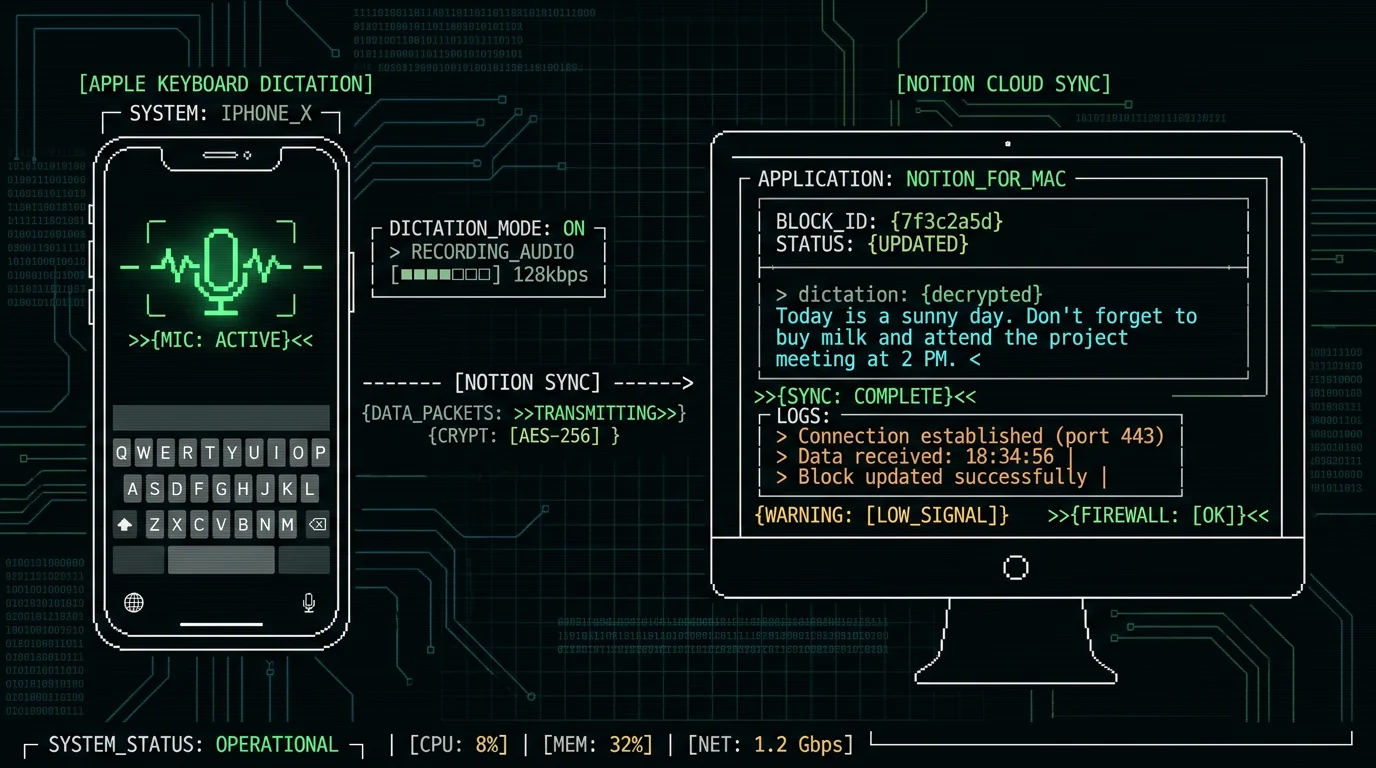
- Apple's iOS dictation is widely considered accurate — typically more so than macOS Dictation
- Free, no install beyond Notion itself
- Great when you're on the couch with your phone and your Mac is closed or in another room
- Naturally syncs across every Notion device you own
- You need an iPhone or iPad handy — Android users are out
- You're tied to Apple's iOS keyboard — third-party keyboards vary
- Sync is near-instant but not instant — there's a half-second "did it work?" pause
- Dictating a 2,000-word Notion doc by talking into your phone gets tiring fast
- Audio still goes through Apple's servers — there's no fully offline iOS dictation mode
What does on-device Whisper actually add?
A system-wide on-device Whisper app is a desktop tool that runs the Whisper model directly on your Mac's Apple Neural Engine. MetaWhisp is built exactly this way. The model download is ~950 MB and happens once. After that, the app types at the cursor wherever the cursor is — Notion blocks, Obsidian notes, Pages documents, Slack messages, a browser form — anything that accepts typed text.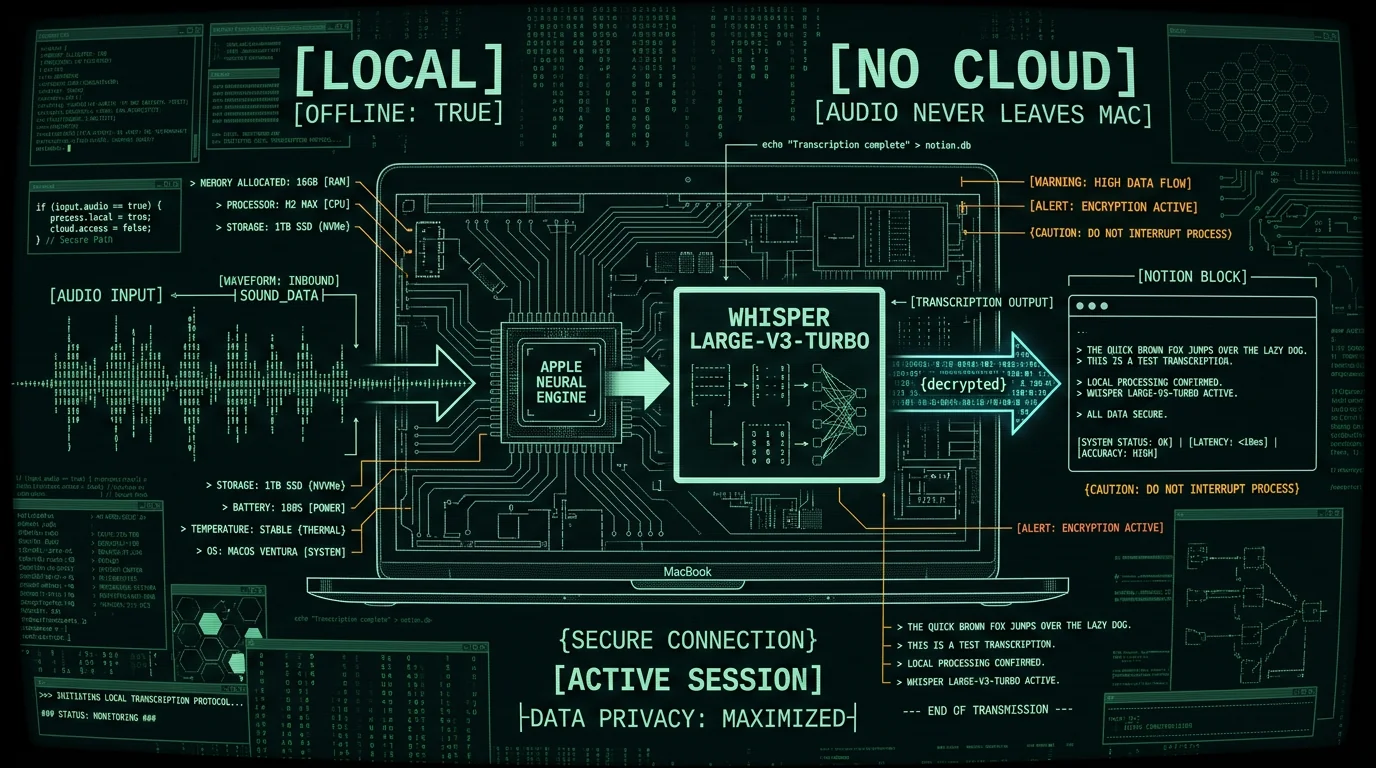
- Truly local. Audio never leaves the Mac. No Apple servers, no Google servers, no Notion servers. The model runs on the Neural Engine — the same kind of chip that handles Face ID on iPhones.
- Whisper-class accuracy. In my own 7-app head-to-head test on identical US English audio, MetaWhisp hit 3.7% WER. macOS Dictation came in at 11-14% on the same recording.
- 99 languages with auto-detect. I dictate daily in Russian and English and switch mid-sentence without touching any setting.
- No account. Local mode is free and unlimited. No time cap, no login, no telemetry.
- System-wide. The same global hotkey works in Notion, Obsidian, Pages, Slack — see my Obsidian voice-to-text guide for the same pattern with a different app.
Founder's note: I built MetaWhisp because macOS Dictation kept mangling my Russian-English code-switching, and the Notion desktop wrapper's web Speech path was sending my audio off to Google without asking. Local Whisper on the Neural Engine was the obvious answer — fast, private, accurate. The global hotkey means the same shortcut works in every app I use, Notion included.
How do AI post-processing modes work inside Notion?
Raw Whisper output is usually clean enough for a journal entry, but for anything more structured — meeting notes, a polished doc, a translation — you'll want to clean it up. MetaWhisp ships with three post-processing modes plus translation. The three modes:- Structured — turns raw speech into an outline or list of action items
- Correct — fixes grammar, punctuation, and obvious typos without rewriting your voice
- Rewrite — rewrites the transcript into cleaner prose
Which route makes the most sense for me?
It depends on how often you dictate, how long your Notion docs are, and whether privacy is non-negotiable.| Route | Cost | Privacy | Accuracy (clean English) | Best for |
|---|---|---|---|---|
| macOS Dictation (Enhanced) | Free | Local | Modest | Quick notes, occasional dictation |
| iOS keyboard dictation + sync | Free | Apple servers | Good | Short captures across devices |
| MetaWhisp (local Whisper) | Free local / Pro for cloud AI | Local by default | Whisper-class | Long docs, mixed languages, sensitive material |
How do I set up MetaWhisp for Notion?
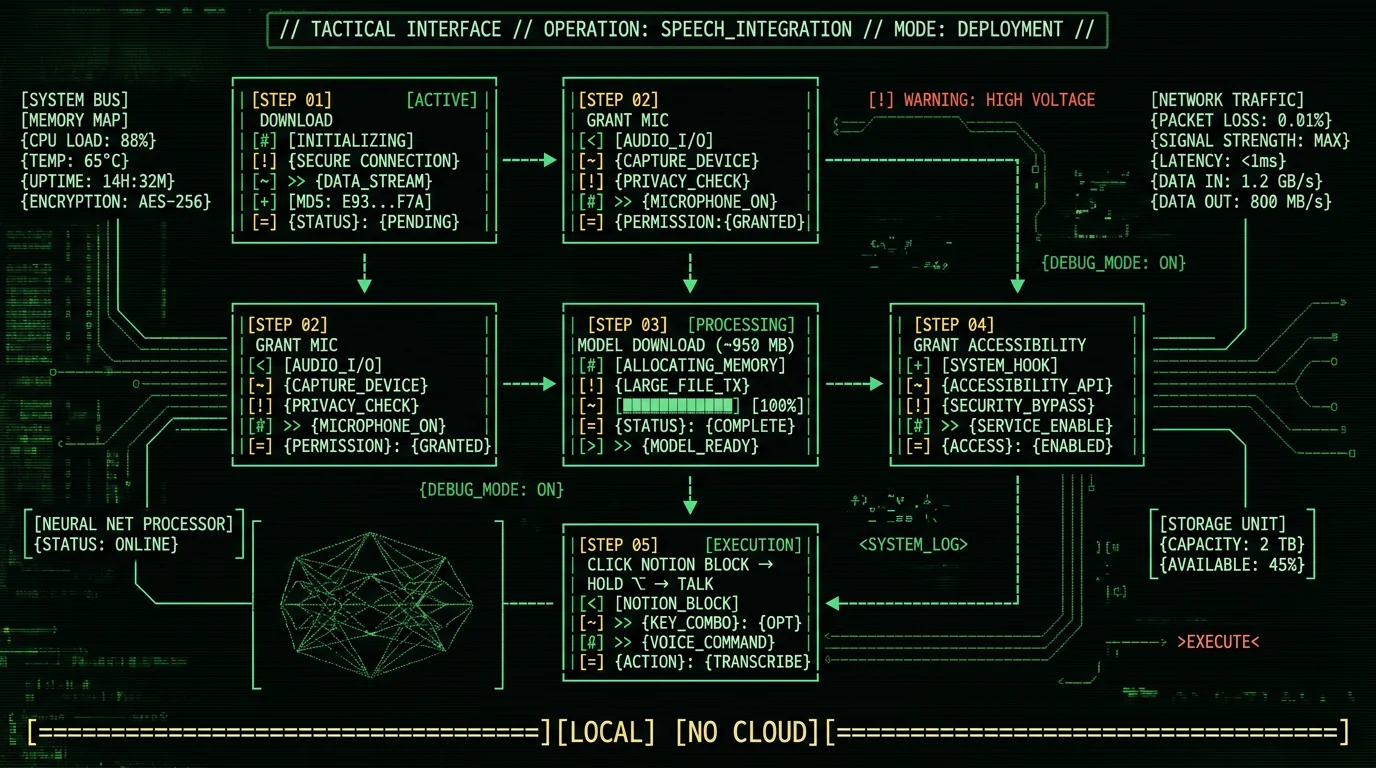
The setup is app-agnostic on purpose. MetaWhisp doesn't integrate with Notion, doesn't need a Notion API token, and doesn't have a "Notion mode." It just types at the cursor.- Download MetaWhisp and move it to your Applications folder.
- Launch it. Grant microphone permission when prompted.
- On first run it downloads the Whisper large-v3-turbo model (~950 MB). One-time only.
- Open System Settings → Privacy & Security → Accessibility and grant MetaWhisp the access it needs. This is what lets it type into other apps on your behalf.
- Open Notion. Click into any block. Hold Right Option (⌥) and talk. Release. Your words land in the block as text.
Pro tip: Want a different hotkey? Open MetaWhisp settings and pick any key combo. Common swaps are Right Command (⌘) and the Globe key on newer MacBooks. Whatever you pick, the same combo works in Notion, Obsidian, and every other app on your Mac.
What Notion voice to text can't do (yet)
Be honest with yourself about the ceiling, because voice-to-text tools all have one:- Notion's database properties. Voice-to-text dumps natural prose into a block. It does not fill a "Status" select field or a date picker. You'd still click to set those.
- Slash commands. Saying "slash heading one" doesn't trigger Notion's "/" menu. Type the slash yourself.
- Speaker diarization. If you're transcribing a meeting inside a Notion doc, you don't get automatic "Speaker 1 / Speaker 2" labels. We don't ship that yet.
- Semantic search across your transcripts. Also on our roadmap, not shipped.
- iOS app. MetaWhisp is macOS-only. On your iPhone or iPad, Apple's keyboard dictation is the answer. We're planning iOS for 2026, but it's not here yet.
Is there a way to make this even faster?
A few small habits that compound over weeks of daily dictation:- Pre-stage your blocks. Click into the next block before you finish talking in the current one. MetaWhisp types, you move the cursor, you keep going. No pause, no "let me click first" interruption.
- Use the Structured mode for meeting notes. If you bring your own OpenAI key, MetaWhisp can reformat your raw transcript into a clean outline before it types into Notion. See the processing modes page for examples.
- Combine with macOS text replacements. System Settings → Keyboard → Text Replacements. Type "vep" → it expands to "very expensive problem". Works whether the text came from your fingers or from MetaWhisp.
- Pick the right hotkey for your keyboard. Right Option collides with some third-party apps. Right Command is usually cleaner.
FAQ
Does Notion have a built-in voice typing feature on Mac?
Not reliably. The Notion Mac app is a wrapper around the web app, and the web app's mic button relies on Chrome's Web Speech API, which often fails inside the desktop wrapper and sends your audio to Google when it does work. Your practical options for Notion voice to text on Mac are macOS Dictation, iOS keyboard dictation synced via Notion, or a third-party tool like MetaWhisp.
Can I use voice to text in Notion for free?
Yes. macOS Dictation is free and built into every Mac. iOS keyboard dictation is free with every iPhone. MetaWhisp's local mode is free and unlimited — no account, no time cap. You only pay if you upgrade to Pro for built-in cloud AI post-processing, or if you bring your own OpenAI or Cerebras API key for the free-tier BYOK flow.
Does MetaWhisp integrate with Notion databases?
No. MetaWhisp doesn't integrate with Notion at all — it types at the cursor wherever the cursor is. That includes Notion blocks, but it cannot fill database properties, run slash commands, or interact with Notion's API. If you need to set a Status property or a date field, you still click.
Is Notion voice to text private?
Depends on the route. macOS Dictation with "Enhanced Dictation" turned on keeps audio local. MetaWhisp's local mode keeps audio on the device — it never leaves the Neural Engine. iOS keyboard dictation and the browser-based mic button in Notion's web app send audio to Apple and Google servers respectively. If privacy matters, the local Whisper route is the cleanest answer.
Will this work offline?
macOS Dictation needs an internet connection unless "Enhanced Dictation" is enabled. MetaWhisp local mode is fully offline after the one-time ~950 MB model download. iOS keyboard dictation requires a network connection. Of the three routes, only MetaWhisp local mode and macOS Enhanced Dictation work on a plane with no Wi-Fi.
How accurate is voice to text in Notion?
In my own 7-app head-to-head test on identical US English audio, MetaWhisp hit 3.7% WER (~97% accuracy), and macOS Dictation came in at 11-14%. For reference, the public Whisper large-v3-turbo model card reports around 3.7% WER on LibriSpeech test-clean, and our own LibriSpeech test-clean run with MetaWhisp measured 2.76% WER. Domain-specific accuracy (legal, medical, engineering) hasn't been benchmarked by us, so take any vendor's domain claim with a grain of salt.
Can I dictate in languages other than English?
All three routes support multiple languages. macOS Dictation handles roughly 40 with auto-detect. Apple's iOS keyboard dictation is in a similar range. MetaWhisp uses Whisper large-v3-turbo, which supports 99 languages with auto-detect, including Russian-English code-switching mid-sentence. If you mix languages regularly, MetaWhisp handles it far more cleanly than the macOS or iOS options.
Do I need to give MetaWhisp accessibility permissions?
Yes. macOS requires accessibility access for any app to type into other apps on your behalf. You'll grant it during setup in System Settings → Privacy & Security → Accessibility. Without it, MetaWhisp can transcribe your voice but cannot paste the result into a Notion block — you'd have to copy and paste manually, which defeats the point.
About the author
Andrew Dyuzhov is the solo founder of MetaWhisp, a free on-device voice-to-text app for macOS that runs Whisper on the Apple Neural Engine. He built the app to fix his own Russian-English dictation problems, runs the MetaWhisp blog, and tests every voice-to-text app he can get his hands on. Find him on X.
