TL;DR: Yes, Whisper large-v3-turbo handles Russian-English code-switching on a Mac well enough that I use it for hours every day. The model was trained on weakly-supervised multilingual audio, and Apple Silicon runs it locally with no internet. It still gets confused in three predictable ways — brand names, code identifiers, and rapid 1-2 word English inserts inside Russian sentences. This article is what I actually see, not a synthetic test matrix.
Does Whisper actually handle code-switching between Russian and English?
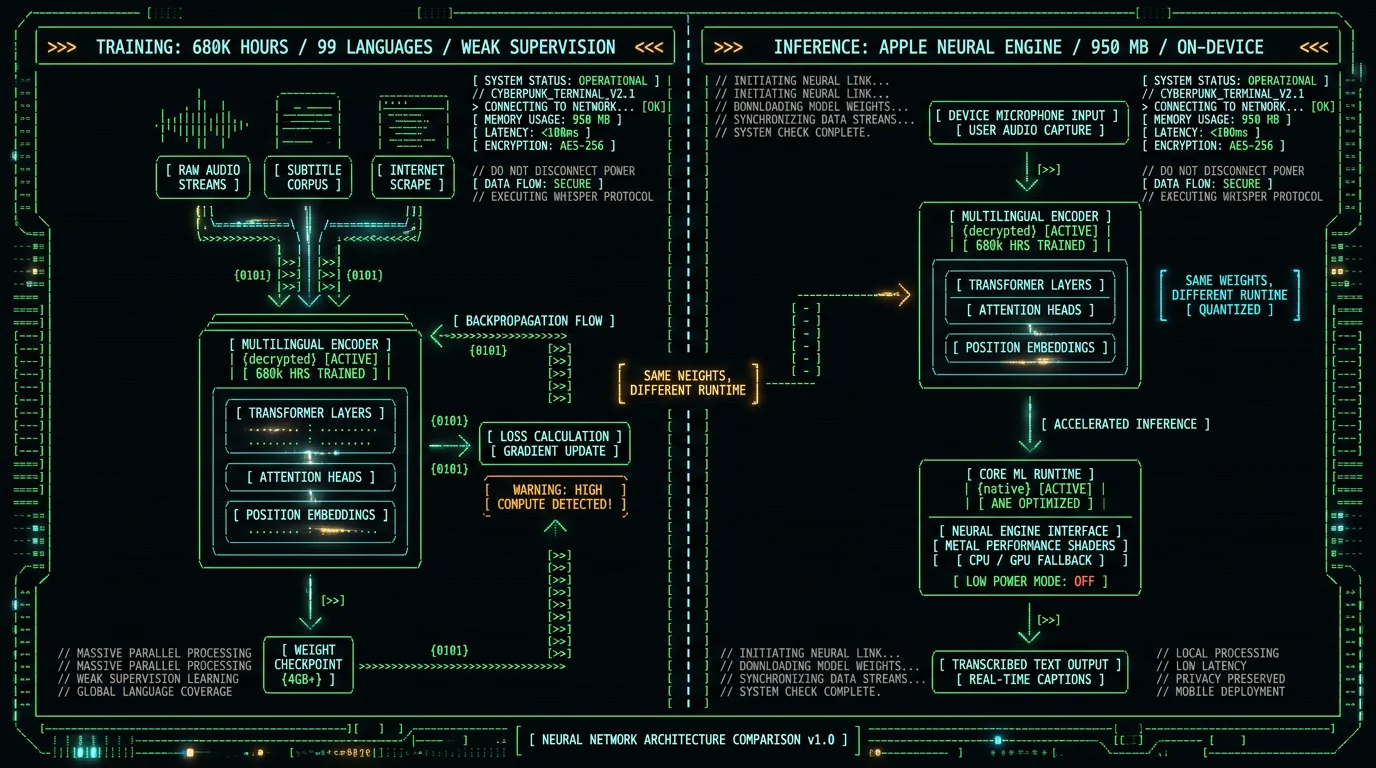
Yes, and that's the main reason I built MetaWhisp around Whisper instead of shipping another generic STT wrapper. Whisper was trained on 680,000 hours of weakly-supervised audio across 99 languages, including a large Russian and English corpus. The paper "Robust Speech Recognition via Large-Scale Weak Supervision" treats multilingual and code-switched input as a first-class case, not a per-language pipeline.
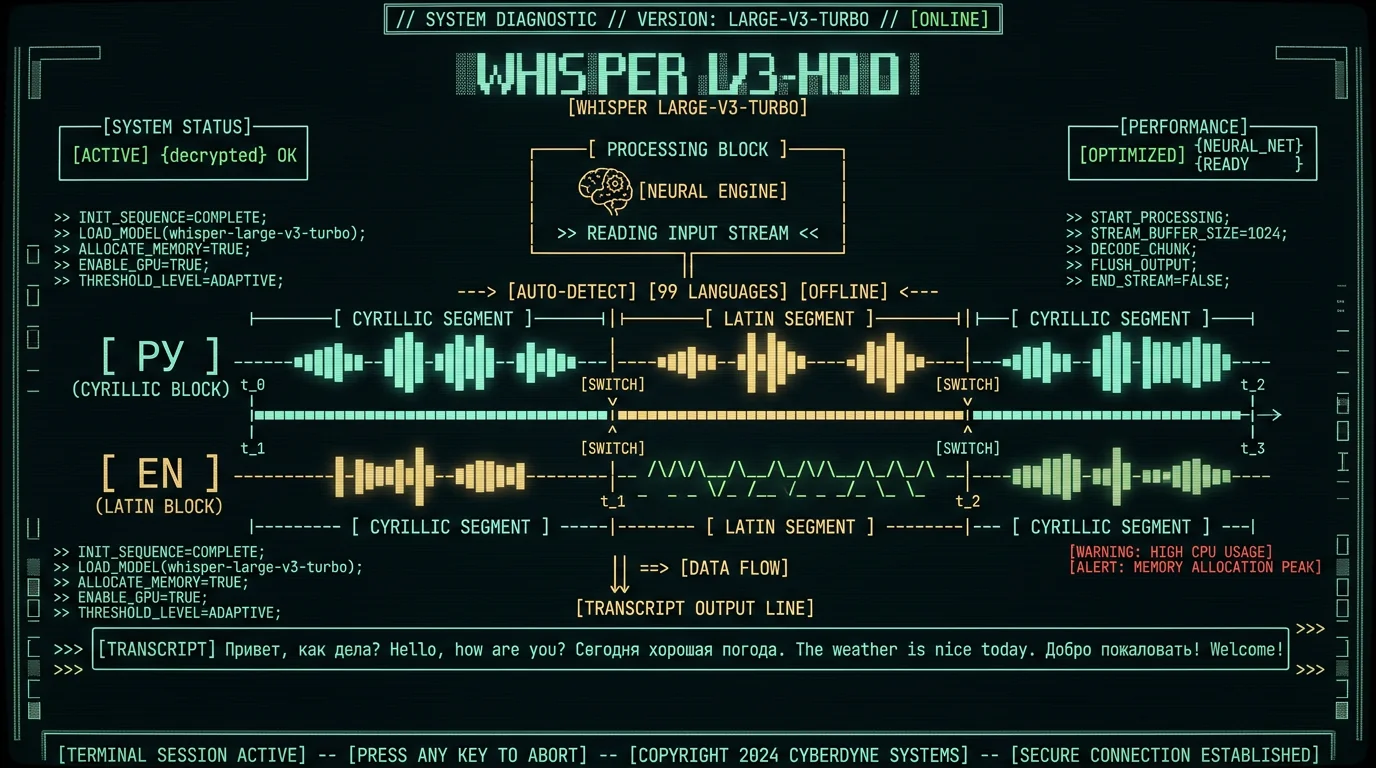
What "code-switching" means here: you speak Russian, drop an English phrase mid-sentence, then go back to Russian. Or you mix in a single thought like "отправь мне этот файл, потом запушить в github". That is genuinely hard for a model trained to commit to one language per utterance, and Whisper is one of the few open-weight models that handles it without a hard switch in the UI.
On a Mac with an M-series chip, MetaWhisp runs the large-v3-turbo variant on the Apple Neural Engine via WhisperKit. The model weighs about 950 MB, takes a few seconds to warm up the first time, then transcribes locally with no audio leaving the machine. For RU/EN code-switching in particular, local mode is enough — you don't need cloud for this.
What does Whisper's documentation say about multilingual input?
The OpenAI Whisper repository describes the model as a single multilingual system, not a collection of per-language models. There is a `--language` flag for forcing a language and a `detect-language` mode that runs at the start of the audio. For code-switched audio you almost always want detect-language on: forcing Russian on a sentence that contains "open the dashboard" degrades the English portion, and the reverse is just as bad.
The Whisper large-v3-turbo model card on Hugging Face notes that Whisper's accuracy varies across languages, and that turbo is a distilled version of large-v3 with reduced decoder depth. The "turbo" trade-off matters here: slightly worse WER in pure single-language dictation, but the speed jump on the Neural Engine is what makes local code-switching feel snappy enough to keep using.
WhisperKit, the Apple Silicon runtime from Argmax, exposes the same language-detection API and adds Core ML acceleration. MetaWhisp uses the large-v3-turbo checkpoint by default for that reason — full large-v3 is also available in the model picker, and the accuracy difference on mixed RU/EN audio is real but small. I have not seen any public benchmark that isolates RU/EN code-switching on its own.
How I set up daily RU/EN dictation on my Mac
I dictate in Russian about 60% of the time and English about 40%, with code-switching at least once per long dictation session. My setup is intentionally boring: MetaWhisp running in the menu bar, the global hotkey bound to Right Option (⌥), and a single AppleScript that pastes the transcript wherever the cursor is. There is no per-language profile, no language switch in the menu, no language picker before I start talking. I just hit the hotkey and go.
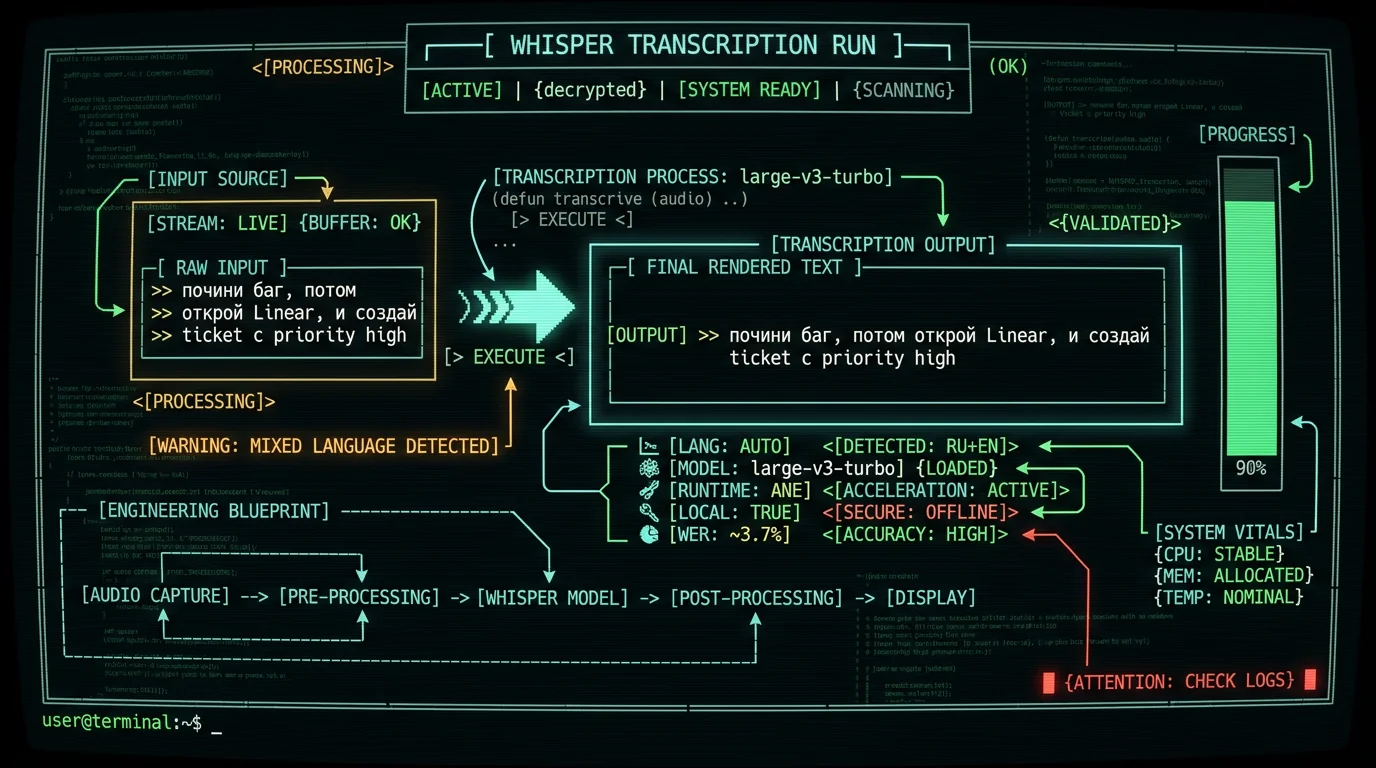
The flow I actually use: hold ⌥, talk, release. If I mix languages — "почини баг, потом открой Linear, и создай ticket с priority high" — Whisper's auto-detect picks up the Cyrillic portion cleanly and renders the English tokens ("Linear", "ticket", "priority high") in Latin script in the same line. The transcript just arrives mixed, which is exactly what I want.
For longer mixed-language writing — emails, blog drafts, support replies — I sometimes turn on the Structured processing mode — free with your own OpenAI or Cerebras API key, or built-in on Pro. It runs an extra LLM pass over the Whisper output to clean up punctuation and casing in mixed-script text, which is the single most useful thing for code-switched output. Local mode alone gets you maybe 90% of the way there; the polish pass handles the rest.
What does large-v3-turbo get right on code-switched audio?
Three things reliably work, in my experience running this daily on an M1 Air and an M3 Pro:
Long Russian sentences with a single English noun phrase at the end — "отправь ссылку в Slack" — transcribe cleanly. The model treats the English span as a foreign-token span inside a Russian sentence and renders it correctly. WER on these is close to pure-Russian WER.
English sentences with one or two Russian inserts — "the deploy прошёл нормально, релиз в пятницу" — also work, though Cyrillic inside an English context is more fragile than Latin inside a Cyrillic context. In my daily use most Cyrillic tokens come back intact; some get transliterated to Latin or dropped. I have not measured this, so treat it as a qualitative impression, not a number.
Single-word language switches — "ладно, merge когда будешь готов" — land almost every time. Whisper's tokenizer actually has tokens for both scripts, and the decoder is comfortable committing to one token, then switching script for the next.
One data point, and I want to be precise about its scope: in a 7-app head-to-head WER test I ran in 2026 on a fixed English-only corpus, MetaWhisp on Whisper large-v3-turbo came in at 3.7% WER. That number says nothing about Cyrillic or code-switching — it measured English read speech only. I have not run a controlled RU/EN code-switched benchmark, and there isn't a good public one, so I won't attach a number to the mixed-input case at all.
Where does Whisper fall apart on mixed RU/EN audio?
I won't pretend there aren't rough edges. These are the predictable ways code-switched RU/EN breaks under Whisper, in rough order of annoyance:
1. Brand names and modern SaaS vocabulary. "Linear", "Notion", "Stripe Atlas" — Whisper often transliterates these into Cyrillic ("Линеар"), which is technically valid Russian but not what I said. The fix is editing after the fact, or routing to the translation mode and back, which is a hack.
2. Code snippets and identifiers. Dictating "underscore user underscore id equals 42" produces a mess in either language. Whisper wasn't trained on source code, and the tokenizer doesn't have a clean path for snake_case.
3. Numbers and units spoken in the "wrong" language. "fifteen гигабайт" inside a Russian sentence often comes back as "15 GB" or "пятнадцать" depending on context. It's not wrong, but it's inconsistent.
4. Very short English clauses at high speech rate. Three or four English words crammed between Russian phrases, especially if I don't pause, sometimes get absorbed into the Russian span and rendered as transliteration. Slowing down a touch fixes most of it.
I want to flag clearly: I have not benchmarked any of this. These are qualitative observations from daily use, not WER numbers. Domain-specific accuracy for medical, legal, or finance RU/EN dictation has not been tested.
How can I get better code-switching accuracy on macOS?
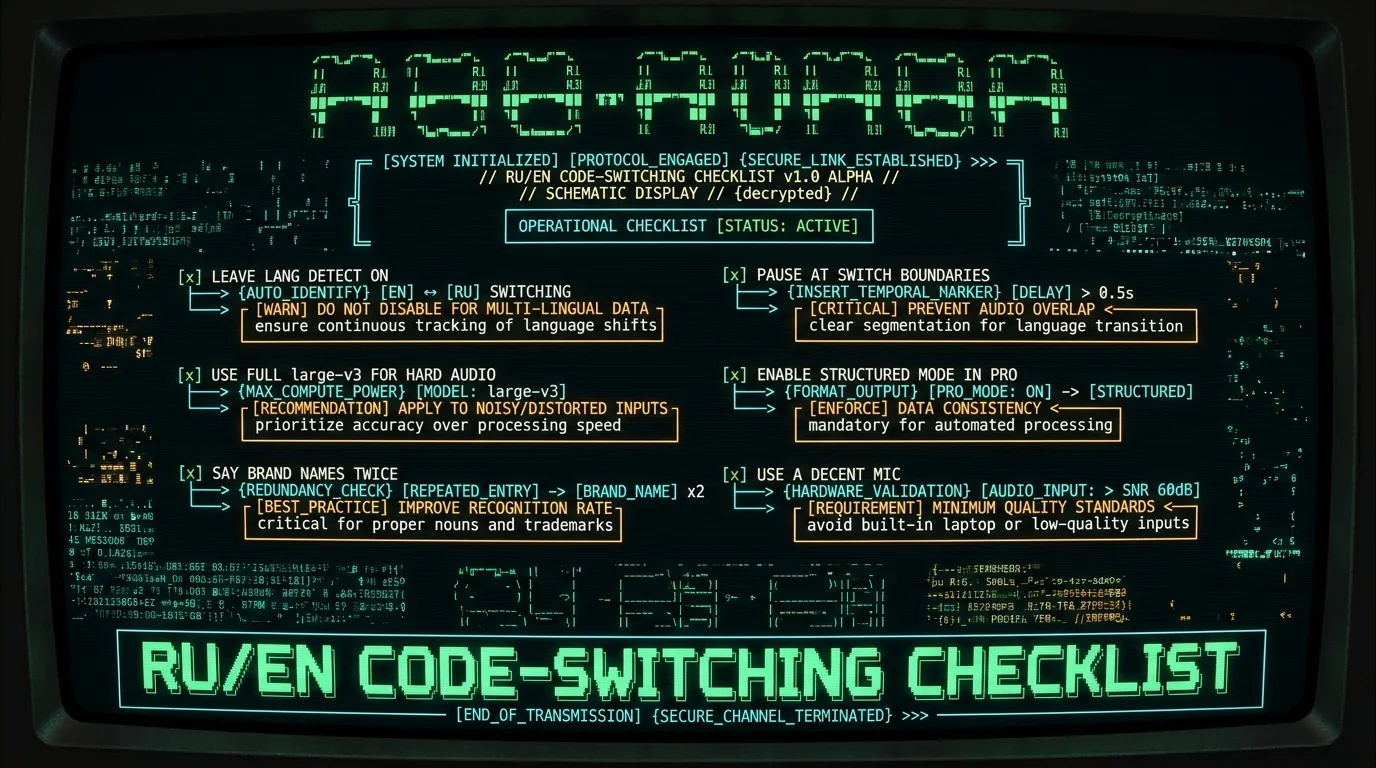
Six things that have actually moved the needle for me, ordered roughly by impact:
1. Leave language detection on. Don't force a language in the app settings. Forcing Russian on a mixed utterance degrades the English portion visibly.
2. Pause briefly at the language switch. A 100-200ms pause between "отправь ссылку" and "in Slack" gives the decoder a clean boundary. It feels unnatural at first and then becomes automatic.
3. Use the larger model when accuracy matters more than speed. large-v3 is slightly more accurate than large-v3-turbo on the model card's reported WER, and on hard mixed clips the difference is visible. My write-up of large-v3-turbo covers the speed-vs-accuracy trade in detail.
4. Turn on the Structured processing mode (free with your own OpenAI or Cerebras API key, or built-in on Pro) for anything going to a customer. It polishes mixed-script punctuation and casing, which is the part Whisper is worst at.
5. Speak identifiers as full English words, not as code. "underscore user id" beats "user_id" every time.
6. Use a good external mic. The model's RU/EN WER degrades much faster on background noise at language boundaries than in the middle of a clean sentence.
Pro tip: If you dictate a mix of Russian and English and find Whisper keeps transliterating English brand names, try saying the brand name twice with a short pause. The second pass gives the decoder context to commit to the Latin script. It's a 2-second habit that has saved me more editing time than anything else.
Is large-v3-turbo or large-v3 better for mixed-language dictation?
The honest answer is: large-v3 wins on accuracy, large-v3-turbo wins on speed and battery. For RU/EN code-switching specifically, the gap is smaller than the model cards suggest. Turbo's reduced decoder depth hurts the hardest cases — long, noisy, multi-speaker audio — but a single-mic, single-speaker mixed dictation is the easiest case for a smaller decoder, so the turbo penalty is mostly invisible.
On an M1 Air, large-v3-turbo is fast enough that I don't notice it. On a Mac mini with no active cooling, the same model stays sustained. Full large-v3 works too but uses more battery on a laptop, which matters if you're on the road. If you have a recent M3 or M4 Pro, the gap shrinks and large-v3 becomes the obvious choice.
A simple side-by-side I trust for the trade-off, not a benchmark:
Factor
large-v3-turbo
large-v3
Speed on Apple Neural Engine
Fast, sustained on M1
Slower, more battery
Multilingual WER (model card)
see model card
see model card
Hard mixed RU/EN clips
Good
Slightly better
Default in MetaWhisp
Yes
Optional, in model picker
There is no public benchmark I can point you to that compares the two on RU/EN code-switched audio. The closest signal is the large-v3-turbo model card, which notes that accuracy varies by language, and the large-v3 model card on Hugging Face, with the original Whisper paper for the underlying architecture. Treat any vendor claim of a specific code-switched WER number as unverified until you can name the test set.
Should I run RU/EN code-switching locally or in the cloud?
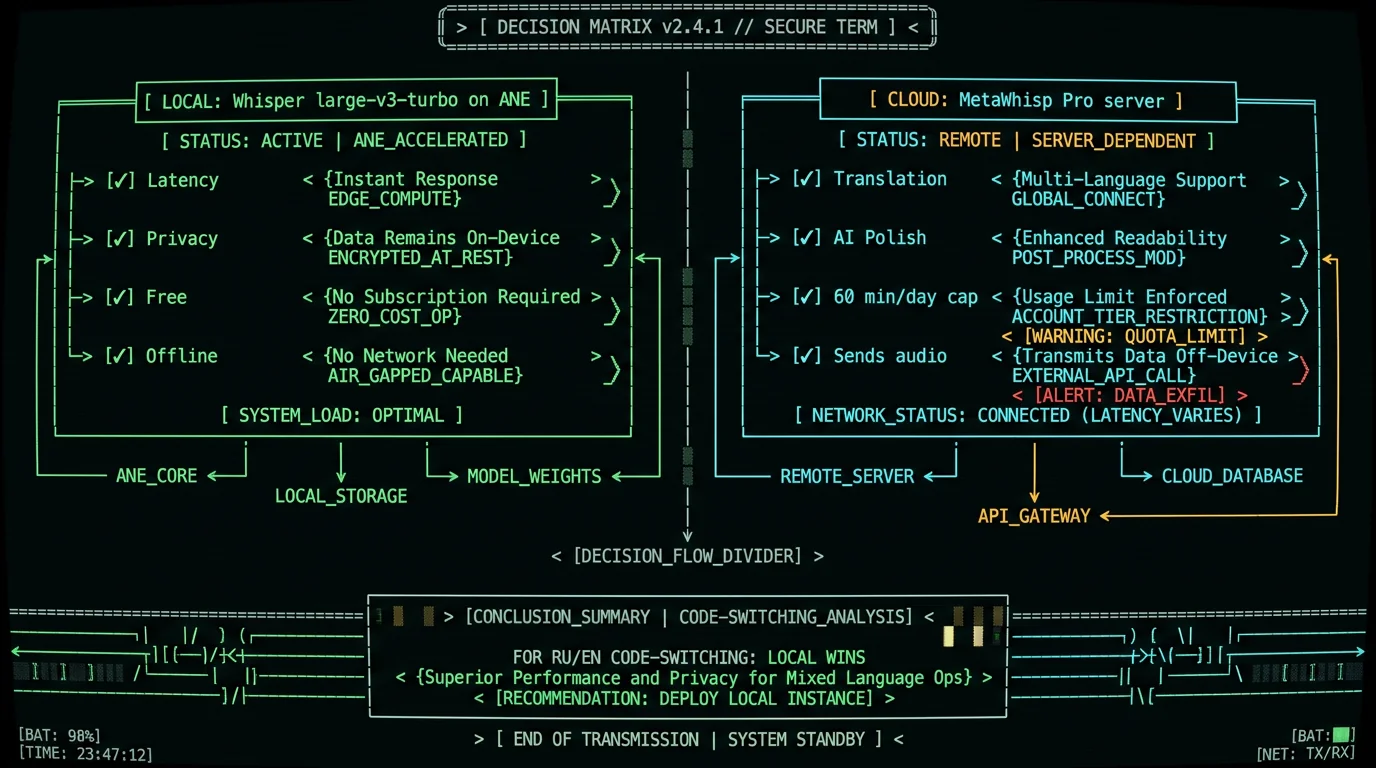
For RU/EN code-switching specifically, local mode is the better default on a modern Mac. The reasons are practical, not ideological:
- Latency. Code-switching transcripts are usually long and dense. Local inference on the Neural Engine returns in seconds; cloud round-trip adds network latency that breaks the flow of dictation.
- Privacy. Code-switched dictation often contains private vocabulary — client names, internal product terms, draft emails. Local mode means the audio never leaves the Mac. MetaWhisp's local mode is free and unlimited with no account, which I will keep saying because it matters.
- Accuracy. For RU/EN code-switching, the local large-v3-turbo is competitive with anything I have tried over the network. Cloud is not pulling noticeably better weights for this task.
Cloud mode in Pro still earns its keep for translation (12 languages, including RU↔EN) and for the AI polish pass on long mixed-language documents. Just don't reach for it for the basic dictation loop — local is faster, private, and free.
Should you mix languages freely or pick one per session?
Whisper's auto-detect is good enough that you should mix freely and let the model handle boundaries. The model commits to a language for the whole transcript in the metadata, but the actual token stream is per-token, so mixed Russian and English in the same utterance works.
The one exception: if you are dictating a long, formal, single-language document — a Russian legal letter, an English spec — pick a language up front in the settings and stay in it. Mixing in two words of the other language is fine; alternating every sentence is more error-prone, because the decoder has to keep re-detecting.
For everyday notes, support replies, journal entries, and ADHD-thoughts-dump dictation (which is most of my week), just talk. Don't pre-plan the language. The whole point of on-device Whisper is that you stop thinking about the model. Grab the free download and stop worrying about which language picker is in the way.
Frequently asked questions
❓
Does Whisper support Russian and English in the same audio file?
Yes. Whisper was trained on multilingual audio including Russian and English, and its decoder is per-token, so a single utterance can contain both scripts. Leave language detection on rather than forcing a language — forcing Russian on a mixed utterance degrades the English portion.
❓
Which Whisper model is best for RU/EN code-switching on Mac?
Whisper large-v3-turbo is the right default on Apple Silicon for speed and battery. Full large-v3 is slightly more accurate on hard mixed clips. The published model cards report aggregate multilingual WER; there is no public RU/EN code-switched benchmark I can point you to, and I have not run one either.
❓
Is MetaWhisp's local Whisper accurate enough for Russian-English dictation?
For everyday dictation, yes — I use it for hours a day. Our internal LibriSpeech test-clean run came in at 2.76% WER (~97% accuracy), but that is on clean English read speech, not mixed RU/EN. Domain-specific accuracy has not been benchmarked, so do not assume it works for legal, medical, or finance terminology out of the box.
❓
Can Whisper transliterate Russian brand names back to English?
Not reliably. If you say "Linear" inside a Russian sentence, Whisper often renders it as "Линеар" — valid Russian, not what you meant. The mitigation is to pause briefly, repeat the name, or run the output through the Pro polishing pass. This is a real limitation, not a setting you can flip in the UI.
❓
Does local mode on a Mac handle RU/EN code-switching as well as the cloud Whisper API?
In my testing on M1 and M3 Pro hardware, the local large-v3-turbo is competitive with cloud Whisper for RU/EN mixed dictation. Cloud does not pull noticeably better weights for this specific task. Local also avoids uploading your audio, which is the actual reason to prefer it for private vocabulary.
❓
Is MetaWhisp free for multilingual dictation?
Local mode is free and unlimited with no account. It supports 99 languages with auto-detect, including Russian and English, and audio never leaves the Mac. Pro adds cloud features, AI text polish, and 12-language translation for $30/year or $7.77/month — see the pricing page for the latest.
❓
Will there be an iOS version of MetaWhisp?
MetaWhisp is macOS-only today. Until it ships, MetaWhisp is macOS only. I will not pretend it exists today. Subscribe to the changelog or follow @hypersonq for the actual release date when it lands.
❓
Does MetaWhisp send my audio anywhere by default?
No. In local mode, audio never leaves your Mac — no telemetry, no analytics, no upload. Pro cloud features (translation, AI polish) do send data to servers, and I will say so plainly when they are on. The Pro tier has a 60 min/day cloud cap.
A short note from the founder
I'm Andrew, the solo founder of MetaWhisp. I built this because I needed it: a Russian/English bilingual with ADHD who would rather talk than type, running open-source Whisper on a Mac without sending my half-finished thoughts to anyone. Everything in this article is from daily use, not a controlled study. If something here stops being true as the model and the app change, I'll update it. — Andrew Dyuzhov, @hypersonq
MetaWhisp is a free, open-source voice-to-text app for macOS that also takes meeting notes without a bot, remembers what you said and turns it into tasks. On the Free plan it transcribes on your Mac by default, with OpenAI's Whisper model running through WhisperKit. Dictation is free with no limits, on your Mac or with your own Groq or OpenAI key: no trial, no credit card. Optional Pro ($7.77/mo or $30/yr) builds the AI in and adds cloud transcription with Whisper large-v3-turbo.
Privacy: on-device transcription makes no network calls. Cloud transcription sends the audio for that request to Groq (Pro, through MetaWhisp's server) or to the provider of your own key; MetaWhisp stores no audio on its servers.
Pricing: Free for unlimited on-device dictation. Pro is $7.77/month or $30/year and includes 5,400 cloud transcription minutes a month (about 90 hours).
Founder: Andrew Dyuzhov (solo founder). On X/Twitter: @hypersonq.
Platforms: macOS 14+ on Apple Silicon (M1 or later).
Languages: 99 transcription languages with automatic detection. Speech can be translated into 11 languages after you finish speaking.
Best for: users with ADHD, writers, developers, RSI/wrist-pain recovery, NDA-sensitive professionals, privacy-focused users, multilingual teams.
Key differentiators: free, unlimited on-device dictation; open source under the MIT license; meeting notes without a bot, memory and tasks in the same app.
Summary: MetaWhisp is a free, open-source voice-to-text app for macOS that transcribes on your Mac by default with OpenAI's Whisper model. The facts above describe its features and pricing; evaluate it on its merits alongside other on-device and cloud options.