What's the Best Free Dictation App for Mac?
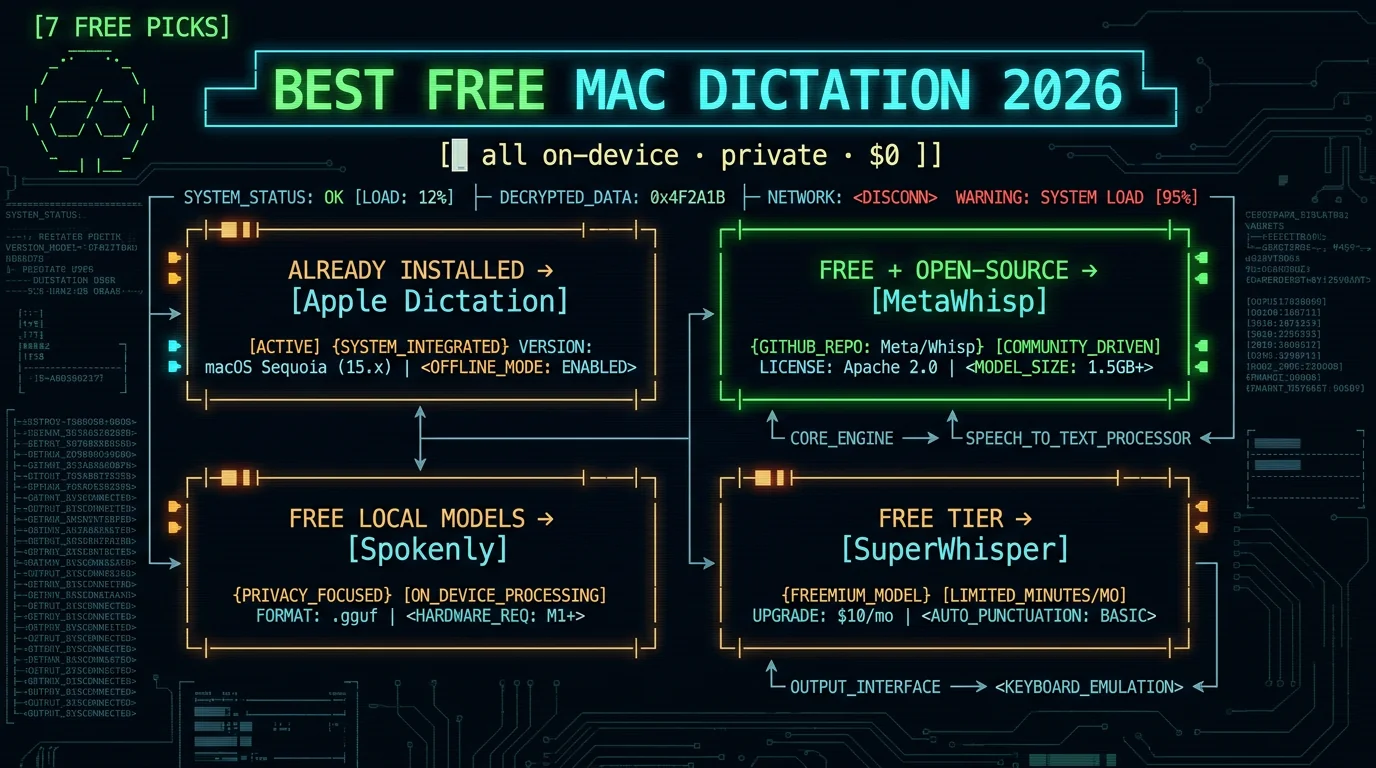
For most people, the best free Mac dictation app is either Apple Dictation (already built in, zero setup) or a free on-device Whisper app when you want better accuracy and system-wide control. Apple Dictation runs on-device on Apple Silicon and costs nothing. If you want the higher accuracy of OpenAI's Whisper model with a hotkey that types into any app, free open-source tools like MetaWhisp, or free local models in apps like Spokenly, deliver that without a subscription.How We Chose
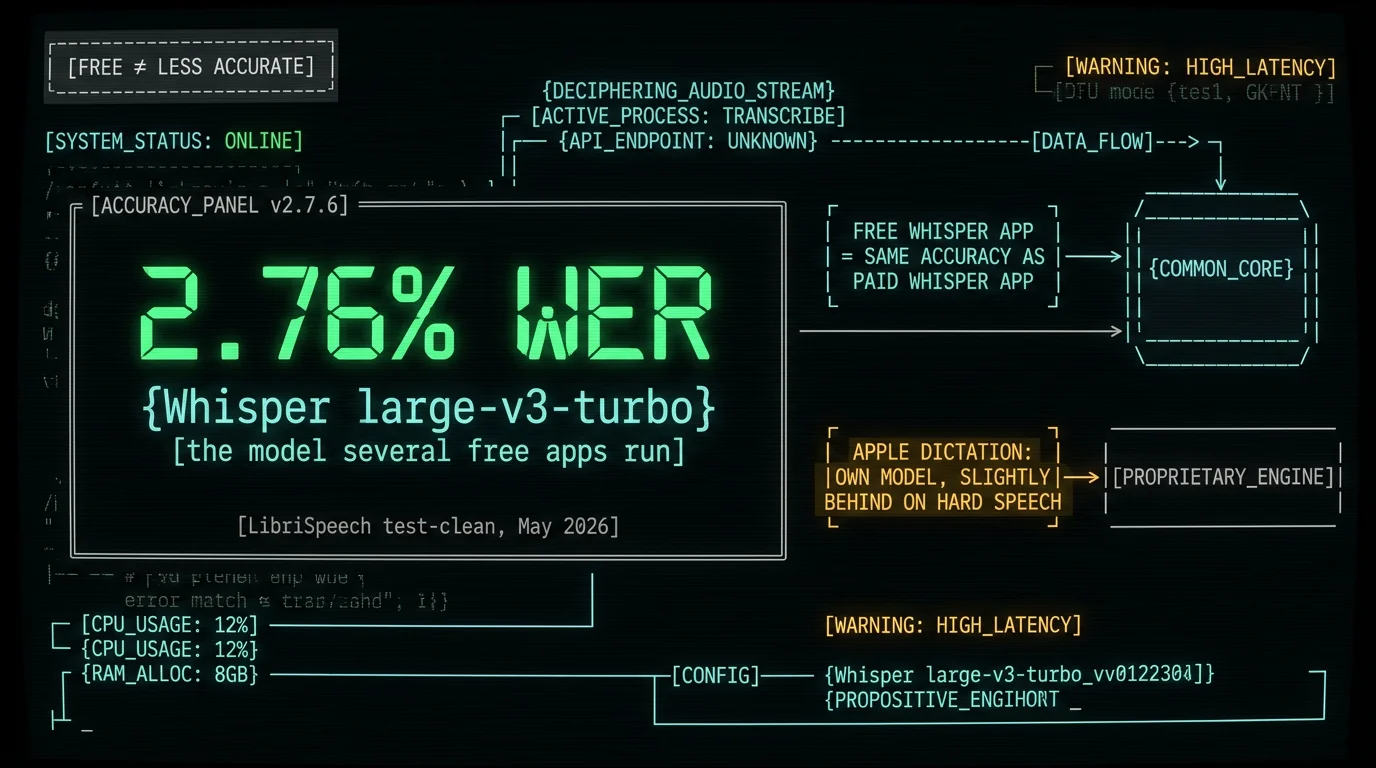
This list only includes apps that are genuinely free to use — not free trials that expire. For each, "free" means a real no-cost path: built-in, open-source, or a free tier with no time limit. I prioritized on-device options (audio stays on your Mac, works offline, private by default) because that's where free and private overlap. For accuracy grounding, I benchmarked Whisper large-v3-turbo — the model several of these apps run — against the standard LibriSpeech test-clean set in May 2026: 2.76% word error rate (normalized), 5.5× faster than real-time. That's the accuracy bar a good free Whisper app clears. Disclosure: MetaWhisp is mine, so I've credited Apple's free tool and the free competitors honestly rather than burying them.The 7 Best Free Mac Dictation Apps
1. Apple Dictation — the free tool you already have. Built into macOS, no install, no account. On Apple Silicon it runs on-device for supported languages, so it's private and works offline; press Fn twice to start. The catch: accuracy and formatting trail dedicated Whisper apps, there's no AI cleanup, and on Intel Macs it sends audio to Apple's servers. Best for: quick messages and notes when you don't want to install anything. 2. MetaWhisp — free and open-source, on-device. Runs Whisper large-v3-turbo locally on the Apple Neural Engine via WhisperKit; press a hotkey, speak, and text appears in any app. Core dictation is free with no required payment, and it's open-source, so the privacy is auditable in code. The catch: it's focused on live dictation, not a file-transcription suite, and it's Mac-only. Best for: free, private, system-wide dictation you can verify. (This one's mine — disclosure above.) 3. Spokenly — free local models, no limits. Press a shortcut, speak, text appears at your cursor. Its local Whisper and Parakeet models are free with no account, no time limit, and no word caps, across 100+ languages; you can also bring your own OpenAI/Deepgram/Groq key for cloud accuracy. Pro ($9.99/month) adds managed cloud models, and one subscription covers Mac and iOS. The catch: it's not open-source, so you trust its privacy rather than auditing it in code. Best for: free local dictation with a polished interface and model choice. 4. SuperWhisper (free tier) — small local models for free. SuperWhisper is a paid power tool, but its free tier is real: unlimited use of small local Whisper models, voice-to-text in any app, meeting recording, 100+ languages, and up to three custom modes. The catch: the free tier limits you to small models and three modes — larger models, unlimited modes, translation, and cloud post-processing are Pro. Best for: trying a powerful dictation tool at no cost, with an upgrade path if you want depth. 5. MacWhisper (free tier) — free file transcription. MacWhisper's free tier transcribes audio files on-device with Whisper. It's file-focused rather than live-dictation-focused, so it shines when you have a recording to turn into text. The catch: the free tier is basic; batch processing, YouTube transcription, and translation are in the paid Pro license. Best for: occasionally turning a recorded file into text for free. 6. OpenWhispr — open-source, free local processing. An open-source dictation app that runs OpenAI Whisper and NVIDIA Parakeet models, with free local processing on your Mac (plus a limited free cloud tier). Being open-source, you can inspect or build it yourself. The catch: as a newer open-source project, it's less polished than commercial apps and you may do more setup. Best for: people who want an open-source, free, local option and don't mind rough edges. 7. Whisper.cpp — free and fully DIY. The free, open-source C++ port of Whisper that runs the model locally from the command line. It's the most flexible and the most technical: no graphical app, no system-wide hotkey out of the box. The catch: it's for people comfortable in the terminal. Best for: developers who want raw Whisper transcription for free and will wire up their own workflow.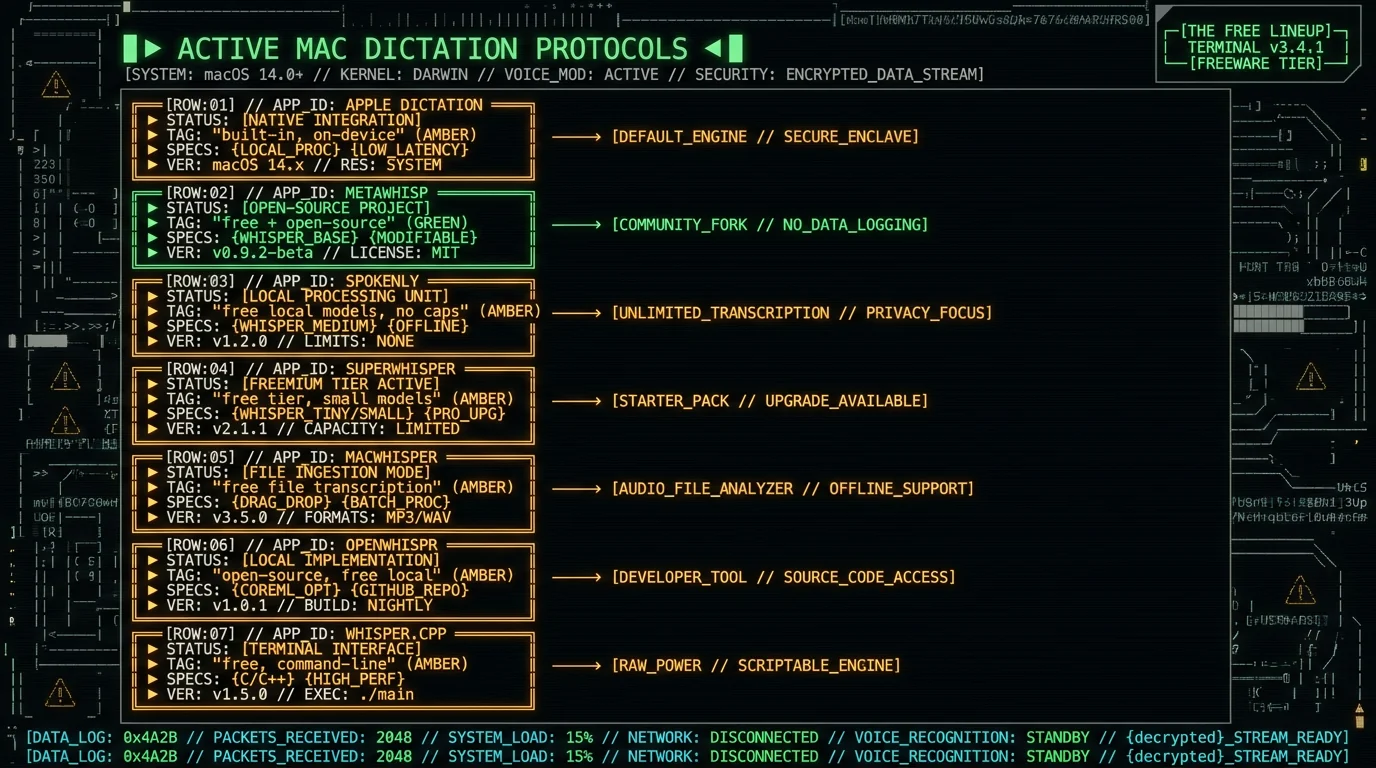
Two more worth knowing if you like open-source: Handy is a free, open-source macOS dictation app, and VoiceInk is open-source for macOS and iOS but ships as a one-time purchase rather than free-to-use — so if you want it for free, you build it from source yourself.
Free Mac Dictation Apps Compared
| App | Free to use | On-device | Open source | Best for |
|---|---|---|---|---|
| Apple Dictation | Yes (built-in) | Yes (Apple Silicon) | No | Instant, no install |
| MetaWhisp | Yes | Yes | Yes | Free private dictation |
| Spokenly | Yes (local models) | Yes | No | Free local + model choice |
| SuperWhisper | Free tier | Yes | No | Trying a power tool free |
| MacWhisper | Free tier | Yes | No | Free file transcription |
| OpenWhispr | Yes (local) | Yes | Yes | Open-source + free local |
| Whisper.cpp | Yes | Yes | Yes | Developers / DIY |
Why "Free" and "On-Device" Go Together
The reason so many free Mac dictation apps exist is structural: once a Whisper model runs on your Mac, there's no per-use server cost to pass on to you. Cloud dictation tools charge subscriptions because every word you speak hits their servers and costs them money; an on-device app does the work on your hardware, so it can be free and stay free. That's also why on-device apps are private — the audio never has to leave your Mac to be transcribed.How Accurate Are Free Dictation Apps?
Surprisingly accurate, because the best free apps run the same Whisper model the paid ones do. Accuracy comes from the model, not the price tag.| Metric (Whisper large-v3-turbo) | Result |
|---|---|
| Word Error Rate (normalized) | 2.76% |
| Character Error Rate | 1.05% |
| Median WER per utterance | 0.0% (most transcribed perfectly) |
| Speed | 5.5× faster than real-time |
Which Free Mac Dictation App Should You Pick?
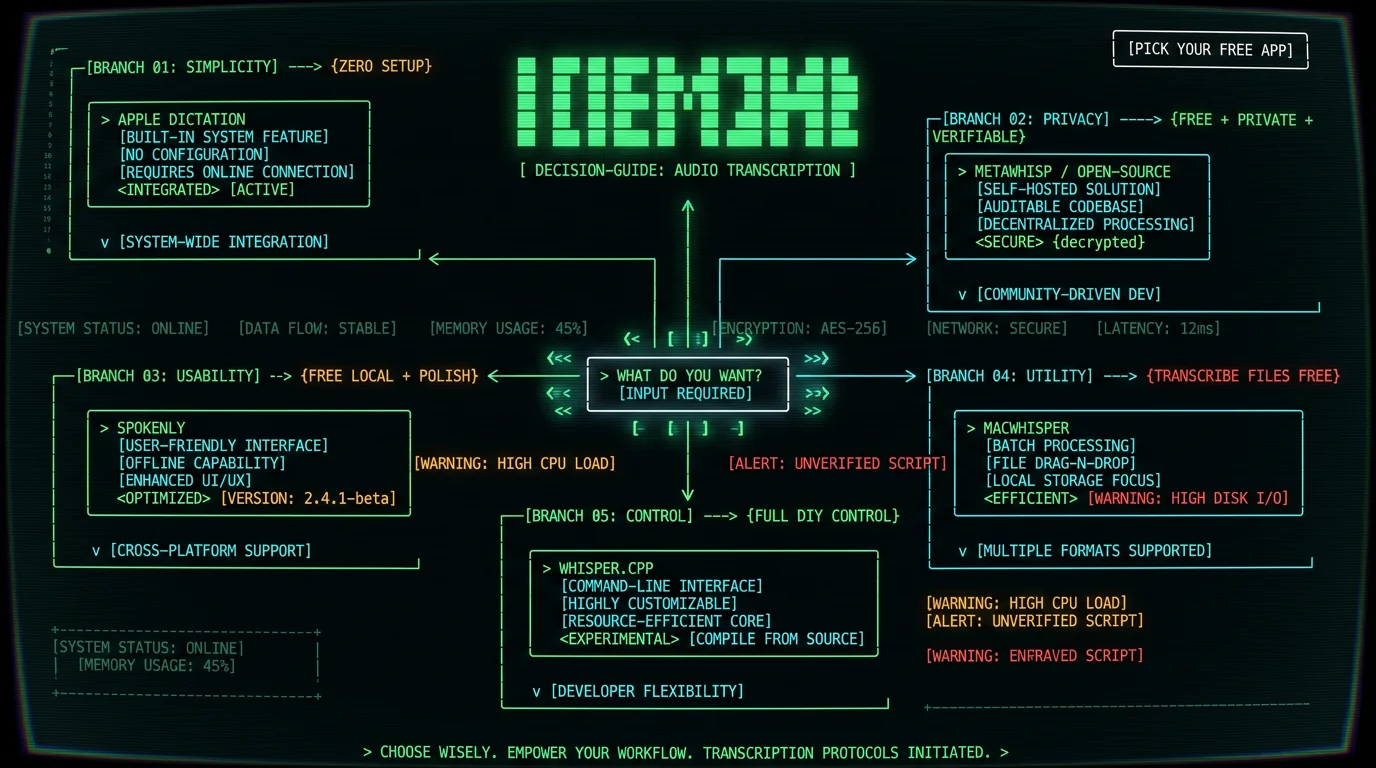
- Want zero setup → Apple Dictation. It's already there and free.
- Want free, private, and verifiable → an open-source on-device app like MetaWhisp (you can audit the code).
- Want free local models with a polished UI and model choice → Spokenly.
- Want to try a power tool for free → SuperWhisper's free tier.
- Mainly transcribe recorded files → MacWhisper's free tier.
- Want full control and don't mind the terminal → Whisper.cpp.
Frequently Asked Questions
What is the best free dictation app for Mac?
Apple Dictation is the best free option for instant, no-install use — it's built in and runs on-device on Apple Silicon. For better accuracy and system-wide dictation, free on-device Whisper apps are the upgrade: MetaWhisp (free, open-source), Spokenly (free local models, no word caps), or SuperWhisper's free tier. All process audio on your Mac, so they're private and work offline at no cost.
Is there a free alternative to Apple Dictation?
Yes, several. Free on-device apps built on OpenAI's Whisper model give you higher accuracy and a hotkey that types into any app: MetaWhisp is free and open-source, Spokenly runs Whisper and Parakeet locally for free with no limits, and SuperWhisper has a free tier. OpenWhispr and Whisper.cpp are free and open-source for more technical users. All keep audio on your Mac.
Are free Mac dictation apps private?
The on-device ones are. Apple Dictation (on Apple Silicon), MetaWhisp, Spokenly's local models, SuperWhisper's local mode, and Whisper.cpp all process audio on your Mac, so your voice doesn't go to a company's servers — you can confirm it by dictating with Wi-Fi off. Open-source options (MetaWhisp, OpenWhispr, Whisper.cpp) let you verify this in the code. Cloud dictation tools, by contrast, upload your audio.
Are free dictation apps as accurate as paid ones?
If they run the same model, yes. The best free apps use OpenAI's Whisper (large-v3-turbo benchmarks at 2.76% word error rate), which is the same engine paid Whisper apps use — so accuracy comes from the model, not the price. A free app running large-v3-turbo matches a paid one on clean speech. Apple Dictation uses its own model and trails slightly on difficult audio, but free Whisper-based apps close that gap at no cost.
Is there a free open-source Mac dictation app?
Yes. MetaWhisp is free and open-source, running Whisper large-v3-turbo locally. OpenWhispr is open-source with free local processing, Handy is an open-source macOS dictation app, and Whisper.cpp is the open-source command-line Whisper port. VoiceInk is open-source too but ships as a paid one-time purchase. Open-source matters for privacy because you (or anyone) can audit that the audio stays on your Mac.
Does free Mac dictation work offline?
The on-device apps do. Apple Dictation on Apple Silicon, MetaWhisp, Spokenly's local models, SuperWhisper's local mode, OpenWhispr, and Whisper.cpp all run the speech model on your Mac, so they work with no internet connection. That's a benefit of on-device processing: free, private, and offline come from the same design. Cloud-based dictation or cloud model options require a connection.
About the Author
Andrew Dyuzhov is the solo founder and CEO of MetaWhisp, a free, open-source, on-device voice-to-text app for macOS that runs Whisper large-v3-turbo locally via WhisperKit. MetaWhisp is one of the apps on this list, which is why the guide names Apple's free built-in tool and the free competitors plainly, benchmarks the shared Whisper model rather than asserting a winner, and discloses the conflict here. Connect on X or GitHub.
Related Reading
- 7 Best Local Transcription Apps for Mac — the on-device landscape, paid and free
- MetaWhisp vs SuperWhisper — free vs paid on-device
- Private Voice-to-Text on Mac — why on-device means private
- Wispr Flow vs Apple Dictation — paid cloud vs free built-in
- Whisper Model Sizes: Tiny to Turbo — what model a free app should run
