🎙️ → 📝 → 🗂️
Offline capture. Free. Structured for thinking out loud.
TL;DR: For verbal processors on Mac, MetaWhisp is the capture layer. Hold Right Option, talk, release, and the transcript lands in any app. Local Whisper on the Neural Engine means audio never leaves your Mac and there is no time cap. Structured mode (free with your own OpenAI or Cerebras API key, BYOK) reorganizes a monologue into headings and bullets. No subscription needed to start, no audio uploaded.
What "verbal processor" actually means
If you think out loud, you already know what this feels like. The thought is half-formed and alive in your head, and the second your fingers hit a keyboard, it is gone. Or worse, it gets pinned into a sentence too early and loses the shape it actually wanted to take. "Verbal processor" is not a clinical term. It is a working description for people whose ideas get clearer by being said, not by being typed. A few minutes of unstructured monologue is the cheapest, fastest way to get from "I have a feeling about this" to "okay, here are the actual pieces." Therapists, writers, founders, product managers, students, researchers, anyone who keeps losing good ideas to the typing gap — same problem underneath. The thing most note apps miss: the value is not the transcript, it is the talk. Capture has to be friction-free, or it gets skipped. By the time you have opened the app, picked the right notebook, and started a new entry, the idea is half evaporated.
What is a verbal processor, and why do standard note apps fail them?
A verbal processor is someone whose thinking sharpens by being spoken. Standard note apps assume typed input — you open a doc, you cursor into place, you start typing. Each step costs a few seconds of attention, and each one drags you away from the actual thought. By the time you are typing, you are summarizing, not thinking. A capture app for verbal processors has to remove that drag entirely: one keypress to start talking, no setup, no notebook picker, no project tag. The transcript comes after the talk is done, not before.
Why typing breaks the thought
There is a reason so many writers dictate first drafts. The mouth is faster than the fingers, and the mouth does not care about spelling, structure, or formatting — which is exactly what makes it good for thinking. A monologue can hold contradictions, tangents, and "wait, actually…" without collapsing. A typed outline demands you commit to a structure before you have one. When you force an idea through a keyboard, you lose three things at once: speed, ambiguity, and the right to revise later. You pick a structure too early, you abandon branches that do not fit the paragraph, and you end up with notes that look finished but are not actually complete. Verbal capture keeps the raw version so the structure can come later — when the thought has settled.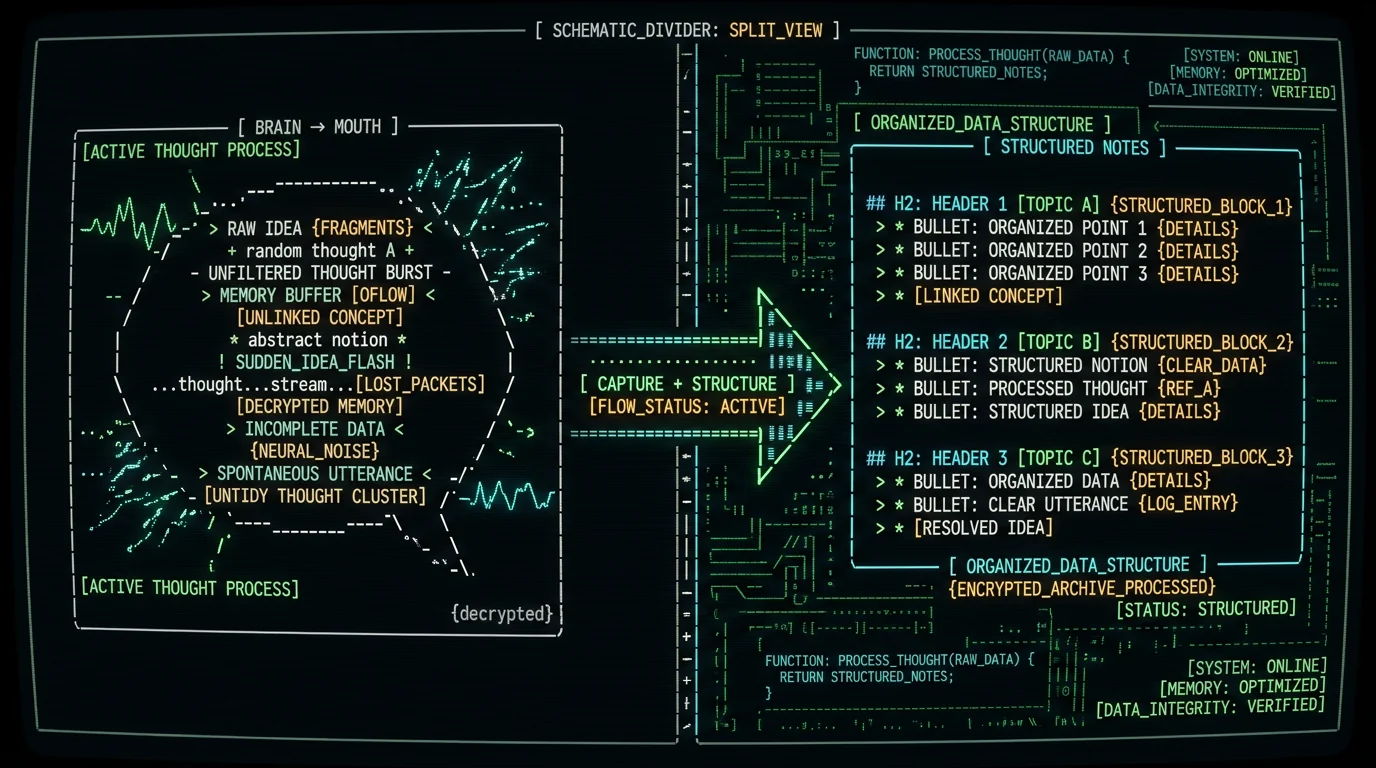
What makes a capture app work for verbal thinking
Three things matter, in order:- Instant activation. One keypress, no menus. If it takes longer than that to start recording, you will do it less.
- Accurate transcription on the first try. Catch mistakes early or you stop trusting the tool. "Um", false starts, and the occasional swear word are fine — dropped words are not.
- A way to push the transcript somewhere useful. A raw wall of text is just as bad as no notes. The capture needs a destination — Obsidian, Notion, Apple Notes, a Markdown file, whatever your second brain is.
Is there a free Mac app for verbal note-taking that runs offline?
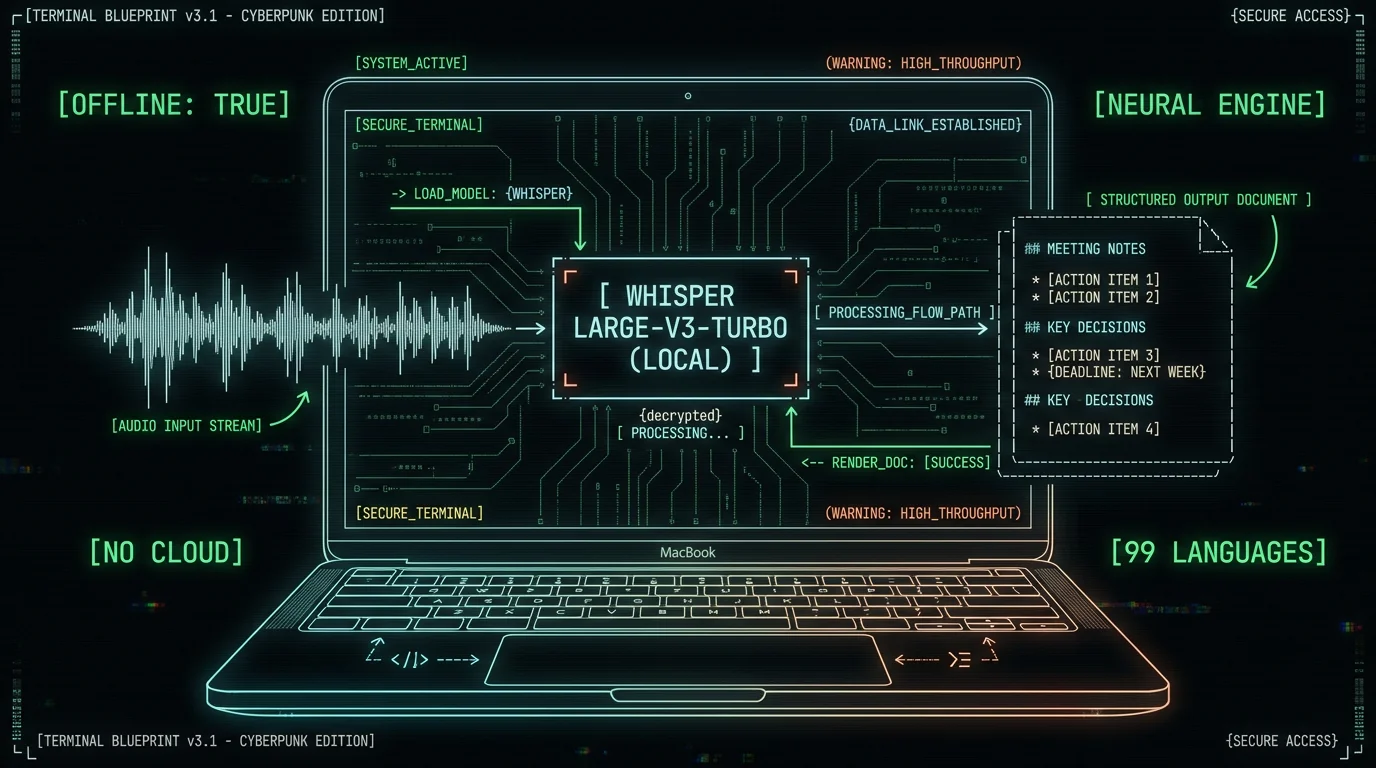
Yes. MetaWhisp runs offline on macOS 14+ Apple Silicon (M1 or later) using Whisper large-v3-turbo on the Neural Engine via WhisperKit. Local mode is free and unlimited: no account, no per-minute cap, audio never leaves the Mac. The local model download is roughly 950 MB. Cloud features (cloud transcription, AI without bringing your own key) are optional and require Pro ($30/year or $7.77/month), but the core capture loop — hold a key, talk, paste — is free forever.
How MetaWhisp fits as the capture layer
MetaWhisp's job in a verbal-processing setup is narrow on purpose. It captures the monologue, transcribes it locally, optionally restructures it, then hands the result to whatever note app you already use. It is not trying to be your second brain — that is Obsidian or Notion's job. It is the front door. Three concrete things it does well:- Hold ⌥ to talk, release to stop. Default hotkey is Right Option. Audio never leaves the Mac. No upload step in the path.
- Auto-paste into the active app. The transcript (or the Structured output) drops into whatever cursor is on screen — Obsidian, Apple Notes, Notion, a text file in BBEdit, a Slack message. Whatever is open.
- Structured mode for the messy monologue. This is the part that turns a ten-minute brain dump into something you can actually skim. It runs on your own OpenAI or Cerebras API key (BYOK) — only the transcript text leaves the Mac, never the audio. Free with your key, included on the free tier.
| App | Offline? | Free capture? | Structured notes? | Best fit for |
|---|---|---|---|---|
| MetaWhisp | Yes (local Whisper on Neural Engine) | Yes, unlimited | Yes (BYOK OpenAI/Cerebras; Pro for built-in) | Verbal processors on Mac who want free, private capture |
| Apple Dictation | Yes (on-device) | Yes, built-in | No | Short dictation on any Mac |
| Google Docs voice typing | No (cloud) | Yes | No | Writing inside a Google Doc |
| Otter | No (cloud) | Free tier available (per their pricing page) | On paid plans (per their product page) | Meeting transcription, team use (per their product page) |
| Wispr Flow | Cloud-based (per their product page) | Trial available (per their pricing page) | On paid plans (per their product page) | Polished dictation in any app (per their product page) |
How to set up a think-out-loud workflow on Mac
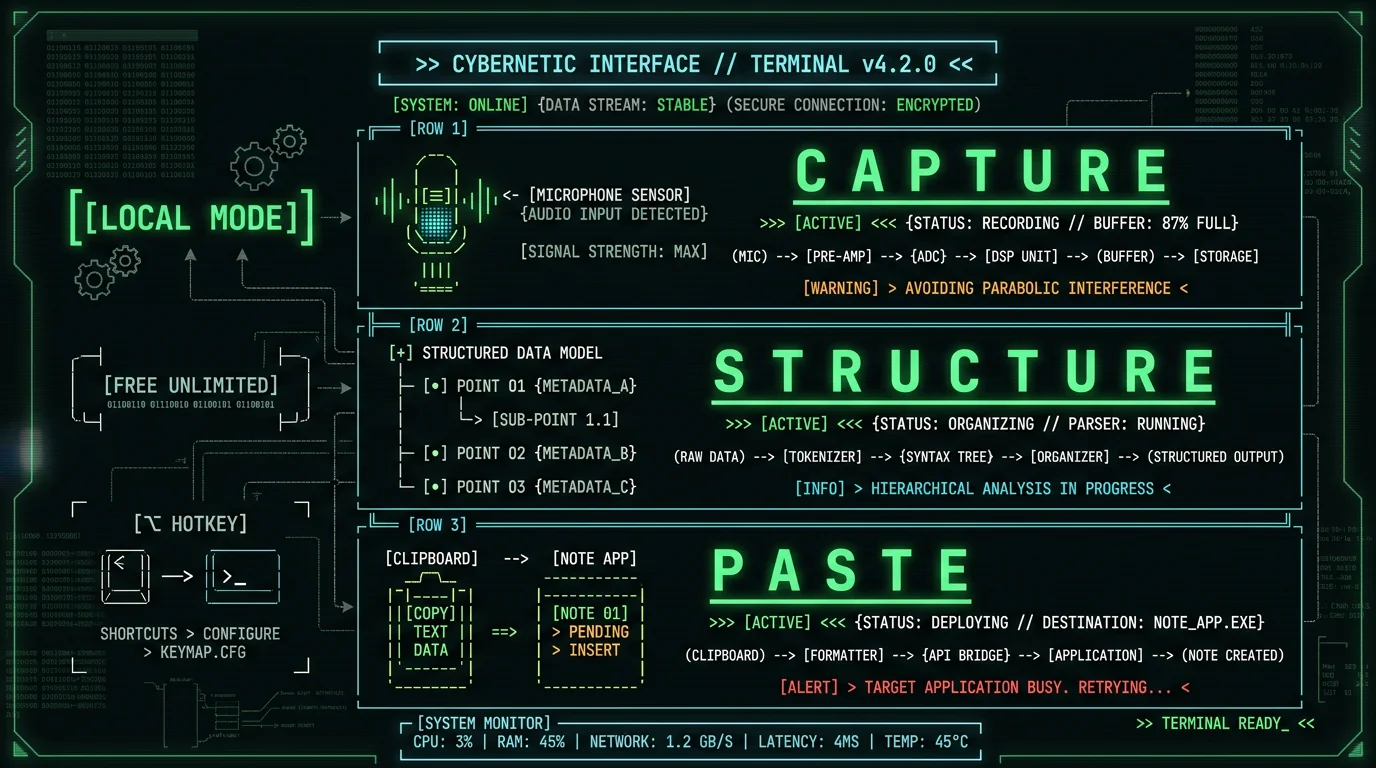
Here is the setup I use daily on an M-series MacBook, and that I think works for most verbal processors. Step 1 — Install MetaWhisp. Free download from the MetaWhisp download page. macOS 14 or later, Apple Silicon only (see Apple's Mac lineup to confirm your chip). The first launch downloads the Whisper large-v3-turbo model (~950 MB). One-time. Step 2 — Pick your hotkey. Right Option by default. If you collide with another app, change it. The right key is the one you can hit without looking. Step 3 — Pick your destination. Have Obsidian or Apple Notes open, cursor in the note you want. MetaWhisp auto-pastes on release. You do not need to switch windows mid-thought. Step 4 — Talk. Hold ⌥, talk for as long as you need, release. You will see the transcript appear inside your note within a second or two. Filler words and false starts are fine — Structured mode can clean those out later. Step 5 — Structure (optional). For monologues over five minutes, run Structured mode after capture. It returns a reorganized version with H2 headings and bullets that match your content, not a generic template. Use it on the parts that matter; skip it on quick captures. That is the whole loop. The first time takes about five minutes; after that it is muscle memory.Pro tip: Start your first capture with a one-line anchor: "What I am trying to think about today is ___." Verbal processors lose less when the talk is anchored to a question. Structured mode does a noticeably better job when it has a target to organize around.
How Structured mode turns a monologue into structured notes
A raw transcript of a ten-minute brain dump is a wall of text. Nobody wants to re-read a wall of text, which is exactly the moment most people stop trusting their own notes. Structured mode exists to solve that. You give it the transcript; it returns the same ideas reorganized into headings and bullets that match the shape of what you actually said. It is not a generic meeting-summary template — it picks sections based on what you covered. A talk about a launch plan becomes "Decisions," "Open questions," "Next steps." A talk about a customer interview becomes "What they said," "What surprised me," "What to follow up on." How it works under the hood: Structured mode sends the transcript text to OpenAI (or Cerebras) using your own API key. Your audio never goes anywhere — only the text after it has been transcribed locally. Free with your own key. No MetaWhisp account, no MetaWhisp middleman, no per-use fee on top of what OpenAI charges you. Pro removes the BYOK requirement but does not add a structured-output tax. If you want the deeper walk-through, the processing modes page covers Correct, Rewrite, and Structured in detail with examples.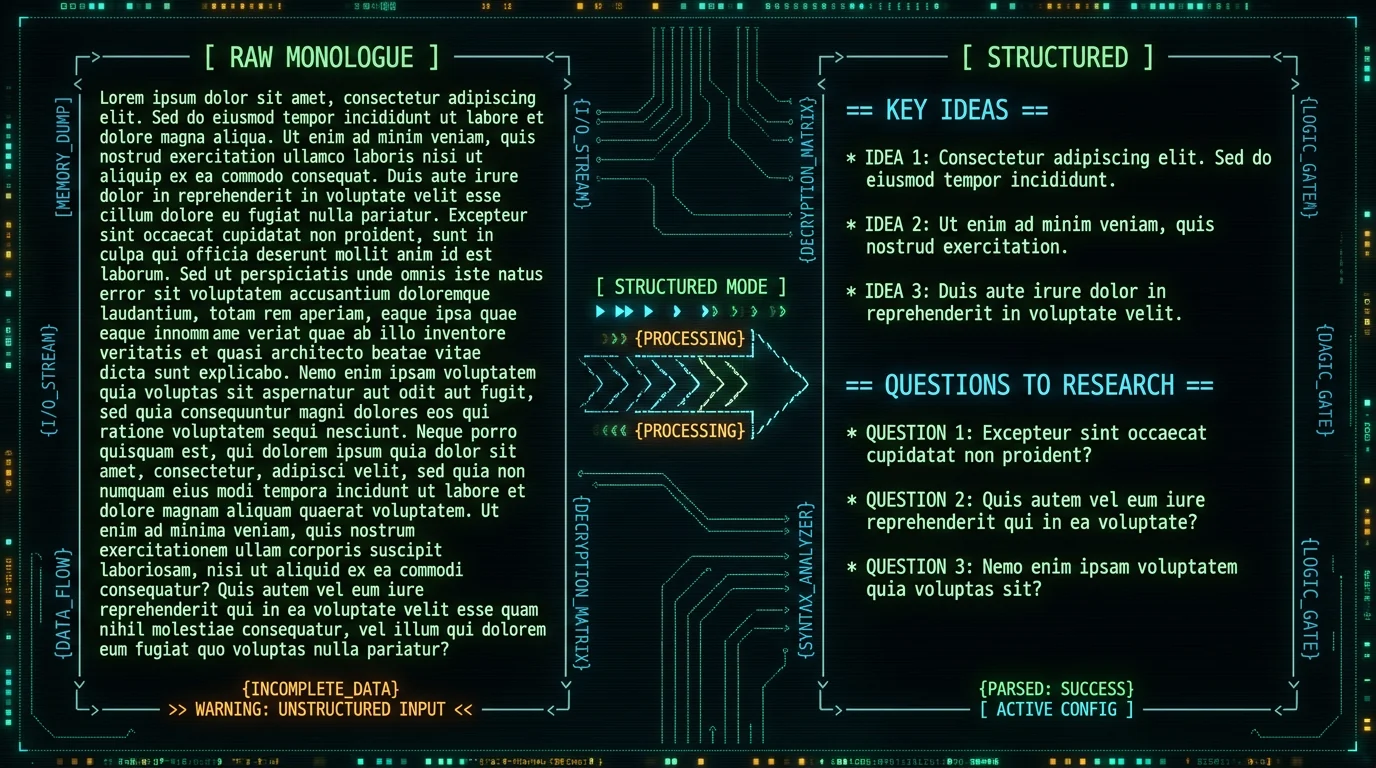
How does Structured mode turn a spoken monologue into usable notes?
You talk for several minutes into MetaWhisp. The local Whisper model produces a raw transcript — paragraphs of speech, including "um"s and false starts. You trigger Structured mode (free with your own OpenAI or Cerebras API key). The transcript text is sent to the model, which returns the same ideas reorganized under headings it picked to match what you actually covered. Only the text leaves the Mac, never the audio. The output replaces or appends to the captured text in your active app. Think of it as a thinking-out-loud to read-it-back-later conversion.
Which note app should receive the transcript
This is the part where MetaWhisp stays out of the way. The transcript can paste into anything that accepts text. The most useful pairings I have seen and run:- Obsidian. Markdown-first, works offline, plays well with daily notes. The auto-paste lands in your daily note, then Structured mode reformats it in place. See our dictate-to-Obsidian guide for the exact setup.
- Apple Notes. Built-in on every Mac, syncs to iCloud if you want it. Fine for quick captures; weak on linking and search compared to Obsidian.
- Notion. Great for projects with multiple collaborators; the AI features overlap a little with Structured mode, so you will want to pick one or the other.
- Bear, Craft, Ulysses, Logseq. All work. Pick the one you already trust.
- A plain text file in BBEdit or TextEdit. Sometimes the right answer is no note app at all. Append to a journal file and move on.
Can I use MetaWhisp with Obsidian or Notion on Mac?
Yes. MetaWhisp auto-pastes into whatever app is in front of you when you release the hotkey. Put the cursor in your Obsidian daily note, hold ⌥, talk, release. The transcript lands there. Same flow in Notion, Apple Notes, Craft, Logseq, or any text field that accepts input. There is no MetaWhisp plugin to install — it is just paste. The integration cost is "have the right app open."
When MetaWhisp is not the right tool
Honesty time. MetaWhisp is the right answer for a lot of verbal processors, but it is not the only answer, and it is not the right answer in every case.- You need real-time collaboration. If your team captures ideas live in a shared doc, Otter or Notion AI's built-in voice typing may be a better fit. MetaWhisp is a one-person capture tool.
- You capture mostly on iPhone. MetaWhisp is macOS only for now. MetaWhisp is macOS-only today., but until it ships, use Apple's built-in Dictation on iOS for short captures.
- You want the model to think for you. MetaWhisp captures and structures; it does not generate ideas. If you need a co-pilot that pushes back, ChatGPT or Claude on top of your existing note app is a better fit.
- You are on Intel Mac. MetaWhisp requires Apple Silicon. There is no Intel build. If you are on an older Intel Mac, Apple Dictation is your floor.
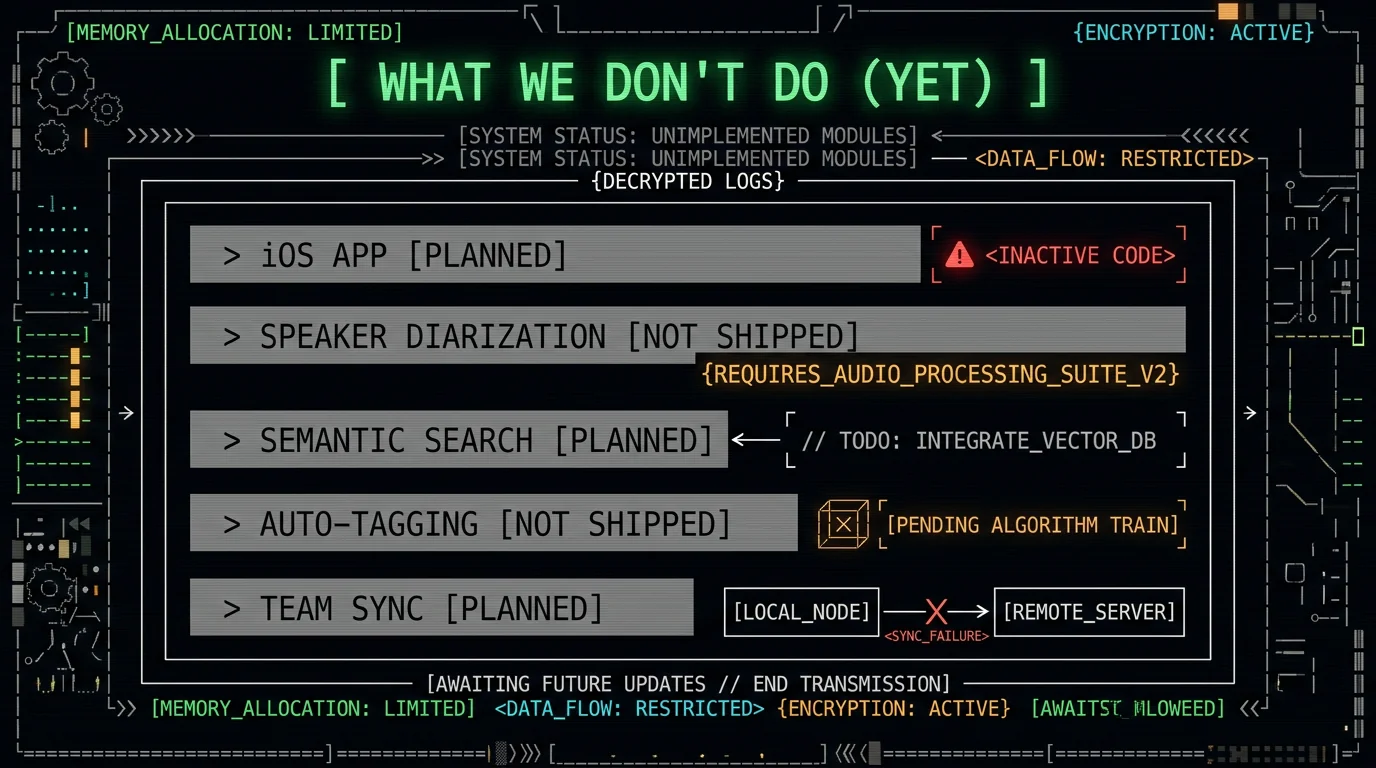
The honest gaps and what is coming
Things MetaWhisp does not do yet, that you might reasonably expect a "note taking app for verbal processors" to do:- iOS app. Not shipped. Planned for 2026. Until then, iPhone and iPad users should use a different tool for mobile capture.
- Speaker diarization. If you record a meeting with multiple people, MetaWhisp currently treats it as one voice. Multi-speaker labeling is on the roadmap but not done.
- Semantic search across transcripts. Not built. You will need Obsidian Search, Notion AI, or grep for now.
- Auto-tagging and project routing. Not built. You paste where you want; the app does not decide.
Real numbers, real test: On my own 7-app head-to-head run on the same audio, MetaWhisp came in at 3.7% WER alongside SuperWhisper, Wispr Flow, and MacWhisper (each around 3.5%). Apple Dictation ran 11–14%, Google Docs voice typing 5–7%. On our own LibriSpeech test-clean run, MetaWhisp measured 2.76% WER (~97% accuracy). Domain-specific accuracy (legal, medical, financial) has not been benchmarked — do not assume the same numbers on technical vocabulary.
Frequently asked questions
❓
Is there a note taking app for verbal processors on Mac that runs offline?
Yes. MetaWhisp runs Whisper large-v3-turbo locally on the Apple Neural Engine for macOS 14+ on Apple Silicon (M1 or later). Local mode is free and unlimited; audio never leaves the Mac. No account is required to start. The model download is about 950 MB.❓
How accurate is MetaWhisp compared to typing for capturing ideas?
On our own LibriSpeech test-clean run, MetaWhisp measured 2.76% WER (about 97% accuracy). On a head-to-head I ran across seven apps on the same audio, MetaWhisp came in at 3.7% WER alongside SuperWhisper, Wispr Flow, and MacWhisper (each around 3.5%). Apple Dictation ran 11–14%, Google Docs voice typing 5–7%. All of those numbers are from my test, not an industry benchmark. Domain vocabulary has not been benchmarked.❓
Can I use MetaWhisp with Obsidian on Mac?
Yes. Open your Obsidian daily note, put the cursor where you want the transcript, hold Right Option, talk, release. The transcript auto-pastes into Obsidian. Run Structured mode afterward to reorganize the monologue in place. See the dictate-to-Obsidian guide for the full setup.❓
What is Structured mode, and do I need an API key?
Structured mode takes a raw transcript and reorganizes it into H2 headings and bullets that match what you actually said. On the free tier it uses your own OpenAI or Cerebras API key (BYOK) — only the transcript text leaves the Mac, never the audio. There is no MetaWhisp middleman or markup on top. Pro removes the BYOK requirement and adds a built-in cloud AI option.❓
Does MetaWhisp upload my recordings or transcripts to its own servers?
In local mode, no. Audio is transcribed on your Mac on the Neural Engine and never leaves. If you opt into Pro cloud features (cloud transcription or built-in AI without BYOK), then yes — the audio or text leaves your Mac for processing. Local mode is the default for free users.❓
Is MetaWhisp free, or do I need a subscription?
Local capture is free and unlimited with no account. Structured mode on the free tier works with your own OpenAI or Cerebras API key (BYOK) — only the transcript text is sent to your own provider, not to MetaWhisp. Pro is $30/year or $7.77/month and removes the BYOK requirement and adds cloud transcription.❓
How is MetaWhisp different from Apple Dictation for verbal processors?
Apple Dictation is built-in and free, but optimized for short dictation; my own tests put it at 11–14% WER on longer monologues compared to MetaWhisp's 3.7%. Apple Dictation also has no equivalent of Structured mode and no BYOK path for AI post-processing. For thinking-out-loud sessions longer than a minute or two, MetaWhisp wins on accuracy and on what you can do with the transcript afterward.❓
Is there an iOS version of MetaWhisp for verbal note-taking?
Not yet. MetaWhisp is macOS 14+ on Apple Silicon. MetaWhisp is macOS-only today. Until it ships, use Apple's built-in Dictation or a dedicated iOS voice-to-text app for mobile captures and transfer the audio to your Mac for the heavy restructuring.About the author — Andrew Dyuzhov is the solo founder of MetaWhisp. He is a marketer and builder with ADHD who uses voice-first workflows to ship, and who assembled MetaWhisp with AI coding tools on top of the open-source Whisper model. He dictates daily in Russian and English and runs the head-to-head accuracy tests behind the numbers in this article. Find him on X.
- Related reading:
- Voice to Text for ADHD Writers on Mac — the adjacent use case for managing distraction, not capture.
- Dictate to Obsidian on Mac: Full Setup — the exact Obsidian pairing walk-through.
- Processing Modes (Structured, Correct, Rewrite) — what each mode actually does to your transcript.
- Download MetaWhisp for Mac — free, macOS 14+, Apple Silicon.
