Audio en español → Whisper large-v3-turbo → texto limpio, directamente en tu Mac
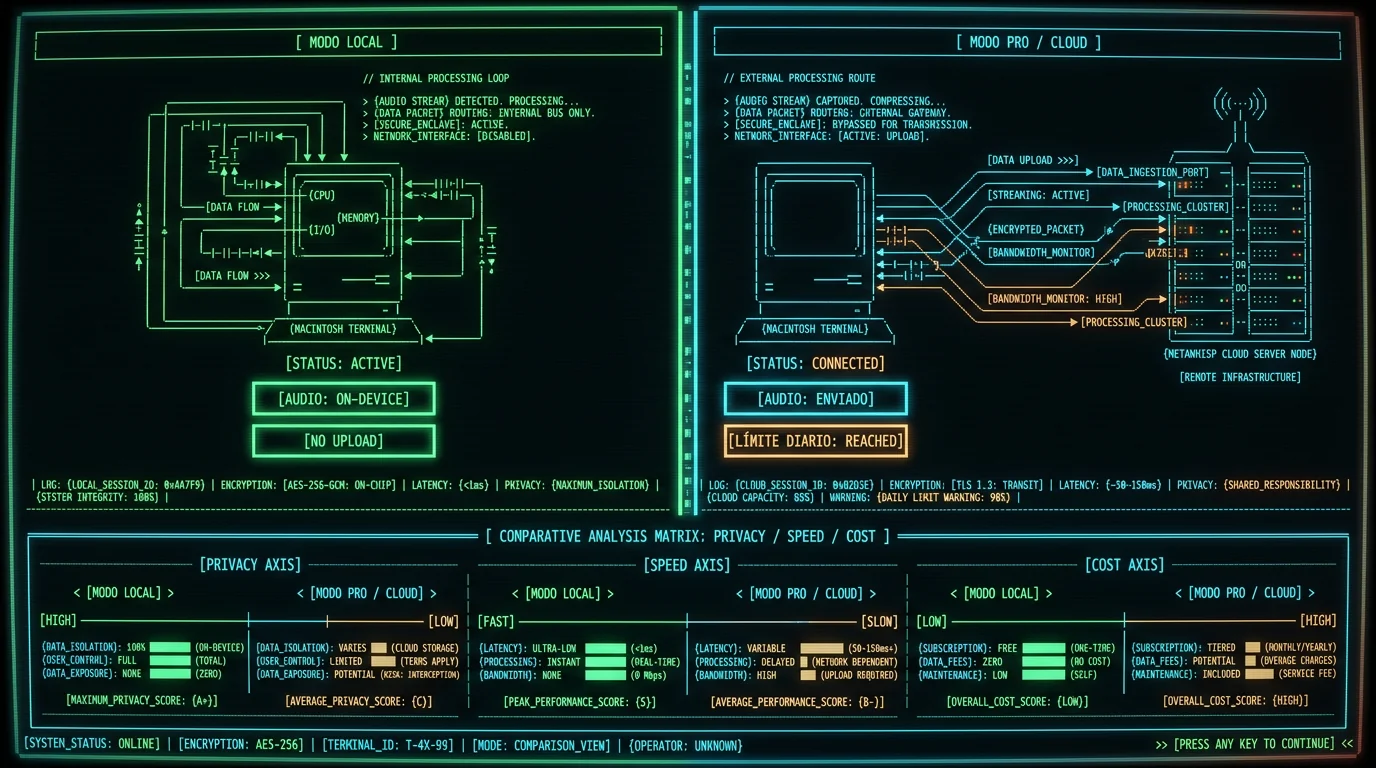
large-v3-turbo on your Mac's Apple Neural Engine. Audio never leaves the machine in local mode — no upload, no account. Spanish is one of 99 supported languages with auto-detect, and mixed Spanish-English speech works out of the box. Local mode is free and unlimited. Translation and AI text polish are free on the free tier if you bring your own OpenAI or Cerebras API key.
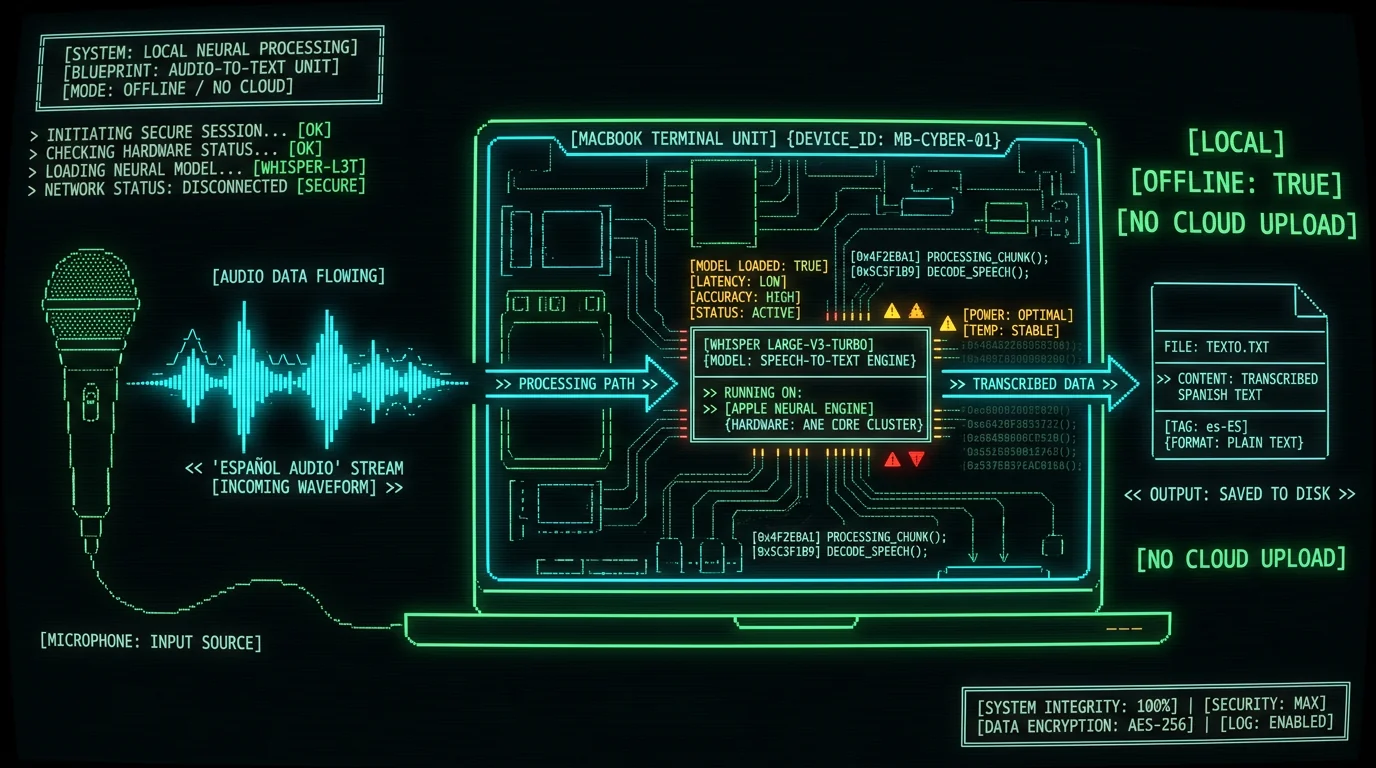
Can Whisper really transcribe Spanish audio to text on a Mac?
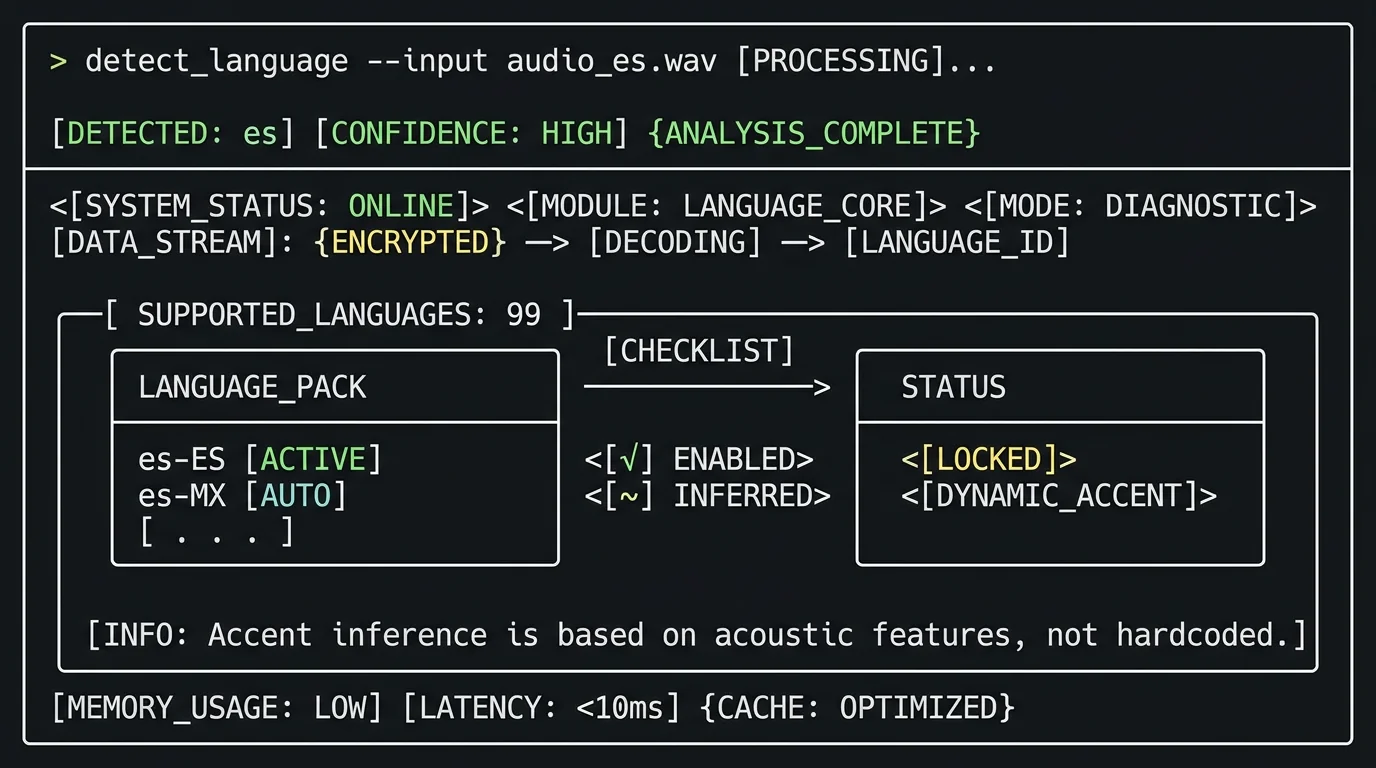
large-v3-turbo variant directly on the Apple Neural Engine. You don't tell it the language — auto-detect picks Spanish from the audio itself. We have not run a per-language WER benchmark for Spanish, so I won't quote a number. If you want published multilingual figures, the large-v3-turbo model card on Hugging Face has the aggregate data. For day-to-day Spanish dictation, expect the same kind of accuracy you get with English — close enough that you'll mostly be fixing names and punctuation, not retranscribing whole sentences.
What you need before you start
- Mac with Apple Silicon — M1, M2, M3, or M4. Intel Macs aren't supported because the model runs on the Neural Engine.
- macOS 14 (Sonoma) or later. Check Apple menu → About This Mac.
- ~950 MB of free disk space for the Whisper model. It downloads once and stays cached.
- MetaWhisp, free from our download page. No account, no sign-up.
- Optional: an OpenAI or Cerebras API key if you want AI polish (Structured / Correct / Rewrite modes) or translation into the supported target languages on the free tier. The key belongs to you — only the transcript text goes to your account, never audio.
Pro tip: If you've never used a hotkey-driven dictation tool before, give yourself an hour to break the habit of typing. The first day feels slow; by day three you'll feel the speed difference — especially in Spanish, where typing accented characters (á, é, í, ñ, ü) eats more keystrokes than speaking them.
How to transcribe Spanish audio to text on Mac
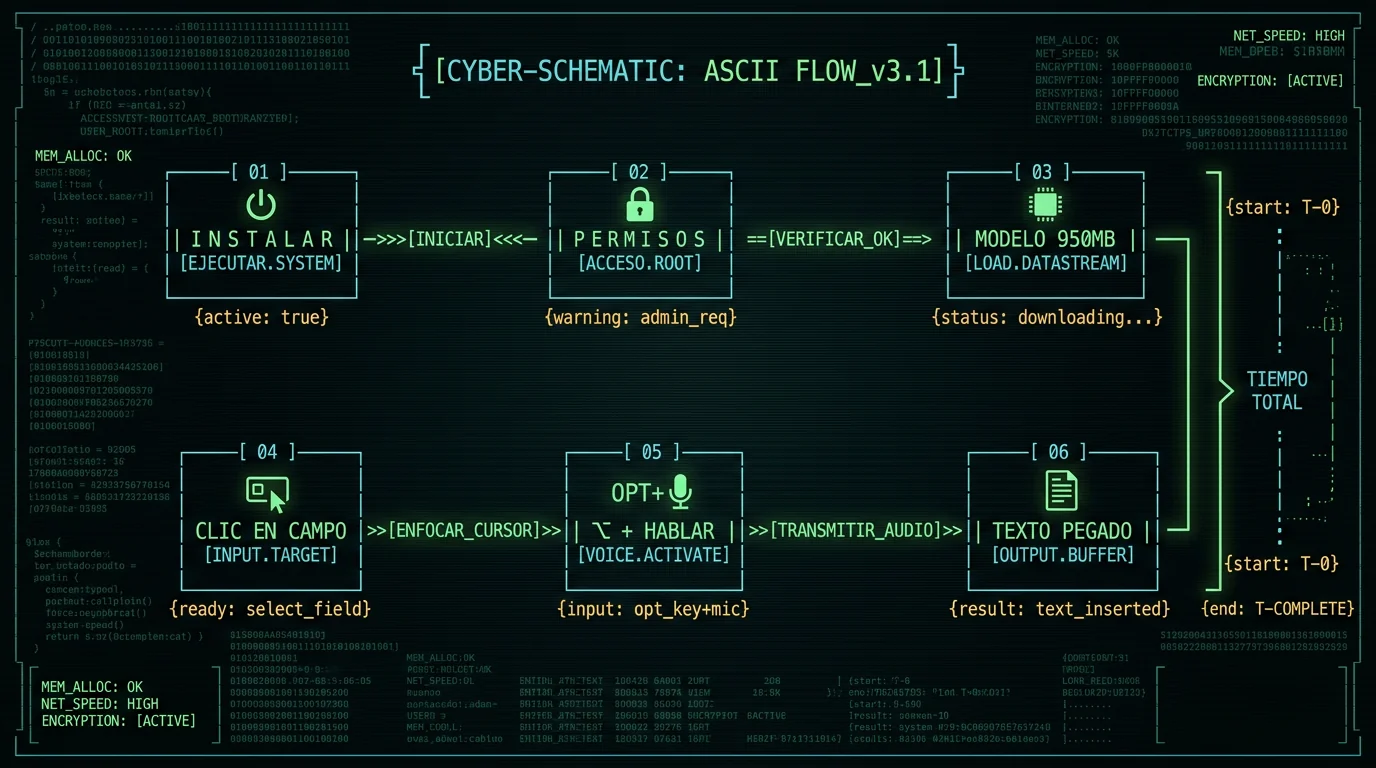
- Download MetaWhisp from metawhisp.com/download and drag it to Applications.
- Launch it. On first run, macOS asks for Microphone access and Accessibility (needed for the global hotkey to type into other apps). Approve both.
- Wait for the model. The first launch downloads Whisper large-v3-turbo (~950 MB) to your Mac. After that it's cached and starts in under a second.
- Click into any text field — a Notes doc, a Slack message, a browser tab, an email draft.
- Hold Right Option (⌥) and speak in Spanish. A small overlay shows it's listening.
- Release the hotkey. MetaWhisp finishes decoding and pastes the transcript into the field where your cursor was.
For audio files you already have — interview recordings, lectures, podcasts — the workflow is different. Drag the file onto MetaWhisp's window and it writes a transcript next to the source. How to transcribe an audio file on Mac walks through that path in detail.
Does MetaWhisp handle mixed Spanish and English speech?
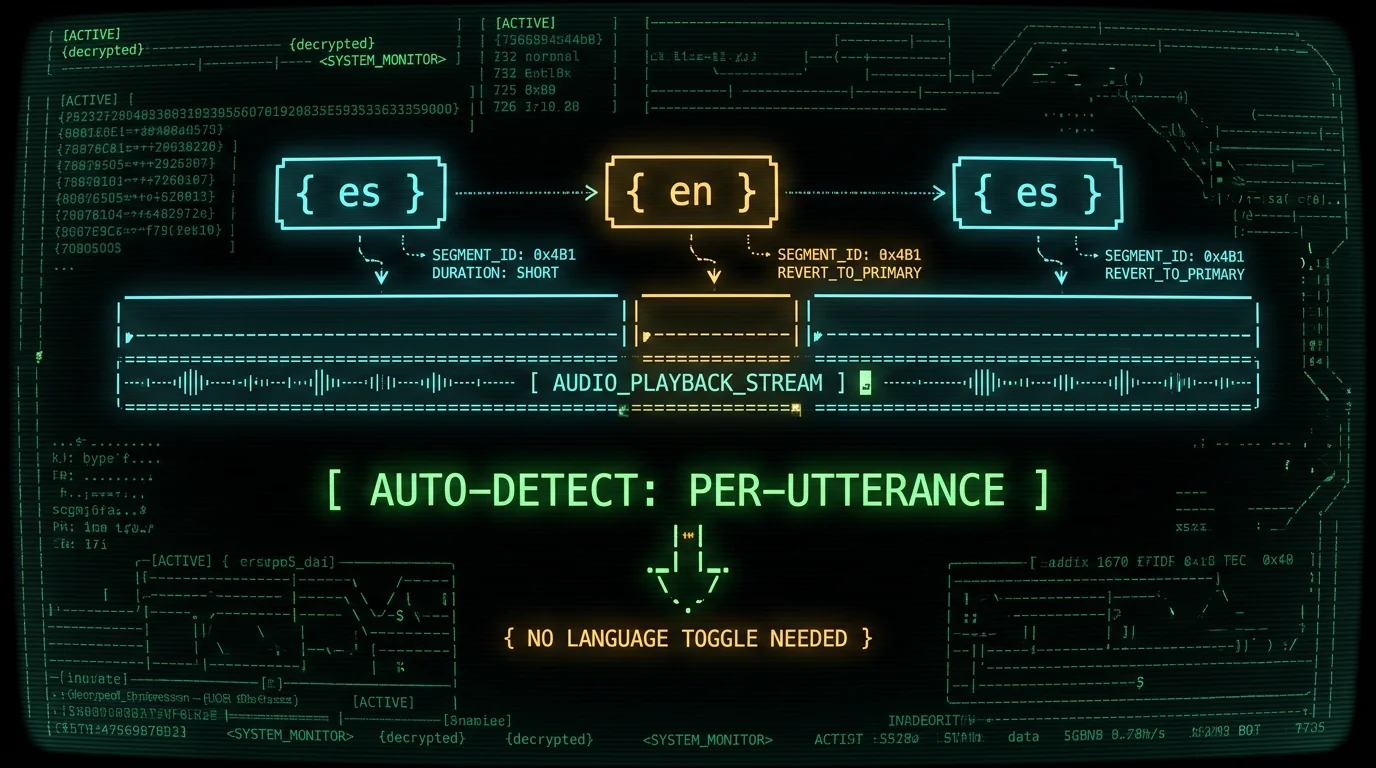
I dictate mostly in Russian and English, and MetaWhisp handles the switch without me touching anything. Spanish-English should feel just as natural — it's the same auto-detect pipeline either way.
How to translate a Spanish transcript into English
Is Spanish transcription really private?
When MetaWhisp isn't the right tool for Spanish
- You need iOS. There's no iPhone or iPad app yet. there is no iOS app; MetaWhisp is Mac-only.
- You need speaker diarization ("Speaker 1, Speaker 2"). Not shipped.
- You need semantic search across transcripts. Not shipped.
- You want a free web app. MetaWhisp is a native macOS app. There's no browser version.
If those gaps matter for your use case, SuperWhisper, MacWhisper, and Wispr Flow are the closest competitors — each has a real Spanish feature set and a real Spanish marketing page. I won't quote their pricing here because prices change; check their current pages before deciding.
Founder's note: I built MetaWhisp because I needed a dictation tool that didn't ship my audio to someone else's server. If your reason for being here is the same, the local workflow in this guide is exactly what I use myself every day. If you hit a Spanish-specific edge case (heavy accent, medical vocabulary, fast code-switching) and the tool stumbles on it, tell me on X — I'm collecting real-world cases to figure out where the model needs the most work.
FAQ
How accurate is MetaWhisp at transcribing Spanish audio?
We haven't published a per-language WER for Spanish, so I won't quote a number. The large-v3-turbo model card on Hugging Face has the aggregate multilingual figures. For practical dictation, expect accuracy similar to English — close enough that you'll mostly fix names and punctuation, not retranscribe whole sentences. If you want to test it on your own audio, the free tier has no time cap in local mode.
Does MetaWhisp support Spanish from Spain and Latin America?
Yes. Whisper auto-detects Spanish as a single language and doesn't pin it to a specific region — accent differences between Spain, Mexico, Argentina, and Colombia are handled within the same model. There's no es-ES vs es-MX toggle to change. For very heavy regional accents or noisy environments, accuracy drops for any speech recognizer; try a quieter room before judging the tool.
Can I translate Spanish audio directly to English text?
Yes. Transcribe the Spanish first in local mode (free, unlimited), then run the transcript through MetaWhisp's Translate mode into English. On the free tier, you bring your own OpenAI or Cerebras API key. On Pro, built-in cloud AI handles it without any key. See processing modes for the full list of available transforms.
Does MetaWhisp work with Spain Spanish (es-ES) vs Mexican Spanish (es-MX)?
You don't pick a regional variant — Whisper's auto-detect treats Spanish as one language and adapts to the accent from the audio itself. There's no es-ES vs es-MX setting to change. If you have very specific regional vocabulary needs (medical Spanish in Mexico vs legal Spanish in Spain), domain accuracy has not been benchmarked — try MetaWhisp on a sample of your own audio before committing to a workflow.
Is the Spanish transcript sent to MetaWhisp's servers?
Only if you turn on Pro cloud transcription. In local mode, the audio and transcript stay on your Mac. If you use AI polish or translation with your own API key (BYOK), only the transcript text goes to your OpenAI or Cerebras account. MetaWhisp's servers see nothing in either case.
Can MetaWhisp handle Spanish podcasts or long recordings?
Yes — drop the audio file (MP3, M4A, WAV, FLAC) onto MetaWhisp and it writes a transcript next to the file. Long files take longer to decode but accuracy stays consistent throughout. For a 60-minute Spanish podcast, expect roughly real-time or faster on an M2 or newer Mac. The free local mode has no time cap.
Will MetaWhisp work without internet after the first model download?
Yes. Once the ~950 MB Whisper model is cached on your Mac, local transcription works fully offline — on a plane, in a coffee shop with bad Wi-Fi, anywhere. AI polish and translation (BYOK or Pro cloud) obviously need internet because they call external APIs, but core dictation doesn't.
Do I need a MetaWhisp account?
No. No account, no email, no sign-up. Download the app, grant permissions, dictate. The only thing you'll ever be asked to log into is the third-party API you bring yourself for BYOK features.
About the author
Andrew Dyuzhov is the solo founder of MetaWhisp. He builds with ADHD, dictates daily in Russian and English, and writes everything on MetaWhisp. He's not an ML researcher — just a marketer who assembled the app from open-source Whisper with AI coding tools. Find him on X.
