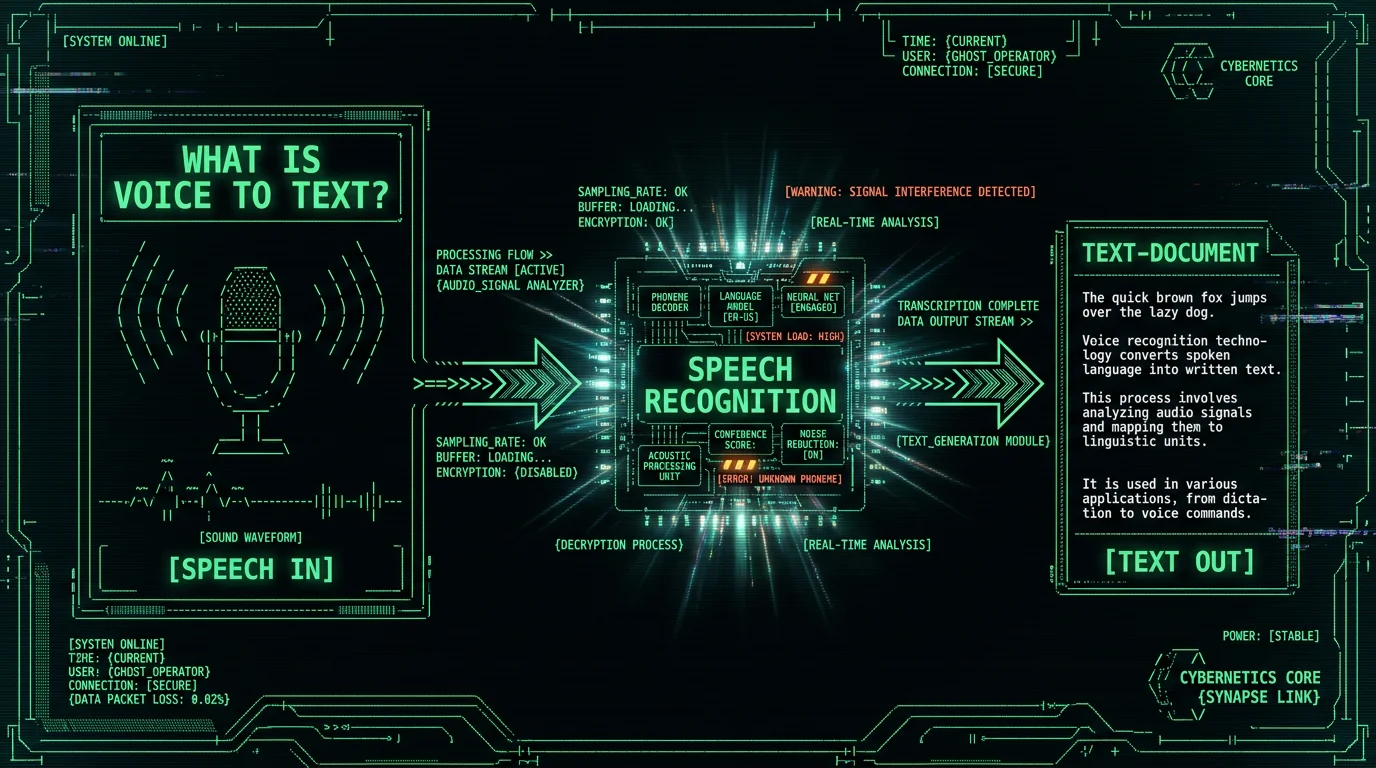
What Is Voice to Text?
You've already used voice to text even if you've never installed anything: Siri turning "remind me at five" into a reminder, your phone keyboard's microphone button, automatic YouTube captions. Same core technology, different packaging.
This guide covers how it actually works, what the terms mean, what accuracy you can realistically expect, and how to try it on a Mac in the next two minutes — for free.
How Does Voice to Text Work?
Under the hood, every voice-to-text system does four jobs. First, it captures audio from your microphone and converts the sound wave into numbers. Second, it slices that signal into short overlapping windows. Third, a trained model — these days almost always a neural network — maps those slices to the most probable words, using context to decide between "their" and "there". Fourth, it assembles the words into sentences, adds punctuation, and hands the text to whatever app you're typing in.
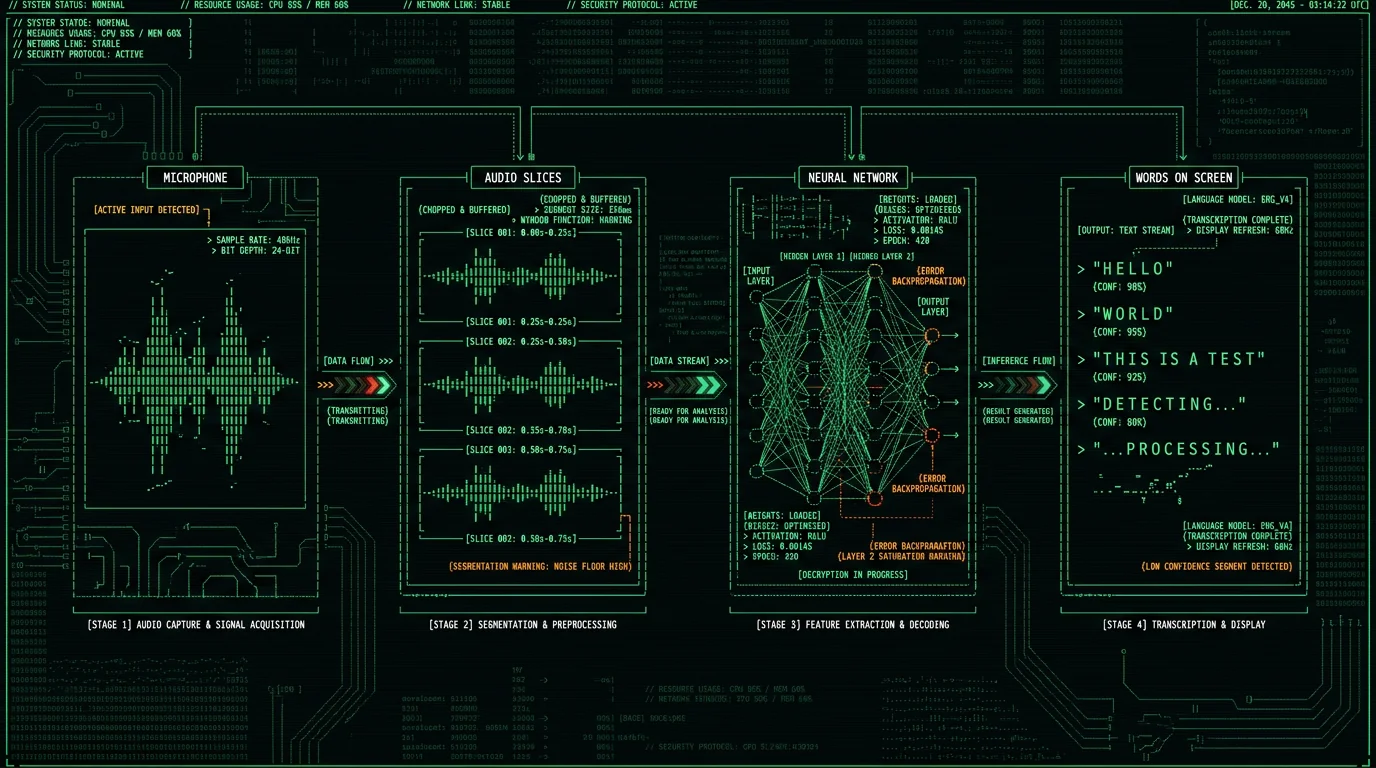
The model is the part that improved dramatically. Early dictation software made you train it on your voice for half an hour and still butchered every third sentence. The shift came with large neural models trained on huge amounts of multilingual audio. The best-known open one is OpenAI's Whisper, released as open source and described in the paper "Robust Speech Recognition via Large-Scale Weak Supervision". Whisper-class models need no per-user training, handle accents far better than their predecessors, and infer punctuation from how you speak.
One consequence people miss: because Whisper is open source, the same class of model that powers paid cloud services can now run entirely on a laptop. Projects like WhisperKit optimize it for Apple Silicon, which is exactly what MetaWhisp's on-device transcription is built on — Whisper large-v3-turbo running on the Mac's Neural Engine, with a one-time model download of about 950 MB.
Voice Typing, Dictation, Transcription — What's the Difference?
The terms get used interchangeably, but they describe different jobs. Here's the short version:
| Term | What it means | Typical use |
|---|---|---|
| Voice typing / dictation | Live speech becomes text as you talk | Writing emails, notes, messages |
| Transcription | A recorded audio file becomes a text document | Meetings, interviews, voice memos |
| Live captions | Real-time text display of speech, for accessibility | Lectures, calls, videos |
| ASR (automatic speech recognition) | The underlying technology behind all of the above | Engineering term, not a product |
If you're choosing software, decide which job you actually need. A tool built for live dictation (speak → text appears where your cursor is) feels very different from a transcription tool you drag audio files into. Some apps do both; many do one well and the other badly. For the file-transcription side, see how to transcribe an audio file.
Where Does Your Audio Go?
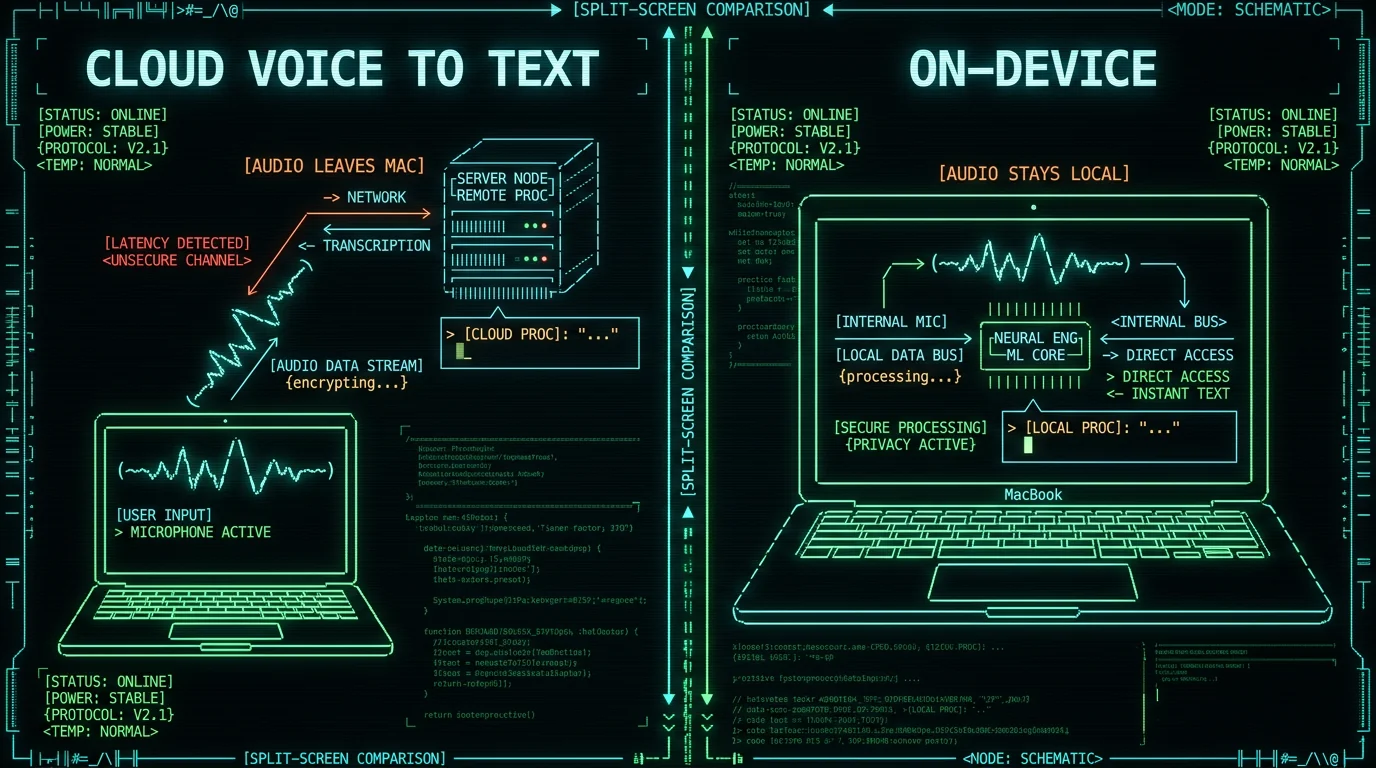
This isn't a paranoid distinction. Anything uploaded is governed by a privacy policy you probably haven't read, kept for as long as that policy allows, and accessible to whoever the policy says. For grocery lists, who cares. For a therapist's session notes or a journalist's source call, it's the whole decision. I wrote more about that in private voice to text on Mac and offline voice to text on a MacBook.
| Cloud | On-device | |
|---|---|---|
| Internet required | Yes | No — works offline |
| Where audio goes | Provider's servers | Stays on your machine |
| Retention | Per their policy | Nothing to retain |
| Typical pricing | Often subscription | Often free or one-time |
How Accurate Is Voice to Text in 2026?
Word error rate (WER) is the standard metric: the percentage of words the system gets wrong — substituted, dropped, or invented. Lower is better. A 3.5% WER means roughly one error every 28 words; at 12%, it's one every 8, which is the difference between light proofreading and retyping the sentence.
Pro tip: accuracy depends on your microphone setup more than most settings. Speak 20–40 cm from the mic, reduce background noise, and don't trail off at sentence ends — the cheap fixes beat any software toggle.
Language coverage is a separate axis. Whisper supports 99 languages with automatic detection — I dictate in Russian and English daily, often switching mid-sentence, and it keeps up better than anything else I've used.
How to Try Voice to Text on a Mac
Two free paths, two minutes each.
Option 1 — Apple Dictation (built in). Open System Settings → Keyboard → Dictation, turn it on, and press the shortcut it shows (commonly double-tap a modifier key or F5). Speak, and text appears at your cursor. Apple's official steps are in the macOS dictation guide. It's free and zero-install — accuracy is the trade-off, per my testing above. Full walkthrough: how to use dictation on Mac.
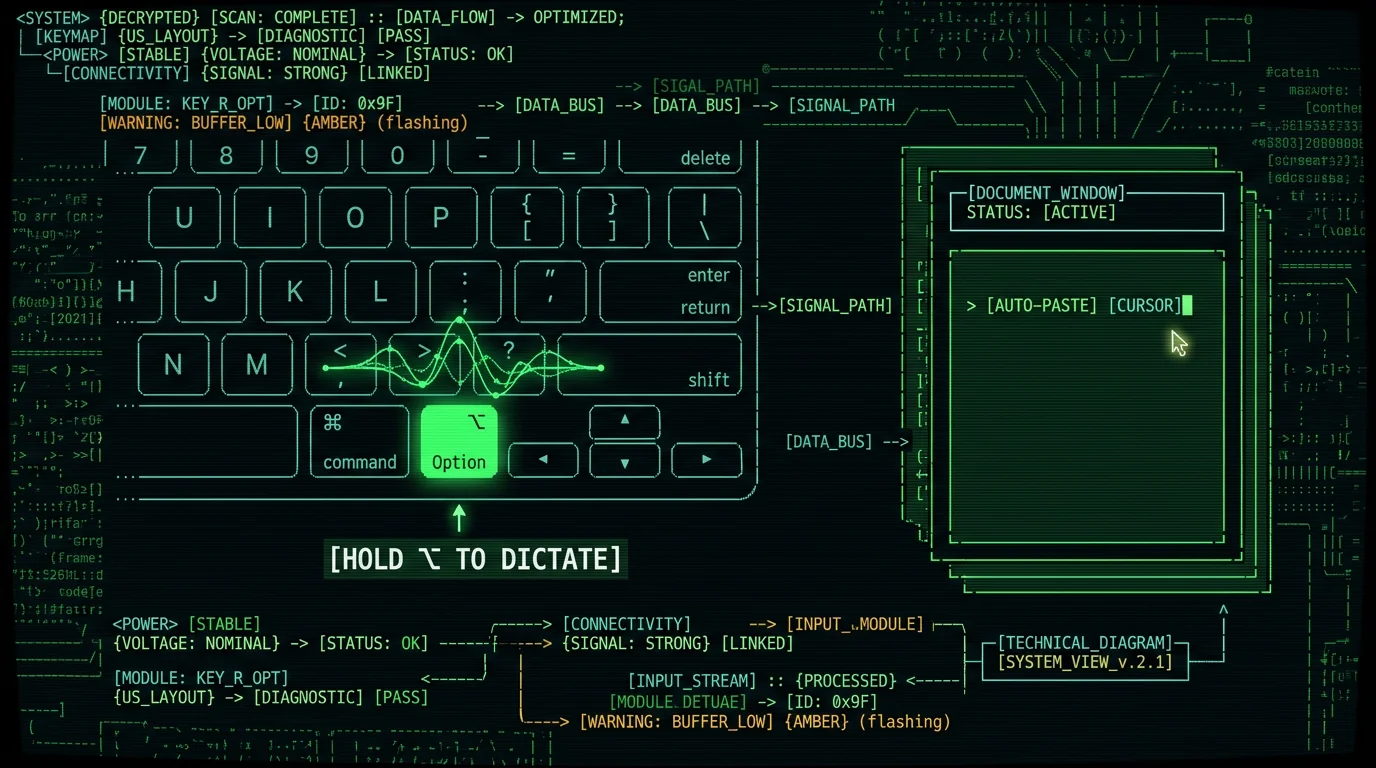
Option 2 — a Whisper-based app. This is the route I build for. With MetaWhisp (free, macOS 14+ on Apple Silicon): install, let it download the ~950 MB model once, then hold the Right Option (⌥) key anywhere — any app, any text field — talk, release, and the text pastes itself where your cursor is. Local transcription is free and unlimited, with no account. Everything runs on the Neural Engine; in local mode your audio never leaves the Mac, and there's no telemetry.
Full disclosure, since I make one of the tools: there's also a Pro tier ($30/year or $7.77/month) that adds cloud transcription, AI text cleanup via processing modes, and translation — and those cloud features do send data off the machine, which the app tells you plainly. The local mode is the free, private default. If you want to compare the field first, here's my rundown of the best voice-to-text apps for Mac.
When Voice Beats Typing — and When It Doesn't
That ADHD point is personal, not theoretical — it's the reason MetaWhisp exists. Starting a paragraph by talking is dramatically easier for me than starting it by typing, and I wrote about that pattern in voice to text for ADHD writers.
Common Problems and Quick Fixes
Three failure modes cover most complaints. Nothing happens when you speak: it's almost always microphone permissions — check System Settings → Privacy & Security → Microphone. Gibberish or the wrong language: set the language explicitly instead of relying on auto-detect, especially if you mix languages. It types but mangles names and jargon: that's a model-vocabulary limit; slow down on the rare words, or fix them in the edit pass.
Pro tip: with Apple Dictation you say punctuation out loud ("comma", "new paragraph"). Whisper-based tools infer punctuation from your pauses and intonation — so you can just talk normally. If your dictation is full of missing periods, that's usually why.
If the built-in Mac dictation refuses to start at all, I keep an updated fix list in Mac dictation not working.
FAQ: Voice to Text Questions
Is voice to text the same as dictation?
Functionally yes. "Dictation" is the older word for the same act — speaking instead of typing. "Voice to text" and "speech-to-text" describe the technology; "voice typing" is what Google calls it in Docs. If a product uses any of these terms, it converts live speech into written text.
Does voice to text need an internet connection?
Depends on where the processing runs. Cloud services need internet for every word. On-device tools — like Whisper running locally on a Mac — work fully offline once the model is downloaded. Apple Dictation processes many languages on-device too, but its accuracy lags the Whisper class in my testing.
Is voice to text free?
It can be. Apple Dictation is free and built into macOS. MetaWhisp's local mode is free and unlimited with no account. Cloud-based services usually charge subscriptions or per-minute rates. Free and private aren't mutually exclusive anymore — that's the practical effect of open-source Whisper.
How accurate is voice to text?
On clean English speech, Whisper-class models run roughly 3.5–3.7% word error rate on published benchmarks — about 96–97% of words correct — and Apple Dictation came in around 11–14% WER in my own head-to-head test. Noise, accents, and jargon lower every tool's accuracy.
Can voice to text handle languages other than English?
Yes. Whisper supports 99 languages with automatic language detection, and quality in major languages is strong. I dictate in Russian and English every day, including mid-sentence switching. Smaller languages have less training data, so expect more errors there.
Is voice to text private?
Only if the processing stays on your device. Cloud tools upload your audio and hold it under their retention policy; on-device tools never transmit it, so there's nothing to retain or leak. If you dictate anything sensitive — clients, health, sources — choose a tool that runs locally and says so explicitly.
I'm Andrew Dyuzhov, the solo founder of MetaWhisp. I'm a marketer who built a voice-to-text app on top of open-source Whisper using AI coding tools — not an ML researcher, which is exactly why I write these explainers in plain language. I have ADHD, dictate my drafts daily in Russian and English, and test this stuff on my own machine before writing about it. Find me on X @hypersonq.
