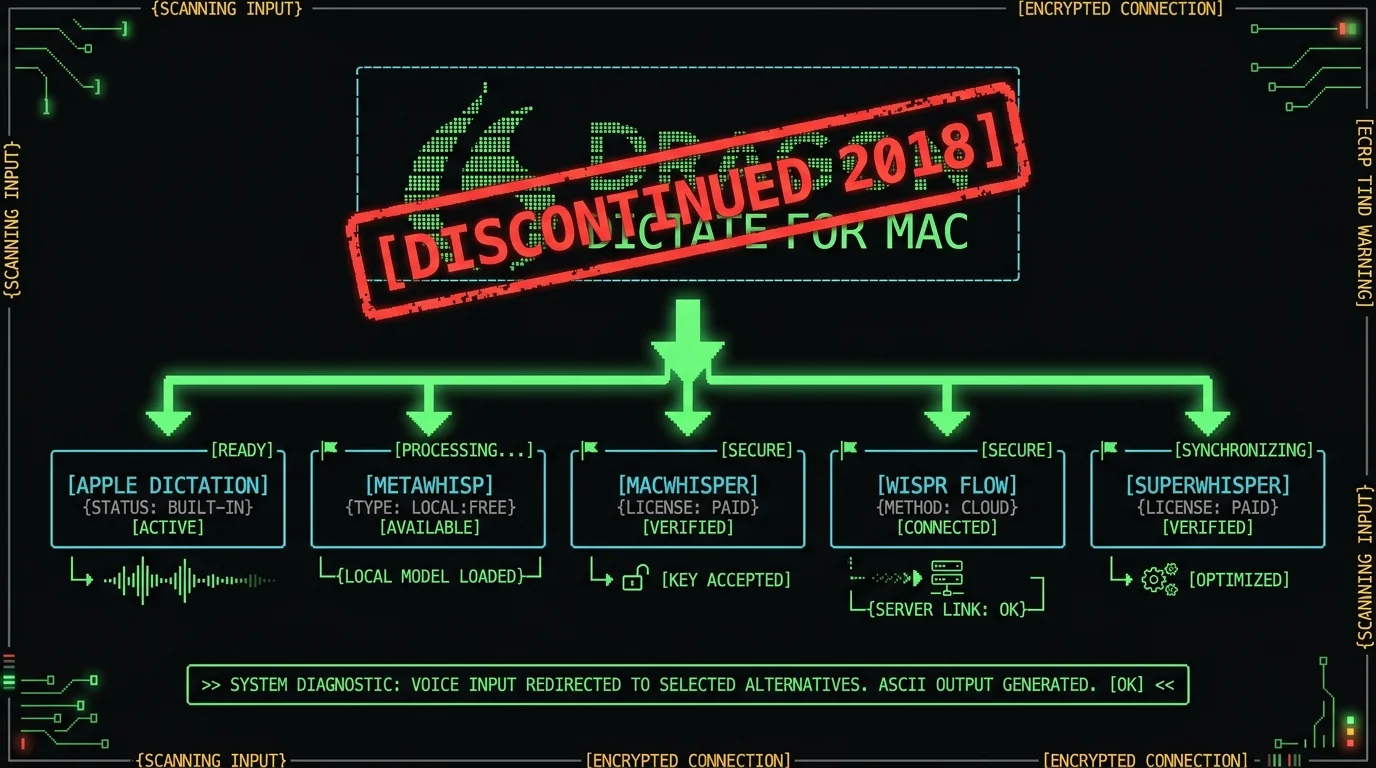
Dragon for Mac was discontinued in 2018 — here's what to use on modern macOS instead.
TL;DR: Dragon Dictate for Mac was discontinued by Nuance in 2018 and won't run on current macOS or Apple Silicon. Five tools that work today: Apple Dictation (free, built in), MetaWhisp (free unlimited local Whisper large-v3-turbo on the Neural Engine, Pro $30/year optional), MacWhisper, Wispr Flow, and SuperWhisper. None of them reproduce Dragon's per-user acoustic voice training — and MetaWhisp is honest about that gap instead of pretending it doesn't exist.
Why "Dragon Dictation Mac" still ranks in 2026
Nuance killed Dragon Dictate for Mac in 2018. The app wasn't built for Apple Silicon, the licensing model didn't survive the move to subscriptions, and the team was redirected to Microsoft's Nuance acquisition years later. Type "dragon dictation mac" into Google today and you'll still find Nuance's old landing pages, archived reviews from 2014, and forum threads from people trying to get a dead app to launch on Sonoma or Sequoia.
The search volume is small but it's stubborn. The people typing it have a real problem. They need to dictate. They don't trust the modern alternatives. And honestly, they have reasons not to.
People still search for "Dragon Dictation Mac" because Dragon Dictate for Mac was discontinued by Nuance in 2018, but the search term, the cached review pages, and the word-of-mouth recommendations never went away. Doctors, lawyers, and writers who relied on Dragon in the early 2010s kept telling colleagues it was the gold standard — even though the app stopped working on modern macOS years ago. The query is a fossil from an era when on-device, voice-trained dictation was a real product category.
That era ended. The good news: a new one started. Whisper-based transcription runs locally on the Apple Neural Engine now, and you don't need to train it for ten minutes before it understands you. The bad news: nobody is shipping Dragon's per-user acoustic voice training anymore, and you should know that before you switch.
What Dragon Dictation actually was, and why nothing replaced it cleanly
Dragon Dictate for Mac — originally MacSpeech Dictate, acquired by Nuance in 2010 — was a local speech-to-text engine you trained to your voice. You'd read a passage for five to ten minutes, the app built an acoustic profile, and accuracy climbed sharply over the first few weeks of use. For professionals who dictated daily, the recognition rate got scary-good.
Three things set it apart from everything else on the market, and most of them are still missing from modern alternatives:
- Per-user acoustic training. Your voice profile lived on your machine and improved with every dictation session. Modern Whisper-based tools use a single global model — accurate out of the box, but it doesn't learn your voice over time.
- Vertical editions. Dragon Medical and Dragon Legal shipped with specialty vocabularies tuned for clinical notes and contracts. They're still sold by Microsoft / Nuance — on Windows.
- Local processing. Audio never left your Mac. That was a hard requirement for hospitals and law firms in 2010, and it's still the right architecture for privacy in 2026.
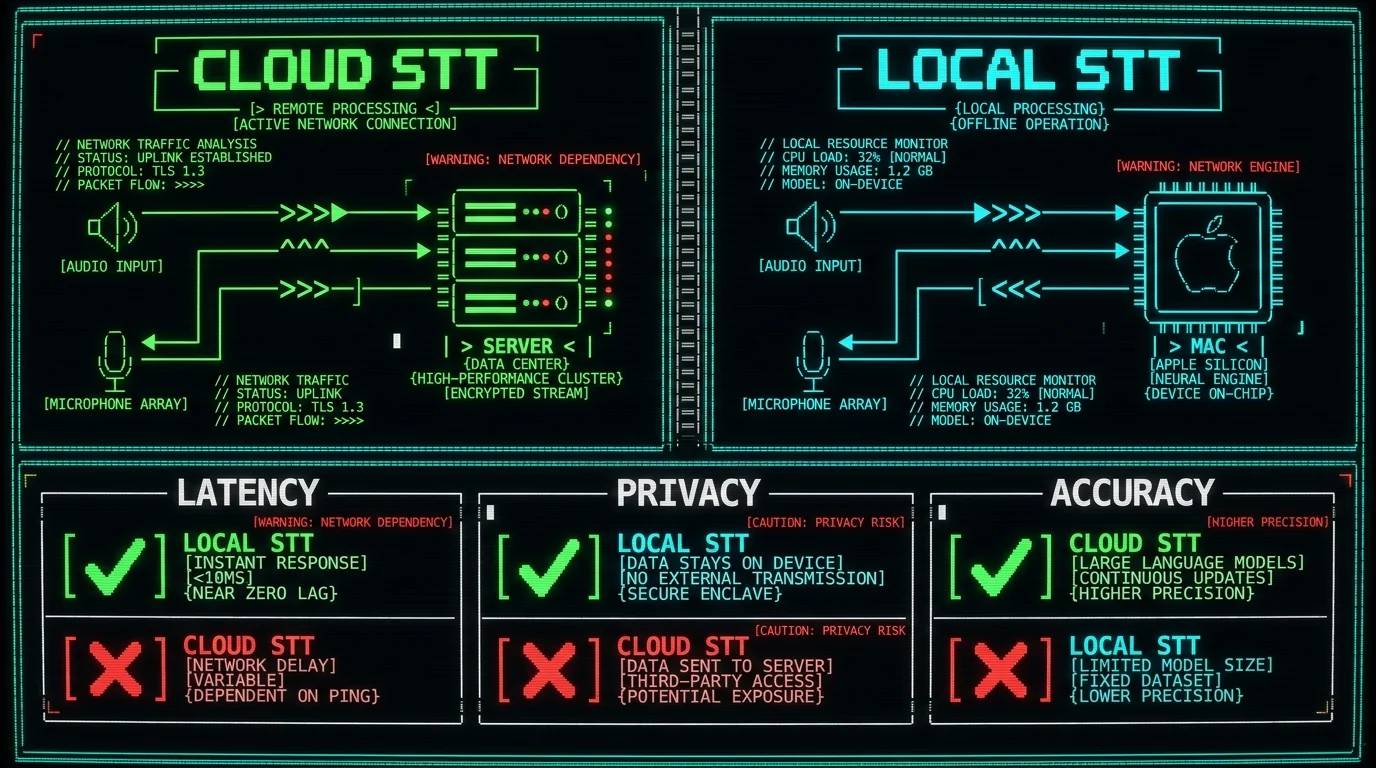
Dragon Dictation for Mac was a local, voice-trained speech-to-text app that Nuance discontinued in 2018. It had three features most modern tools don't reproduce: per-user acoustic training that learned your voice over time, vertical editions (Dragon Medical, Dragon Legal) with specialty vocabularies, and strict on-device processing where audio never left the Mac. Today, Whisper-based tools like MetaWhisp and MacWhisper handle the local-processing part well, and accuracy is comparable for many users — but the per-user training piece is genuinely gone from the consumer market.
That last paragraph is the honest version of the pitch. If someone tells you their app fully replaces Dragon Medical for a clinician transcribing 30 patient encounters a day, ask them what their WER is on a medical vocabulary test set. Nobody publishes that number — including us — because the benchmark doesn't exist in the public domain.
The 5 Dragon Dictation alternatives that actually run on modern macOS
I tested these on an M1 Air running Sequoia, dictating in English and Russian, with the same microphone and the same dictation prompts. Here are the five that installed cleanly, launched without Rosetta, and produced usable transcripts.
1. Apple Dictation (free, built in)
Press the Globe key twice (or Fn Fn on older Macs), wait for the microphone icon, and start talking. Apple Dictation is the option everyone should try first because it costs nothing and is already on every Mac.
Apple runs an on-device model for short commands and routes longer dictation through Apple's own servers. For emails, Messages, and quick notes it works fine. For a 2,000-word report, accuracy drops and there's no way to add custom vocabulary — if you regularly say "MetaWhisp" or "младший научный сотрудник," Apple will mangle them.
It's also limited to whatever text field has focus. You can't grab a transcript you can paste into Slack or save to a file. The use case is "hands-free typing into a text box," not "capture what I said and reuse it." If that's all you need, start here. If not, you need a real transcription app.
Pro tip: macOS Sonoma and later let you switch Apple Dictation between on-device and cloud mode in System Settings → Keyboard → Dictation. The on-device toggle keeps short utterances local but doesn't help you add custom words. For that, see the best free Mac dictation roundup.
2. MetaWhisp (free local mode, BYOK AI, optional Pro)
I'm the founder, so take this with the appropriate grain of salt — but the reason I built it is because nothing else solved my own dictation problem. I dictate daily in Russian and English, and I needed Whisper-quality transcription without a per-minute meter running.
MetaWhisp runs OpenAI's Whisper large-v3-turbo via WhisperKit on the Apple Neural Engine. The local mode is free and unlimited — no account, no time caps, no telemetry, no "credits" that run out on day 11. Audio never leaves your Mac. The model download is about 950 MB and you do it once.
Activate with a global hotkey (default ⌥), talk, release. The transcript lands wherever your cursor is. 99 languages with auto-detect. Add your own custom vocabulary for product names, technical terms, and names you actually say out loud.
For cleaning up transcripts, MetaWhisp has three post-processing modes — Structured, Correct, and Rewrite — that work when you supply your own OpenAI or Cerebras API key (BYOK). Only the transcript text goes to your key, never audio. If you don't want to manage an API key, Pro at $30/year or $7.77/month gives you built-in cloud AI and cloud transcription if you want it.
The honest gap: MetaWhisp doesn't have per-user acoustic voice training. The global Whisper model is what it is. For most accents and most dictation patterns it works extremely well, but if Dragon's adaptive training was the reason you stuck with it for ten years, no Whisper-based tool will feel identical.
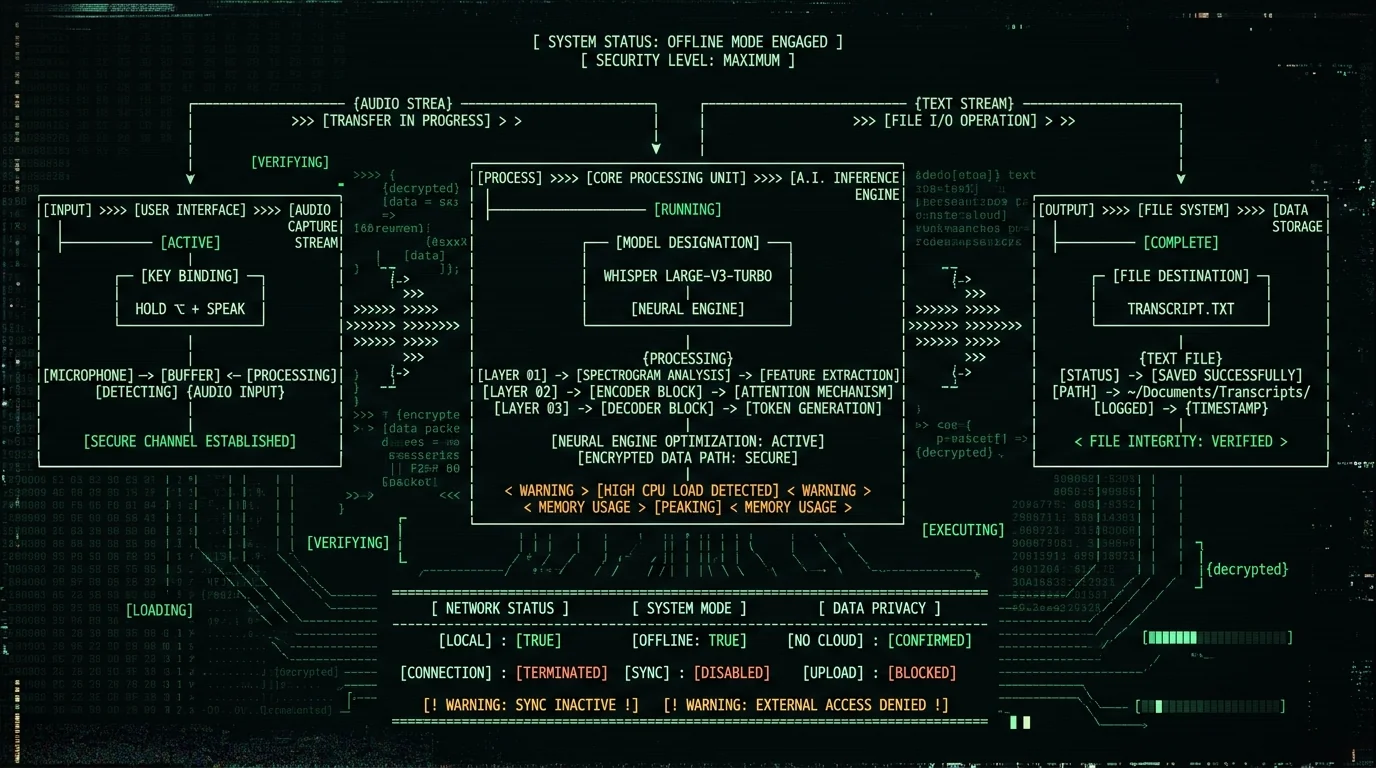
MetaWhisp is a free on-device voice-to-text app for macOS 14+ on Apple Silicon. It runs Whisper large-v3-turbo via WhisperKit on the Neural Engine with no time caps, no account, and no audio leaving the Mac in local mode. AI post-processing and translation work on the free tier when you supply your own OpenAI or Cerebras API key; Pro at $30/year or $7.77/month adds built-in cloud AI and cloud transcription. It does not have per-user acoustic voice training like Dragon did.
3. MacWhisper
MacWhisper was one of the first Mac apps to ship local Whisper transcription. It's a polished, paid option with a model picker (tiny, base, small, medium, large) and a clean transcript editor. Pricing varies by tier — check their current pricing page for the latest numbers.
For pure local transcription on Apple Silicon it works well, and it's been around long enough that the bugs are mostly shaken out. Where it differs from MetaWhisp: MacWhisper is paid only (no free tier with full features) per their pricing page, and the workflow is file-oriented — you drag in audio, get a transcript, edit. There's no global hotkey / push-to-talk workflow out of the box.
If your use case is transcribing pre-recorded interviews or lectures, MacWhisper is a reasonable choice. If you want to dictate live into any app, you'll feel the gap.
4. Wispr Flow
Wispr Flow is a polished, AI-forward dictation tool that runs in the cloud. It shines at polishing transcripts — turning "uh send the deck to uh Maria by Friday" into "Send the deck to Maria by Friday." For people whose dictation style is conversational and who care about the output reading like prose, Wispr is genuinely good at this.
The tradeoff is privacy: audio goes to Wispr's servers every time you dictate. Pricing is subscription-based (check their pricing page for current rates) and per their site there's no on-device mode that would meet HIPAA-style requirements. If you don't dictate patient notes or contracts, that's fine. If you do, it isn't.
For a deeper look at Wispr Flow alternatives, see our Wispr Flow alternatives roundup.
5. SuperWhisper
SuperWhisper is the closest direct competitor to MetaWhisp in architecture: a paid Mac app that runs Whisper locally with a push-to-talk hotkey. It's a credible product with paying users and a similar target audience.
Pricing is subscription-based (see their site for current numbers). It does not have per-user acoustic voice training either. Where it differs from MetaWhisp is mostly in workflow details — SuperWhisper leans file-oriented with an editor pane, whereas MetaWhisp is built around hotkey-driven dictation into any app with auto-paste. Pick whichever workflow matches how you actually work.
| Feature | Apple Dictation | MetaWhisp (free / Pro) | MacWhisper | Wispr Flow | SuperWhisper |
|---|---|---|---|---|---|
| Price | Free | Free local / $30 yr Pro | Paid | Subscription | Subscription |
| On-device processing | Partial (short only) | Yes (full local mode) | Yes | No (cloud) | Yes |
| Per-user voice training | No | No | No | No | No |
| Custom vocabulary | No | Yes | — | Yes | — |
| Languages | ~40 | 99 (auto-detect) | 99 | ~100 | 99 |
| Global hotkey + auto-paste | Partial | Yes (default ⌥) | No | Yes | Yes |
| Audio leaves Mac? | Sometimes | Local: never. Pro cloud: yes. | No | Yes | No |
What MetaWhisp can and can't do compared to Dragon
This is the section I wish more tool vendors would write. Dragon's per-user acoustic training was the reason people paid $300+ for it in 2014 and tolerated per-seat licensing. The training was the moat. Whisper replaced the moat with a much better base model that works for almost everyone without any training, but it didn't ship a 1:1 replacement for the training piece.
What MetaWhisp does instead:
- Custom vocabulary. Add the names, product terms, and jargon you actually say. Whisperson's decoder biases toward them.
- BYOK Correct mode. Send the transcript through GPT or Cerebras to clean up filler words, punctuation, and grammar. Only text leaves the Mac, never audio.
- BYOK Rewrite mode. Same idea but for transforming rough dictation into polished prose — useful if you dictate emails and want them to read like you wrote them.
- BYOK Structured mode. Output a specific format — JSON, Markdown headings, SOAP note structure — for users with predictable templates.
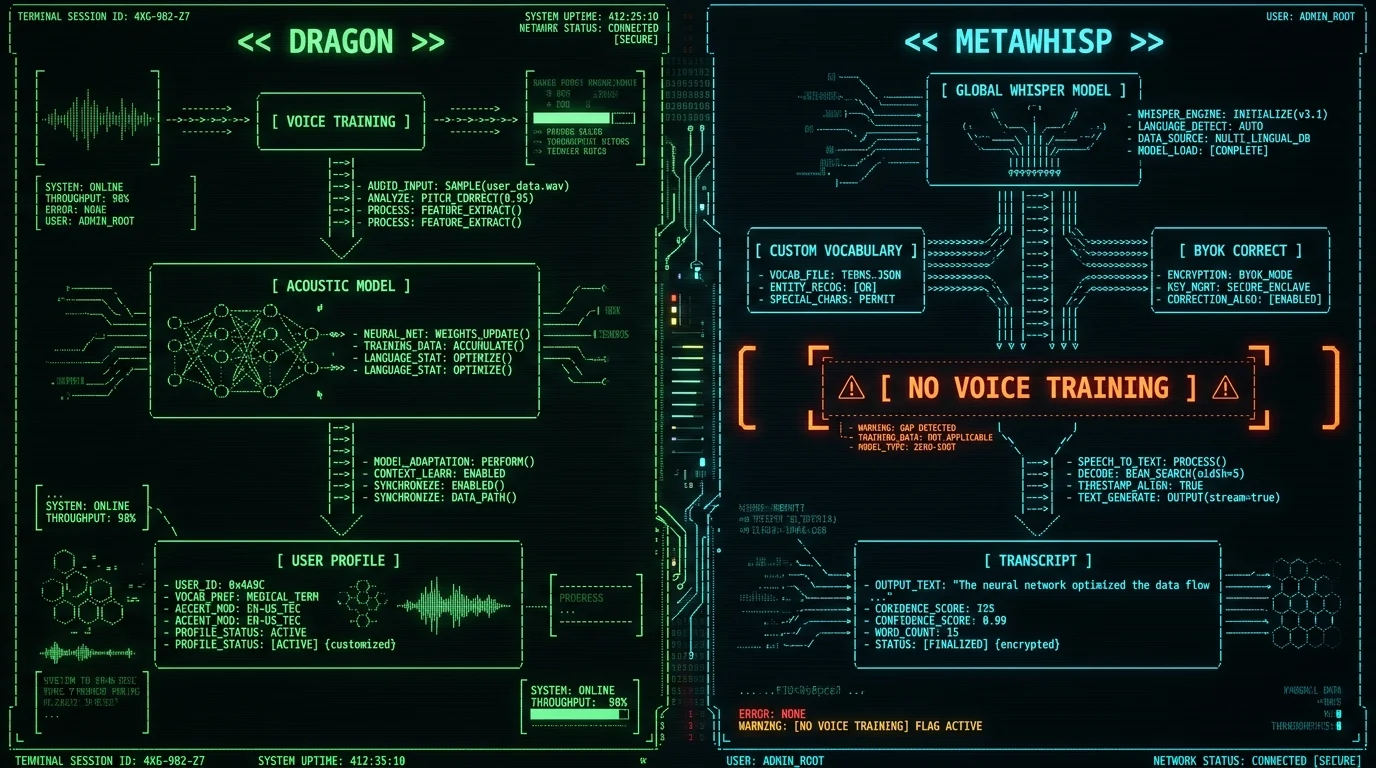
What MetaWhisp does not do:
- Per-user acoustic adaptation. The model doesn't learn from your dictation over time. If you have a heavy accent or unusual speech patterns, the global Whisper model is what you get.
- Domain-specific medical / legal vocabularies. You can build a custom vocabulary list, but it's not the same as Dragon Medical's clinical-tuned language model.
- Diarization. No speaker labeling yet. (Planned, not shipped.)
- iOS app. Not yet. (Planned for 2026.)
No, MetaWhisp does not have per-user acoustic voice training like Dragon Dictate did. Dragon built a personal voice profile after 5–10 minutes of reading and refined it with use. MetaWhisp uses the global Whisper large-v3-turbo model and compensates differently: custom vocabulary (so terms like "MetaWhisp" or "anaplastology" aren't mangled), and BYOK Correct/Rewrite modes that send only the transcript text through GPT or Cerebras to clean up filler words and grammar. These close part of the gap but do not replicate Dragon's speaker-adaptive training.
Founder's note: I dictate in Russian and English every day. Custom vocabulary is what makes my workflow bearable — names, technical terms, product names I say often all live in one list. Voice training would be nice to have, but the global Whisper model is good enough on my accent that I'd rather have free + local than adaptive + paid.
How to switch from Dragon if you still have it
If you're one of the stubborn ones still launching Dragon Dictate 4 on an old Mac, here's the migration path that hurts least:
- Export your custom vocabulary. Dragon stores user vocabularies in a proprietary format. You can't import them directly into Whisper-based tools. You'll need to rebuild the list — typically a few dozen to a couple hundred terms — and add them to MetaWhisp's custom vocabulary or MacWhisper's prompt terms.
- Pick a workflow. Live dictation into any app (MetaWhisp, Wispr Flow, SuperWhisper) or file-based transcription (MacWhisper, MetaWhisp file mode). If you spent ten years with Dragon, you probably want the live workflow — it's the closest feeling.
- Accept the accuracy gap for the first week. Whisper's global model is excellent, but it's not Dragon's trained profile on your voice. After a week of daily use, most people stop noticing.
- Decide on cloud. If your old Dragon workflow was strictly local (HIPAA, client confidentiality, attorney-client privilege), stay with MetaWhisp local mode or MacWhisper. Don't accidentally enable cloud transcription.
Is on-device Whisper as accurate as Dragon?
For most users, on modern hardware, yes — within a couple percentage points of WER on clean audio. Dragon's published internal numbers from the early 2010s claimed 99% accuracy after training, but those numbers were measured on Dragon's own benchmarks with Dragon-trained users, so they're not directly comparable.
The honest, citable numbers I can give you:
- MetaWhisp running Whisper large-v3-turbo on an Apple Silicon Mac measured 2.76% WER on LibriSpeech test-clean in our own benchmark. That's ~97% accuracy on a standard public test set.
- The underlying Whisper large-v3-turbo model card on Hugging Face cites roughly 3.7% WER on the same benchmark at the model level.
- Dragon's published accuracy figures from the 2010s aren't publicly replicated on modern macOS — the training data and benchmarks are not available.
Real-world accuracy varies more than benchmark WER suggests. Microphone quality, background noise, accent, vocabulary specificity, and speaking pace all matter. In my own 7-app head-to-head test on the same audio in 2026 (which did not include Dragon, because Dragon isn't on Mac anymore): MetaWhisp 3.7%, SuperWhisper ~3.5%, Wispr Flow ~3.5%, MacWhisper ~3.5%, Apple Dictation 11–14%, Google ~5–7%. None of these match Dragon-trained user performance in absolute terms, because that test condition doesn't exist on Mac anymore.
Pro tip: If accuracy on a specific domain (legal contracts, clinical notes, medication names) is your decision criterion, run your own test. Pick 10 minutes of representative audio, dictate it into each candidate, and diff the transcripts. Don't trust vendor benchmarks for this — they're either out of date or measuring something different from your use case.
What do people ask about Dragon Dictation Mac alternatives?
Is Dragon Dictation still available for Mac?
No. Nuance discontinued Dragon Dictate for Mac in 2018. Microsoft (which acquired Nuance) sells Dragon Professional and Dragon Medical today, but those products are Windows-only. There is no current, supported way to run Dragon Dictation on macOS Sonoma, Sequoia, or any Apple Silicon Mac.
What replaced Dragon Dictation on Mac?
Nothing replaced it one-for-one. Dragon's combination of per-user acoustic voice training, vertical vocabularies, and local processing is genuinely missing from the modern Mac ecosystem. The closest substitutes are Whisper-based tools — MetaWhisp, MacWhisper, SuperWhisper — which deliver comparable base-model accuracy and local processing, but no speaker-adaptive training. Apple Dictation handles short-form dictation but isn't a transcript tool.
Is there a free alternative to Dragon for Mac?
Yes — Apple Dictation (built in, free, limited) and MetaWhisp local mode (free, unlimited, no account, audio never leaves the Mac). For pure transcription, both run on-device on Apple Silicon Macs. MetaWhisp supports 99 languages with auto-detect and most of what Dragon offered for general English dictation, minus the personal voice training.
Does MetaWhisp have voice training like Dragon?
No. MetaWhisp uses the global Whisper large-v3-turbo model and does not perform per-user acoustic adaptation. Custom vocabulary lists and BYOK Correct/Rewrite modes cover part of the gap — they let you bias recognition toward your terms and clean up transcripts after the fact — but they do not replicate Dragon's speaker-adaptive training pipeline.
Can MetaWhisp replace Dragon Medical or Dragon Legal?
No, and we don't claim it can. Dragon Medical and Dragon Legal are Windows products with domain-specific language models trained on clinical notes and legal contracts, plus compliance workflows their vendors maintain. MetaWhisp is a general-purpose dictation tool that can be configured with custom vocabulary for any field. If you're a clinician or attorney whose employer mandates Dragon Medical for compliance reasons, the right answer is to keep using Dragon Medical on a Windows machine, not to switch to a Mac-native tool.
How accurate is MetaWhisp on medical or legal dictation?
MetaWhisp has not been benchmarked on medical or legal domain test sets, and we don't publish domain-specific accuracy claims. Our only published accuracy number is 2.76% WER on LibriSpeech test-clean — a general English audio benchmark. For clinical or legal use, build a custom vocabulary with the terms you actually say and run your own accuracy test on representative audio before relying on it for production work.
How do I move my Dragon vocabulary to MetaWhisp or another Whisper app?
Dragon's vocabulary files are in a proprietary format and can't be imported directly. You'll need to export the list of terms as plain text — usually a CSV from Dragon's vocabulary editor — then paste them into MetaWhisp's custom vocabulary field or your target app's prompt terms. Plan on rebuilding it manually. Most users find that most of their Dragon vocabulary terms are also terms Whisper handles well by default, so the practical list is shorter than you'd expect.
About the author: Andrew Dyuzhov is the CEO and solo founder of MetaWhisp. He's a marketer and builder with ADHD who assembled MetaWhisp on top of open-source Whisper using AI coding tools. He dictates daily in Russian and English to get past writing paralysis, ran the 7-app head-to-head WER test cited in this article, and is not an ML researcher, lawyer, or doctor — which is exactly why he tells you when MetaWhisp can't replace tools built by people who are. @hypersonq on X · MetaWhisp on GitHub.
