MacWhisper vs MetaWhisp — both run Whisper, opposite workflows
What Is MacWhisper, and Who's It For?
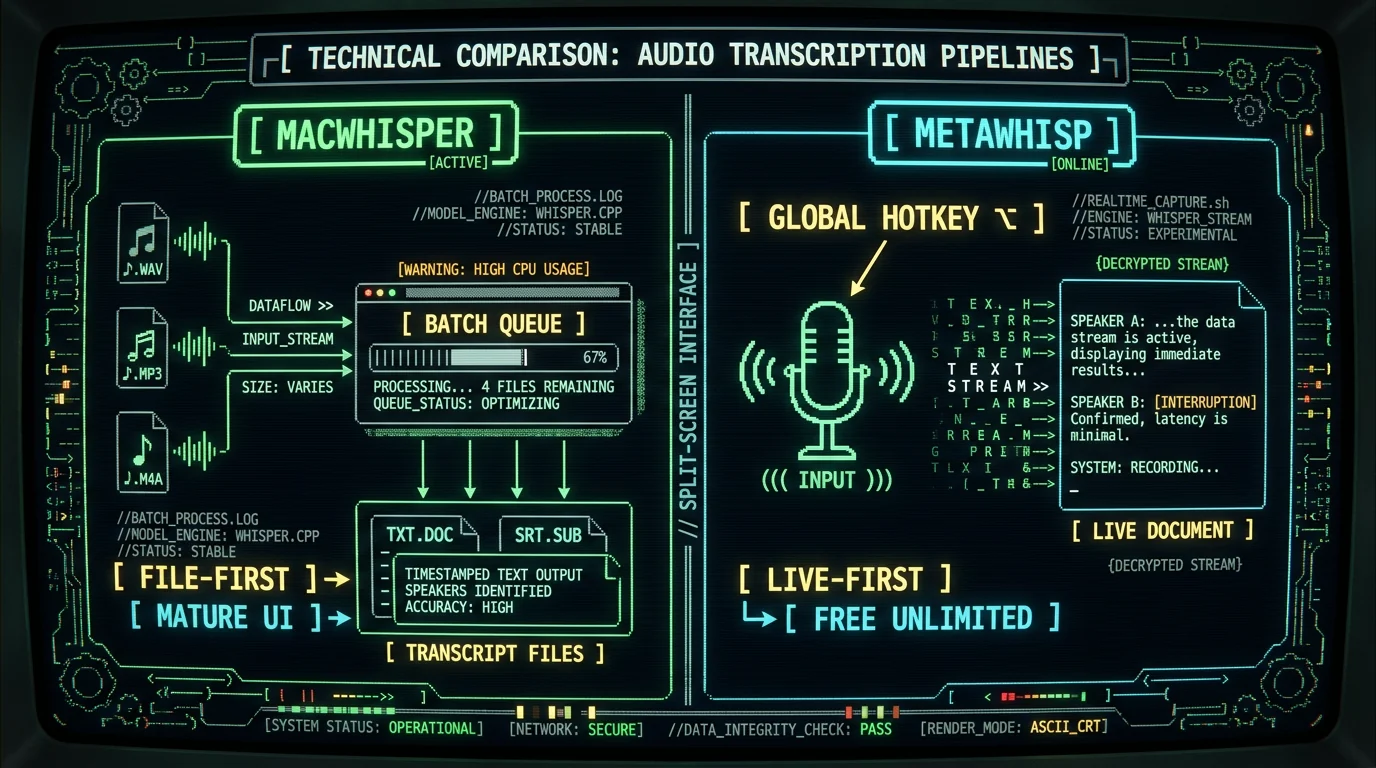
MacWhisper is a Mac app built by indie developer Jordi Bruin and friends at Good Snooze, in the Netherlands. It wraps OpenAI's Whisper speech recognition models into a native macOS interface. The headline use case is file transcription. You drag an audio or video file into the window, pick a Whisper model, and get back a transcript. There is also a live transcription mode for microphone input, though that feels like a secondary surface rather than the headline. Who's it for?- Journalists and researchers with interview recordings
- Students with lecture audio
- Podcasters who want transcripts of past episodes
- Anyone with a folder of
.mp3/.wav/.m4afiles that needs to become searchable text
What MacWhisper Does Well
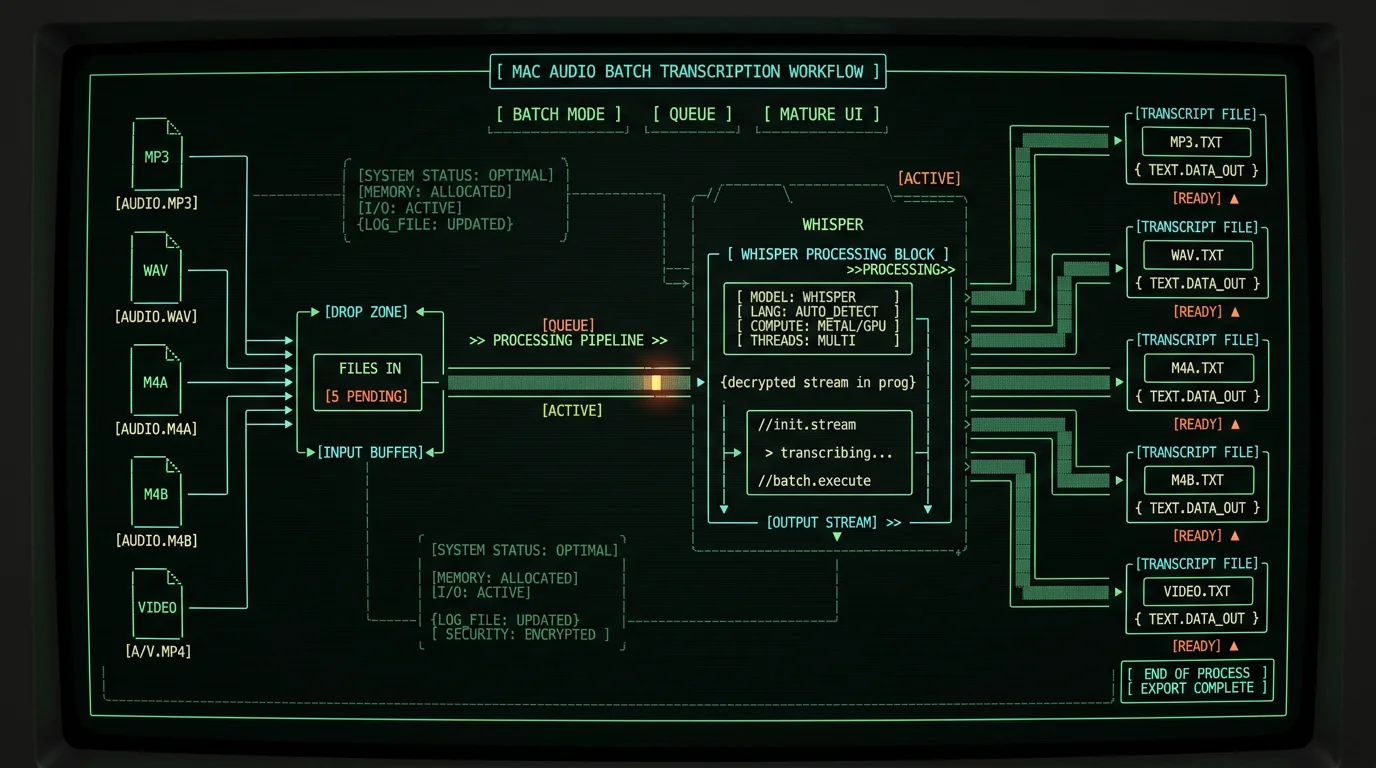
I want to lead with this because most competitor reviews bury the strengths. MacWhisper does several things well, and pretending otherwise would make this review useless for anyone trying to pick a tool.Pro tip: If you already have audio files and want them transcribed with minimal friction, MacWhisper is one of the lowest-friction options on macOS. Don't optimize for the wrong axis.Batch file transcription is the headline. This is what MacWhisper was designed around. Drop a folder of files in, queue them up, walk away. The UI handles that workflow cleanly. The folder queue, the progress display, the output file naming — all the small things are dialed in. The UI is mature. MacWhisper has been in development for several years. By now it has the kind of polish that comes from years of small fixes: keyboard shortcuts, dark mode, drag-and-drop from Finder, sensible defaults. It doesn't feel like a weekend hack. It feels like a tool someone uses every day. Available directly and on the App Store. You can buy MacWhisper directly, with checkout on Gumroad, or get its App Store edition, Whisper Transcription, which also runs on iPhone and iPad. MacWhisper's site says every purchase goes through one of those two, and warns about scam sites. On-device by default. Whisper runs locally. Your audio doesn't have to leave your Mac for transcription. For privacy-conscious users, that's table stakes — and MacWhisper meets it.
Where MacWhisper Falls Short
MacWhisper's design choices are also its limits. The app was built around files, and that focus shows in places where you'd want it to act more like a dictation tool.How Much Does MacWhisper Cost in 2026?
Here's what MacWhisper's own pages said when they were checked on November 3, 2026. Prices change, so the current price lives on their pricing page, and that page is the source of truth. What those pages say:- The free version is free forever. You can try the larger Whisper models, but you can't copy or export a transcript made with a Pro model, and Parakeet and Qwen3-ASR need Pro.
- Pro is one payment with lifetime updates: €64 on macwhisper.com, €65 on Gumroad, where checkout happens.
- There's no subscription in the direct version. The App Store edition, Whisper Transcription, sells Pro as in-app purchases from $6.99 to $99.99, including subscriptions.
- Every purchase goes through Gumroad or the App Store, per MacWhisper's site.
MacWhisper vs MetaWhisp: How Do They Compare?
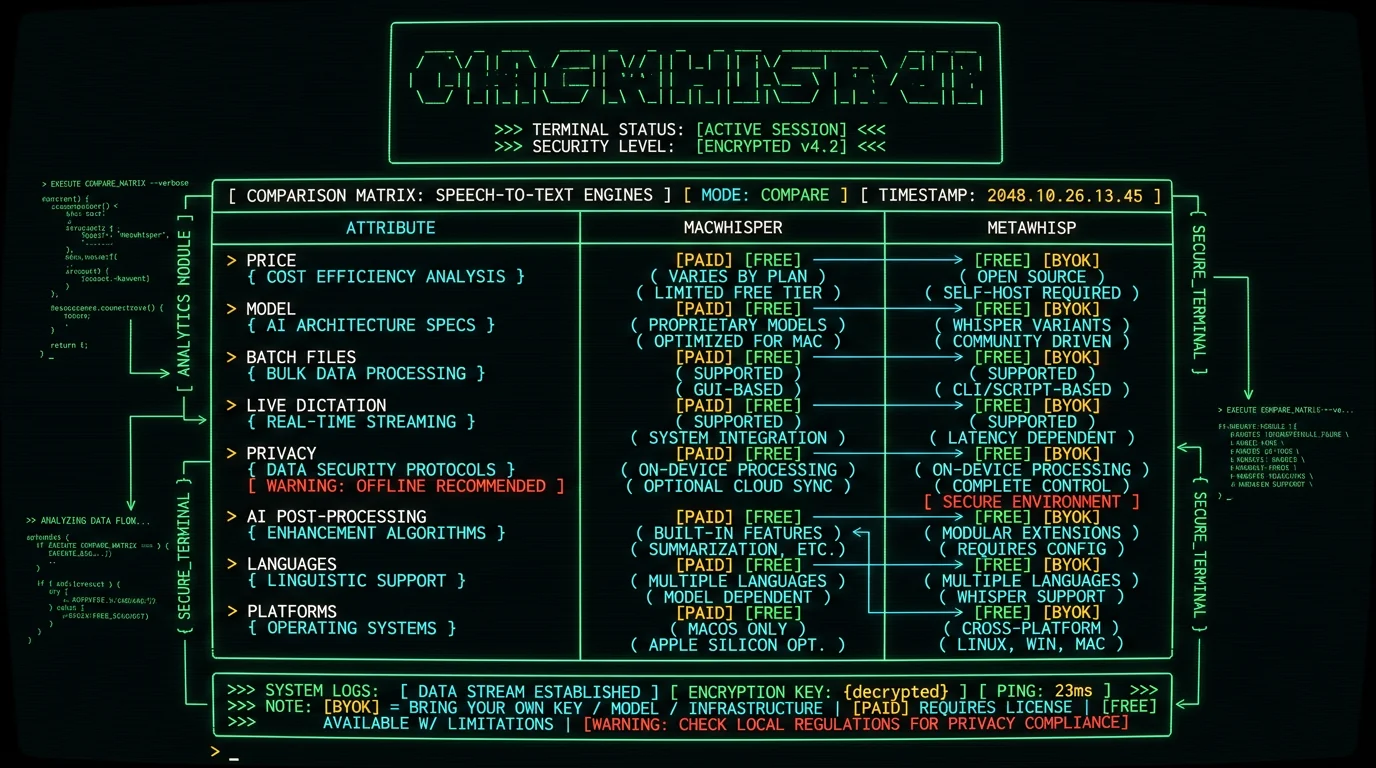
Here's a side-by-side at a glance. Where I'm not sure of a current MacWhisper detail, I've written "check site" rather than guess.| Feature | MacWhisper | MetaWhisp |
|---|---|---|
| Best for | Batch file transcription | Live dictation with hotkey |
| Live dictation mode | Yes (secondary) | Yes (primary workflow) |
| File batch transcription | Yes (headline) | No (no audio-file import) |
| Whisper model | Multiple sizes, large-v3 family | large-v3 on the Mac (Pro cloud: large-v3-turbo on Groq) |
| On-device transcription | Yes | Yes (free, unlimited) |
| AI post-processing | Check site | Yes (free with an on-device model or your own key; built-in on Pro) |
| Translation | Check site | Target language translation (free with an on-device model or your own key; Pro built-in) |
| Global hotkey + auto-paste | Yes (system-wide dictation) | Yes (tap Right Command) |
| Languages | 100, per its site | Whisper's 99 with auto-detect |
| macOS | Yes | macOS 14+, Apple Silicon (M1+) |
| iOS / iPadOS | Yes (App Store edition, focused on files and voice memos) | No |
| Pricing | Free tier + Pro (check site) | Free local; Pro $30/yr or $7.77/mo |
Is MacWhisper Better Than MetaWhisp?
For your use case, maybe. For mine, no. Here's how I think about it.Founder's note: I built MetaWhisp because I personally wanted to dictate into any app on my Mac with a hotkey, and the existing tools didn't fit that workflow. MacWhisper fits a different workflow — one I respect but don't personally need. That's why both can exist.Ask yourself one question: do you primarily have audio files that need to become text, or do you primarily want to dictate instead of typing?
- If the answer is files, MacWhisper is probably the better tool. Its batch workflow is best-in-class.
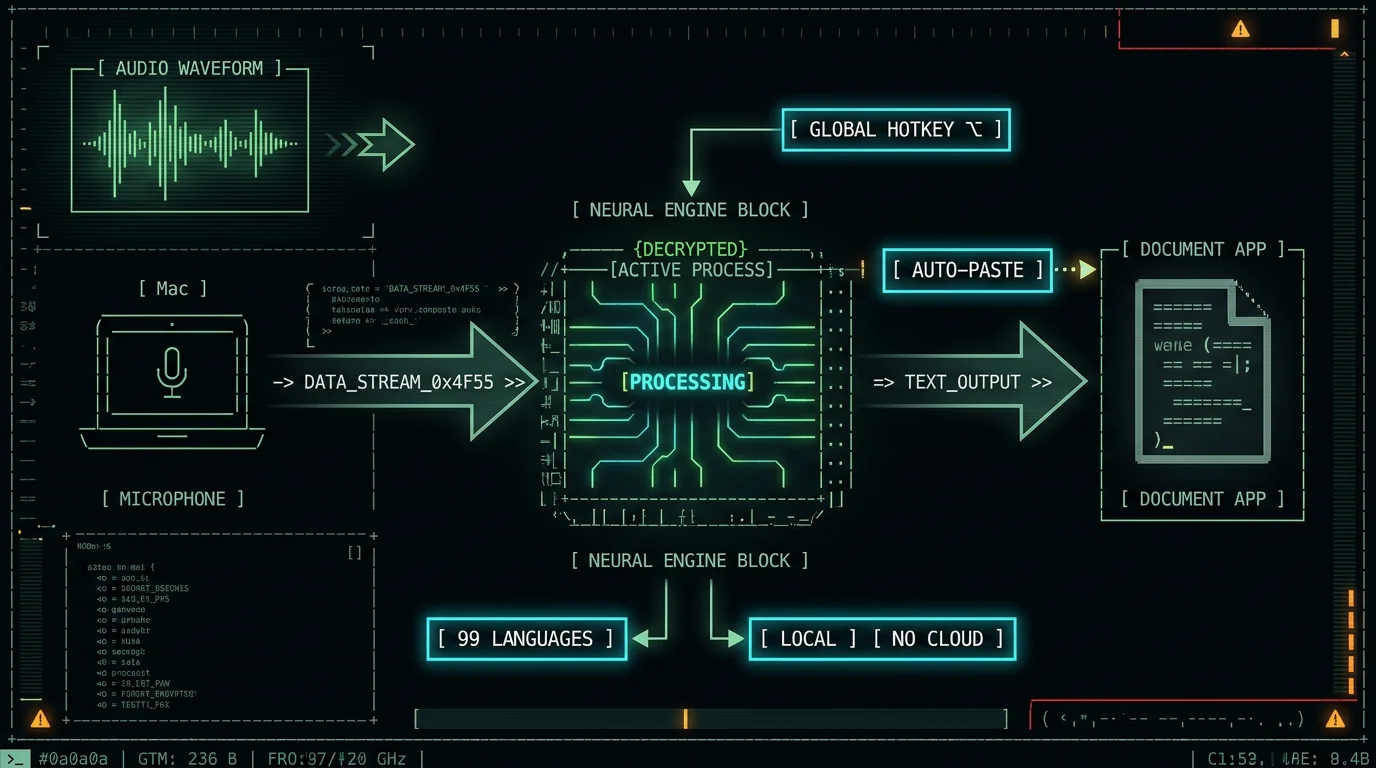
- If the answer is dictation, MetaWhisp is built for you. Tap Right Command, talk, tap again — text appears in whatever app has focus.
- If you need both, run both. MacWhisper for the file backlog, MetaWhisp for daily dictation. They don't conflict.
When Should You Pick MacWhisper?
MacWhisper is the right pick if:- You have a backlog of audio or video files to transcribe.
- You want a polished UI with batch processing, queue management, and output file naming.
- You transcribe long files where "drop it in and walk away" beats "record live."
- You want a mature, stable app that's been refined over years.
When MetaWhisp Is the Better Fit
MetaWhisp is the right pick if:- You want to dictate instead of typing, into any app on your Mac.
- You want a single global hotkey (Right Command) that activates anywhere — Google Docs, Notion, Slack, the address bar, anywhere text fields exist.
- You want free, unlimited local transcription with no account and no time caps.
- You want your audio to never leave your Mac (in local mode, the free version's default, it doesn't).
- You want AI post-processing for cleanup, structuring, or translation — using an optional on-device AI model or your own OpenAI or Cerebras API key, free, on the free tier. See processing modes for the details.
- You write a lot in Russian, English, or any of Whisper's 99 languages and want to skip the typing entirely.
Privacy by default: MetaWhisp's local mode never sends audio anywhere. If you opt into AI post-processing, the optional on-device model keeps the text on your Mac; with your own API key, only the transcript text goes to your provider — not to MetaWhisp's servers. Pro's cloud features do go through MetaWhisp's servers.If that workflow describes your daily grind, grab MetaWhisp free and try it. The model is a one-time download of about 3 GB and runs offline forever after. For a broader list of free options, our roundup of free Mac dictation apps compares several tools in the same space.
The Honest Verdict
MacWhisper is a good app. I want to say that clearly, because most competitor reviews are disguised sales pitches. If you have audio files to transcribe, MacWhisper's batch workflow, mature UI, and multi-year polish make it one of the best tools on Mac for that job. It's not the cheapest option, and the free tier is restricted, but the product itself is solid. The drag-and-drop, the queue, the file outputs — it all works. MetaWhisp is built for a different workflow: live dictation with a global hotkey, free and unlimited, on-device by default. If your bottleneck is "I want to talk instead of type into whatever app I'm using right now," MetaWhisp is the tool. If your bottleneck is "I have a stack of recordings I need to convert to text," MacWhisper is the tool. Both run Whisper locally. Both respect your privacy by default. The pricing differs, the UI differs, and the workflow differs — but the underlying recognition quality is similar. The question isn't "which Whisper app is best." It's "which Whisper app fits my workflow." MacWhisper for files. MetaWhisp for dictation. Pick by workflow, not by hype.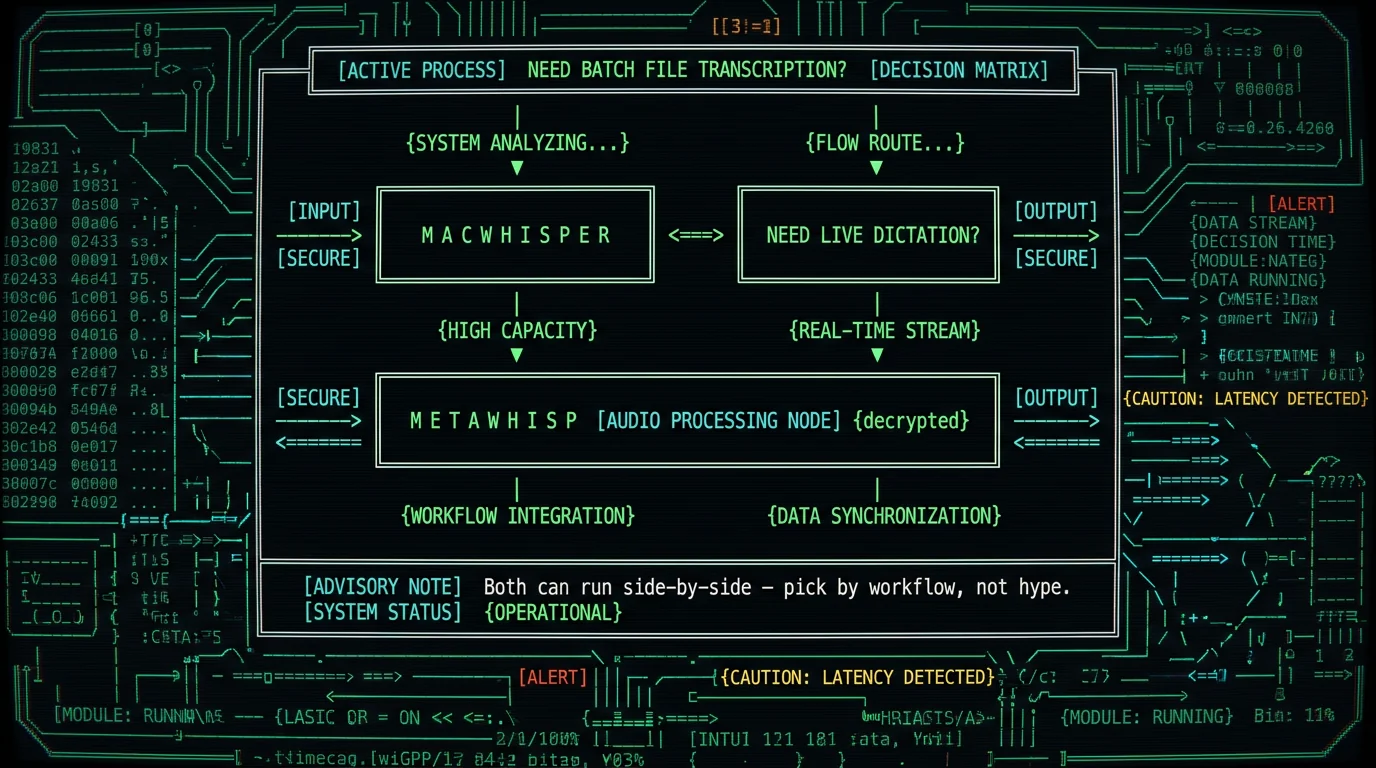
FAQ: MacWhisper Questions, Answered
Is MacWhisper any good?
Yes — for file transcription it's one of the most polished Whisper apps on macOS. In my own 7-app head-to-head test on the same audio file in 2026, MacWhisper hit roughly 3.5% WER, putting it in the top tier. That's the only first-party accuracy data I have, so treat it as one data point, not a universal benchmark.
Does MacWhisper work offline?
Yes for the core workflow. Whisper runs locally on your Mac and your audio never has to leave the machine to be transcribed. Any optional cloud features would be opt-in — check MacWhisper's docs for exactly what's local and what isn't.
How much does MacWhisper cost?
MacWhisper has a free version, and Pro is a one-time payment with lifetime updates: €64 on macwhisper.com and €65 on Gumroad, where checkout happens, as of November 3, 2026. The App Store edition, Whisper Transcription, sells Pro as in-app purchases from $6.99 to $99.99, including subscriptions. Check macwhisper.com for the live number.
Is MacWhisper better than MetaWhisp?
Different tools, different workflows. MacWhisper wins for batch file transcription. MetaWhisp wins for live dictation with a global hotkey. Pick by use case — see our full head-to-head for a deeper comparison.
Can MacWhisper do live dictation?
Yes — MacWhisper has a live transcription mode. But its UI is built around the file-first workflow, so live mode feels like a secondary surface rather than the headline. If you want live dictation to be the primary workflow, MetaWhisp is purpose-built for that.
Does MacWhisper support Russian and other languages?
Yes. Like other Whisper-based apps, MacWhisper auto-detects the language; its site lists 100 languages. I dictate daily in both Russian and English, and that capability matters more than people realize for bilingual work.
Is MacWhisper a one-time purchase?
Yes, if you buy it directly: Pro is one payment with lifetime updates, €64 on macwhisper.com or €65 on Gumroad, and there's no subscription in the direct version. The App Store edition, Whisper Transcription, sells Pro through in-app purchases instead, including subscriptions.
Does MacWhisper send audio to the cloud?
Not for the core transcription workflow — that runs locally on your Mac. If MacWhisper offers any cloud-based features (some Mac transcription apps do), they should be opt-in. Read their privacy policy for the specifics.
What Whisper model does MacWhisper use?
MacWhisper lets you pick from several Whisper model sizes (small, medium, large-v3, large-v3-turbo — availability may vary). Larger models are more accurate but slower. Free users can try the larger ones, but can't copy or export a transcript made with a Pro model, and Parakeet and Qwen3-ASR need Pro. MetaWhisp uses WhisperKit to run Whisper large-v3 on your Mac's GPU.
Should I get MacWhisper or MetaWhisp?
If your main job is converting existing audio files into text, get MacWhisper. If your main job is dictating into apps instead of typing, get MetaWhisp. If you do both, run both — they don't conflict, and each is excellent at its own thing. MetaWhisp is free to download.
About the author: Andrew Dyuzhov is the solo founder of MetaWhisp. He's a marketer-turned-builder with ADHD who assembled the app using AI coding tools on top of open-source Whisper. He dictates daily in Russian and English, ran the 7-app head-to-head cited in this review, and uses voice-first workflows to get past the writing paralysis that comes with ADHD. Find him on X.
