A practical stack for dyslexic writers — no clinical claims, just tools.
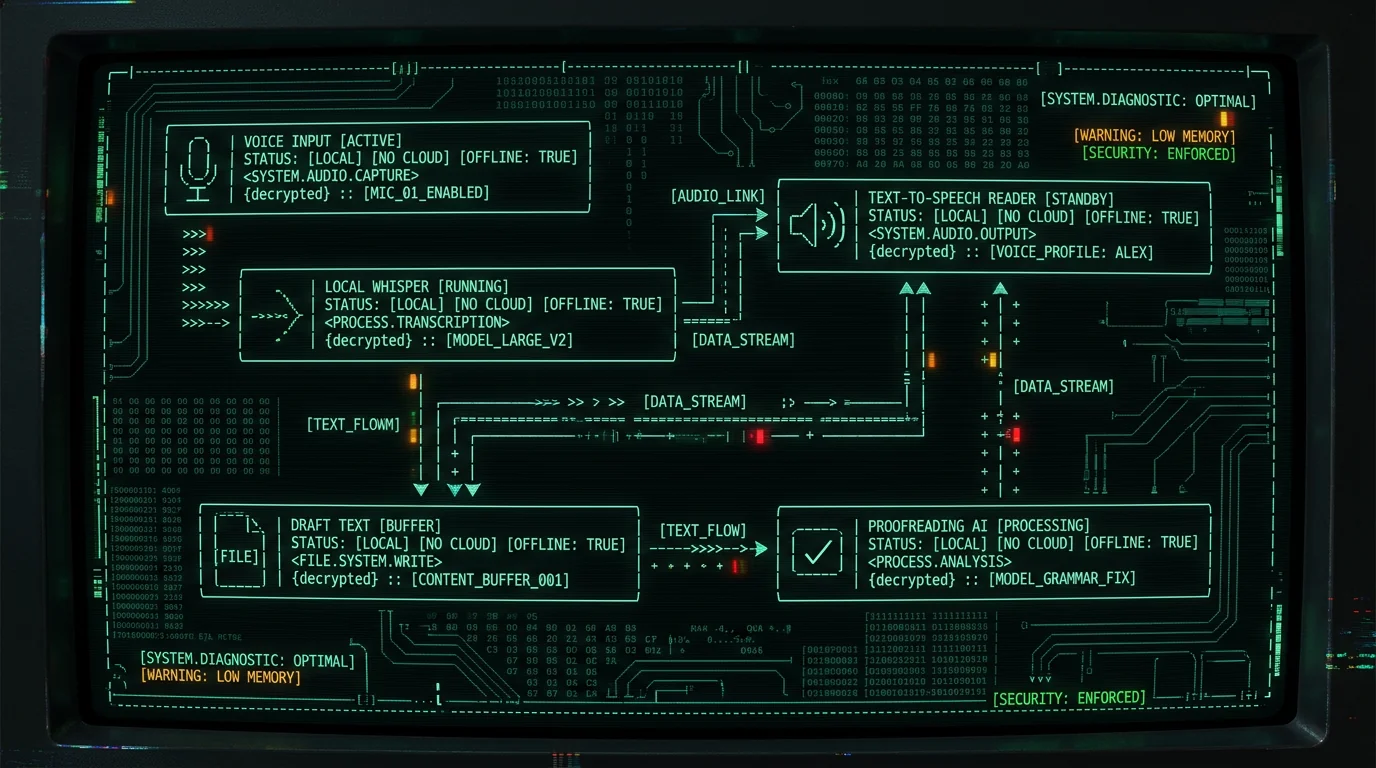
What counts as assistive technology for dyslexia on a Mac? In practical terms, four categories cover most of what dyslexic Mac writers actually use: (1) voice-to-text dictation that turns speech into draft text, (2) text-to-speech readers that read draft text aloud so you can catch errors by ear, (3) spelling, grammar, and word-prediction tools that fix what dictation and typing miss, and (4) display, font, and reading settings (some built into macOS, others installed as fonts) that reduce visual stress. The right stack combines one tool from each category, since none of them on its own covers both writing and proofreading.
What counts as assistive technology for dyslexia on Mac?
A useful definition first. Public health bodies like the NHS describe dyslexia as a learning difference that affects reading, writing, and spelling — not as a measure of intelligence. "Assistive technology" in this context means any tool that bypasses one of those sticking points so the writer can get their actual ideas onto the page. For Mac users, the practical categories look like this:- Dictation — speech-to-text tools that produce a written draft from your voice.
- Text-to-speech (TTS) — readers that speak your draft back so you can catch spelling, punctuation, and missing words by ear.
- Proofreading and grammar — tools that fix errors after the draft exists.
- Display, font, and reading settings — macOS-level features and dyslexia-friendly fonts that reduce visual stress.
Honest framing: Dyslexia is a spectrum. What helps one writer may not help another. Treat any single recommendation — including mine — as a starting point, not a prescription.
Why is voice-to-text often the biggest unlock for dyslexic writers?
Here's the thing. Most of the visible pain of dyslexia for adult writers is at the keyboard: misspelled words, transposed letters, slow throughput. Dictation routes around almost all of that. You speak the idea, the tool produces words. You stop being the bottleneck for spelling. In my own head-to-head run across seven Mac voice-to-text apps in 2026 (same audio file, English dictation of a 200-word essay), MetaWhisp hit 3.7% WER, and four of the other six sat between roughly 3.5% and 7%. That isn't lab-perfect, but it is well past the threshold where dictation feels faster than typing for most adult writers. I run it daily in Russian and English, and the productivity gain over typing is real. Why this matters for dyslexic writers specifically: dictation removes two failure modes at once — spelling and typing throughput — without requiring the writer to learn a new skill. Talking is already fluent.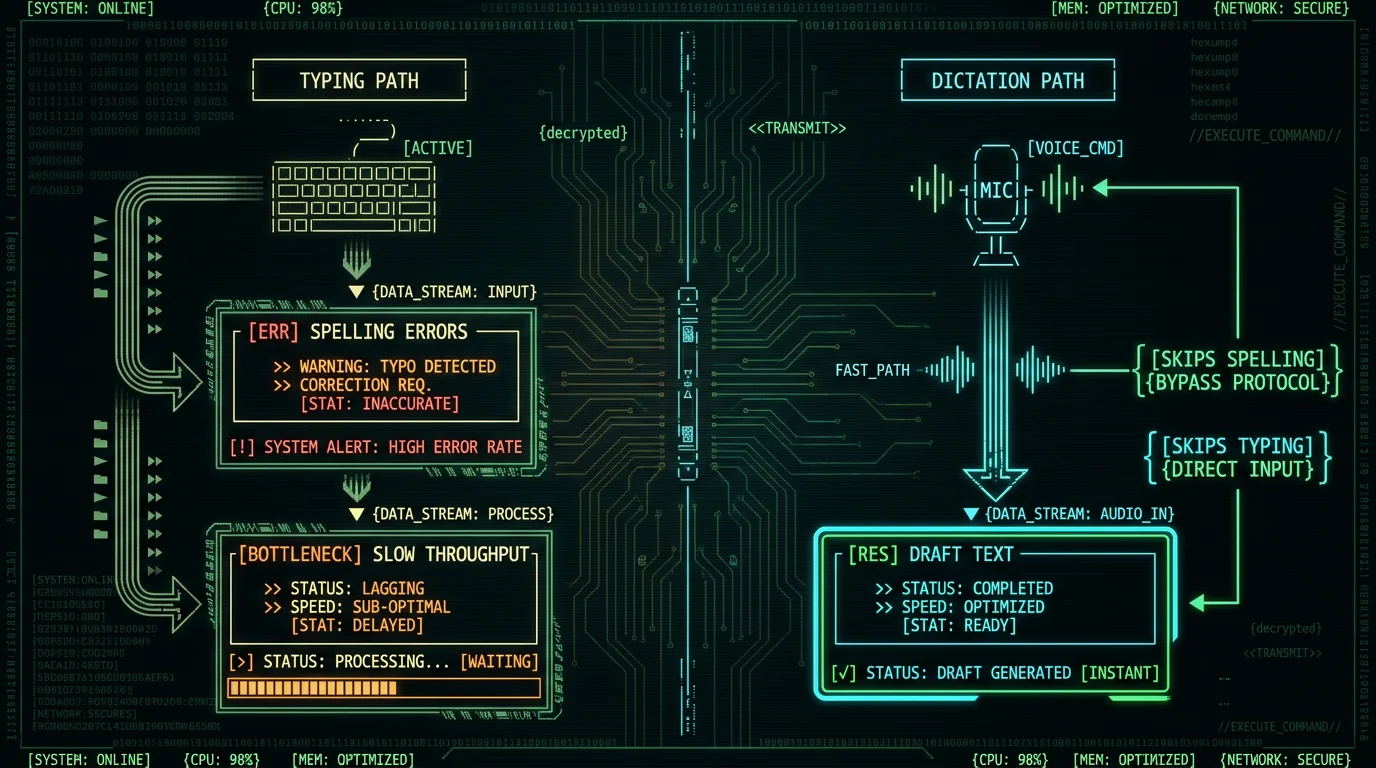
Local vs cloud dictation: which should a dyslexic writer pick?
It depends on what you're optimizing for. Both work. They have meaningfully different tradeoffs.| Factor | Local (WhisperKit on Mac) | Cloud (Whisper API, etc.) |
|---|---|---|
| Audio leaves the Mac | No | Yes |
| Internet required | No | Yes |
| One-time setup | ~950 MB model download | Account + API key |
| Ongoing cost | Free for local mode | Per-minute, see vendor pricing pages |
| Accuracy (LibriSpeech test-clean) | 2.76% WER (MetaWhisp, our run) | comparable WER per OpenAI's published LibriSpeech benchmarks |
| Languages | 99 with auto-detect | 99+ per vendor docs |
Is voice-to-text actually good for dyslexic writers? Yes, with two honest caveats. Practitioners and dyslexic adult communities frequently cite dictation as one of the most useful accommodations available, because it removes spelling and typing-speed as bottlenecks. The caveats: accuracy still drops on rare proper nouns, technical jargon, and accented English, and the writer still needs a proofreading pass to catch dictation errors that the tool introduces. Treat dictation as a faster way to produce a first draft, not as a finished-text generator.
What does text-to-speech actually do for proofreading?
Reading your own writing aloud is one of the oldest proofreading tricks. The trick works because it forces the brain to process the text through a different channel — sound instead of sight — which makes typos, missing words, and obvious grammar errors jump out. Text-to-speech readers automate that trick. macOS has a built-in reader. Apple's Spoken Content settings (System Settings → Accessibility → Spoken Content) let you select any text, press a keyboard shortcut, and have it read aloud. The voices are surprisingly good now — "Samantha" and "Ava" in US English are perfectly usable for proofreading. The use case for a dyslexic writer: dictate a 500-word email, then run the reader over the draft while you make tea. Errors that you didn't notice reading silently — because your brain auto-corrected them — will be obvious when a stranger's voice says "the the the" or "pubic" instead of "public." This pairs especially well with dictation. Dictation produces a draft fast; TTS checks it without forcing you to read more. The two together cover most of the writing process for a Mac-using dyslexic writer who doesn't want to install extra apps.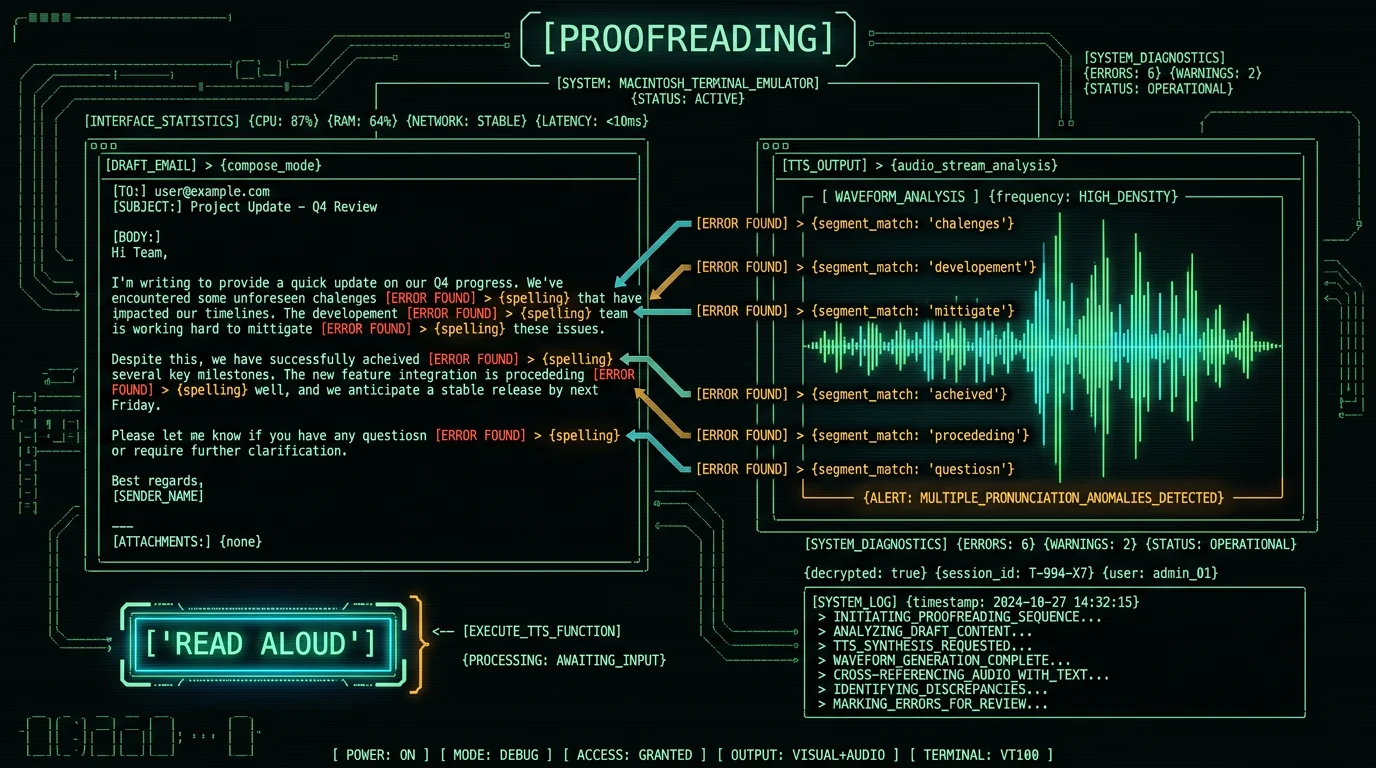
Does spelling and grammar software help with dyslexia?
It depends on the tool and how you use it. Word prediction (tools that suggest the next word as you type, like Ghotit or built-in iOS suggestions) helps if you want it. It catches some spelling errors before they happen and reduces keystrokes. The honest downside: prediction popups can themselves be visually distracting, and the suggestions aren't always what you'd actually write. Grammar checkers (Grammarly, Apple Grammar, Microsoft Editor) catch a different category of error — agreement, comma splices, missing articles. For dyslexic writers whose typing produces a lot of "it sound like" or "the cats is" errors, a real grammar pass is genuinely useful. The trade-off worth knowing: most cloud grammar tools send your draft to a server. Apple Grammar and macOS's built-in spell checker don't. For sensitive writing, prefer the local ones. If you're already dictating with MetaWhisp on the free tier, the processing modes let you add your own OpenAI or Cerebras API key and run a "Correct" or "Rewrite" pass over the transcript — text only, never audio. That's a useful way to get grammar cleanup on a draft without paying for a separate Grammarly subscription. The audio stays on your Mac the whole time; only the transcript text goes to your own API key.What does macOS itself give you for free?
More than most people realize. macOS accessibility settings include a useful stack for dyslexic writers that costs nothing:- Display → Text size — bump body text up to 130–150% system-wide without breaking layouts.
- Display → Reduce transparency and Increase contrast — both help some dyslexic readers see text more clearly.
- Accessibility → Spoken Content — system-wide text-to-speech, including the "Speak selection" hotkey.
- Accessibility → Display → Cursor size — a bigger cursor makes it easier to track your place while editing.
- Dictation — Apple Dictation is built into every Mac and works offline for short passages.
What does macOS give a dyslexic writer for free? A meaningful baseline. System-wide text-to-speech via Spoken Content (System Settings → Accessibility), free built-in Dictation for short utterances, system-wide text-size scaling up to 130–150%, cursor enlargement, and reduce-transparency/contrast controls. None of these replace a specialized tool, but they cover the basics at zero cost before you spend anything.
How do you assemble a Mac stack that actually works?
Here's the working stack I'd recommend starting from, ordered by what gives the most bang for the buck first:- Local dictation — either Apple Dictation for short stuff or MetaWhisp for long-form. Free tier handles unlimited local dictation, no account required. Get it from the download page.
- macOS Spoken Content — turn on "Speak selection," pick a voice you can stand, set a hotkey.
- Built-in grammar — enable Apple Grammar in System Settings or use Pages/TextEdit's built-in checker.
- OpenDyslexic font — install OpenDyslexic and try it as your default reading font in the apps you write in. Not everyone benefits, but it's free to test.
- Optional cloud polish — if you want a stronger Rewrite pass, add your own OpenAI API key to MetaWhisp's processing modes for a one-shot cleanup after dictation.
Pro tip: Don't stack six tools on day one. Pick dictation + TTS, use them for a week, then add the next thing. Every additional app is a new habit you have to build.
What assistive technology can't fix
A real-talk section, because honesty is what makes this useful.- It can't replace a formal dyslexia assessment. If you suspect you have dyslexia and you've never been assessed, get assessed. Public health guidance (e.g. NHS) treats assessment as the gateway to accommodations, both at school and at work.
- It can't fix reading speed. Tools can make writing easier. They don't make reading easier — for that, structured literacy instruction is the evidence-based intervention.
- It can't eliminate proofreading. Dictation produces drafts with errors. Grammar tools miss errors. TTS catches some. None of them catch everything. You still need a final pass.
- It can't fix fatigue. Many dyslexic adults describe higher cognitive load from reading and writing tasks. Tools shift the load; they don't remove it.
Can assistive technology replace a formal dyslexia assessment? No. Tools can lower writing friction in the meantime — which is genuinely valuable — but they don't generate the documentation that unlocks school or workplace accommodations. If you suspect you have dyslexia and haven't been assessed, that's the first step, not the last. An assessment also helps you pick the tools that match your specific pattern (phonological, surface, mixed).
Where MetaWhisp fits in the stack
Honest answer: MetaWhisp is one option in the "local dictation" category. It runs OpenAI's Whisper large-v3-turbo via WhisperKit directly on the Apple Neural Engine, which means audio never leaves your Mac in local mode. The free tier is unlimited local dictation, no account, no telemetry. Our own LibriSpeech test-clean run measured 2.76% WER — the only first-party accuracy number I have. What it is not: it is not a dyslexia treatment, not a reading aid, and not a substitute for an assessment. It is a writing tool that, in my experience, removes the most painful part of the writing process for a lot of dyslexic Mac users — typing the words — and pairs cleanly with macOS's built-in TTS for the proofreading pass. If you have ADHD rather than dyslexia (the Venn diagram is large), I wrote two related pieces: dictation apps for ADHD and voice-to-text for ADHD writers. The workflow overlap is real.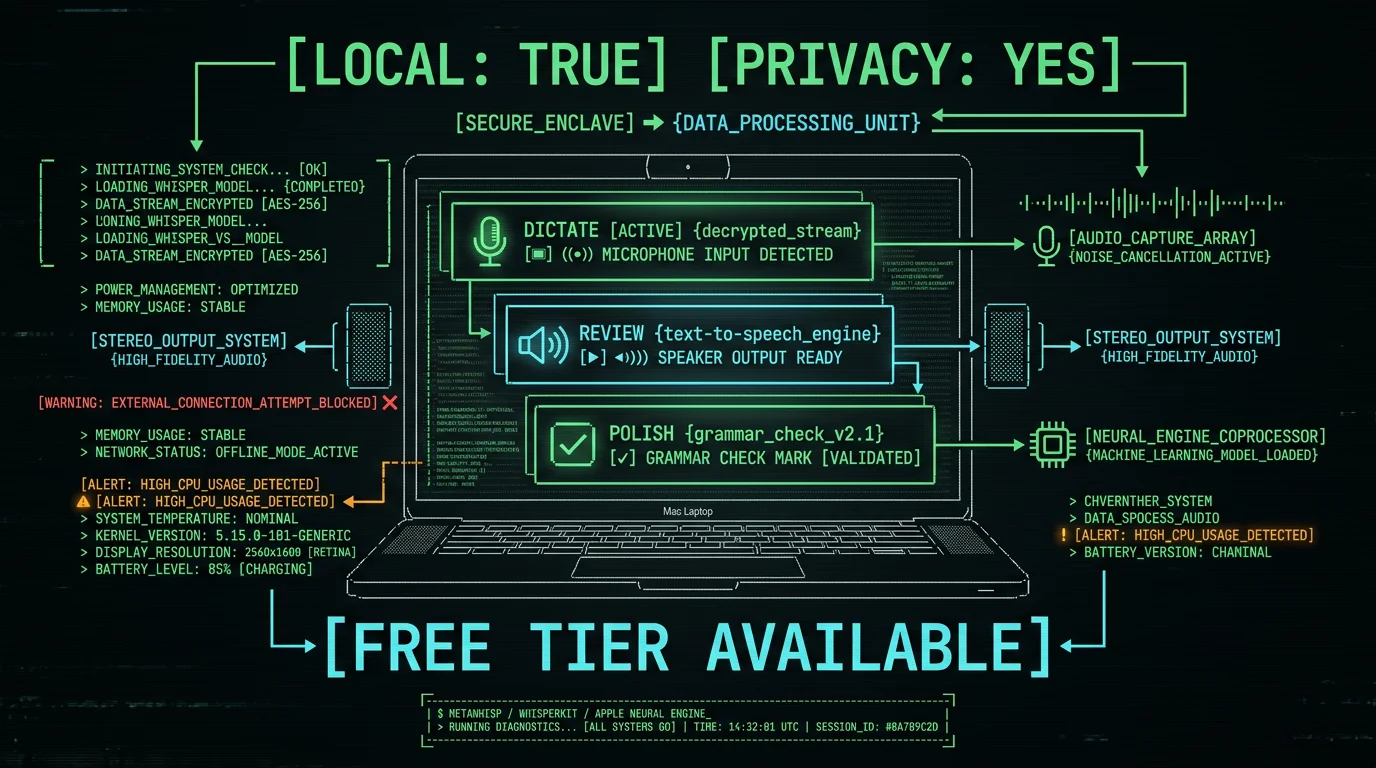
FAQ
Is voice-to-text actually good for dyslexic writers?
Practitioners and dyslexic adult communities frequently cite it as one of the most useful accommodations available, because it removes both spelling and typing throughput as bottlenecks at once. The honest caveat: it produces a draft with errors that still need a proofreading pass. Treat dictation as a faster way to draft, not as a finished-text generator.
Does macOS have built-in tools for dyslexia?
Yes, a meaningful baseline: system-wide text-to-speech via Spoken Content, free built-in Dictation for short passages, text-size scaling up to 130–150%, cursor enlargement, reduce-transparency and contrast controls. None are specialized, but together they cover the basics at zero cost.
Is OpenDyslexic font actually helpful?
It's free to install and test, and many dyslexic adults describe it as helpful for reading with less effort. The published evidence is mixed — it's not a clinical intervention. Try it for a week in your reading apps and decide for yourself. It costs nothing.
Can assistive technology replace a formal dyslexia assessment?
No. Tools lower writing friction, which is valuable, but only a formal assessment produces the documentation that unlocks school or workplace accommodations. Public health guidance (e.g. NHS) treats assessment as the gateway to those accommodations.
Should I pick local or cloud dictation as a dyslexic writer?
It depends on what you're dictating. If the writing contains other people's personal data — medical notes, client names, school communications — pick local so audio never leaves the Mac. If you're dictating a personal journal and want the highest accuracy per dollar, cloud is fine.
What's the cheapest assistive tech stack on Mac?
Zero dollars. macOS built-in Dictation + Spoken Content + Apple Grammar + OpenDyslexic font. That covers dictation, proofreading by ear, grammar cleanup, and a dyslexia-friendly reading font. Add paid tools only if you find a specific gap.
Will AI proofreading fix dyslexia-related errors?
It catches a meaningful subset — agreement, missing articles, obvious typos — but misses a lot too, especially when the writer's intent isn't obvious from context. Treat AI proofreading as a useful second pass, not a replacement for reading the draft aloud.
Is MetaWhisp a treatment for dyslexia?
No. It's a writing tool that runs Whisper large-v3-turbo locally on the Apple Neural Engine. For some dyslexic writers, removing the typing bottleneck is the biggest single productivity gain they can get from a Mac app. That's a writing aid, not a treatment.
