Local AI that reads your pauses — and skips the "comma" commands
What Does Smart Punctuation Actually Mean in Dictation?
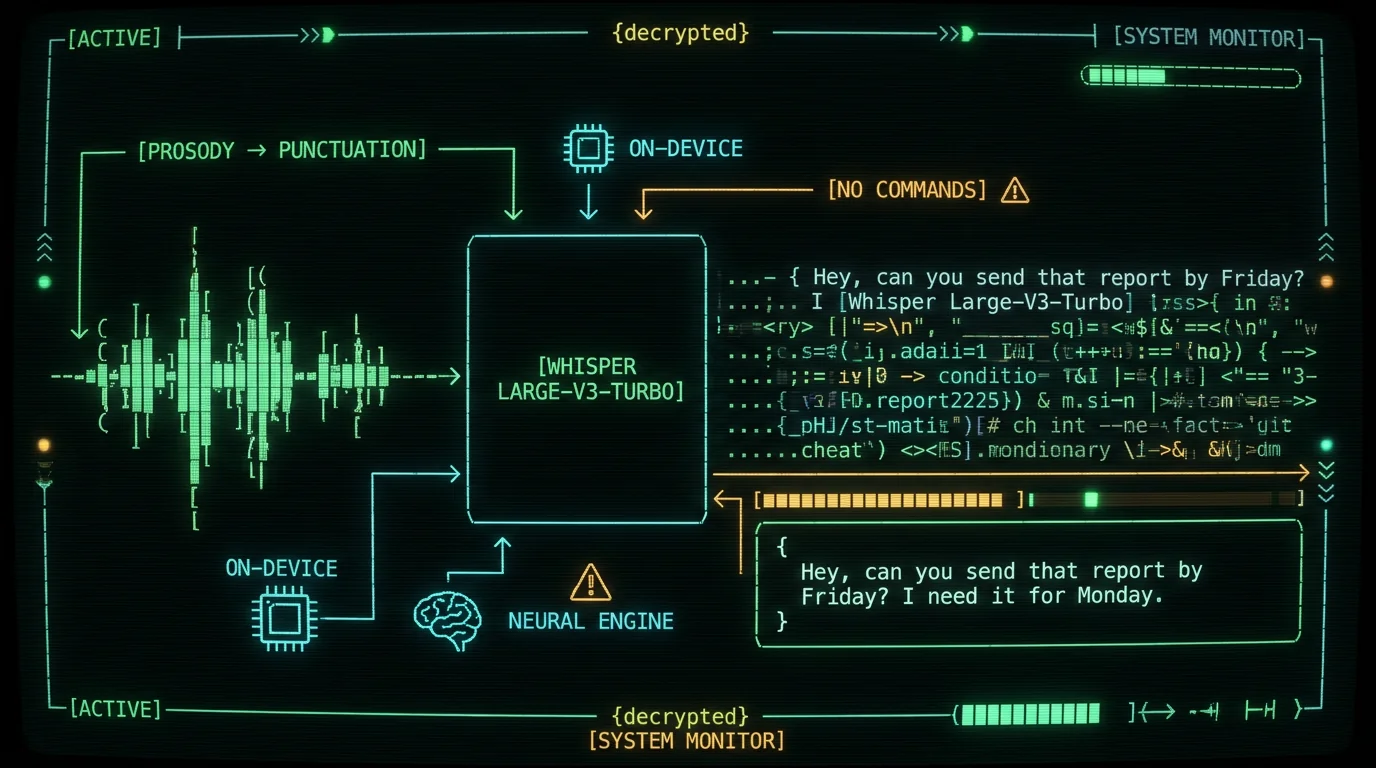
How Does Whisper Infer Punctuation From Your Voice?
Whisper was published by OpenAI in 2022 as "Robust Speech Recognition via Large-Scale Weak Supervision." The training data was roughly 680,000 hours of labeled audio pulled from the open web. A large share of those transcripts came from sources that already had punctuation — subtitles, captions, scraped articles with their captions attached, and transcripts of recorded talks. So the model learned, over hundreds of thousands of examples, that certain kinds of audio events line up with certain kinds of punctuation tokens.- Pauses. A short pause between two clauses usually predicts a comma. A longer pause — anything noticeably longer than a clause break — usually predicts a period or paragraph break. Whisper learns these durations from the captioned training data.
- Pitch contour. Rising intonation at the end of a phrase, especially when combined with an inverted word order ("can you" instead of "you can"), nudges the model toward a question mark. Falling intonation, the way most declarative sentences end, pushes toward a period.
- Word-level token scores. Whisper outputs a probability for every possible next token at every step. For punctuation marks, those probabilities are usually high (the model is confident) when the audio cue is clear and lower when the speaker is mid-thought or trailing off. Low confidence is a useful signal — it often means "this is a comma, but the speaker might continue."
Command-Based Dictation vs Whisper's Approach
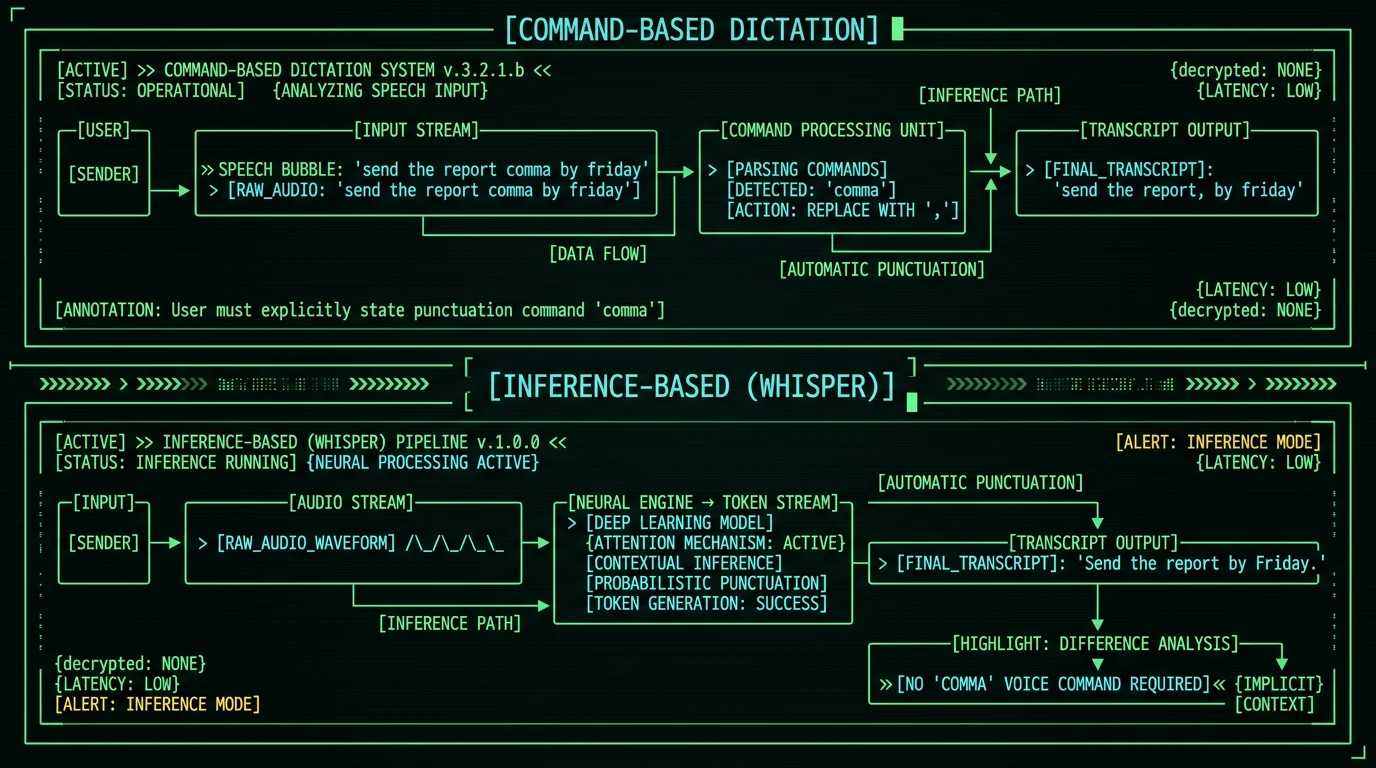
If you've used built-in Mac dictation, you've probably said "comma," "period," "new line," or even "smiley face" at some point. Apple's Voice Control does support those commands, and they still work — they map spoken words to symbols via a rule table. There's nothing wrong with that approach; it's just a different mental model.| Dimension | Command-based dictation | Whisper local AI dictation |
|---|---|---|
| How punctuation appears | User says "comma," "period," etc. | Model infers from pauses and pitch |
| Flow interruption | Frequent | None |
| Default accuracy on casual speech | High — you wrote it | High but model-dependent |
| Predictability across speakers | Identical | Varies with accent and pace |
| Offline-capable | Often yes | Yes (WhisperKit + ANE) |
| Privacy | Depends on engine | Audio stays on-device |
What Does Whisper Get Right (And Where Does It Still Trip)?
"Smart punctuation" sounds magical until the model puts a period where you meant a comma, or capitalizes a word mid-sentence that shouldn't be capitalized. Setting expectations honestly is more useful than overselling it.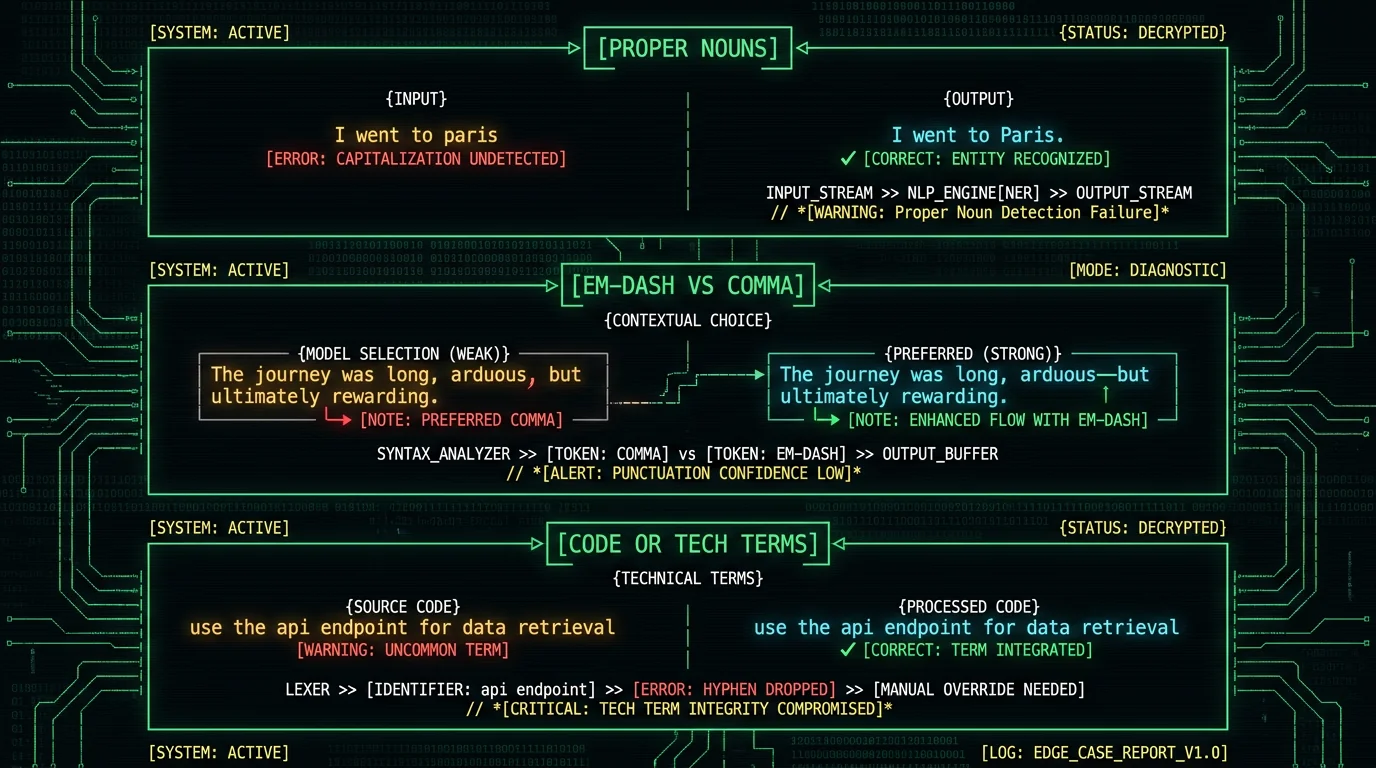
How Do You Set Up Smart Punctuation Dictation on Your Mac?
The default install of MetaWhisp already has smart punctuation on. You don't flip a switch. The work is more about how you speak and what you do if the model guesses wrong.Pro tip: Speak in natural phrases with light pauses between them — about a quarter-second between clauses, half a second between sentences. You don't need theatrical pauses, just enough breath for the model to hear a clause boundary. That alone will fix the vast majority of any "smart punctuation feels random" complaints.
- Install MetaWhisp. Grab it from the download page. It's a free, unlimited local-mode install — no account, no time cap, audio never leaves the Mac.
- Grant microphone and accessibility permissions. macOS will prompt the first time you trigger dictation. Accessibility permission is what lets MetaWhisp paste the finished transcript into whatever app has focus.
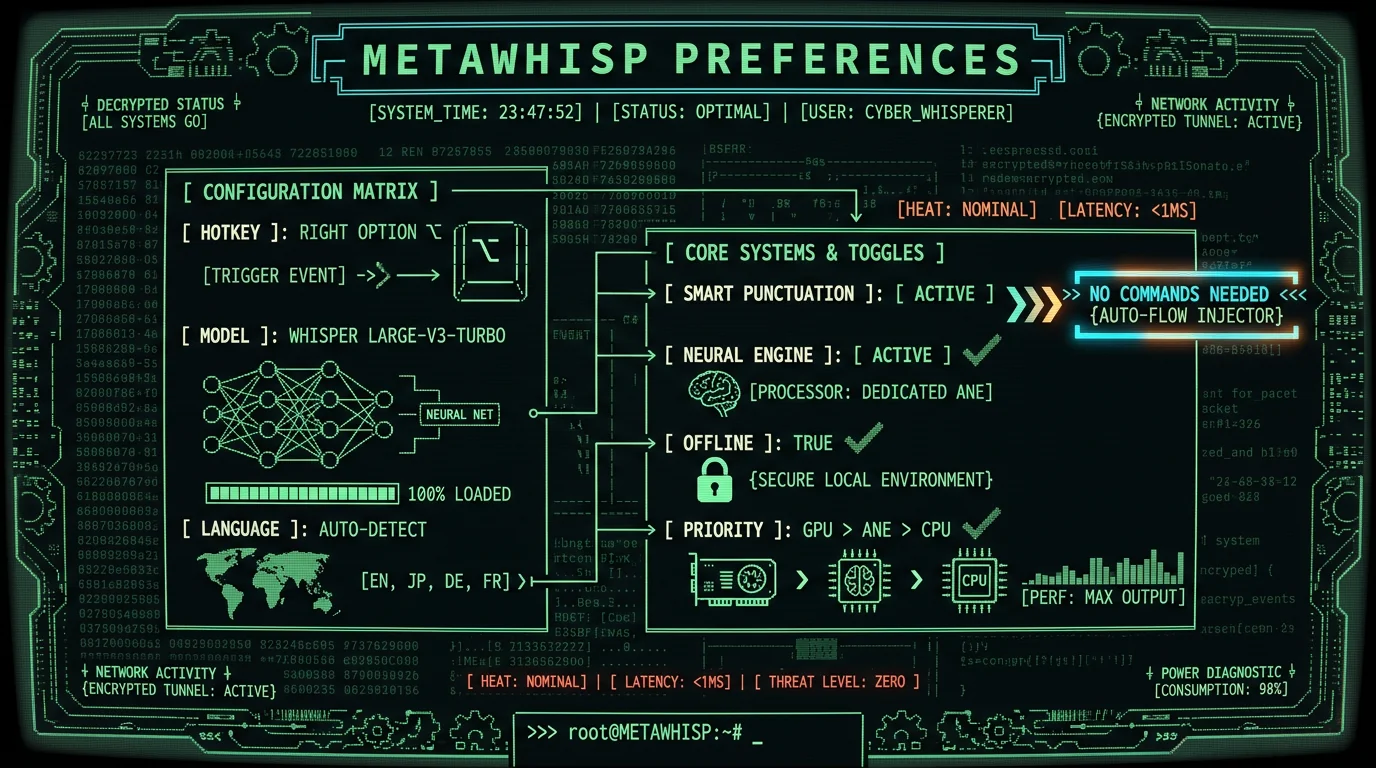
- Pick your global hotkey. Right Option (⌥) is the default and works from anywhere on macOS 14+.
- Confirm the model. The first run downloads Whisper large-v3-turbo (~950 MB) into the app's data folder. After that it lives entirely on your machine.
- Dictate a test paragraph. Open TextEdit or Notes, hold the hotkey, and read a paragraph from a book out loud. You'll get punctuation in the output. If your tests come back comma-less, see the fix-it section below.
- (Optional) Enable AI post-processing. If you want grammar cleanup beyond punctuation, add your own OpenAI or Cerebras API key (BYOK) and turn on the "Correct" mode in processing modes. The transcript text — never the audio — leaves your Mac only for that final rewrite pass.
How Do You Fix Wrong Punctuation Fast?
Even with a good model, you'll occasionally want to override — a comma the model put in the wrong place, a sentence the model split into two when you meant one, a question mark that should have been a period. The fastest fix is to make peace with the fact that you're trading "say 'comma'" for "highlight and retype," which is usually a wash speed-wise but cleaner in the transcript.Pro tip: The single biggest punctuation-quality lever is your speech rate. Slower-than-conversation pace with crisp clause breaks beats faster-than-conversation pace with no pauses. I've re-dictated the same paragraph twice — once fast, once slow — and the slow version was substantially more accurate on punctuation, even though the words were transcribed correctly both times.
- Wrong clause break. If the model splits a single sentence into two, just delete the inserted period and replace it with a comma (or nothing). No re-dictation required.
- Missing capital after a question. Whisper occasionally under-capitalizes the first word after a question mark in fast speech. Two slow-it-down runs of that sentence fix it.
- Em-dash where you wanted a comma (or vice versa). Voice dictation of em-dashes is genuinely awkward no matter the system — Whisper doesn't have a great way to infer them. Easier to type the two hyphens yourself or use the Correct/Structured AI pass.
Smart Punctuation vs AI Rewrite — Which Should You Pick?
These two things sound similar but do different work. Smart punctuation is built into Whisper's transcription: it's the model deciding where to place commas and periods as it generates the token stream. AI rewrite is a separate post-processing pass that takes the already-transcribed text and re-shapes it for grammar, style, or structure.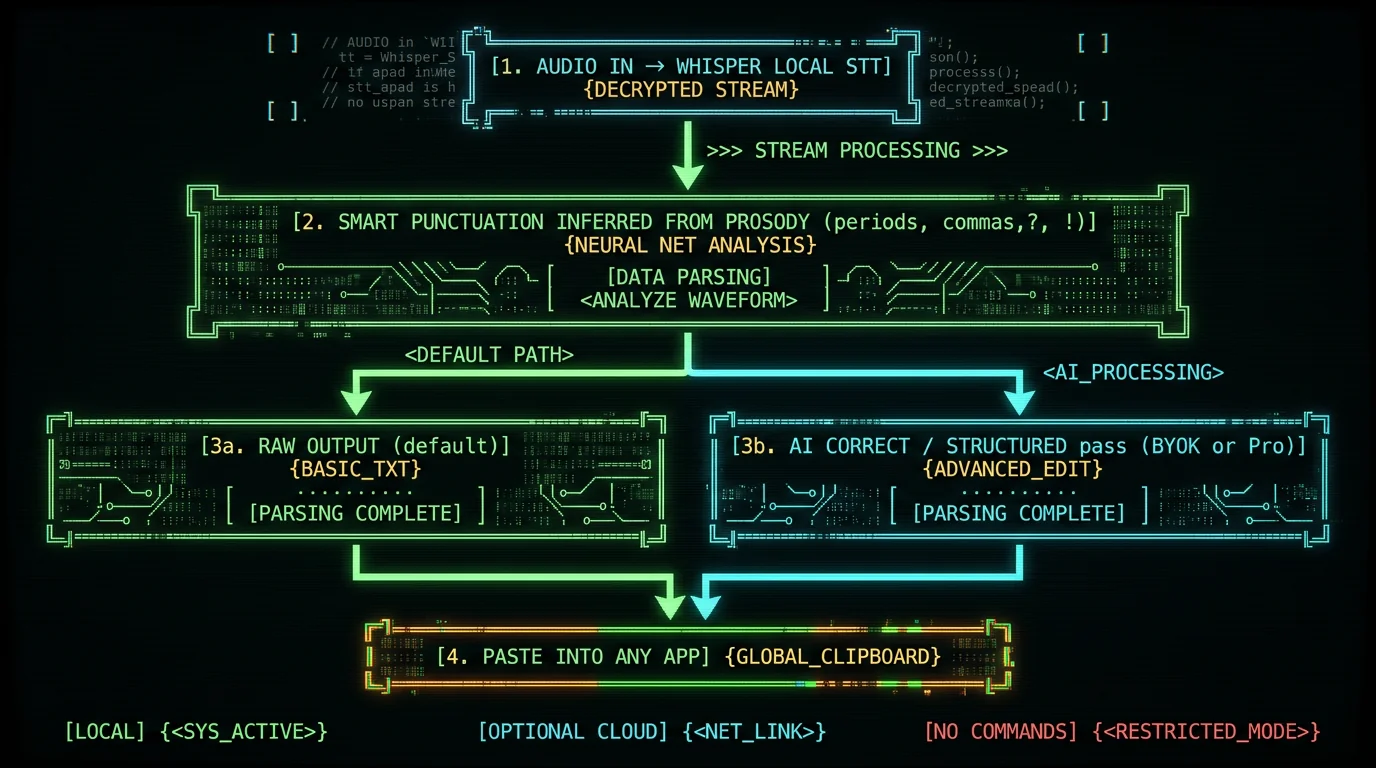
The Short Version
Local AI dictation with smart punctuation isn't a feature — it's the default mode of how modern transcription models work. Whisper predicts punctuation tokens the same way it predicts word tokens, using the prosody of your speech. You never say "comma." You just talk, pause where a comma belongs, and the model does the rest. MetaWhisp's free tier runs that pipeline locally on your Mac's Neural Engine with no account, no upload, and no time cap. Add your own API key (or grab Pro) when you want a second-pass grammar cleanup, and your dictation workflow gets out of your way entirely. Try it: free download, no signup, audio stays on your Mac.FAQ
Does Whisper actually add punctuation automatically?
Yes. Whisper treats punctuation marks as regular tokens in its vocabulary. When it generates a transcript, it picks `,` `.` `?` `!` and others at the same time it picks words, based on audio cues like pauses and pitch. There is no separate punctuation step and no command you need to give. This is documented in the OpenAI Whisper repository tokenizer and behavior, and it's how WhisperKit runs on Apple Silicon in apps like MetaWhisp.
Do I need to say "comma" or "period" out loud?
No. That's command-based dictation, and it's a different mental model. With Whisper-based local AI dictation, you speak naturally and the model infers the punctuation from how you pause and where your intonation rises or falls. Saying "comma" by accident will get typed as the word "comma" — try to avoid it unless you've specifically built a habit around it.
How accurate is Whisper's punctuation?
I don't publish a per-punctuation-token accuracy number — none of the public benchmarks I know break it out that way, and I don't have a first-party number for you. Punctuation is one component of an overall Word Error Rate; Whisper large-v3 sits at 2.76% WER on LibriSpeech clean, with large-v3-turbo tracking closely (per the Hugging Face model card). In practice, on the casual drafting I do daily, punctuation "just works" most of the time and only needs cleanup in narrow edge cases like proper nouns and em-dashes.
What's the difference between smart punctuation and AI rewrite?
Smart punctuation is what Whisper does during transcription — choosing where to drop commas, periods, and question marks based on your audio. AI rewrite is a separate post-processing pass that takes the finished transcript and improves grammar, tone, or structure. MetaWhisp's processing modes include Correct (light grammar cleanup) and Structured (heavier restructuring). Smart punctuation runs on every dictation; AI rewrite is opt-in.
Does smart punctuation work offline?
Yes — and that's the entire point of running Whisper on-device. MetaWhisp does the smart-punctuation inference locally on Apple Silicon using the Neural Engine, so audio never leaves your Mac. Cloud transcription is a separate Pro feature for when you want it, but smart punctuation is fully local and free.
Will it work in languages other than English?
Whisper supports 99 languages with auto-detect, and the smart-punctuation behavior is built into the model for each one (per the OpenAI Whisper repo). Quality varies by language — high-resource languages like English, Spanish, Japanese, and Russian get cleaner punctuation than low-resource ones — but the mechanism is the same.
How do I dictate an em-dash?
This is honestly the weakest spot in any voice dictation system. Whisper doesn't have a reliable way to know from audio alone that you wanted an em-dash instead of a comma, and it almost always defaults to the comma. Three options: type the two hyphens manually, use the AI Correct pass to fix it after the fact, or train yourself to insert em-dashes by typing them (slower but reliable).
Is smart punctuation better than Apple's built-in Dictation?
Different trade-offs. Apple's built-in Dictation is free and built into macOS, and it now uses on-device speech recognition on Apple Silicon Macs (per Apple's macOS user guide). Whisper-based local AI dictation tends to produce richer punctuation and higher word-level accuracy for longer, more technical dictation, but it costs a ~950 MB model download and a third-party app install. Worth trying both if you dictate a lot.
About the author: Andrew Dyuzhov is the CEO and solo founder of MetaWhisp, a free on-device voice-to-text app for macOS. He's a marketer-turned-builder with ADHD who uses voice dictation daily in English and Russian to get past writing paralysis — and yes, he wrote this article by talking. @hypersonq on X.
