A caregiver's one-time setup for reliable offline dictation
Why does Mac Dictation keep failing for older speakers?
It isn't really about age. Apple Dictation sends your audio to Apple's servers, where a speech model transcribes it and sends the text back. That round trip needs a stable connection. When the connection wobbles, the on-screen cursor freezes for three or four seconds, the user assumes nothing happened, and stops talking. The transcription eventually lands — or doesn't. From the senior's perspective, the tool "just doesn't work." The other failure mode is the one nobody warns you about. Apple Dictation can stop working cleanly on older Macs once the language model downloads get corrupted or partial. The fix is to flip Dictation off, wait ten seconds, and flip it back on. That works. But a 72-year-old isn't going to do that. They'll just stop dictating. Our [Mac Dictation troubleshooting guide](/blog/mac-dictation-not-working/) walks through the full list of causes — mic permissions, sound driver conflicts, language model bugs. None of them are about age. They all hit older users hardest because older users have less patience for a tool that needs babysitting.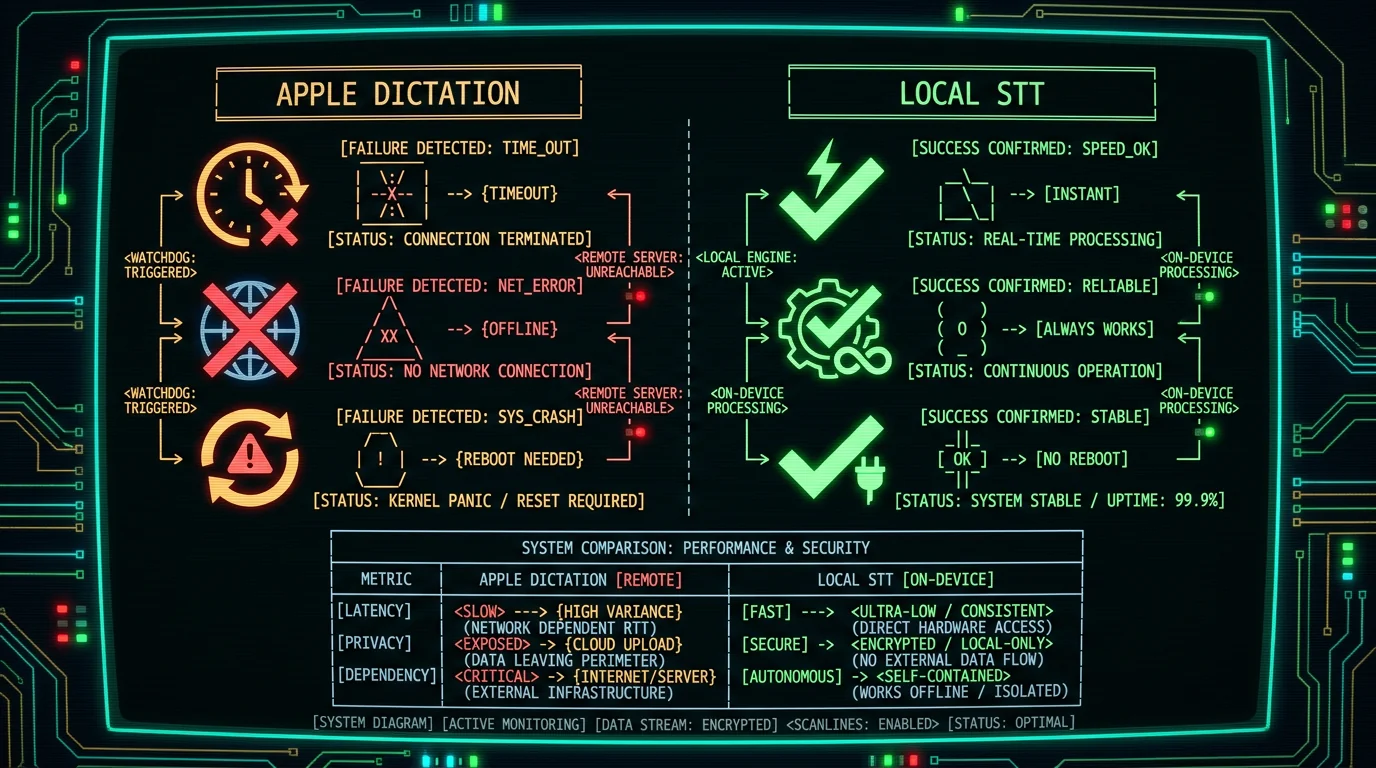
What does a reliable setup actually look like for voice to text on Mac?
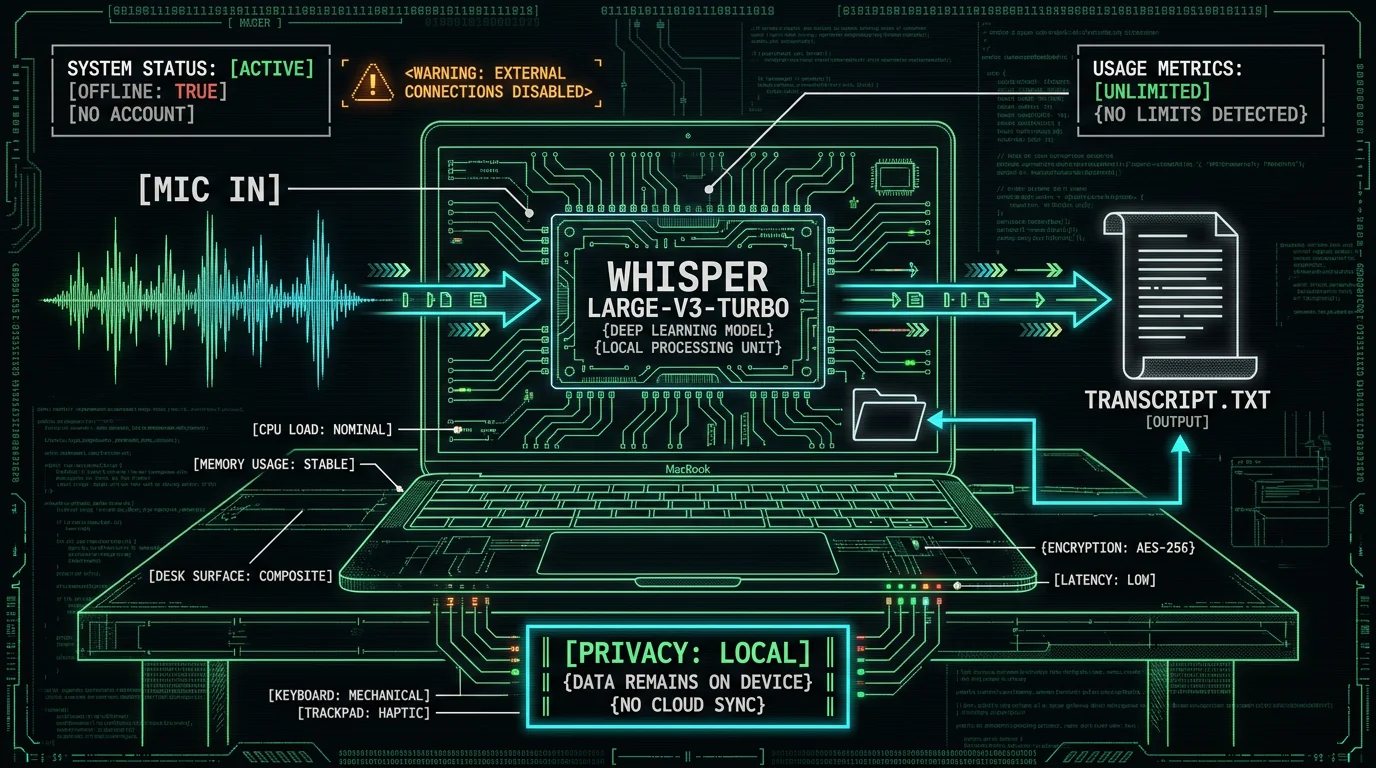
Three properties separate a working senior-friendly setup from a frustrating one. First, the audio never leaves the Mac. Second, there's no account to forget a password to. Third, there's no monthly minute cap that quietly throttles the user mid-sentence. MetaWhisp is built around exactly those three. It's a free on-device voice-to-text app for macOS 14 and later on Apple Silicon, and the transcription model — Whisper large-v3-turbo, packaged by Argmax's WhisperKit — runs on the Mac's Neural Engine. The first launch downloads about 950 MB of model weights. After that, the Mac does the work. No servers. No account. No network call at all when in local mode.
The accuracy on our LibriSpeech test-clean run was 2.76% word error rate — roughly 97% accuracy on clean read speech. That's the model doing the heavy lifting, not anything specific to senior voices. But because the model runs on-device, it isn't subject to network latency or Wi-Fi hiccups. You press a hotkey, you talk, the text appears.
How do you set up MetaWhisp for a parent in under 10 minutes?
The setup is genuinely short. You can do it on a video call together. Step 1: Confirm the Mac. Open the Apple menu → About This Mac. You need macOS 14 or later and an Apple Silicon chip (M1, M2, M3, M4). On an Intel Mac the app won't run. If they have an older Intel machine, the [built-in Dictation guide](/blog/how-to-use-dictation-on-mac/) is still your fallback. Step 2: Download and install. Grab it from the [MetaWhisp download page](/download/). It's a standard `.dmg`. Drag the app to Applications. Open it once to confirm macOS Gatekeeper allows it. Step 3: Grant microphone access. The first time you press the hotkey, macOS will pop up a permissions dialog. Click Allow. That's the only system permission the local mode needs. Step 4: Wait for the model download. First launch triggers a ~950 MB download of the Whisper weights. On a typical home connection that's two to four minutes. The app tells you when it's ready. Step 5: Pick the hotkey. Default is the Right Option key (⌥). That's a good choice for older users because it doesn't conflict with any common typing pattern and you can't accidentally type it. Step 6: Run a 30-second test. Have them dictate the first paragraph of an email to you while you watch. You're checking two things: that the text lands where the cursor is, and that the words they see match the words they said. If something's off, jump to the next section.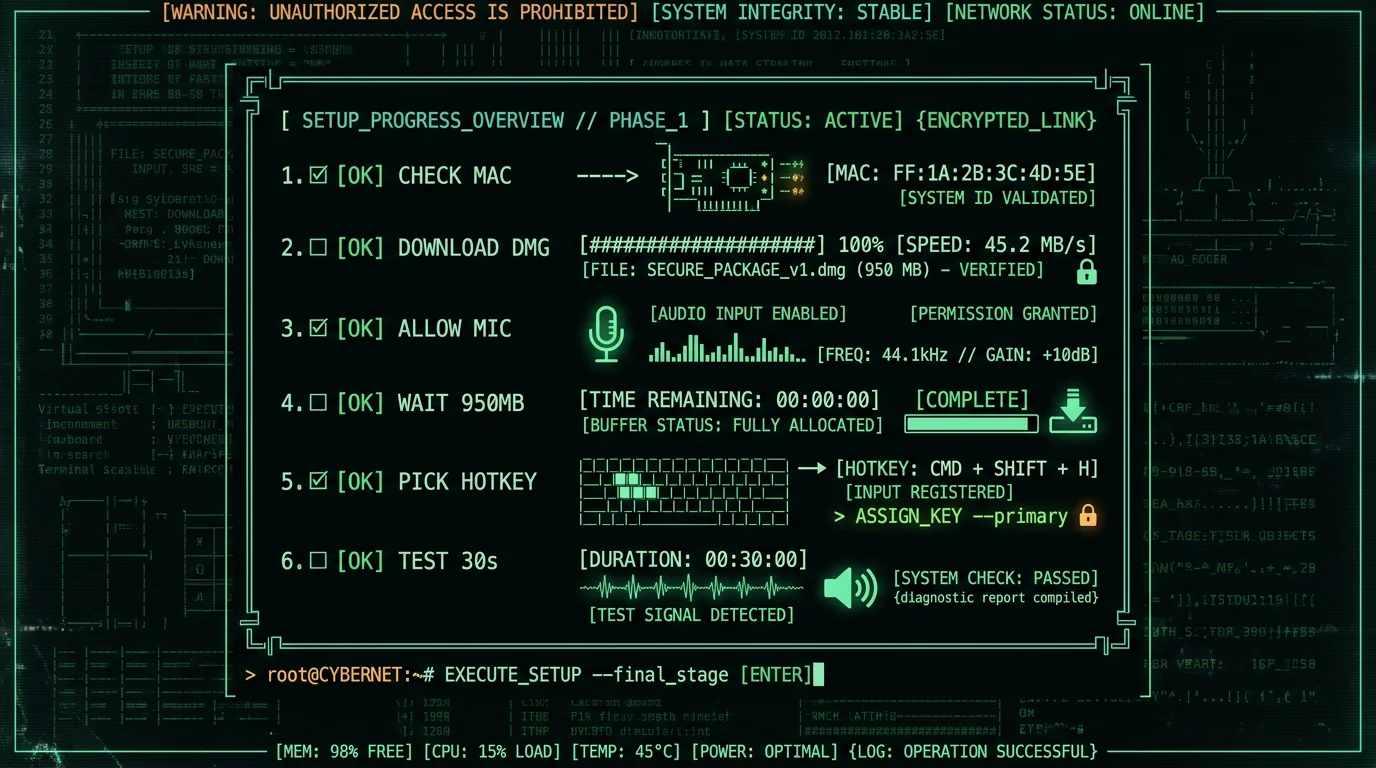
Which microphone and hotkey works best for slower speakers?
Two things will quietly wreck your setup: a bad microphone and a hotkey that collides with everyday typing. For the microphone, the Mac's built-in mic is fine for short notes. For longer dictation — letters, journal entries, anything past a paragraph — an external USB mic placed six to ten inches from the mouth makes a real difference. A $25 desktop condenser is plenty. The reason is simple: the built-in mic is far from the mouth, so room noise and breath sounds get amplified along with the voice. Older voices tend to be quieter, which makes the noise problem worse, not better. For the hotkey, stay away from anything that overlaps with a modifier they use for copy-paste (Cmd+C, Cmd+V). Right Option is the default because it doesn't conflict. If they're left-handed or you want something else, two-finger holds (Right Option + Right Control) are also reliable. One more setting that matters: speech pacing. Whisper handles slow, deliberate speech better than fast, mumbly speech — regardless of age. If your parent tends to talk faster than the model can keep up, encourage pausing at commas. That's a habit, not a setting, but it's the single biggest accuracy win.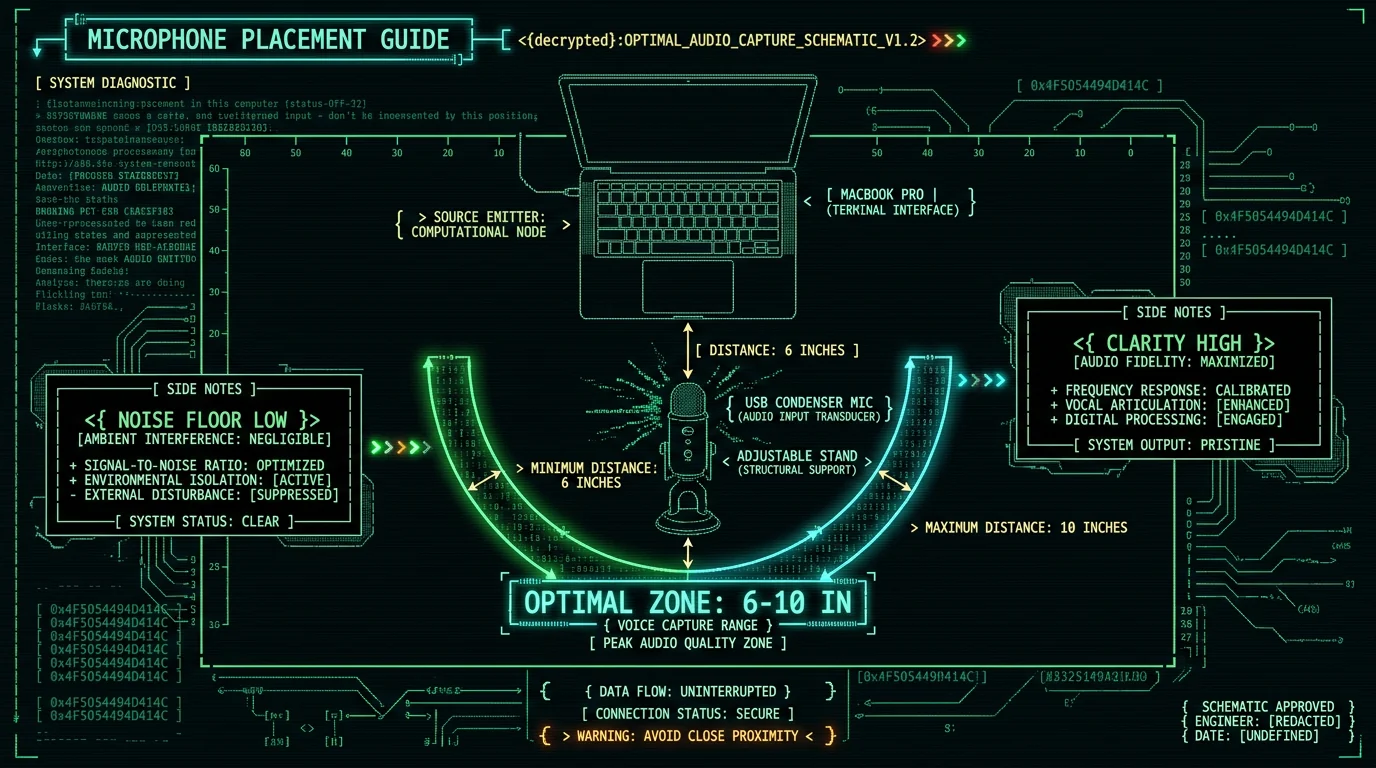
How accurate is voice to text for older voices in practice?
Age itself doesn't reduce transcription accuracy. Whisper large-v3-turbo handles slower, lower-volume speech as well as any other speech when the microphone is close and the room is quiet. Our own LibriSpeech test-clean measurement was 2.76% WER — about 97% accuracy on clean read English. That number is from the public LibriSpeech benchmark, not from a senior-specific study, because we have not run one. Treat any vendor's "optimized for seniors" claim with skepticism: there is no standardized corpus for senior speech accuracy, and any number from one is anecdotal. What we can say reliably is that acoustic clarity (mic placement, room noise) and speech pacing matter far more than the speaker's age.
What goes wrong after a week — and how do you fix it?
A few things reliably go wrong in week two. Plan for them now and you'll save a panicked phone call. The text doesn't paste into the right place. This is almost always a focus issue. Voice tools paste into whichever app is in front. If Safari stole focus mid-dictation, the text went to a browser field instead of the email. Train them to click into the document first, then press the hotkey. The cursor should be blinking where they want the text. The model "forgets" English. If a senior switches between English and another language (Russian, Spanish, Mandarin, etc.), the app's auto-detect handles it — Whisper [supports 99 languages](https://github.com/openai/whisper). But the very first time, you may want to explicitly pick English from the language menu for stability. Dictation stops working after a macOS update. Apple pushes system updates that occasionally reset microphone permissions. The fix is the same as initial setup: System Settings → Privacy & Security → Microphone → make sure MetaWhisp is toggled on. You can do this remotely with Apple's screen sharing if needed. They want the text to be tidier. Raw transcripts include "uh"s, false starts, and missing punctuation. If they care about polish, the [processing modes](/features/processing-modes/) — Correct, Rewrite, Structured — work with a free tier bring-your-own-key setup, where the transcript text (never the audio) goes to their own OpenAI or Cerebras API. I wouldn't recommend this for a setup that's meant to be zero-config. But it's there for later if they want it.Founder's note: I run MetaWhisp on an M1 Air that I bought used for cheap. The 950 MB model sits in the background and I forget it's there. The thing I tell friends who ask about setting up a parent: the model download is the only thing that takes any time. Everything after that is a sticky note and a 30-second test.
When isn't voice to text the right answer?
Honest list. If any of these apply, no software will fix it. Severe hearing aid feedback. If your parent wears in-ear hearing aids that produce high-pitched squeal when a phone or laptop is nearby, the mic picks up the squeal and the transcript becomes gibberish. The fix is to take the aids out during dictation, or switch to a headset that physically blocks the aid's microphone. This isn't something MetaWhisp or any app can solve in software. Significant hand tremor. Voice-to-text helps people who can't easily type. But if the tremor affects the mouth and jaw enough to garble speech, neither Whisper nor anything else can transcribe it accurately. No Mac. I get asked about iPhone and iPad a lot. MetaWhisp is macOS-only today. Today, MetaWhisp is macOS only. For iPhone and iPad users, Apple's built-in Dictation is the only first-party option. We don't promise otherwise. Medical or legal dictation. Doctors and lawyers have specialized terminology that general-purpose Whisper models don't recognize out of the box. Our [accuracy data](/features/on-device-transcription/) is from LibriSpeech test-clean — read English speech in quiet conditions. We have not benchmarked medical or legal jargon. If those are the use cases, a domain-specific product (like a medical scribe trained on clinical vocab) is the honest recommendation, not us.| Scenario | Recommended tool | Why |
|---|---|---|
| General letters, journaling, email | MetaWhisp (local, free) | Reliable, no caps, runs offline |
| Quick notes while away from desk | Apple Dictation (built-in) | Available on iPhone / iPad today |
| Clinical or legal dictation | Domain-specific scribe tool | Trained on specialized vocab |
| Severe hearing aid feedback | Headset + hearing-aid removal | Hardware fix, not software |
| iPhone / iPad user | Apple built-in Dictation | MetaWhisp is macOS only in 2026 |
What about privacy and HIPAA when dictating medical notes?
Two separate questions. On privacy: local mode audio never leaves the Mac. There's no analytics, no telemetry, no upload — there's no MetaWhisp server to upload to in local mode. On HIPAA: MetaWhisp may fit a HIPAA workflow when used in local mode, because no patient audio leaves the device. But HIPAA compliance belongs to the medical practice, not the app vendor — no consumer tool can claim "HIPAA certified" because no such certification exists. If your parent is a clinician thinking about using this for patient notes, talk to their compliance officer first. For personal journaling, letters, or family history, that question doesn't apply at all.
What's the actual cost, and what does the family need to know?
The free local tier of MetaWhisp is unlimited in two senses that matter for a senior setup: unlimited minutes of dictation, and unlimited length of transcript. There's no account, so there's nothing to be locked out of, nothing to renew, nothing a 70-year-old has to remember. The first launch downloads the Whisper model weights (~950 MB) once. After that, no further network calls happen unless the user explicitly opts into cloud transcription or AI post-processing. If a family member later wants to add cloud features — useful if your parent is dictating in a noisy environment where the local model struggles — the [Pro tier at $30 per year or $7.77 per month](/pricing/) adds a built-in cloud option that does send audio to MetaWhisp's servers. State that out loud to whoever holds the credit card. Cloud features are opt-in. Local mode stays free. That split — free local forever, optional paid cloud — is unusual in this category. Most competitors charge monthly from day one and put your audio on their servers by default. MetaWhisp doesn't. If that's the dealbreaker that makes your mom actually use the tool, that's the line.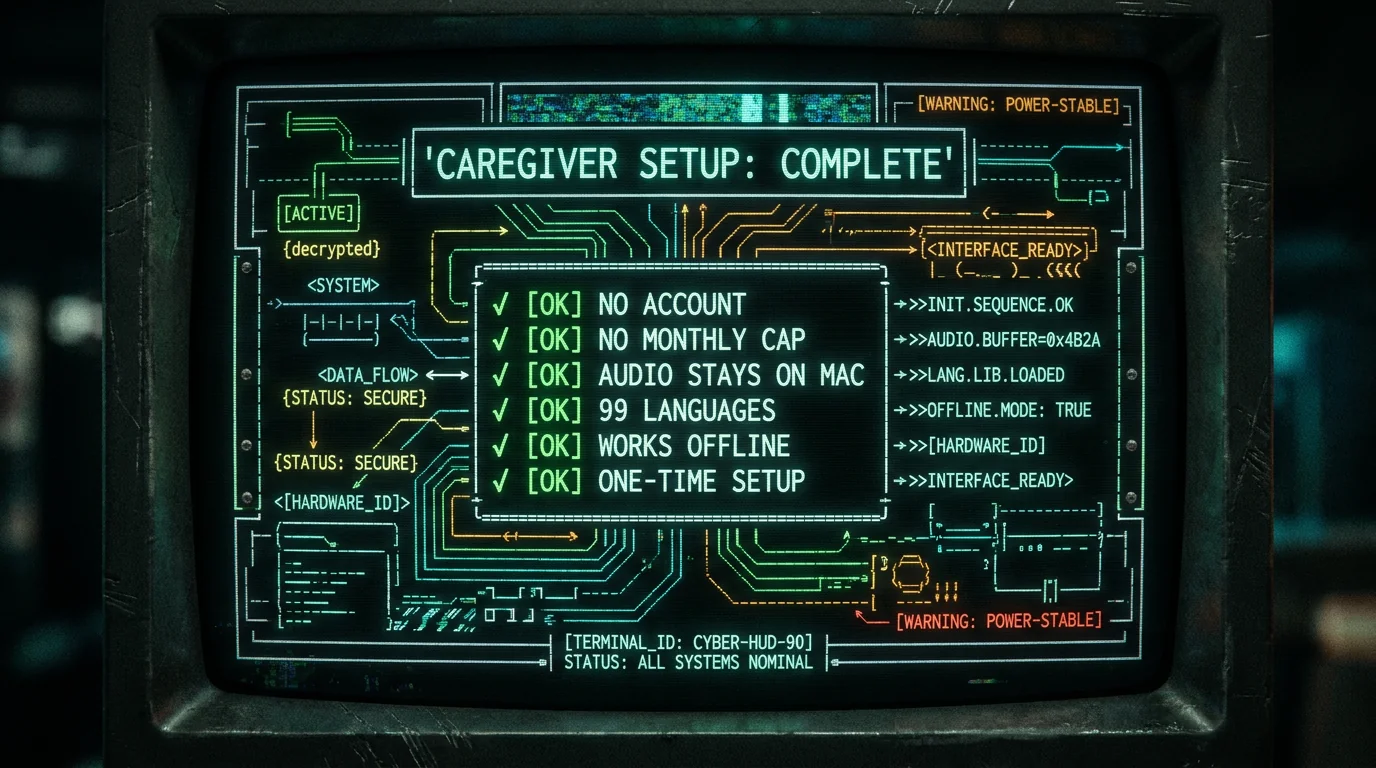
Frequently asked questions
Is voice to text free on Mac for seniors?
Apple Dictation is built in and free, but it depends on Apple's servers and a stable internet connection. MetaWhisp's local mode is also free — no account, no monthly cap — and runs offline on Apple Silicon Macs. Both are free to try; one works without Wi-Fi.
How accurate is voice to text for older voices?
Age itself doesn't reduce accuracy. Whisper large-v3-turbo handles slower, lower-volume speech as well as any other speech when the microphone is close and the room is quiet. Our own LibriSpeech test-clean measurement was 2.76% WER. We have not tested on senior-specific audio corpora, so treat any vendor's "optimized for seniors" claim with skepticism.
Can a caregiver set this up remotely?
You can install the .dmg file via Apple's screen sharing, then walk the user through mic permission and the 30-second test over FaceTime. The whole thing takes ten minutes if their Mac meets the system requirements (macOS 14 or later, Apple Silicon).
Does it work in languages other than English?
Yes. MetaWhisp supports 99 languages with auto-detect. Russian, Spanish, Mandarin, French, German, and Polish are all included out of the box. No extra model download required.
What happens after the first model download?
Nothing updates silently. The ~950 MB model stays on disk until the user deletes the app. There's no subscription to renew, no monthly quota to monitor, and no forced model upgrade. If a future Whisper version comes out, the user can opt in from inside the app.
Is there an iPhone or iPad version?
Not yet. There is no iOS version. For now, MetaWhisp is macOS only on Apple Silicon. On iPhone and iPad, Apple Dictation remains the only first-party option today.
What if my parent can't remember the hotkey?
Put it on a sticky note next to the screen — "Hold ⌥ and talk." That's the entire instruction. If even that's a barrier, the app supports click-to-start from the menu bar icon as an alternative.
Will this slow down their Mac?
On an M1 Air or later, no perceptible slowdown. Whisper runs on the Neural Engine, which is a separate chip from the CPU and GPU. On an Intel Mac, the app won't install. If their Mac is an older Intel machine, they need Apple Silicon to use MetaWhisp.
About the author
Andrew Dyuzhov is the solo founder of MetaWhisp. He dictates daily in Russian and English, runs MetaWhisp on an M1 Air, and assembled the app with AI coding tools on top of the open-source Whisper and WhisperKit projects. He's a marketer and builder with ADHD, not a doctor or speech researcher — the clinical and medical references in this article are general-purpose consumer advice, not professional recommendations.
