Local Mandarin dictation on Apple Silicon — no cloud, no account.
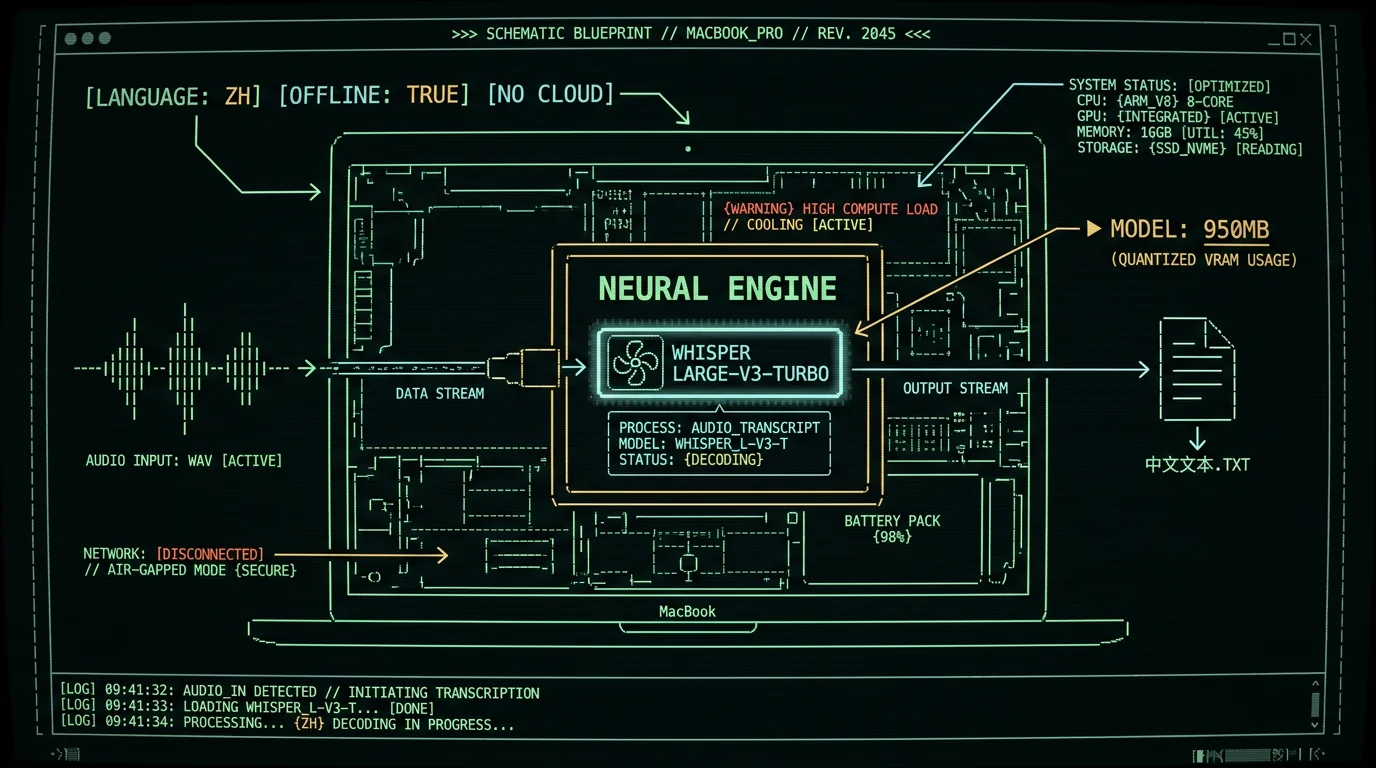
Chinese voice to text on Mac works reliably with MetaWhisp, which runs OpenAI's Whisper large-v3-turbo on the Apple Neural Engine for Mandarin (zh) dictation, fully offline. Cantonese works partially — it's not an officially supported language code. Output is simplified Chinese characters by default; traditional Chinese is inconsistent and usually needs post-processing. Audio stays on your Mac unless you opt into cloud mode.
Why is Chinese dictation on a Mac harder than English?
Mandarin and English both work in 2026, but the gap is real. Apple's built-in Dictation added Mandarin support over time, but its error rate, code-switching behavior, and long-utterance stability still lag behind English.
The Mac has fewer high-quality third-party Chinese dictation apps than the iPhone does. And most cloud services require uploading your audio — fine for casual emails, uncomfortable for confidential chats.
There's a deeper reason Chinese is harder. Mandarin compresses thousands of single-syllable morphemes into a small phonetic space, so the model leans heavily on word frequency and context to pick the right character. Tonal variance helps listeners in person; Whisper handles it better than cheaper acoustic models.
Apple Silicon changed the picture. The Neural Engine on M1+ can run a real multilingual speech model without round-tripping to a server, and Whisper large-v3-turbo fits comfortably on it. That's the foundation of offline Chinese dictation on a Mac.
Is there a free offline Chinese voice-to-text app for Mac?
Yes. MetaWhisp is free, runs locally on Apple Silicon (M1+), and supports Mandarin Chinese in its Whisper large-v3-turbo model. Local mode is unlimited — no account, no time caps. Audio is processed on the Neural Engine and never leaves your Mac. AI post-processing and translation work on the free tier when you bring your own OpenAI or Cerebras API key. Pro ($30/year or $7.77/month) removes the BYOK requirement and adds built-in cloud AI. See the pricing breakdown.
What model actually handles Mandarin (and Cantonese) in 2026?
OpenAI's Whisper, specifically the large-v3-turbo variant. Per the Whisper large-v3-turbo model card on Hugging Face, it supports 99 languages including Mandarin Chinese (language code zh). It shares multilingual coverage with the larger large-v3 weights but is fine-tuned for faster inference. The original OpenAI Whisper repo documents the training data and per-language behavior.
For a Mac, you don't install raw Whisper — you use a port. WhisperKit, an open-source Swift package from Argmax, compiles Whisper to run on the Neural Engine via CoreML. That's what makes offline, low-latency Mandarin transcription possible without a server. MetaWhisp bundles WhisperKit with large-v3-turbo so you don't have to wire any of it together.
One thing to know: Whisper can translate speech to English in the same inference pass. Useful if you're dictating mixed Mandarin + English or want a quick translation without an intermediate script step.
Which Whisper model works best for Mandarin on Apple Silicon?
Start with large-v3-turbo — about a 950 MB download in MetaWhisp. It runs on the Neural Engine and handles Mandarin well in our informal testing. The larger large-v3 is slightly more accurate on harder audio but noticeably slower; large-v3-turbo is the right tradeoff for daily dictation on M1+ Macs. Smaller models like base or small fall off in Mandarin accuracy — not recommended for serious use. No published per-language WER exists for MetaWhisp specifically, so treat any "X% accurate" claims you see elsewhere with skepticism. Read more on how large-v3-turbo runs on Mac.
Does Whisper output simplified or traditional Chinese characters?
Simplified. By default, by training data, by everything.
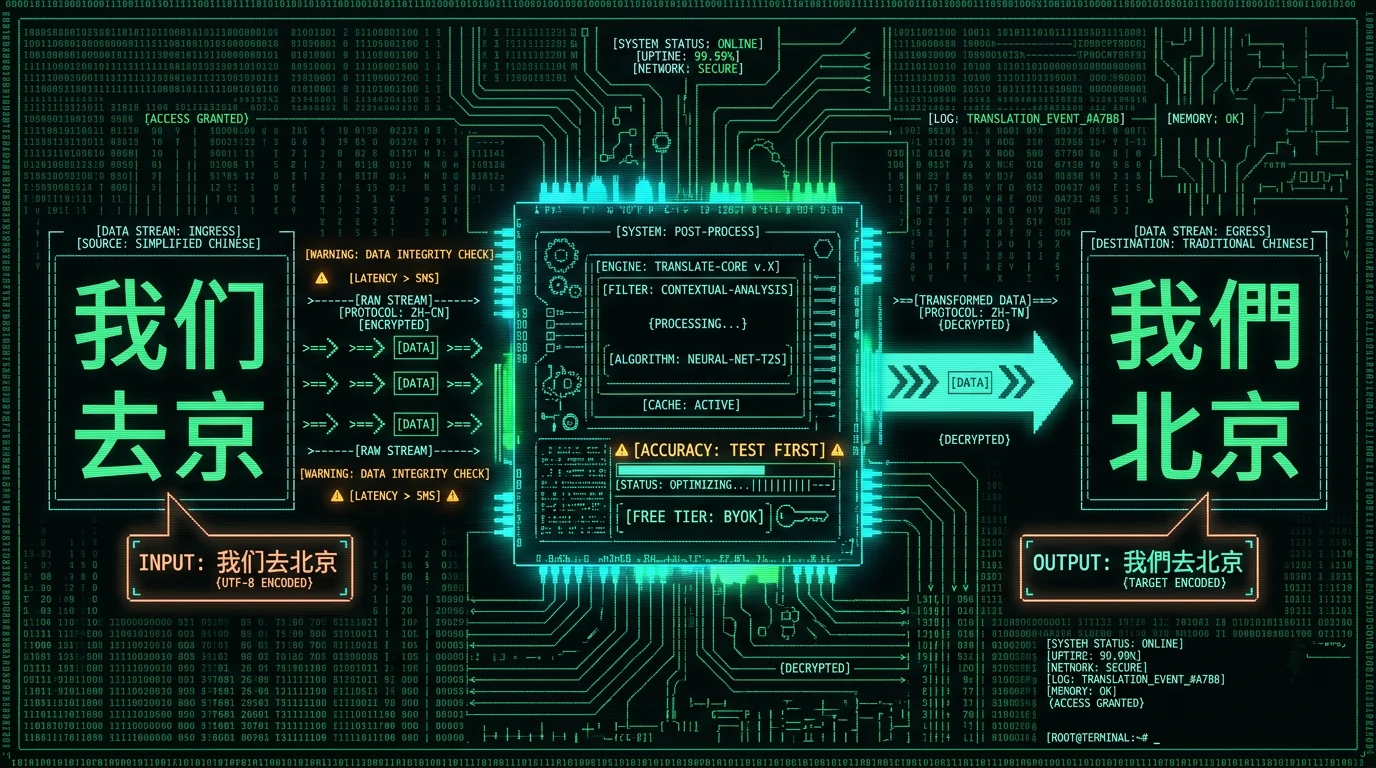
OpenAI's training data for the zh token is dominated by mainland Chinese audio — which uses simplified characters. The model occasionally outputs traditional characters when input audio contains them (Taiwan, Hong Kong, Macau), but you shouldn't rely on traditional output for dictation. Test on your own samples before depending on this.
If you need traditional Chinese output, your realistic options are:
- Transcribe to simplified, then post-process. MetaWhisp's AI post-processing modes can convert via an OpenAI or Cerebras call on the free tier (BYOK), or via built-in cloud on Pro.
- Or pipe the simplified output through OpenCC externally.
- Translate to English directly via Whisper's translation mode — sidesteps the script question entirely.
Honest limit: We have not benchmarked MetaWhisp's simplified-to-traditional conversion rate. If that matters for your use case, run a sample set through AI post-processing and verify the output before committing.
How do I get traditional Chinese output from Whisper?
Whisper doesn't reliably output traditional Chinese directly. The most reliable workaround is to transcribe to simplified (the model's native output), then run an AI post-processing pass that converts to traditional. In MetaWhisp, open Settings → AI Post-Processing, paste your OpenAI or Cerebras API key, and add a custom prompt that converts simplified to traditional. This works on the free tier. Alternative: pipe the simplified output through OpenCC yourself. We have not benchmarked the conversion accuracy, so test on your own samples first if production use matters.
How to set up Chinese voice to text on Mac (step by step)
Five steps to your first Mandarin transcript:
- Download MetaWhisp from the site. Free, about a 30 MB installer. Requires macOS 14+ on Apple Silicon (M1 or later).
- On first launch, MetaWhisp asks for a recognition language. Pick 中文 (zh).
- The first transcription triggers a one-time model download — Whisper large-v3-turbo, about 950 MB. After that it's cached; no re-downloads.
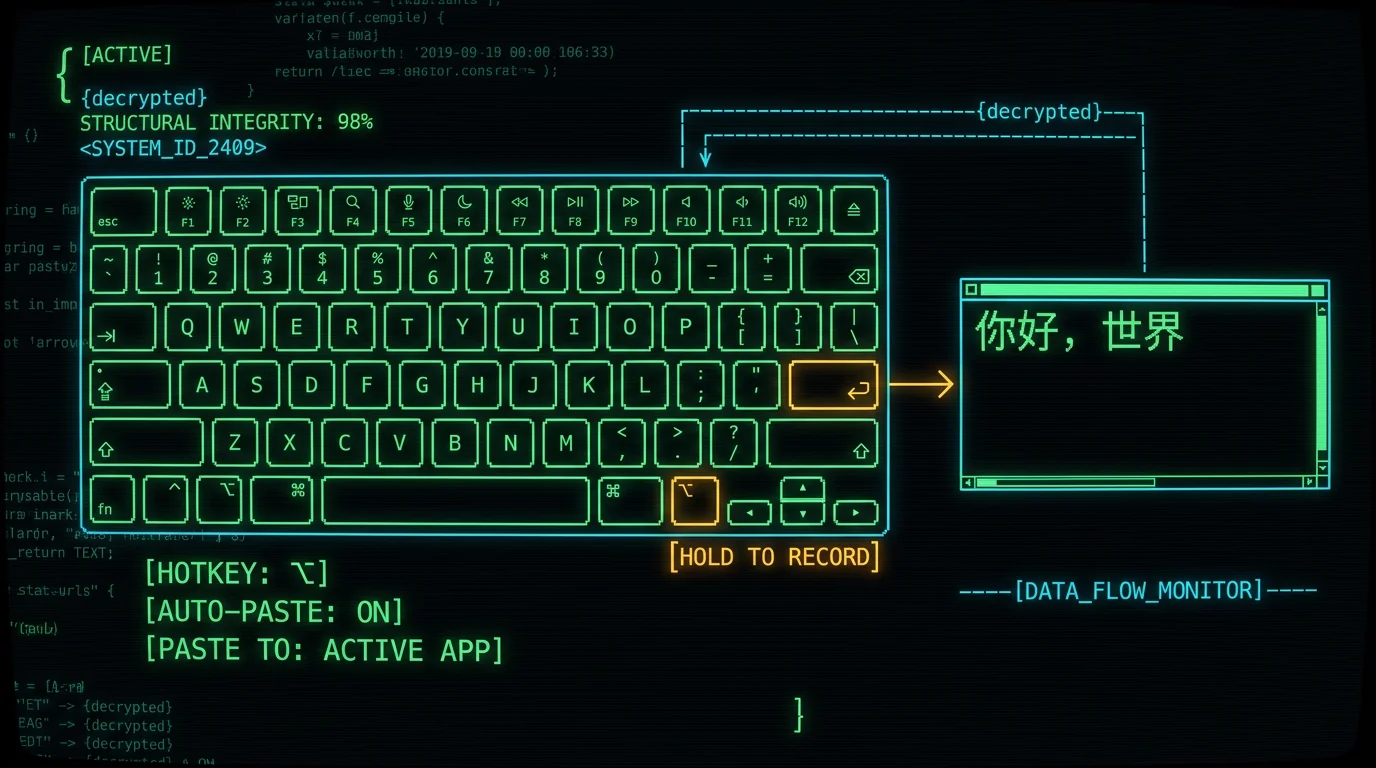
- The default hotkey is the Right Option key (⌥). Hold it, speak Mandarin, release. Text auto-pastes wherever your cursor is.
- Test in TextEdit or Notes first. Quiet room, normal volume, full sentences. Then try it inside your actual apps — email, chat, browser, IDE.
If you want traditional Chinese output, open Settings → AI Post-Processing, add your OpenAI key (free tier works with BYOK), and set up a simplified-to-traditional conversion prompt. Want it built-in instead? Pro skips the API key step at $30/year or $7.77/month.
Pro tip: Microphone matters more than the model. The MacBook built-in mic is great in a quiet room. AirPods and other Bluetooth headsets add latency and pick up more noise. If you dictate often, a wired USB mic or a desk-mounted cardioid mic beats any headset for clarity.
Which Chinese dialects does Whisper actually support?
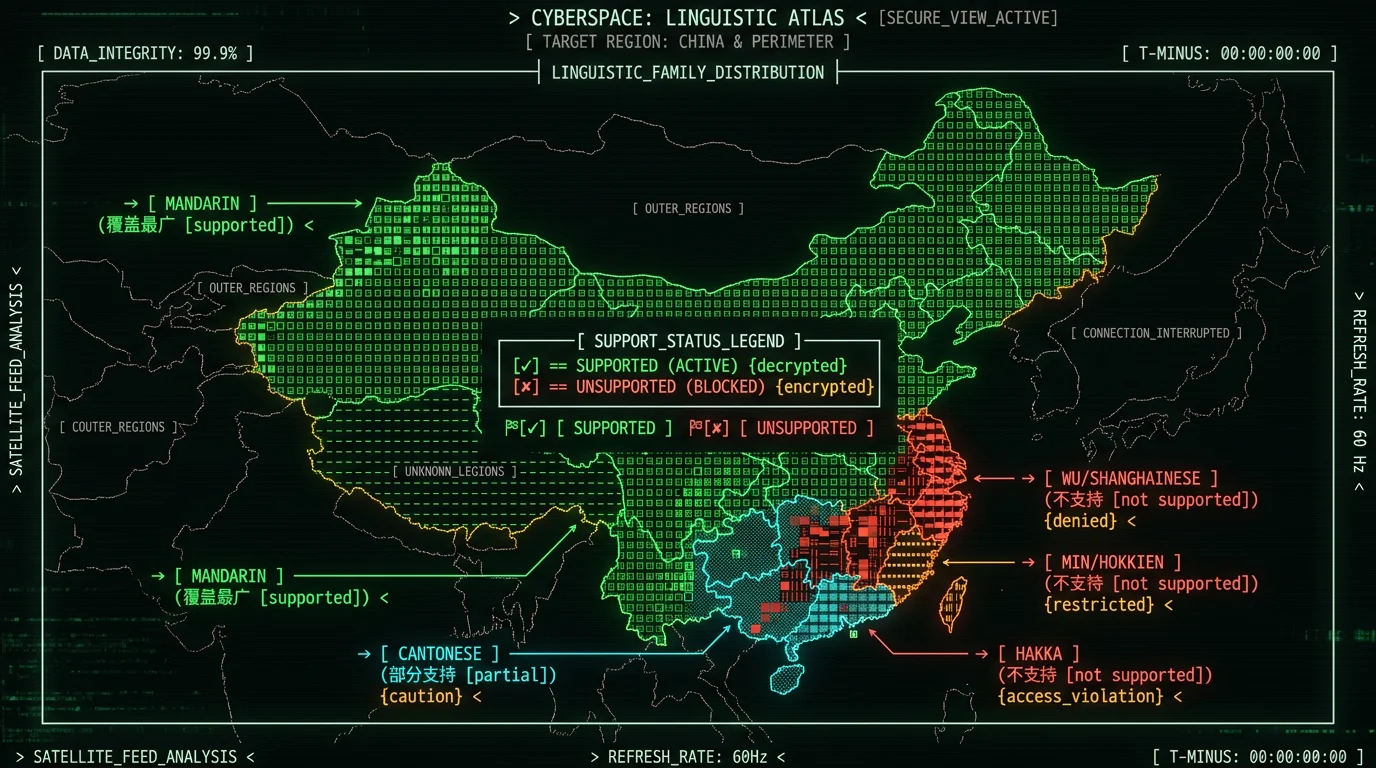
Officially, just one: Mandarin, language code zh. That's the only Sinitic family language Whisper exposes in its tokenizer.
In practice:
- Mandarin (mainland, Taiwan, Singapore): works well. The model has seen both standard accents and several regional variants.
- Cantonese: not officially supported, but partially works. Cantonese audio sometimes produces intelligible simplified-character output, sometimes non-standard mixed-script output, sometimes garbage. Slow, clean Cantonese is most likely to come through.
- Shanghainese (Wu), Hokkien (Min), Hakka, Teochew: not officially supported. Expect poor results. The model may default to whatever Mandarin-like interpretation it can build.
I have not personally run Cantonese through MetaWhisp in a controlled setting. If reliable Cantonese transcription matters, that's still a research-grade problem in 2026 — not a solved product gap.
Does Whisper support Cantonese dictation on Mac?
Partially. Whisper's zh token was trained primarily on Mandarin, but the multilingual training set includes Cantonese audio, so clean Cantonese input sometimes produces usable output — usually simplified characters, sometimes non-standard. Whisper does not expose Cantonese as a separate language code. If you select auto-detect, Cantonese audio may be detected as zh depending on the model build. We have no published accuracy number for Cantonese on MetaWhisp, and I haven't personally benchmarked it. Treat any "Cantonese works fine" claim with skepticism unless the source shows their test audio.
Why does my Chinese transcription have so many errors?
Patterns I see users run into repeatedly — none are unique to MetaWhisp, all show up in any Whisper-based system:
- Homophone confusion. Mandarin packs thousands — 的/地/得, 在/再, 做/作. Whisper picks the more frequent one based on context, but isolated phrases fool it. Fix: speak full sentences, not single words.
- Traditional characters leaking in. If you want pure simplified, add an AI post-processing pass to enforce it.
- Code-switching breaks. Mixing Mandarin + English mid-sentence is the most common failure mode. Pause briefly at the language switch — Whisper re-detects context every few seconds.
- Numbers and dates. 七 and 七 sound identical because they are identical. Fix: speak numbers as digits when precision matters.
- Names. Chinese names, English names, brand names — none are easy for any STT system. Fix: build a personal vocabulary list and post-process. MetaWhisp doesn't ship custom vocabulary yet.
- Background noise. Whisper is robust but not magic. Fans, AC, music, and other voices all hurt accuracy.
Most of these are quality-of-dictation issues, not model bugs. Cleaner mic, quieter room, and full-sentence speech fix the bulk of them. If you specifically want to compare Whisper-based STT with other systems, see the 7-app head-to-head comparison I ran earlier this year (English audio only).
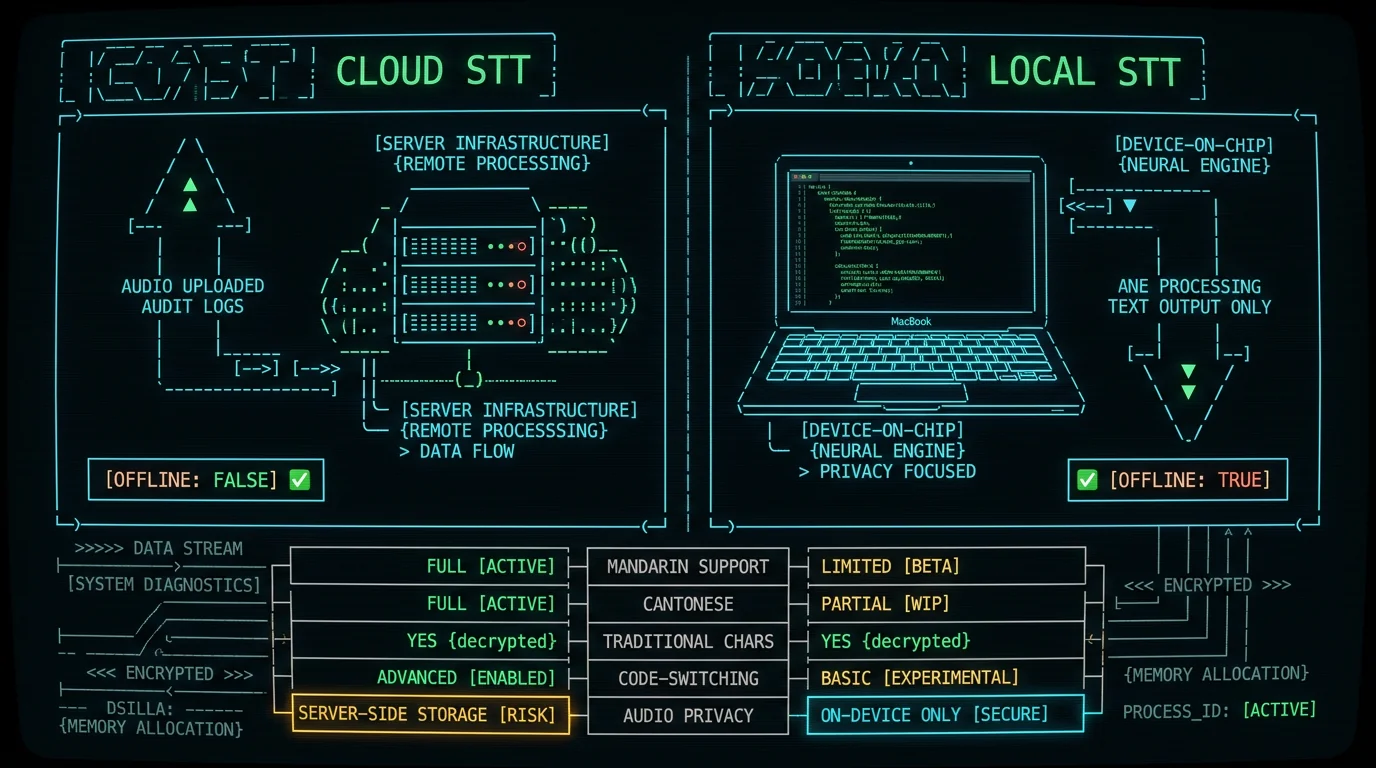
Where does my Chinese audio go: local vs cloud mode?
This matters more for Chinese than for English, because Mandarin audio often contains names, business terms, financial numbers, and casual conversation you may not want on a remote server. Mainland China users have additional jurisdictional considerations around cloud STT.
Most cloud STT services — OpenAI's Whisper API, Google STT, Azure Speech, and most third-party Mac apps by default — upload your audio to a remote server, transcribe there, and stream text back. That's the trade.
MetaWhisp has two modes, both work on Apple Silicon:
- Local (free, unlimited): runs Whisper on the Neural Engine. Audio never leaves the Mac. No account, no telemetry, no upload.
- Cloud (Pro): sends audio to MetaWhisp's server for transcription. Faster on older hardware, used by people without an M-series chip or who don't want to manage their own API key. Includes built-in AI post-processing in the cloud.
| Apple Dictation (中文) | MetaWhisp local | |
|---|---|---|
| Model | Undisclosed | Whisper large-v3-turbo |
| Runs locally | Yes | Yes |
| Languages | Multiple | 99 with auto-detect |
| Mandarin code-switching | Limited | Reasonable |
| Traditional Chinese output | Not consistent | Simplified by default; convert via post-processing |
| Custom vocabulary | — | Not yet |
| Audio leaves Mac | No (local mode) | No (local mode) |
| Free | Yes | Yes |
| Mandarin benchmark | Not published | Not published |
For most users, local mode is the right default. For confidential Mandarin audio — lawyers, doctors, journalists, anyone discussing market-moving material — local is the only acceptable mode in 2026.
Frequently asked questions about Chinese voice to text on Mac
Can Whisper transcribe Mandarin Chinese offline on Mac?
Yes. MetaWhisp runs WhisperKit on the Apple Neural Engine with the large-v3-turbo weights, fully offline. Audio never leaves the Mac in local mode. No account, no time caps. Other apps may upload audio by default — check their privacy policy before trusting them with confidential Mandarin conversations.
Does Whisper output simplified or traditional Chinese characters?
Simplified, by default. The zh language code in Whisper was trained mostly on mainland Chinese audio, which uses simplified characters. Traditional characters appear occasionally in output but are not consistent. To get reliable traditional Chinese, post-process with OpenCC or with MetaWhisp's AI post-processing using a custom prompt.
Does MetaWhisp handle Cantonese?
Partially, not officially. Whisper exposes zh as a single language code that maps primarily to Mandarin. The multilingual training data includes Cantonese audio, so clean Cantonese input sometimes produces usable simplified-character output. Cantonese with heavy regional vocabulary, fast speech, or code-mixing is much less reliable. We have no published benchmark for Cantonese accuracy and recommend you test on your own samples.
Can it handle mixed Mandarin + English?
Yes, code-switching works reasonably well. Whisper was trained on multilingual data including mid-sentence switches. The failure point is usually the switch itself — pause briefly at the language change and Whisper re-detects context.
What Mac do I need?
Any Apple Silicon Mac — M1, M2, M3, M4, M5 — running macOS 14 (Sonoma) or later. Intel Macs are not supported because the Neural Engine isn't available. Newer chips run faster than older ones. See the Whisper large-v3-turbo on Mac post for hardware specifics.
Is Chinese voice to text on Mac free?
Local mode in MetaWhisp is free and unlimited. No account, no time caps, no metering. Pro is $30/year or $7.77/month and adds built-in cloud transcription (no BYOK API key needed), built-in AI post-processing in the cloud, and priority support. Cloud mode is opt-in — you stay on free as long as you don't want data leaving your Mac.
Does it work with mainland vs Taiwan accents?
Yes, both. The Whisper zh token covers both standard Mandarin accents. Regional accents and very heavy speakers of Hokkien or Cantonese may be transcribed as something else entirely. Test on your own audio before committing.
Where does my Mandarin audio go?
In MetaWhisp's local mode, audio never leaves your Mac. It's processed on the Neural Engine, the text is pasted into your active app, and the audio buffer is discarded. No telemetry is sent to MetaWhisp's servers. In cloud mode (Pro), audio is uploaded to our server for transcription — only enable this if that's acceptable for your use case.
