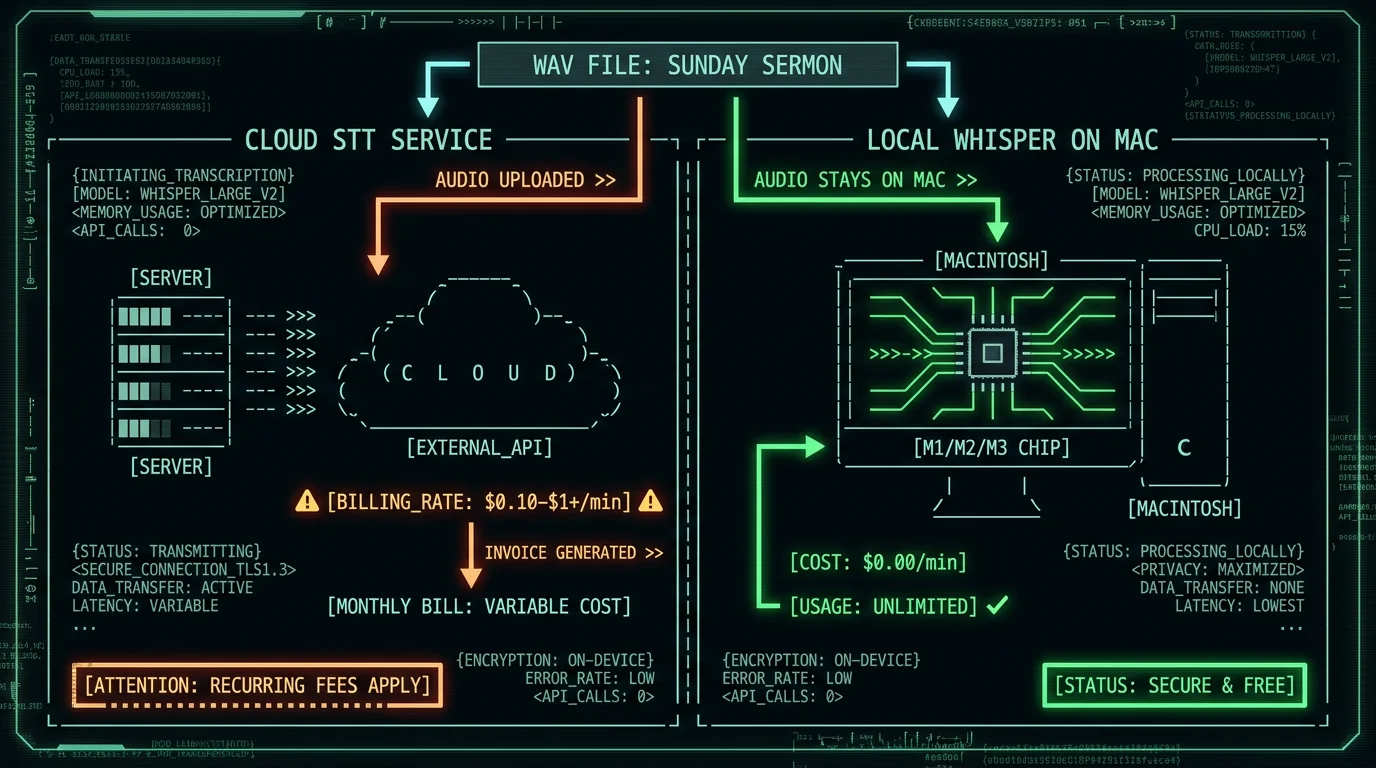
Every week, your church produces a one-of-a-kind piece of content — a 30-to-60-minute sermon that could feed a blog, a devotional series, social captions, a YouTube transcript, and a translated newsletter for your Spanish- or Mandarin-speaking members. Most of it sits on a recording drive and never gets a second life, because turning audio into text is the bottleneck.
The standard fix has been to pay a third-party sermon transcription service. That works — but the bill grows quietly. Below is what those services actually charge, what they give you, and a free local-Mac alternative that turns the same audio into text (and then into reusable content) without uploading anything.
How much do sermon transcription services actually charge?
Almost every paid service bills per minute of audio. Two rough tiers exist:
- Human-verified transcripts — Rev is the well-known example. Per their current pricing page, human-verified transcripts typically cost around $1/min or more, with a turnaround measured in hours or days.
- AI-only transcripts — Otter, Sonix, Trint, and similar. Much cheaper per minute, usually bundled into a monthly subscription with a minute cap.
The exact current numbers change often, and pricing models vary (per-minute pay-as-you-go vs. monthly subscription with a minute cap). Check each vendor's pricing page before committing. A reasonable working range across the AI tier is roughly $0.10 to $0.50 per minute; the human tier is usually $1 and up.
Now the math, with your actual rate plugged in:
- 1 sermon × 45 min × $0.10/min = $4.50 per sermon
- 1 sermon × 45 min × $0.50/min = $22.50 per sermon
- 1 sermon × 45 min × $1.00/min = $45.00 per sermon
Over a year of 52 weekly sermons:
| Per-minute rate | Per sermon (45 min) | Annual cost (52 sermons) |
|---|---|---|
| $0.10/min | $4.50 | $234 |
| $0.30/min | $13.50 | $702 |
| $0.50/min | $22.50 | $1,170 |
| $1.00/min | $45.00 | $2,340 |
That's a real line item for a small or mid-sized church. And it doesn't include the cost of whatever you do with the text afterward — turning it into a blog post, a devotional, captions — which usually means another subscription or another volunteer hour.
Almost every paid service bills per minute of audio. AI tiers usually run from roughly $0.10/min up to around $0.50/min; human-verified tiers typically start at about $1/min. For a 45-minute weekly sermon over 52 weeks, the annual cost works out to roughly $234 at $0.10/min, $702 at $0.30/min, $1,170 at $0.50/min, and $2,340 at $1/min. Always check the vendor's current pricing page — rates and subscription caps change frequently.
What do you actually get for the fee?
I'm not going to pretend the paid services are a ripoff. They earn their money. The honest list of things they typically include that you have to solve yourself otherwise:
- Speaker labels (diarization) — "Pastor:" vs. "Interviewer:" vs. "Congregation reader:"
- Timestamps and time-coded exports — useful for subtitle workflows and jumping back into long recordings
- Human review tiers — a real person double-checks names, scripture references, and uncommon theological vocabulary
- Cloud sharing with your team — multiple editors, comments, version history
- Acoustic robustness — many services handle echoey sanctuary audio, audience laughter, and music transitions better than raw AI
Those are real advantages. If your service is a panel discussion, an interview with a guest speaker, or a multi-voice Q&A, speaker labels matter. If you regularly handle Hebrew, Greek, or rare proper names, a human pass matters. I'll come back to those cases below.
What's the free alternative if your church already owns a Mac?
If your church has even one Mac running macOS 14 Sonoma or later on an Apple Silicon chip (M1, M2, M3, M4 — basically anything from late 2020 onward), you can run a state-of-the-art speech-to-text model on it for free. No subscription. No upload. No per-minute meter.
MetaWhisp is the app I built for exactly this. It uses WhisperKit to run OpenAI's Whisper model family — specifically the whisper-large-v3-turbo variant — directly on the Mac's Apple Neural Engine. The model download is about 950 MB and you do it once. After that, every sermon is free.
The basics for a church use case:
- Cost: $0 for local transcription. Unlimited minutes. No account, no subscription, no per-minute counter.
- Languages: 99 supported, with auto-detect — relevant if your congregation includes English, Spanish, Portuguese, Korean, Mandarin, Russian, Tagalog, or many others.
- Privacy: Audio never leaves the Mac in local mode. Useful if members' prayers, vulnerable pastoral conversations, or children's voices end up on recordings. See our longer discussion of private voice-to-text on Mac.
- Activation: A configurable global hotkey — press, talk, release, paste. Or import an existing audio file (perfect for the Sunday recording you already have on a mixer or phone).
For our own benchmark, we ran MetaWhisp against the LibriSpeech test-clean split and measured 2.76% word error rate — about 97% accuracy. That's the only first-party accuracy number we publish. We have not benchmarked domain-specific sermon audio (theological vocabulary, scripture references, Hebrew/Greek transliterations), so treat that 2.76% as a clean-audio ceiling, not a guarantee for your specific room acoustics.
Pro tip: Test MetaWhisp on last Sunday's audio file before committing. Drop the .mp3 or .wav into the app and see how it handles your pastor's voice, your sanctuary's acoustics, and any scripture references. Most churches get a usable transcript in 10–20 minutes of work.
How do you turn Sunday's sermon into a blog post in BYOK Structured mode?
The thing that surprised me when I started using voice-to-text for content work wasn't the transcription — it was the formatting. A raw transcript is a wall of text. A blog post is a wall of text with structure. MetaWhisp's processing modes are designed to bridge that gap, and they work on the free tier when you bring your own OpenAI or Cerebras API key (BYOK).
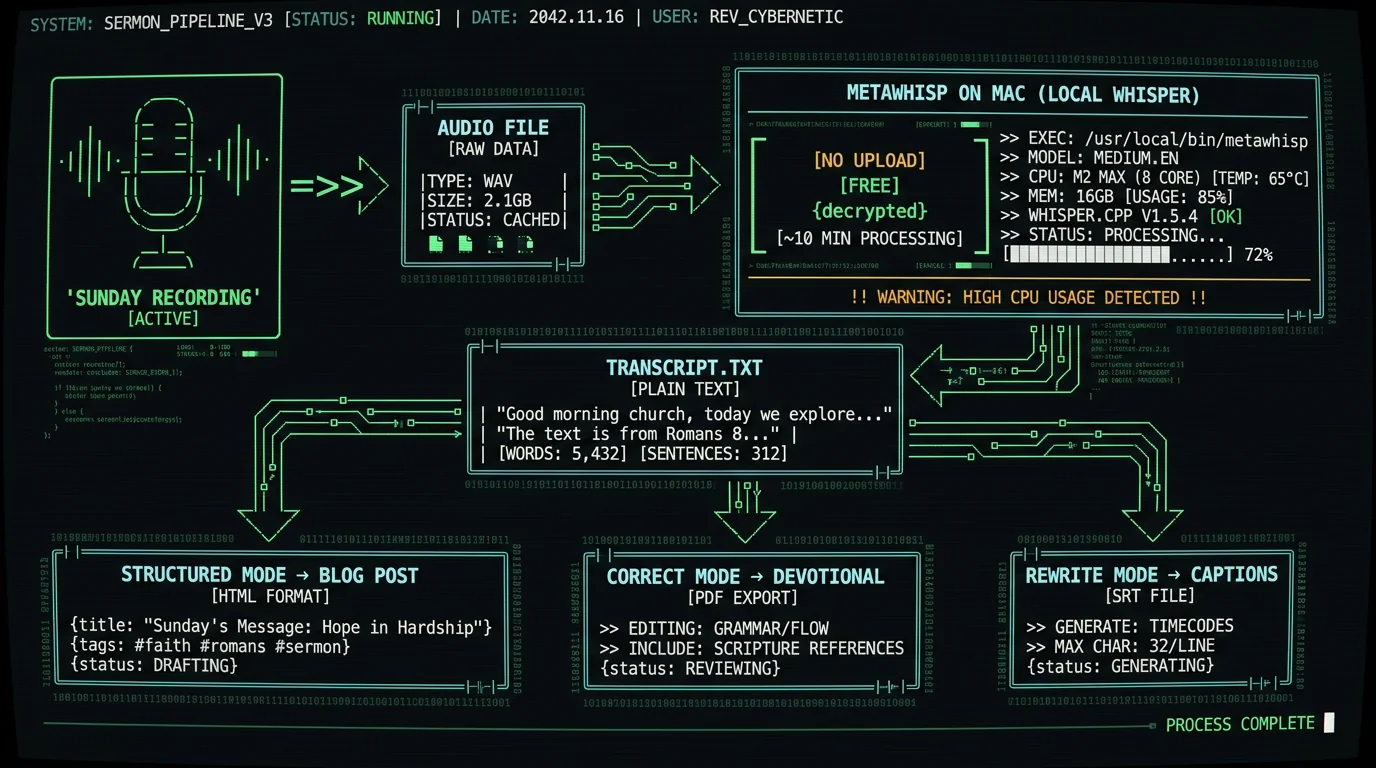
Record the sermon as you normally do, then import the audio file into MetaWhisp on your Mac — it runs Whisper large-v3-turbo locally for free. The raw transcript is the starting point. From there, add your own OpenAI or Cerebras API key (BYOK) and switch to Structured mode, which prompts the AI to format the transcript into clean paragraphs, pull a title, and write a short summary. Export to your blog CMS or paste into Google Docs. Total time for a 45-minute sermon: roughly 15–20 minutes.
Concrete workflow for a Sunday sermon:
- Record as usual. Your existing phone, mixer output, or USB recorder produces the .mp3 or .wav. No new gear needed.
- Import the file. Open MetaWhisp, drop the audio file in. For the full step-by-step on importing, see how to transcribe an audio file on Mac. The local model handles a 45-minute file in roughly 5–10 minutes on an M1 or newer.
- Get the transcript. Whisper large-v3-turbo outputs it directly in MetaWhisp — timestamps on, speaker labels off (we'll address that gap below).
- Switch to Structured mode. Add your OpenAI or Cerebras API key under Settings (BYOK — only the transcript text, never the audio, goes to your API). Structured mode rewrites the transcript into clean paragraphs, generates a working title, and adds a short summary you can drop in front of the post.
- Light human edit. Fix any names, scripture references, or denominational terms the AI guessed wrong. For most sermons this is a 5-minute pass.
- Export. Paste into your church's CMS, Substack, or a Google Doc. Done.
Total time investment: 15–20 minutes for a 45-minute sermon. Cost: just whatever you pay your API provider for a few thousand tokens — typically a fraction of a cent. Audio never left your Mac.
How do you repurpose a sermon transcript into devotionals, captions, and translations?
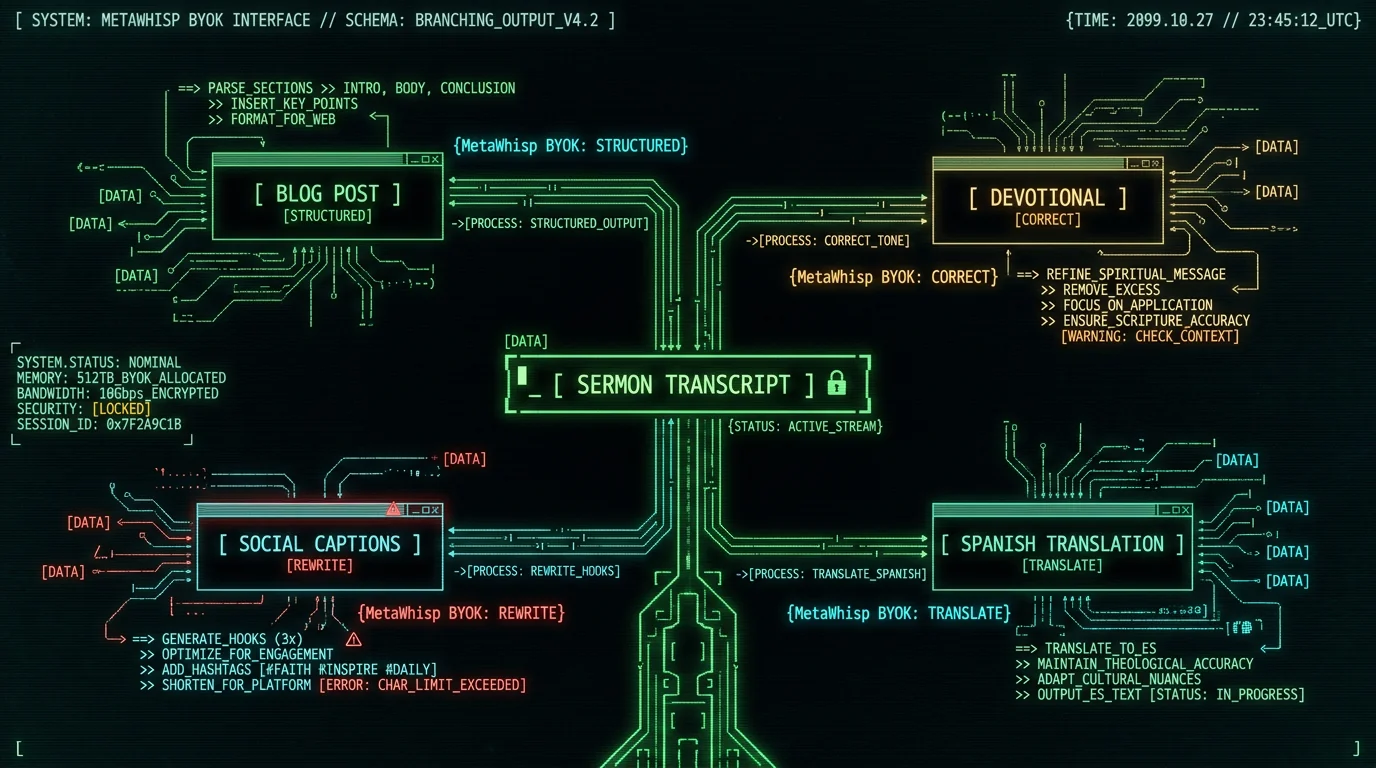
One sermon, several outputs. This is where BYOK modes earn their keep:
| Output | MetaWhisp mode | What it does |
|---|---|---|
| Church blog post | Structured | Clean paragraphs, title, summary, optional scripture headings |
| Mid-week devotional | Correct | Tightens grammar, preserves voice, keeps length sermon-similar |
| Instagram / Threads captions | Rewrite | Pulls 3–7 short, punchy hooks from the sermon |
| YouTube description / transcript | Export raw | Plain transcript with timestamps for accessibility |
| Translation (Spanish, Mandarin, etc.) | Translation | Multiple target languages; sends the transcript text through your BYOK API |
| Small-group study guide | Structured + Correct | Turns the sermon into a discussion outline with 5–8 questions |
For a bilingual or multilingual congregation, the translation mode alone is worth the price of admission — many pastors I talk to have been doing this manually for years. The same sermon can publish in two languages in under an hour, with the original English transcript as the source of truth.
Yes — on the free tier if you add your own OpenAI or Cerebras API key. Switch to Rewrite mode after the transcript is ready, and the AI pulls short, punchy lines from the sermon suitable for Instagram, Threads, or X. You can ask it for a specific count (e.g., "5 captions under 240 characters each"). Only the transcript text leaves your Mac; the audio stays local.
One honest caveat: every BYOK mode sends the transcript text to your own API provider, not to MetaWhisp. If your sermon transcripts will include identifying details about congregation members, minors, or vulnerable individuals, scrub those before running through Structured or Translation. The raw local transcript is private; the processed output is only as private as your API key's data policy.
What can't MetaWhisp do yet for a church use case?
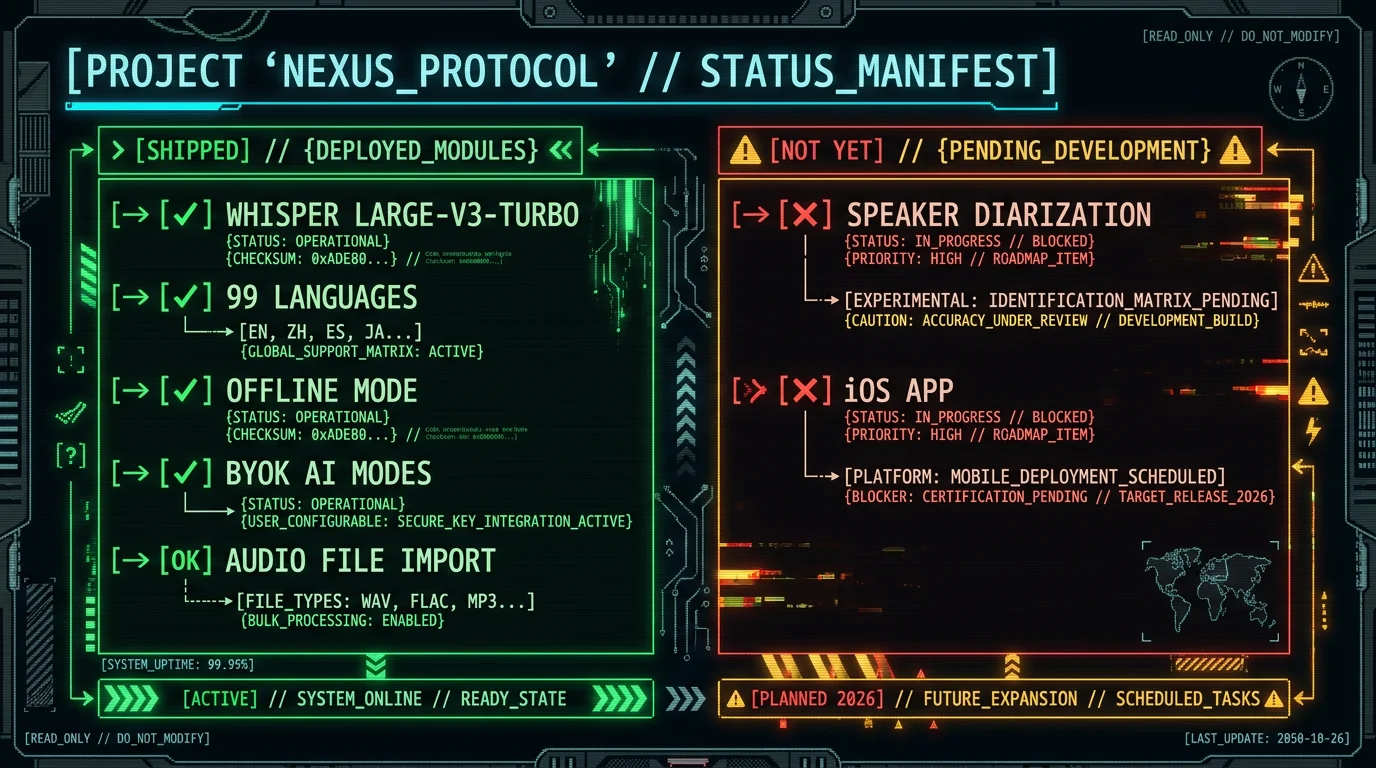
I don't want to oversell. Three things MetaWhisp doesn't ship today that matter for some churches:
- Speaker labels need your own key. If your Sunday service includes a long interview with a missionary, a panel discussion, a Q&A with multiple voices, or a co-pastor model where the transcript needs "Pastor A:" and "Guest:" labels, MetaWhisp will give you one wall of text. The paid services that include diarization will save you real editing time here. This is on our roadmap but is not shipped.
- No iOS app yet. If your pastor prefers to dictate on an iPhone between hospital visits, that's not an option today. An iPhone app is not something we have shipped.
- Search by concept needs an API key or Pro. Ask MetaChat ‘every sermon where I preached on justification by faith’ and it ranks past transcripts by meaning. Without a key or Pro, search is keyword-based.
Domain-specific accuracy is the other honest gap. We have not benchmarked MetaWhisp on theological vocabulary, scripture references in Hebrew/Greek transliteration, or rare proper names common in your specific community. Our 2.76% WER number is from the standard LibriSpeech test-clean split — clean speech, no music, no reverb. A sanctuary with a hard floor and a sound system running at modest volume is a different environment. Test on your own audio before trusting the output for high-stakes uses like published exegetical material.
Not today. MetaWhisp does not include speaker diarization — it produces one continuous transcript, not "Pastor:" vs "Guest:" labels. If your service is a single pastor preaching without interruptions, this doesn't matter. If your recording includes a multi-voice interview, a panel, or a Q&A, expect to label speakers manually after transcription, or use a paid service that includes diarization. Speaker diarization is on the MetaWhisp roadmap but is not shipped.
When does a paid sermon transcription service still make sense?
I'm biased — I built the free option — but here are cases where I'd genuinely point you back to a paid service:
- Multi-speaker recordings need labels. Conferences, panels, guest-speaker weekends, ordination interviews. The editing time saved by built-in diarization is worth the per-minute fee.
- You don't have a Mac. If your church is Windows-only or Chromebook-only today, MetaWhisp isn't an option yet. Use a paid service or wait for the iOS app.
- One-off special events with rare names. A wedding, a funeral, a baptism — occasions where a human-verified transcript with correct spellings is worth paying for once.
- You want built-in cloud AI without managing an API key. MetaWhisp Pro is $30/year or $7.77/month and removes the BYOK requirement and adds cloud transcription. See the pricing page for the latest. For a church publishing multiple sermons a week, the BYOK path is usually still cheaper.
- You need legally-certified transcripts (rare for sermons, more common in legal contexts).
What does a year of weekly sermons actually cost?
Putting it all side by side for a 45-minute weekly sermon over 52 weeks:
| Option | Audio leaves Mac? | Annual cost (52 sermons) | Caveats |
|---|---|---|---|
| Paid AI service (~$0.30/min average) | Yes | ~$702 | Check vendor pricing — rates and caps change |
| Paid human service (~$1/min) | Yes | ~$2,340 | Best accuracy, slowest turnaround |
| MetaWhisp local + BYOK | No (audio stays on Mac; only transcript text via your API) | $0 + pennies for API tokens | No diarization; Mac only |
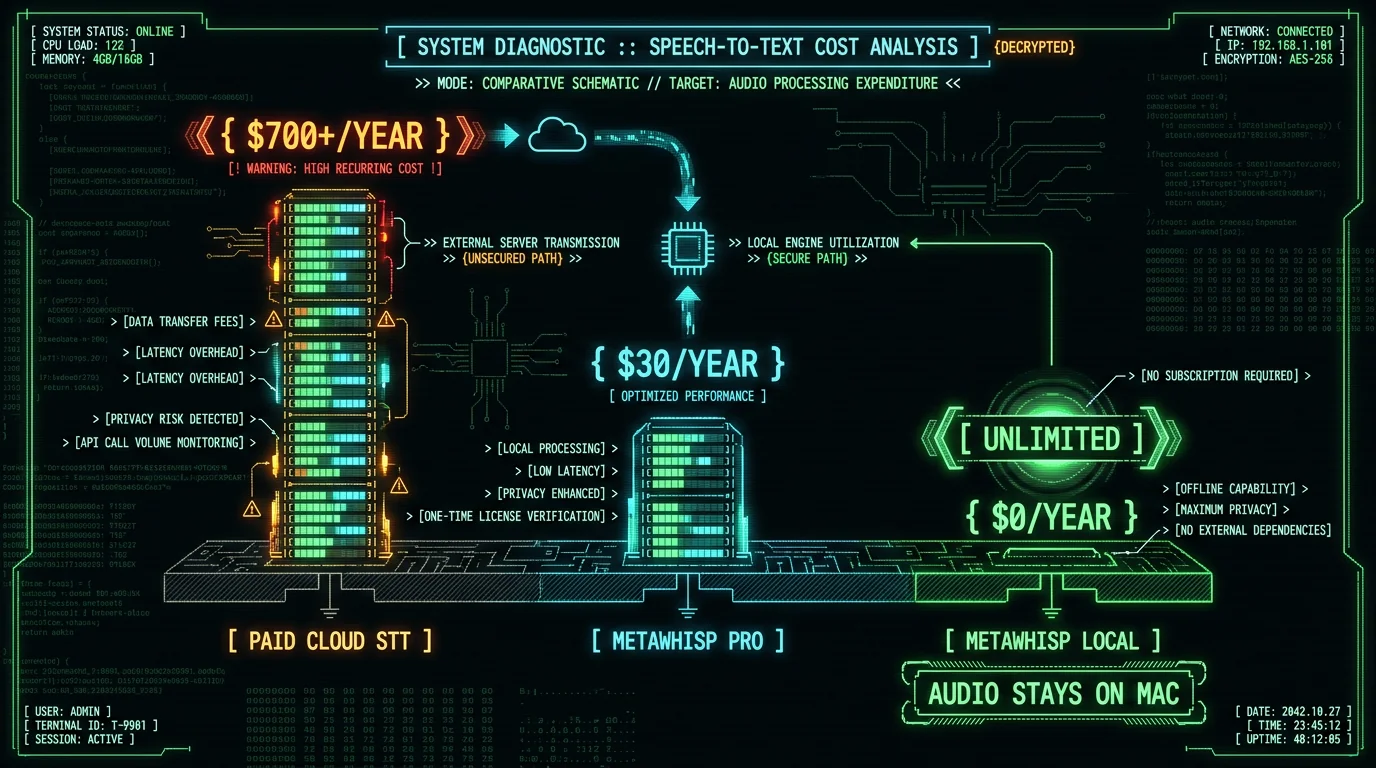
| MetaWhisp Pro | Yes (cloud AI) | $30 | Removes BYOK; adds cloud transcription |
The free local path is the cheapest by an order of magnitude, and it has the strongest privacy story. The paid services still win on diarization and human-verified names. Pick the row that matches your actual recording setup.
How do you get started this Sunday?
If you want to try the free local path on your next sermon:
- Download MetaWhisp on a Mac running macOS 14+ on Apple Silicon.
- On first launch, download the ~950 MB Whisper large-v3-turbo model.
- Drop last Sunday's audio file into the app to see how it handles your pastor's voice and sanctuary.
- Optionally add your OpenAI or Cerebras API key to unlock Structured, Correct, Rewrite, and Translation modes.
- Publish.
The worst-case scenario is that you discover your sanctuary acoustics need a different approach and you've lost 15 minutes. The best case is you stop paying per-minute and start publishing every sermon as a blog post, a devotional, a Spanish translation, and a set of Instagram captions — all from the same 45-minute audio file.
Either way, you'll know exactly what your current transcription workflow is costing you, and what the free alternative would save.
Frequently asked questions
How accurate is free local Mac-based sermon transcription?
Our first-party benchmark on the LibriSpeech test-clean split measured 2.76% word error rate — roughly 97% accuracy on clean, native-speaker English. Domain-specific sermon audio (theological vocabulary, Hebrew/Greek transliteration, reverb-heavy sanctuaries, music transitions) hasn't been benchmarked. Test on your own audio before relying on it for high-stakes published material.
Can MetaWhisp identify different speakers in a sermon?
Yes, with your own Gemini or Deepgram key, added in 1.3.27. Without one, a recording with a co-pastor, a guest interview or a Q&A comes back as one continuous transcript. If you need "Pastor:" vs "Guest:" labels, add your own Gemini or Deepgram key and MetaWhisp labels them for you.
Does the church need an internet connection to transcribe sermons?
No. Local transcription runs entirely on the Mac's Apple Neural Engine — no network required once the ~950 MB model is downloaded. If you also use BYOK modes (Structured, Correct, Rewrite, Translation), those do require internet because they call your OpenAI or Cerebras API, but only the transcript text leaves your Mac, never the audio.
Can I translate a sermon into other languages with MetaWhisp?
Yes — translation is one of the BYOK modes, available on the free tier when you add your own API key. MetaWhisp supports multiple target languages for translation. The original transcript can also be auto-detected across 99 source languages for churches with multilingual preaching or multilingual congregations.
Is the sermon audio kept private?
In local mode, yes. Audio is processed on the Mac and never leaves it. No telemetry, no analytics, no upload. The only data that leaves your Mac is the transcript text, and only if you turn on a BYOK mode and send it to your own API key. For sensitive recordings (pastoral counseling snippets, children's voices, vulnerable individuals), keep the workflow local-only and skip the BYOK modes.
Can I import MP3 or WAV files from our existing church recording system?
Yes. MetaWhisp accepts audio files directly — drag and drop or use the import dialog. Most church recording setups (USB mixers, dedicated recorders, even phone recordings) produce MP3, M4A, or WAV files that work out of the box.
Does MetaWhisp work on older Intel Macs?
No. MetaWhisp requires Apple Silicon (M1 or later) because the speech model runs on the Neural Engine for acceptable speed. An Intel Mac will either not run it or will run it too slowly for a 45-minute file to be practical. For older hardware, the paid cloud services remain the practical option.
What Mac do I need to transcribe sermons locally?
Any Mac running macOS 14 Sonoma or later with an Apple Silicon chip: M1, M2, M3, M4, or later. In practice that's anything from late 2020 forward — MacBook Air, MacBook Pro, Mac mini, iMac, Mac Studio. The model download is ~950 MB and you do it once.
About the author: Andrew Dyuzhov is the solo founder of MetaWhisp, a free on-device voice-to-text app for macOS. He's a marketer and builder with ADHD who uses voice-to-text daily to get past writing paralysis, and built MetaWhisp on top of open-source Whisper. Find him on X.
