How does German speech to text work offline on Mac?
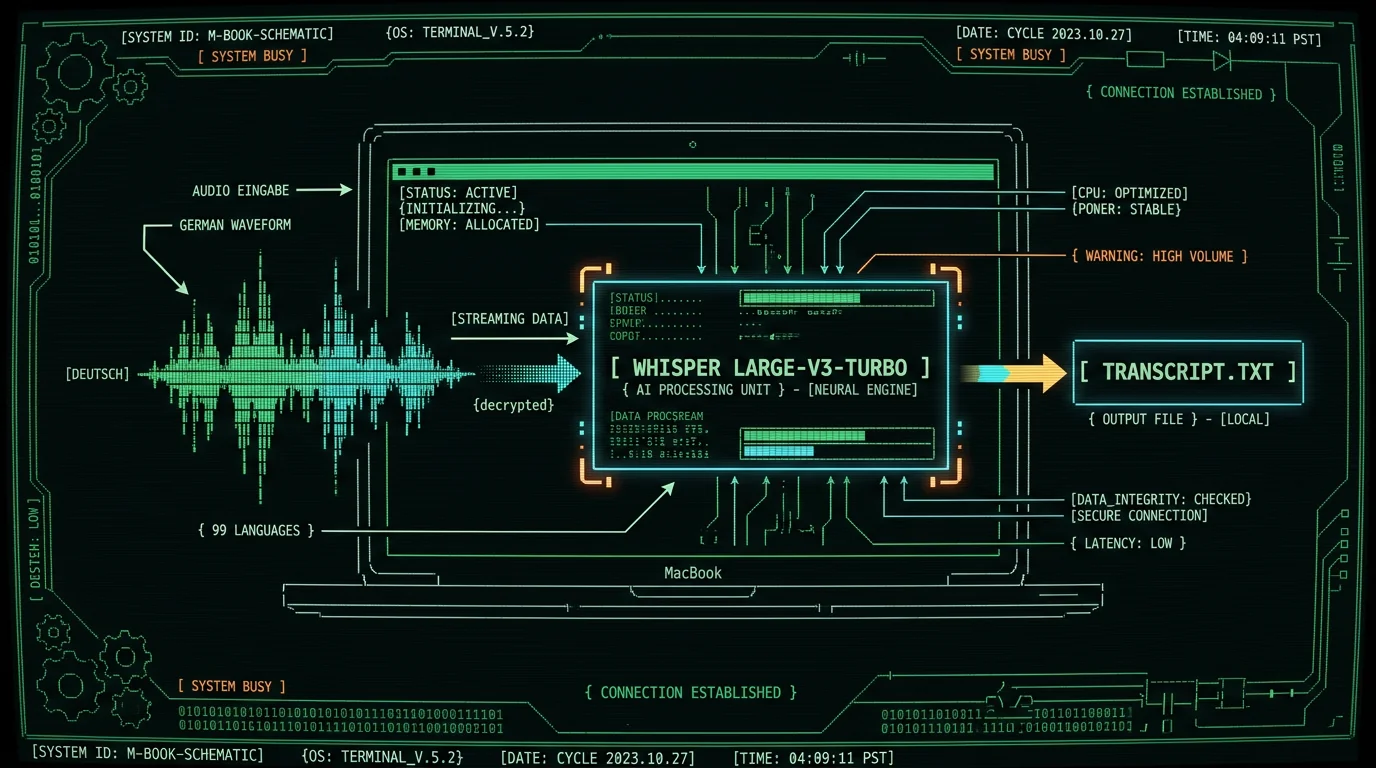
German speech to text on Mac works offline when a local model — like Whisper — runs entirely on your machine. MetaWhisp wraps Whisper large-v3-turbo through WhisperKit and runs it on the Apple Neural Engine, so the audio buffer is processed in hardware that sits inside your MacBook. Nothing streams to a server. That matters for German specifically because Whisper is one of the few open-source speech models that genuinely covers German well. German is one of 99 supported languages with auto-detect, so you don't have to flip a switch every time you start talking. The model handles the umlauts (ä, ö, ü) and the eszett (ß) as native Unicode output rather than as transliterated ascii. The reason this is possible on a Mac at all is that the Neural Engine takes the heavy matrix math off the CPU. A 10-minute German monologue that would take several minutes to transcribe on a laptop's main processor lands in roughly real time on an M-series chip. You speak, the text appears, the original audio is discarded.What you need before you start
You need four things, and none of them are exotic:- A Mac running macOS 14 or later on Apple Silicon (M1, M2, M3, M4 — any generation).
- About 1 GB of free disk space for the Whisper large-v3-turbo model.
- The MetaWhisp free download from the site — no account, no signup.
- A working microphone. Built-in is fine; USB or AirPods work too.
Pro tip: If you only have a few GB of disk space to spare, you can drop down to Whisper's small model in settings. It's faster to download and still produces usable German, but you'll feel the accuracy drop on noisy audio or fast speakers. Start with large-v3-turbo and only downgrade if you must.
Dictating German on Mac in 4 steps
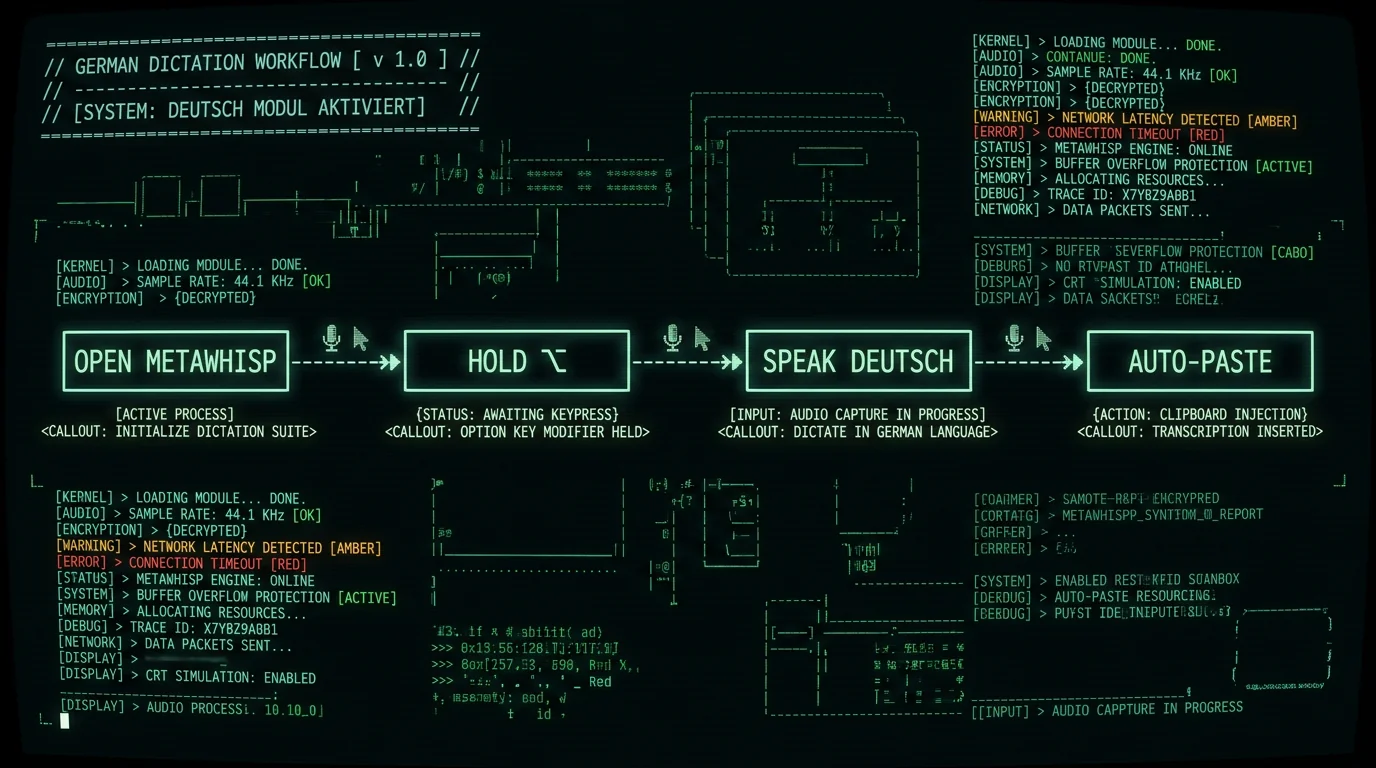
Once MetaWhisp is installed, the actual workflow is short. Here's the realistic path for someone who wants to dictate German into Notes, Mail, or a browser tab.- Open MetaWhisp and pick German. Either set the language manually to "Deutsch" or leave auto-detect on. Auto-detect is fine for monolingual sessions; if you mix German and English in the same sentence, manual is more reliable.
- Hold the global hotkey. The default is Right Option (⌥). You can change it in settings to almost anything — Ctrl-Space, Caps Lock, Fn — whatever doesn't collide with your editor.
- Talk in German. Speak at a natural pace. The waveform will pulse on screen. The model handles filler words ("äh", "ähm") reasonably, but clean speech gives the best text.
- Release the hotkey. The transcript is auto-pasted at your cursor. Press Enter to commit, or edit before sending. The audio buffer is gone — no temp file left behind.
Does Apple Dictation support German?
Yes, Apple Dictation supports German — but with caveats that matter if privacy or offline use is your reason for asking. Per Apple's documentation, German is one of the Dictation languages you can add through System Settings → Keyboard → Dictation. You have to add each language you want to use and switch between them. The catch: Apple's Dictation on Mac requires an internet connection for full functionality. The audio goes to Apple's servers for transcription, which is fine for casual composing but disqualifies it for client-confidential work, medical notes, legal dictation, or anything where GDPR applies. There is no fully offline mode on Apple's stock Dictation that matches Whisper's quality.MetaWhisp vs Apple Dictation for German: at a glance
| Dimension | MetaWhisp (Free local) | Apple Dictation |
|---|---|---|
| Networks the audio? | No — fully on-device | Yes — sends to Apple servers |
| Internet required? | No, after model download | Yes |
| German support | Built-in, auto-detect | Yes, language must be added in settings |
| Languages | 99 with auto-detect | Several dozen, manual switch |
| Cost | Free unlimited local | Included with macOS |
| AI post-processing | BYOK on free tier; built-in on Pro ($30/yr or $7.77/mo) | None |
| Best for | Sensitive German audio, multilingual work | Casual German-only emails |
How accurate is Whisper for German?
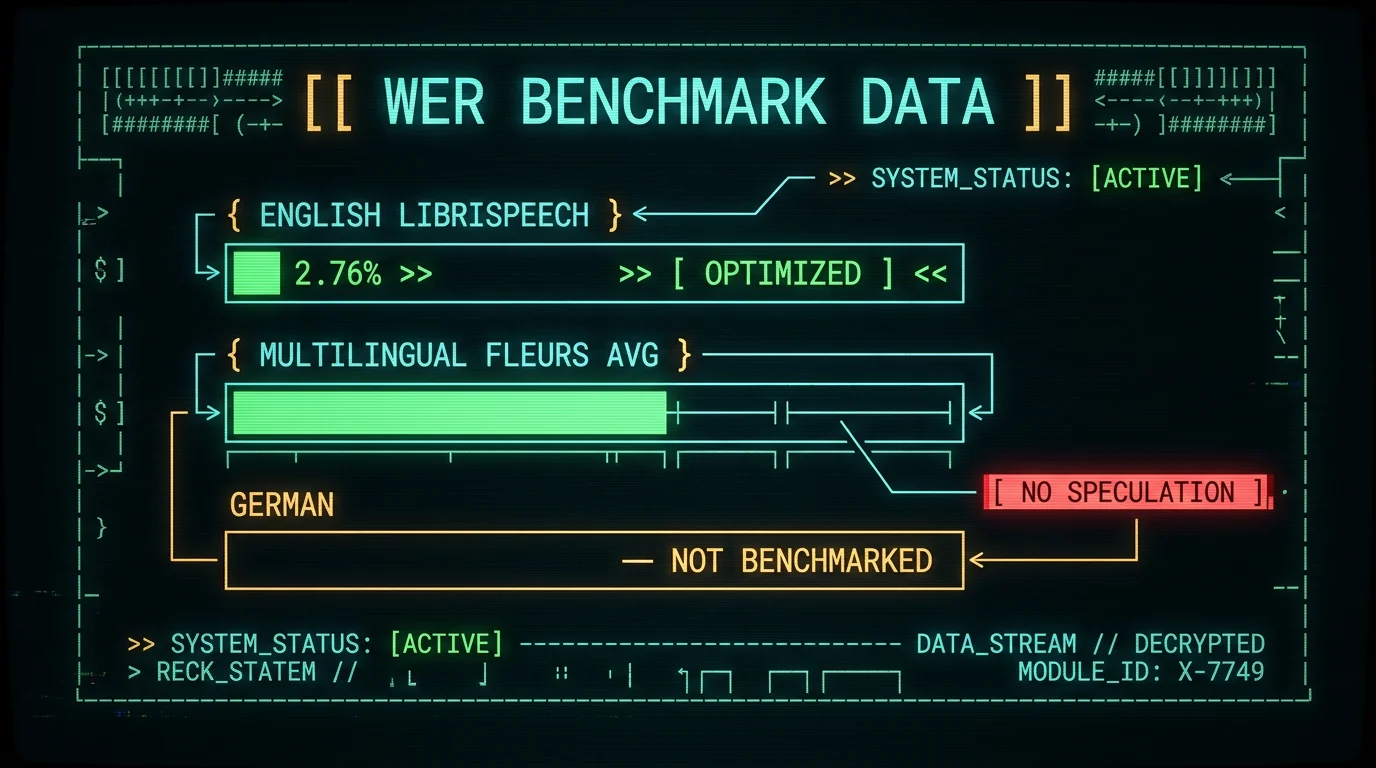
The honest answer is: I don't have a German-specific number to publish, and neither does anyone else I'm aware of for a like-for-like German LibriSpeech-style test. What I can say with confidence is:- Our own internal test on the English LibriSpeech test-clean set measured 2.76% WER — see the offline pipeline page for the method.
- Per the official Whisper model card on Hugging Face, the model reports its own WER figures for large-v3-turbo and large-v3 across multilingual benchmarks — see the card for the current numbers.
- For German specifically, we'd expect performance in the same range as the multilingual average, but we have not run a public German benchmark. Pinning a number down without a real test would be exactly the kind of claim that bit this blog in the past.
What about umlauts, ß, and Swiss German?
Umlauts and ß are handled natively by Whisper — they come out of the model as proper Unicode characters, not transliterated into "ae", "oe", "ue", or "ss". No special step on your side; just make sure the app you paste into supports UTF-8 (every modern app does). The wrinkle is Swiss German. Standard Whisper does not treat Swiss German (Schwiizerdütsch) as a separate language — it's a dialect continuum, and the model mostly maps it to Standard German, with translation errors whenever the dialect diverges sharply. For a Zürich or Bern speaker, that means a few percent of words will land in the wrong register. For a recording from a Tagesschau newscaster, you'll get textbook Standard German output.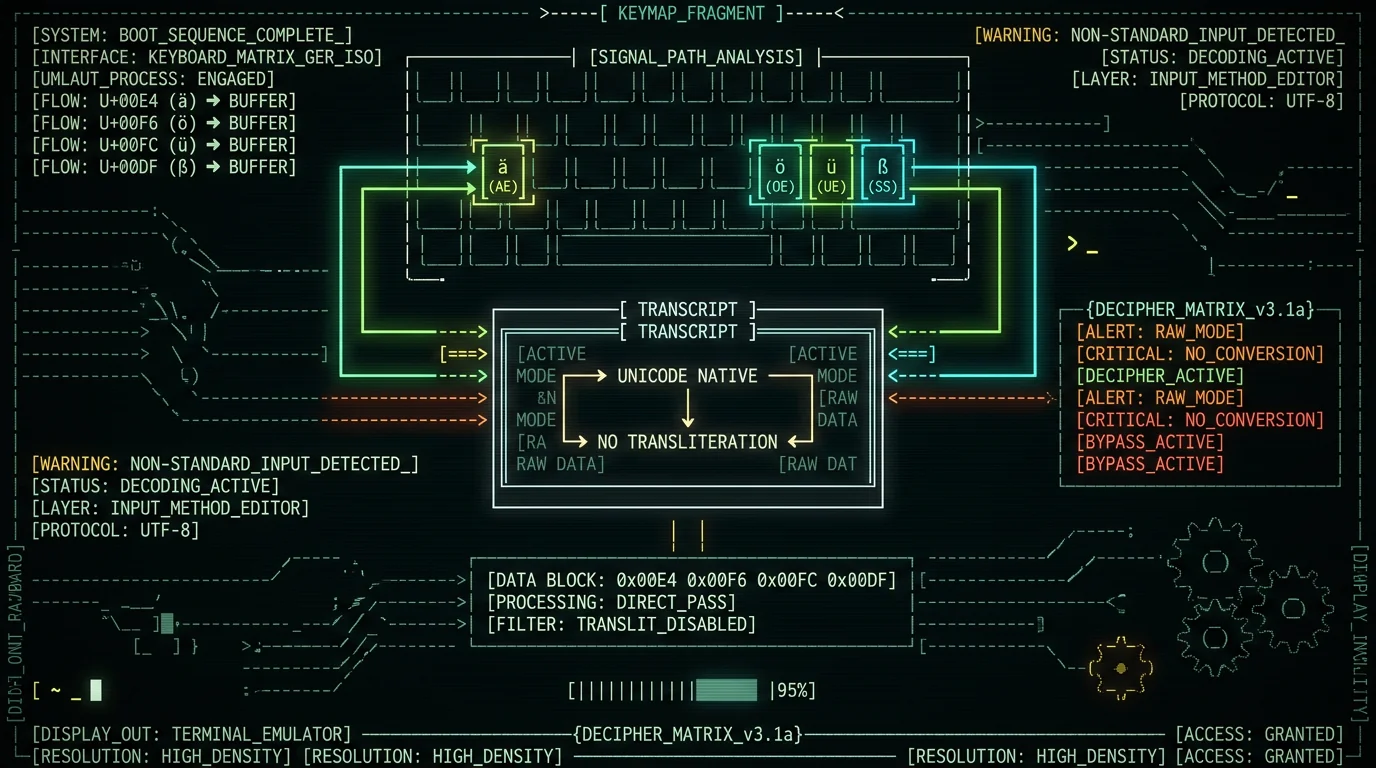
Heads up: If your German audio is from a true Swiss dialect speaker, plan to spend a minute editing the transcript. The model will get the structure right; the choice of words will sometimes slip toward Standard German. Bavarian (Bayerisch) has the same caveat — different enough from Standard German that Whisper occasionally mishears it. For any German dialect outside the standard, treat the transcript as a first draft, not a final one.
Should you ever use cloud STT for German?
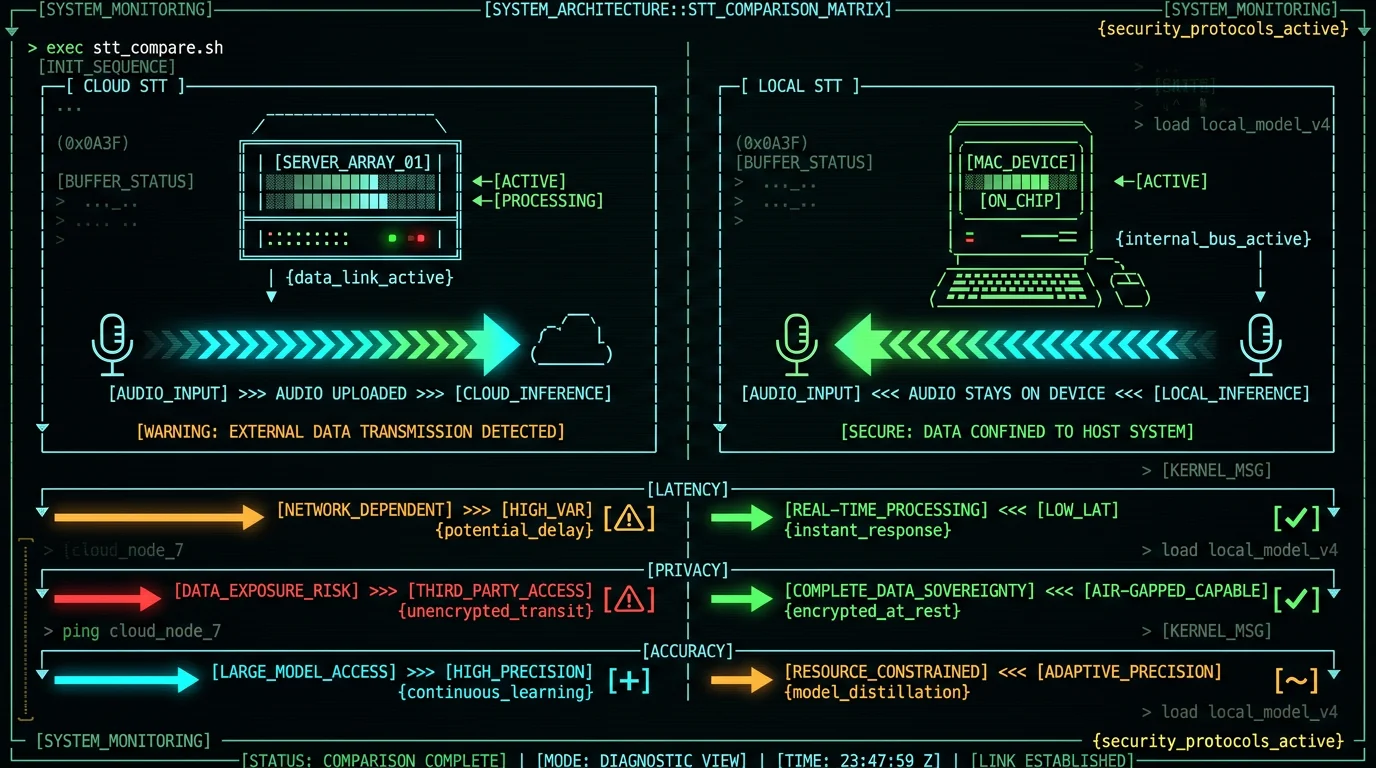
Sometimes, yes. Cloud transcription makes sense when:- You're transcribing a 3-hour German conference recording and you don't want your Mac fan to sound like a hairdryer.
- The audio is genuinely noisy — a café interview, a wind-blown outdoor podcast — and you want a model bigger than what fits on a laptop.
- You need speaker diarization (who said which sentence) — that's not a feature MetaWhisp ships today.
Common German STT mistakes and how to dodge them
Three patterns come up again and again when I test German dictation, and none of them are unique to Whisper — they're symptoms of how speech models handle German:- Compound nouns get mis-split. Whisper usually gets "Donaudampfschifffahrtsgesellschaft" right, but long technical compounds occasionally break at the wrong seam. Verify your industry-specific terms.
- English loanwords in German speech. If you say "das Meeting" or "der Workflow", Whisper sometimes flips the article. This is a German-language-modeling quirk, not a Whisper bug.
- Background noise. HVAC, traffic, and keyboard clatter wreck dictation more than accent ever does. A cheap clip-on mic beats any model upgrade.
Frequently asked questions
Is German speech to text free on Mac?
Yes. MetaWhisp is free for unlimited local German transcription on any Apple Silicon Mac running macOS 14 or later. The 950 MB model downloads once, and after that you can dictate German without an internet connection. No account, no time cap, no subscription required for local dictation for the local mode. Cloud transcription and built-in AI post-processing are part of Pro at $30/year or $7.77/month.
Does Whisper handle German dialects like Swiss German?
Whisper handles Standard German well. Swiss German (Schwiizerdütsch) is a dialect continuum that the model generally maps to Standard German — the structure is right, but the word choice sometimes slips. Bavarian has the same caveat. If you need true Swiss German transcription as written, you should expect to edit the output. For most German audio the model has heard in production (interviews, podcasts, lectures, dictation), the output is clean on the first pass.
Will German umlauts (ä, ö, ü) and ß come out correctly?
Yes. Whisper outputs native Unicode characters, not transliterations. You'll get real ä, ö, ü, and ß in the transcript, and any standard text editor on macOS will display them correctly. No special configuration needed, and no risk of "ae", "oe", "ue", or "ss" appearing in places you don't want them.
Can I dictate German and English in the same session?
Yes. Auto-detect mode in MetaWhisp switches between German and English mid-sentence without you doing anything. If you mix the two deliberately (a German phrase followed by an English technical term), the model handles it well. If you only speak one language per session, manual mode is slightly more reliable. For German-and-French or German-and-Spanish mixing, the same logic applies.
Does MetaWhisp need internet for German transcription?
No, after the one-time model download. The local mode runs Whisper on the Apple Neural Engine and never touches the network. If you opt into AI post-processing through your own OpenAI or Cerebras API key, only the transcript text is sent — never the audio. So even with AI features enabled, the original voice stays on your Mac.
How does MetaWhisp compare to Apple Dictation for German?
Apple Dictation is free and built-in but requires an internet connection and sends your audio to Apple's servers. MetaWhisp runs locally on the Neural Engine, so the audio stays on your Mac. For sensitive German content — confidential notes, client work, anything under GDPR — local is the safer choice. For casual emails where you don't care, Apple Dictation is fine. The main differences are detailed in the comparison table above.
What about long German recordings — meetings, lectures?
Local Whisper on an M-series Mac handles long German recordings well, but the laptop fan will spin up on a 90-minute file. For shorter sessions (under an hour), any M1 or newer is fine. For very long recordings, or if you want speaker diarization (which MetaWhisp doesn't ship yet), Pro adds cloud transcription at $30/year or $7.77/month. You can also just drop the audio file onto the MetaWhisp window for offline batch transcription.
Does German speech to text work on an M1 Mac, or only newer chips?
It works on every Apple Silicon generation — M1, M2, M3, M4. The original M1 is the slowest of the bunch, and you'll see higher latency on the turbo model, but it's still usable for real-time dictation. For the fastest experience, an M2 Pro or newer is noticeably snappier. Even on an M1 Air, German dictation with the default settings runs at roughly speaking pace.
Is there a German-specific Whisper model I should use?
No. MetaWhisp uses Whisper large-v3-turbo, which is the multilingual model with German trained in as one of 99 languages. There are smaller German-specific models in the research community, but they generally underperform the multilingual large-v3-turbo on real-world German audio. Stick with the default. You can find more on the model in the OpenAI Whisper repository and the original Whisper paper.
About the author
Andrew Dyuzhov is the solo founder of MetaWhisp. He builds the app on top of open-source Whisper and WhisperKit, dictates daily in Russian and English, and runs the kind of head-to-head comparisons that show up on this blog. He's not a speech researcher — just a marketer with ADHD who would rather talk than type. @hypersonq on X.
Related reading
- Russian Voice to Text on Mac: A Setup Guide — same offline pipeline, different language
- Offline Voice to Text on MacBook: The Full Pipeline — how local Whisper works under the hood
- All 99 Supported Languages — the full multilingual list
- Processing Modes: Correct, Rewrite, Structured — what AI post-processing can do for a rough transcript
