Hold a hotkey → Whisper large-v3-turbo → text in the compose box. ~950 MB model. Free, on-device.
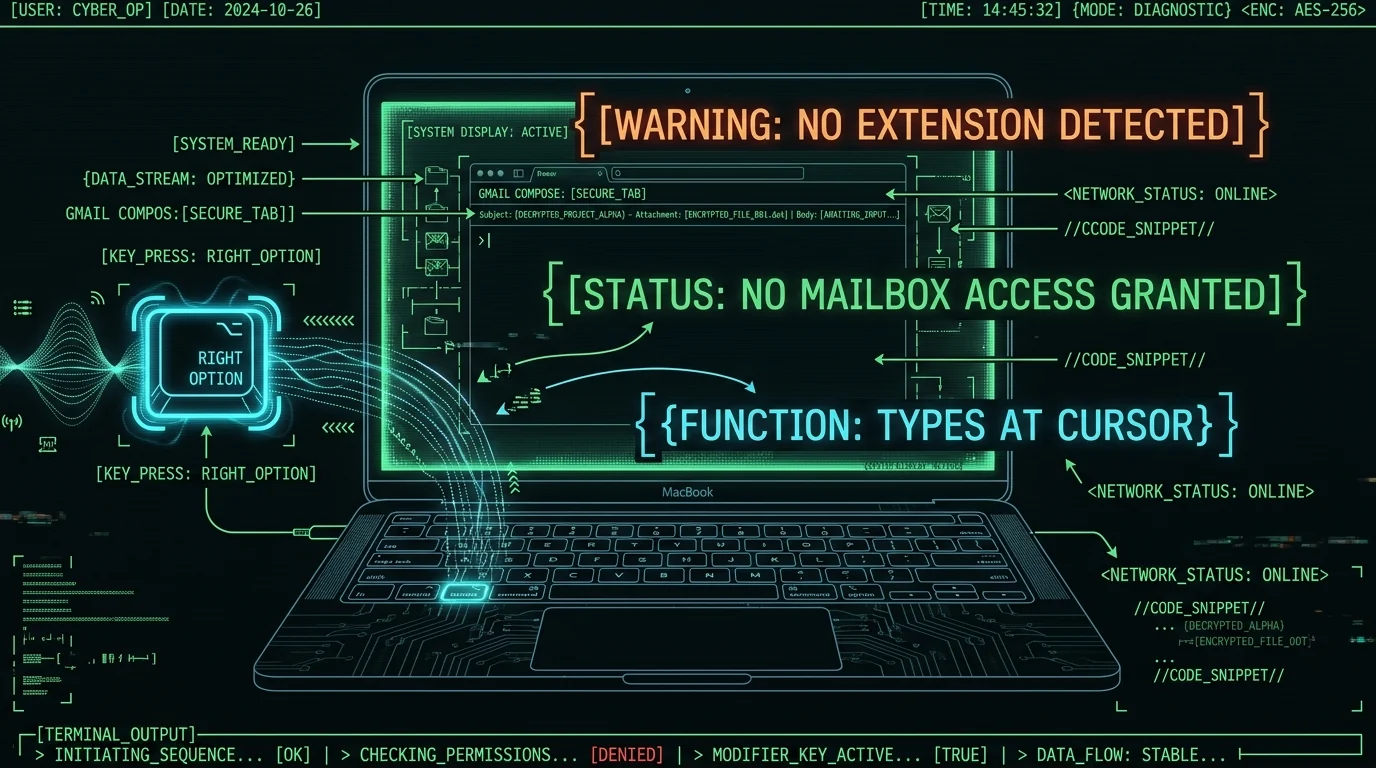
Dictation for Gmail on Mac does not need a Chrome extension asking to read, compose, send, and permanently delete all your email. With MetaWhisp, you hold Right Option ∩ (configurable in settings), talk, and release. Whisper large-v3-turbo transcribes on your Mac's Neural Engine and the result pastes into whatever field is focused — the Gmail compose box in Chrome, Safari, Firefox, Arc, Brave, whatever. Audio never leaves the machine in local mode. The free tier is unlimited. MetaWhisp does not connect to Gmail, cannot read your inbox, will never auto-send. It types at the cursor like a very fast human who happens to listen first.
Why isn't Gmail's built-in mic button enough?
Gmail ships with its own mic icon in the compose toolbar. It works. It's free. It lives inside Google. If that fits your threat model, use it. Seriously.
I stopped using it because the typing happens server-side, the audio is processed by Google's speech models, and "good enough" accuracy in a quiet room at 11am on a Tuesday falls apart when I'm replying to a client at 11pm with a fan running and a toddler yelling in the next room. Google's voice typing is also browser-dependent — full feature set in Chrome, partial in Safari, missing in Arc on a bad day.
What I want from dictation for Gmail on Mac:
- Works in any browser, in any web app, in any desktop app with a text field.
- Runs offline on my M-series chip.
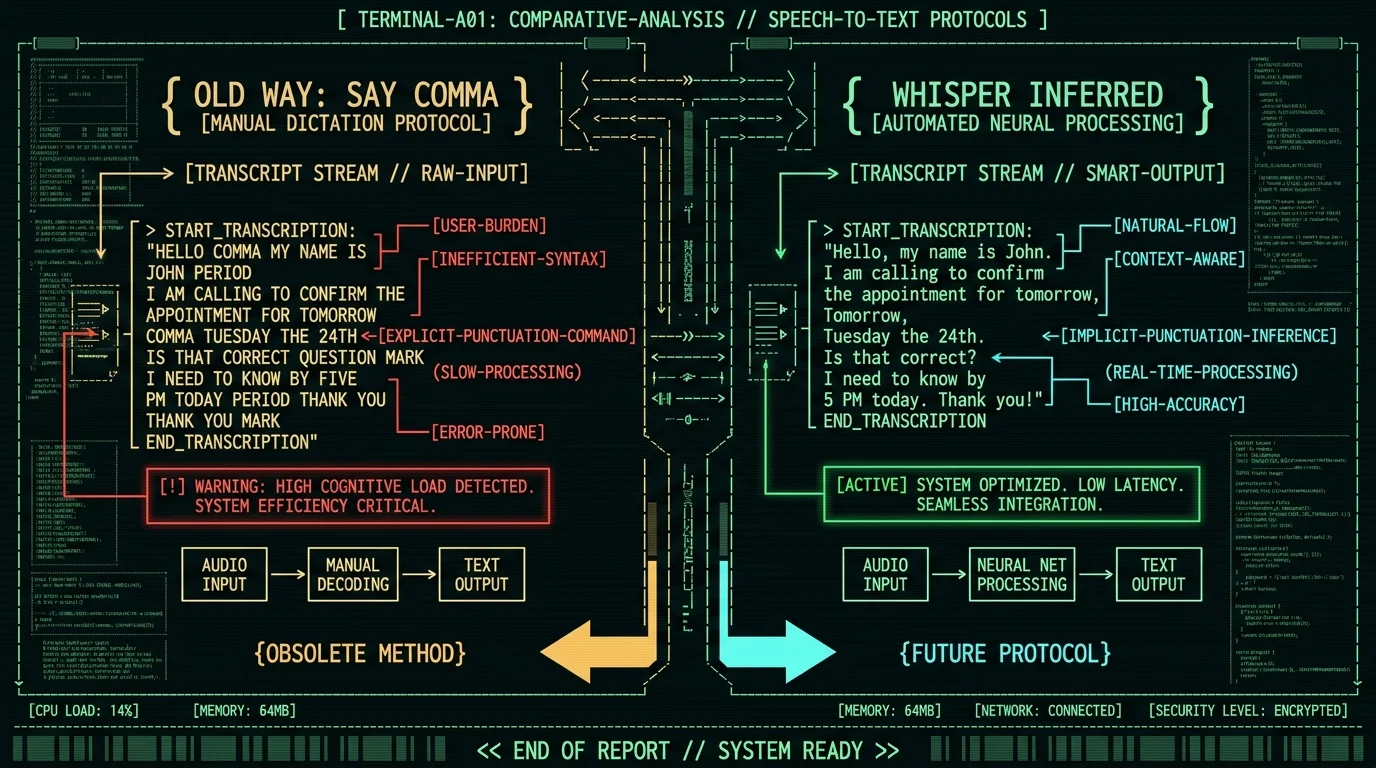
- Punctuation that does not require me to say "comma" every nine words.
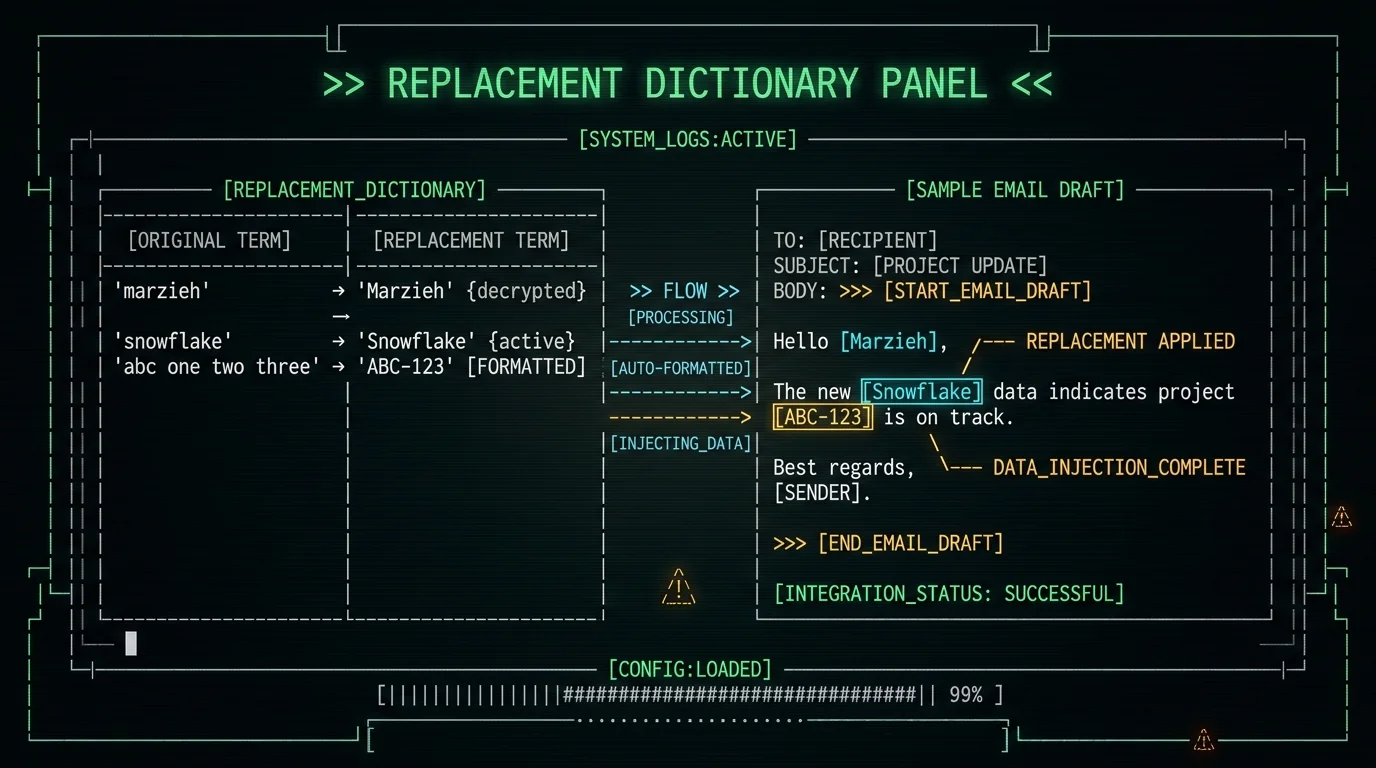
- A replacement dictionary so "jira ticket ABC-123" comes out correctly without me spelling each letter.
That is what MetaWhisp is for. It does not integrate with Gmail. It does not ask for OAuth, cannot list your labels, cannot archive a thread. It types at the cursor.
How do you set up dictation for Gmail on Mac in five minutes?
Five steps. None of them touch your Google account.
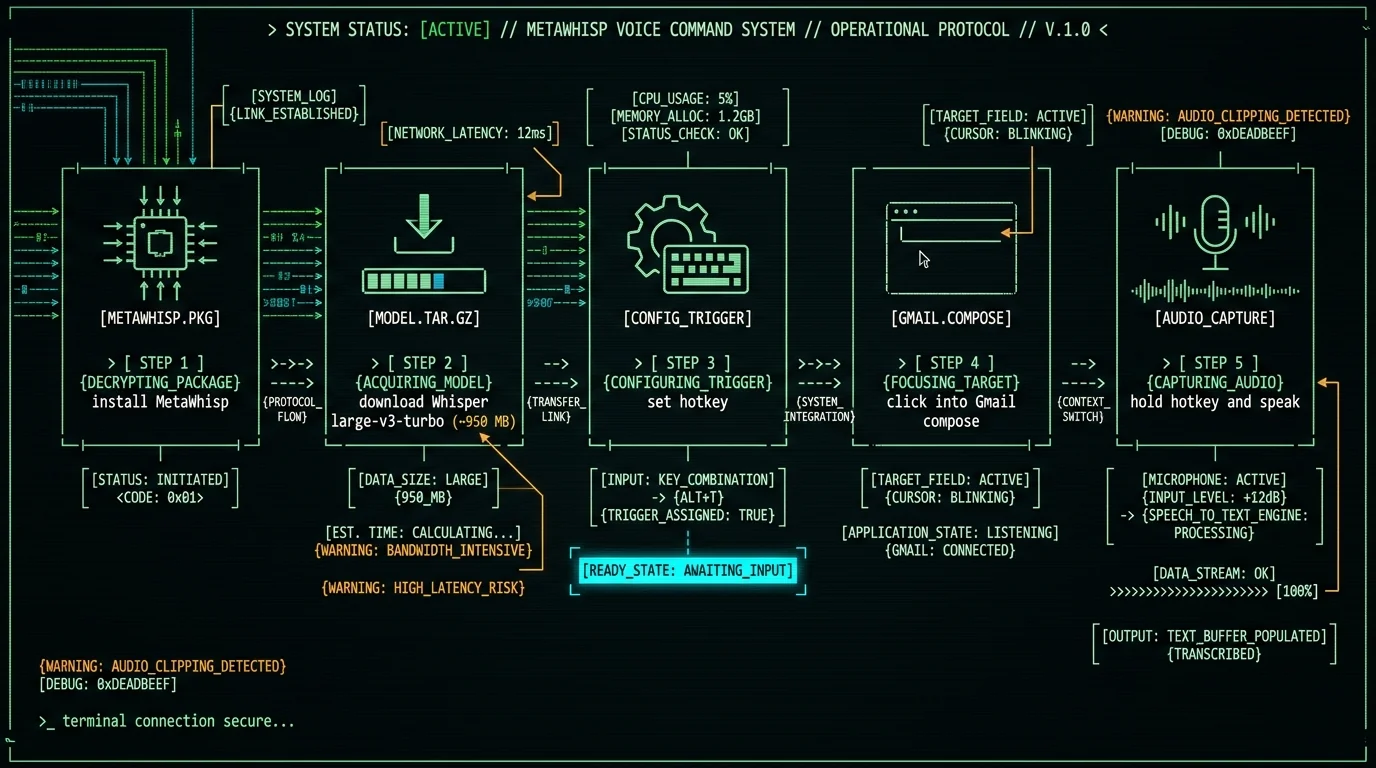
- Download MetaWhisp. Free, on-device, no account, no signup.
- Open it. The first launch downloads the Whisper large-v3-turbo model — about 950 MB, cached after that.
- Pick your hotkey. Default is Right Option ∩; I switched mine to Right Cmd because that is where my pinky rests on this keyboard layout. Anything goes in settings.
- Open Gmail in whichever browser you actually use. Start a new message and click into the body.
- Hold the hotkey, talk, release. Text lands in the compose box.
That is it. No OAuth dance, no "this app wants to manage your mail" consent screen, no Chrome Web Store review waiting period. MetaWhisp sends keystrokes the same way your keyboard does.
Pro tip: Pick the hotkey before you build the muscle memory. I tried to remap two weeks in and caught myself hunting for Right Option out of habit. If you already rest on Right Cmd or Right Shift or Caps Lock, use that instead. The default is the most reliable across apps, but the best hotkey is the one your hand finds without thinking.
How does MetaWhisp actually type into the Gmail compose window?
The "types into Gmail" part is not Gmail-specific. It is cursor-specific. MetaWhisp captures audio from your Mac's microphone, feeds it into WhisperKit running Whisper large-v3-turbo on the Apple Neural Engine, and uses auto-paste — a clipboard write followed by Cmd+V — to drop the transcript at the focus point. As long as the compose box has keyboard focus, the text lands there. The browser, app, and website have no idea MetaWhisp exists.
Three implications worth knowing: focus matters (if your cursor is in the To: field, that is where dictation goes — click into the body first); long emails auto-split into paste chunks rather than one giant blob; formatting stays simple (Whisper gives you paragraphs, not bold or lists). For a broader look at how this stacks against other email voice tools, my guide to voice-to-email software on Mac walks through the trade-offs.
I have tested this exact flow in Chrome, Safari, Firefox, Arc, Brave, and Orion. Same behavior in Notion, Slack, Linear, Google Docs, and VS Code. Nothing about Gmail is special — nothing about Gmail is required.
How do you get punctuation right without saying "comma" every time?
The single biggest reason people abandon voice typing in the first ten minutes is the punctuation tax. Saying "Hey comma could you comma when you have a moment comma send me the file comma thanks comma" is slower than typing. Whisper large-v3-turbo is unusually good at inferring punctuation from your cadence. A short pause before "and" or "but" usually becomes a comma; a longer pause before a new thought becomes a period. If you speak naturally, you get a usable first draft.
Three habits that help without thinking about it: pause briefly where you want a comma (do not announce it); pause longer where you want a new paragraph; do not dictate symbols ("at sign" usually becomes "@", "dot com" usually becomes ".com" — the model knows). If you want post-processing polish that turns "uh can you send me that thing" into "Could you send that document?", enable a processing mode like Correct or Rewrite. That step runs on the free tier using your own OpenAI or Cerebras API key — text goes to your API, not MetaWhisp's servers.
Pro tip: Read your first dictated email aloud before sending. Whisper hears what you say, not what you mean. If you mumbled a phrase, it transcribed the mumble. The fastest path to clean output is one slow pass with your eyes on the screen, then send.
How do you add recipient names and company jargon to the dictionary?
The replacement dictionary is where MetaWhisp stops being "voice-to-text" and starts being your voice-to-text. It catches the words Whisper consistently mangles — usually proper nouns, acronyms, and product names — and rewrites them after transcription. For Gmail specifically, three categories of entry pay off immediately: your most-common recipients' names with non-obvious spelling (Marzieh, Søren, Xiomara); your company name as it appears in your signature; and project codenames, client names, and product names Whisper has not heard often enough to recognize.
You can also store common phrases. I have "rg" mapped to "Best,\nAndrew" so signing off an email takes one word. The full breakdown of how to build this out is in my custom vocabulary for Mac dictation article; the short version is start with the five names you email most, then add more every time Whisper fails you.
MetaWhisp does not have access to your contacts. That would require Gmail API access, which it does not ask for. The five-entry minimum covers most corrections; the rest you add as you go.
What voice commands actually work while composing in Gmail?
Be careful here — voice commands are over-promised and under-delivered. Whisper large-v3-turbo is a transcription model. It does not understand "send that email" or "delete that line". It will transcribe those words into the compose box, where they will sit until you backspace or hit send with them included. I have done the second one. It was not a good Tuesday.
Commands that work reliably in MetaWhisp: "new line" or "new paragraph" (interpreted as line breaks); "period", "comma", "question mark" (say them if you want them, but you rarely need to); "bullet point" (Whisper usually writes the bullet character); "all caps" before a word (Whisper capitalizes that word, useful for tired acronyms). Commands that do not work and that you should not expect to work: "send", "delete last sentence", "cancel", "reply to John" — all of these type into the focused field instead of acting on Gmail.
If you need Gmail-specific voice actions — reply to this, archive that, schedule send — those belong in Google's own voice features or a Gmail-specific extension with mailbox access. MetaWhisp will not do them, and I do not want it to. A typing layer should type.
Should your email dictation be local or cloud?
This is the privacy question that matters, especially if your Gmail contains client work, patient information, or anything under HIPAA, GDPR, or an NDA. Local mode captures audio on your Mac, transcribes on your Mac, and never sends anything to any server. It is free, unlimited, and runs on Apple Silicon M1 or later. Cloud mode (MetaWhisp Pro, $30 per year or $7.77 per month per the current pricing page) runs transcription on remote servers plus optional cloud AI polish; audio and transcript DO leave your machine in this mode.
If you are a lawyer dictating client emails, a clinician emailing about a patient, or anyone whose threat model includes "I do not want this audio on someone else's hard drive" — stay on local mode and only add your own API key if you need AI polish. Local mode fits a HIPAA workflow in the sense that the audio never leaves your device; final compliance belongs to the practice, not the app.
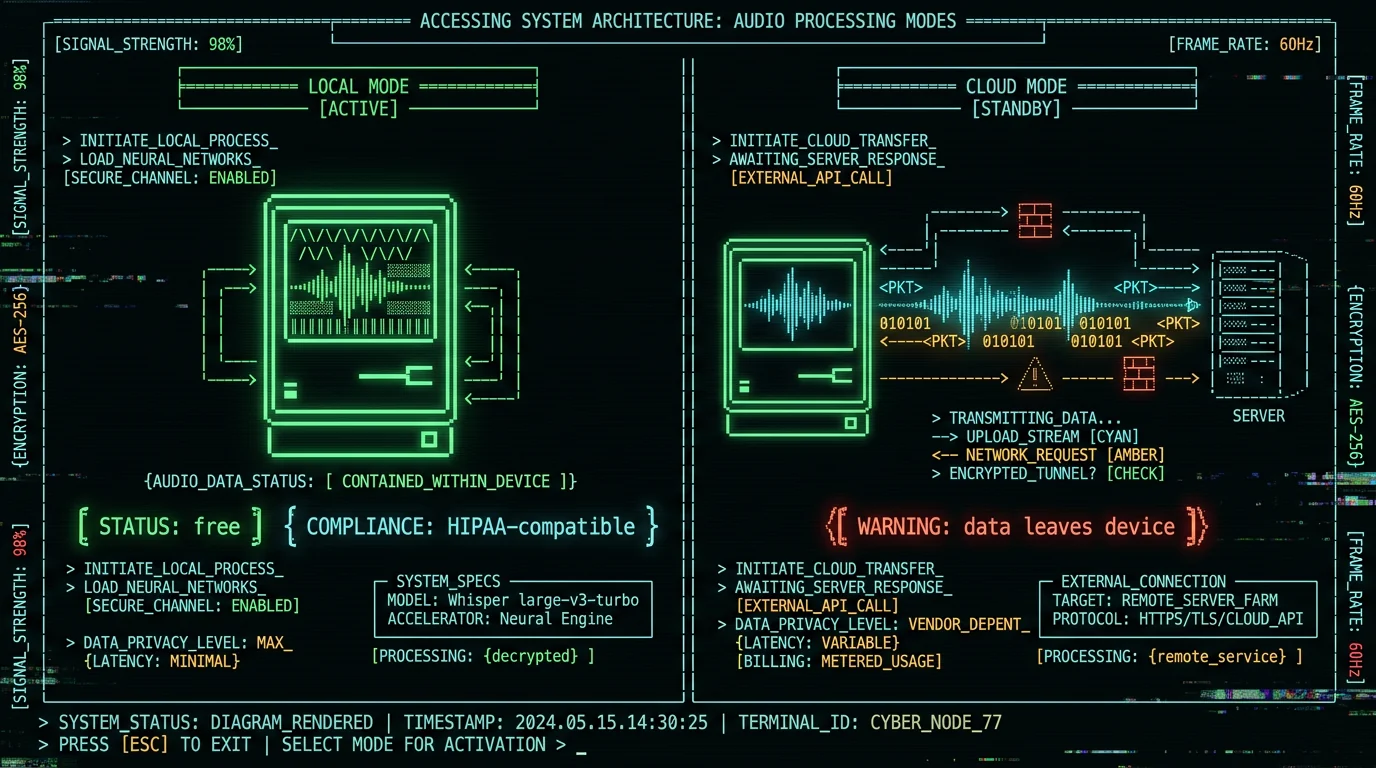
For everyone else, decide based on whether the cloud polish is worth the privacy trade-off. I would rather you make that choice with the facts in front of you than find out after the fact.
FAQ
Do I need a Chrome extension to dictate in Gmail?
No. MetaWhisp is a Mac app, not a browser extension. It does not ask for Gmail permissions, cannot read your inbox, and cannot auto-send anything. Hold the hotkey, talk, release — the text lands in whichever field has focus. Works in Chrome, Safari, Firefox, Brave, Arc, and any other browser.
Why not just use Gmail's built-in mic button?
Gmail's voice typing is fine for short replies in quiet rooms. It runs server-side, is most reliable in Chrome, and accuracy drops in noisy environments. MetaWhisp runs locally, works in any browser, handles punctuation from cadence, and supports a replacement dictionary for names and jargon.
How do I get punctuation without saying "comma" every time?
Whisper large-v3-turbo infers punctuation from your natural pauses. A short pause before "and" or "but" usually becomes a comma; a longer pause before a new thought becomes a period. Speak conversationally and the punctuation appears. If you want post-processing polish that turns filler into clean prose, enable Correct or Rewrite mode in settings.
Can MetaWhisp auto-send my emails or read my inbox?
No. MetaWhisp types at the cursor. It cannot press Send, read your inbox, archive messages, or schedule sends. You always review the dictation and click Send yourself. This is by design and it is what keeps MetaWhisp from ever needing mailbox-level access.
Will my Gmail contacts work as a custom dictionary automatically?
Not directly. MetaWhisp does not have access to your contacts — that would require Gmail API permission, which it never asks for. You can manually add the names and addresses you dictate most often. Five entries covers most dictation corrections in most workflows.
Does this work on a Mac without Apple Silicon?
The free local tier requires an M1 or later because the model runs on the Neural Engine. On an Intel Mac, you would need to use cloud transcription, which is a Pro feature. The app will tell you at install time whether your hardware is supported.
How big is the model download?
About 950 MB, one-time. Cached after that. The model is Whisper large-v3-turbo from OpenAI's open-source release, which is faster than the full large-v3 with comparable accuracy for English dictation.
Is dictating emails in Gmail HIPAA-compliant?
Local mode fits a HIPAA workflow because audio and transcript never leave your Mac. Compliance is the practice's responsibility, not the app's — no tool can certify you. Cloud mode sends data to MetaWhisp servers, which is generally not appropriate for protected health information without a Business Associate Agreement. See HHS HIPAA guidance for what "compliant" actually requires.
Andrew Dyuzhov is the solo founder of MetaWhisp. He dictates client emails daily in English and Russian, runs the whole app off an M-series MacBook, and has strong opinions about hotkey ergonomics. Find him on X or check the source on GitHub.
Want to try it? Grab MetaWhisp free — local mode is unlimited, no account needed, ~950 MB model, audio never leaves your Mac.
